
1. Introducción
The NICGIGA 24 Port 2.5Gb Ethernet Switch (Model S25-2400) is an unmanaged network switch designed to provide high-speed connectivity for your home or office network. Featuring 24 2.5 Gigabit Ethernet ports, this switch offers a robust solution for expanding your network capacity and enhancing data transfer rates. Its plug-and-play design ensures easy installation without complex configuration, making it suitable for various environments, including desktop and 19-inch rack mount setups. The fanless metal design ensures quiet operation and efficient heat dissipation, contributing to device stability and longevity.
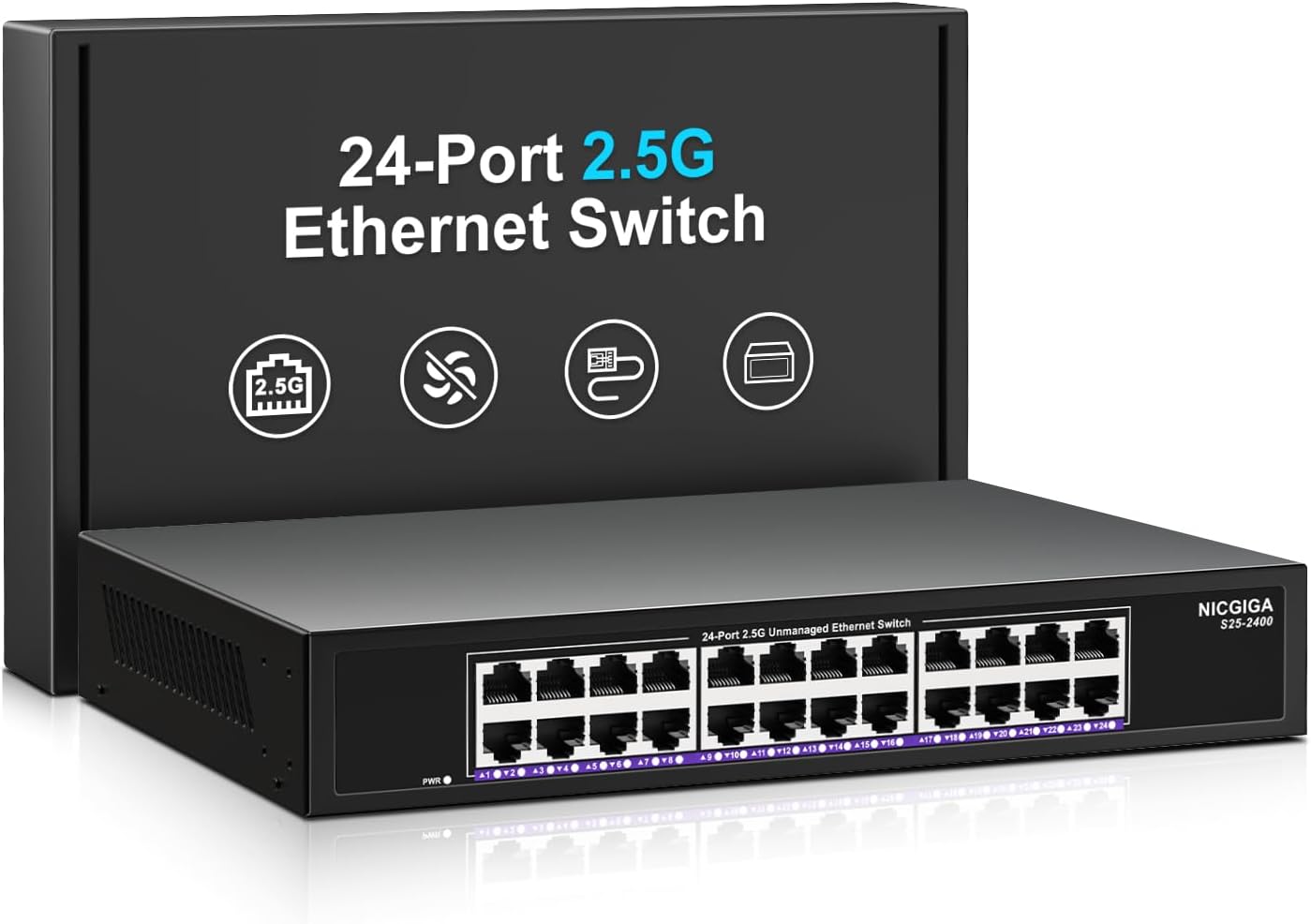
Imagen 1.1: Frente view of the NICGIGA 24 Port 2.5Gb Ethernet Switch, showcasing its 24 RJ45 ports and LED indicators.
2. Contenido del paquete
Verifique que los siguientes artículos estén incluidos en su paquete:
- NICGIGA 24 Port 2.5Gb Ethernet Switch (Model S25-2400)
- Adaptador de corriente
- Rack Mount Kit (for 19-inch rack installation)
- Manual de usuario (este documento)
3. Producto terminadoview
3.1 Panel frontal
The front panel of the NICGIGA 24 Port 2.5Gb Ethernet Switch features 24 RJ45 ports and LED indicators for monitoring network activity.
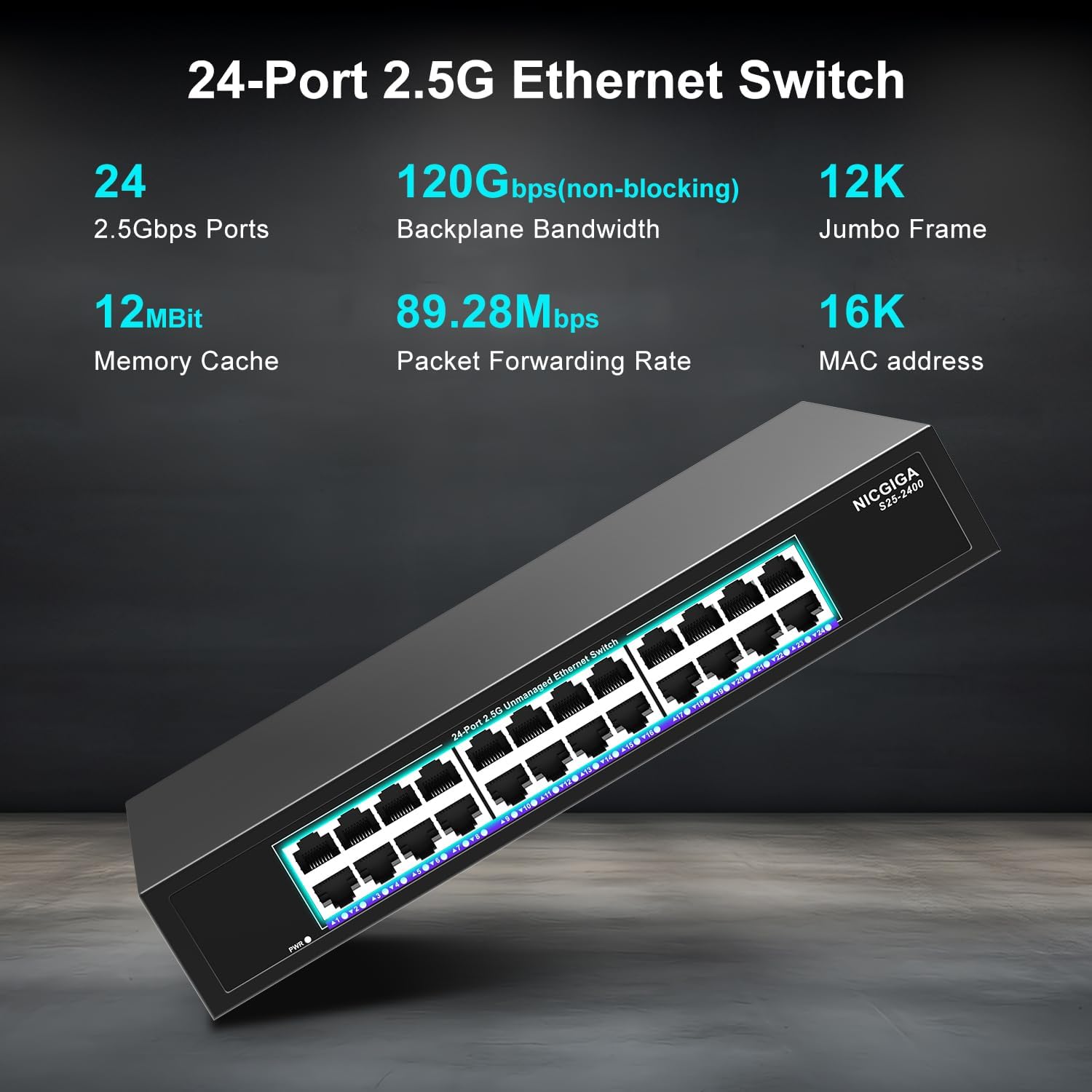
Imagen 3.1: Detallada view of the switch's front panel, highlighting the 24 RJ45 ports and power input.
- Puertos RJ45 (1-24): These ports support 100/1000/2500Mbps Ethernet connections. They automatically detect and adjust to the speed of the connected device.
- Indicadores LED: Each port has an associated LED that indicates link status and activity.
- Verde sólido: Se establece un enlace estable a 2.5 Gbps.
- Amarillo sólido: Se establece un enlace estable a 1 Gbps.
- Naranja sólido: A stable link is established at 100Mbps.
- Brillante: Se está produciendo actividad de datos en el puerto.
- Apagado: No link is established or the device is not connected.
- LED de encendido: Indica el estado de alimentación del interruptor.
- Verde sólido: El interruptor está encendido.
- Apagado: El interruptor está apagado.
3.2 Panel trasero
The rear panel typically contains the power input and ventilation openings.
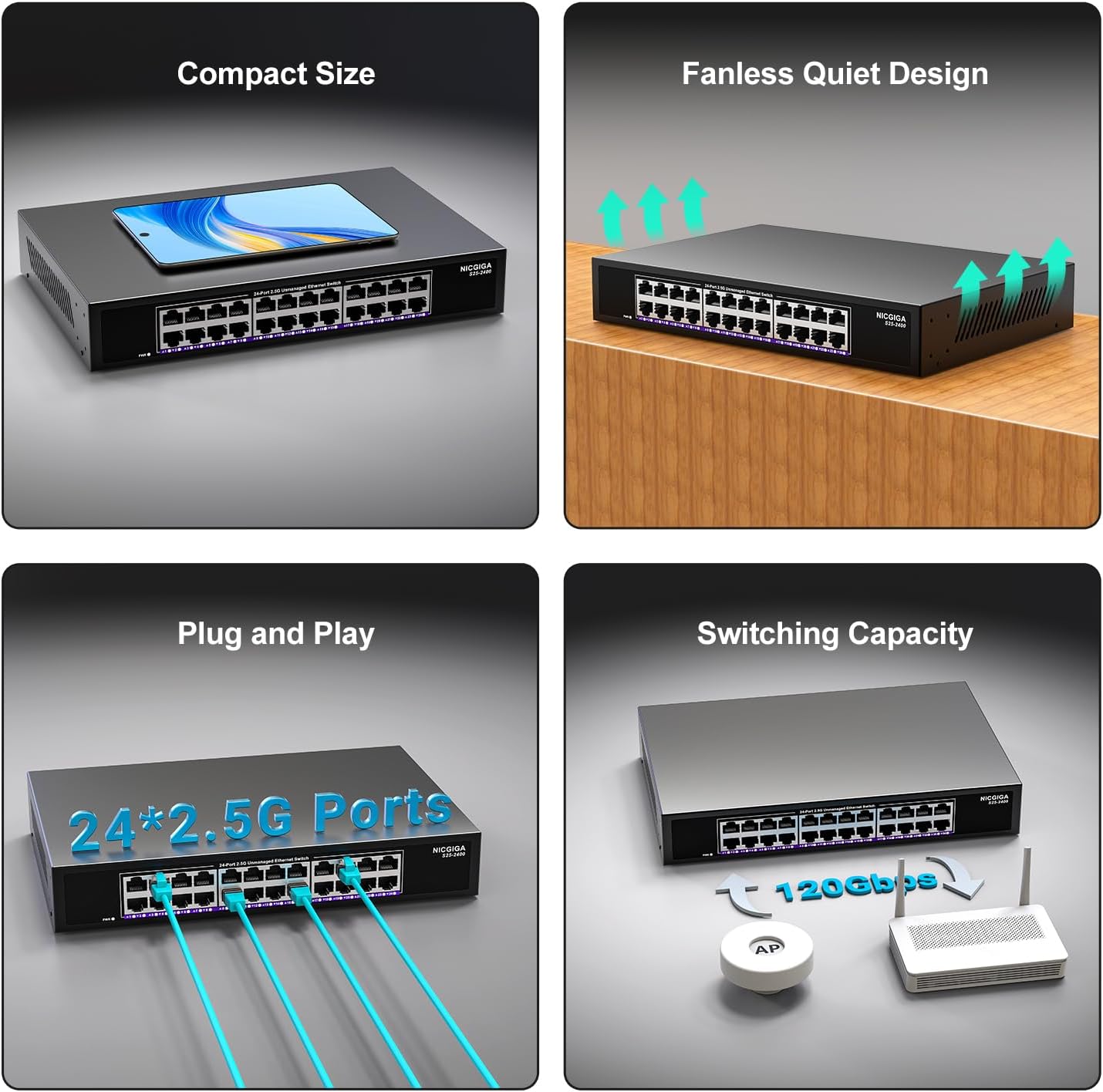
Imagen 3.2: Trasera view of the switch, showing the power input and fanless design.
4. Configuración
The NICGIGA 24 Port 2.5Gb Ethernet Switch is designed for simple plug-and-play operation, requiring no software installation or complex configuration.
4.1 Instalación de escritorio
- Place the switch on a stable, flat surface, ensuring adequate ventilation around the device.
- Connect the power adapter to the switch's power input and then to a power outlet.
- Connect your network devices (e.g., computers, NAS, Wi-Fi 6 APs, routers) to any of the 24 RJ45 ports using standard Ethernet cables. The switch will automatically detect the link speed.

Imagen 4.1: Example of desktop setup, showing the switch connected to a laptop and a Wi-Fi router.
4.2 19-inch Rack Mount Installation
The switch can be installed in a standard 19-inch equipment rack using the included rack mount kit.
- Fije los dos soportes de montaje en rack a los lados del conmutador utilizando los tornillos provistos.
- Secure the switch into an available slot in your 19-inch rack using appropriate rack screws (not included).
- Connect the power adapter and network cables as described in the desktop installation.

Image 4.2: Diagram illustrating the dimensions for rack mounting and an example of the switch installed in a 19-inch rack.
5. Instrucciones de funcionamiento
Once the switch is powered on and devices are connected, it operates automatically.
- Negociación automática: Each port automatically detects the speed (100Mbps, 1Gbps, or 2.5Gbps) and duplex mode (half/full) of the connected device and adjusts accordingly. This ensures optimal performance and compatibility across various network devices.
- Arquitectura sin bloqueo: The switch provides full wire-speed forwarding on all ports simultaneously, ensuring maximum throughput for all connected devices without bottlenecks.
- Operación no administrada: No configuration or software is required. Simply connect your devices, and the switch will manage data traffic efficiently.

Image 5.1: Illustration of the auto-negotiation feature, showing how the switch adapts to different link speeds.
6. Mantenimiento
The NICGIGA 24 Port 2.5Gb Ethernet Switch is designed for minimal maintenance.
- Limpieza: Utilice un paño suave y seco para limpiar el exterior del interruptor. No utilice limpiadores líquidos ni en aerosol.
- Ventilación: Ensure that the ventilation openings are not blocked to allow for proper airflow and heat dissipation. The fanless design relies on natural convection.
- Ambiente: Operate the switch within its specified environmental conditions (temperature, humidity) to ensure optimal performance and longevity.
7. Solución de problemas
If you encounter issues with your NICGIGA 24 Port 2.5Gb Ethernet Switch, refer to the following common troubleshooting steps:
- Sin energía:
- Asegúrese de que el adaptador de corriente esté conectado de forma segura tanto al interruptor como a una toma de corriente que funcione.
- Verifique que la toma de corriente funcione enchufando otro dispositivo.
- Check the Power LED on the switch; it should be solid green when powered on.
- Sin enlace/actividad en un puerto:
- Verifique que el cable Ethernet esté conectado de forma segura tanto al puerto del conmutador como al dispositivo conectado.
- Asegúrese de que el dispositivo conectado esté encendido y que su adaptador de red esté funcionando correctamente.
- Pruebe con un cable Ethernet diferente para descartar problemas con el cable.
- Pruebe con un puerto diferente en el conmutador.
- Check the LED indicator for the specific port; if it's off, there's no link.
- Velocidad de red lenta:
- Ensure all connected devices and network adapters support 2.5Gbps speeds for optimal performance. The switch will auto-negotiate to the highest common speed.
- Use Cat5e or higher-rated Ethernet cables for 2.5Gbps connections.
- Compruebe si hay tráfico de red excesivo o cuellos de botella en otros dispositivos de red.
- Conectividad intermitente:
- Inspeccione los cables Ethernet para detectar daños.
- Ensure the switch is placed in a well-ventilated area to prevent overheating, although it has a fanless design.
- Compruebe si hay posibles interferencias electromagnéticas de otros dispositivos electrónicos.
8. Especificaciones
| Característica | Especificación |
|---|---|
| Modelo | S25-2400 |
| Número de puertos | 24 x 2.5Gbps RJ45 Ports |
| Tipo de interfaz | RJ45 |
| Velocidad de transferencia de datos | 100/1000/2500Mbps (Auto-Negotiation) |
| Capacidad de conmutación | 160 Gbps |
| Marco Jumbo | 12K |
| Tamaño de la tabla de direcciones MAC | 16K |
| memoria caché | 12Mbit |
| Tasa de reenvío de paquetes | 89.28 megabytes por segundo |
| Diseño | Fanless Metal Design |
| Protección contra rayos | 4 kV |
| Instalación | Desktop or 19-inch Rack Mount |
| Dimensiones (L x An x Al) | 270.5 x 181 x 44.5 mm (10.6 x 7.1 x 1.7 pulgadas) |
| Peso del artículo | 1.9 kilogramos (4.18 libras) |
| Dispositivos compatibles | Computadora de escritorio, consola de juegos, computadora portátil |
| Código Postal | 790885830235 |
Nota: las especificaciones están sujetas a cambios sin previo aviso.
9. Garantía y soporte
NICGIGA provides a one-year warranty for this product, ensuring reliability, quality, and performance. Additionally, lifetime technical support is available for the entire product lifecycle.
For technical assistance or warranty claims, please contact NICGIGA customer support through the official websitio o su plataforma de compra.