
HP OMEN 16 MAX Gaming-4
HP OMEN 16 MAX Gaming Laptop User Manual
Model: OMEN 16 MAX Gaming-4
1. Introducción
This manual provides essential information for setting up, operating, maintaining, and troubleshooting your HP OMEN 16 MAX Gaming Laptop. Please read this guide thoroughly to ensure optimal performance and longevity of your device.
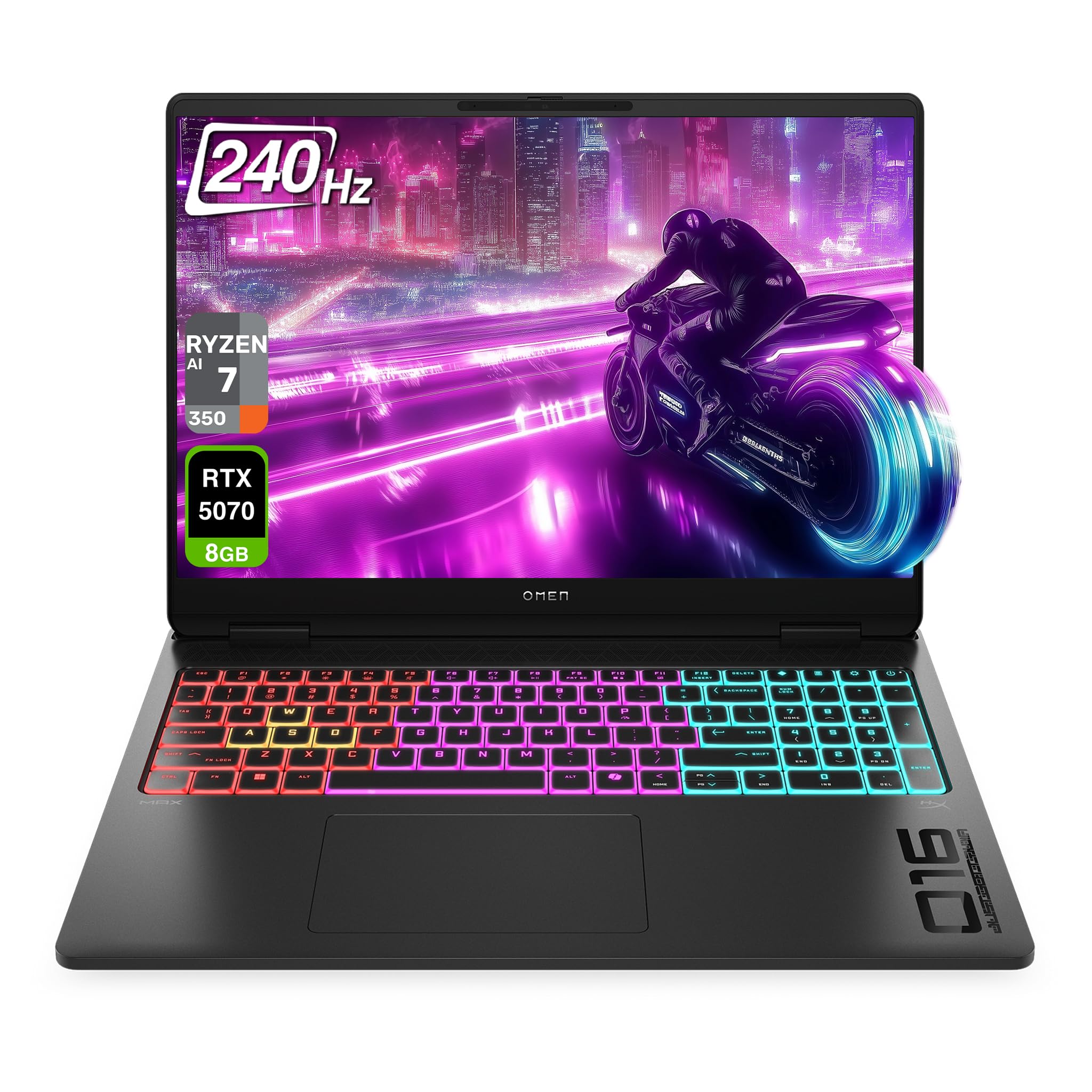
Figure 1.1: HP OMEN 16 MAX Gaming Laptop, showcasing its sleek design and RGB backlit keyboard.
2. Configuración inicial
2.1 Unpacking and First Boot
- Retire con cuidado la computadora portátil y todos los accesorios del embalaje.
- Connect the AC adapter to the laptop's AC smart pin port and then to a power outlet.
- Abra la tapa de la computadora portátil y presione el botón de encendido para encender el dispositivo.
- Follow the on-screen instructions to complete the Windows 11 Home setup. This includes selecting your region, connecting to a network, and creating a user account.
2.2 Conexión de periféricos
The HP OMEN 16 MAX offers various ports for connecting external devices:

Figura 2.1: Lado view of the laptop highlighting the USB Type-A, HDMI, RJ-45, AC Smart pin, USB Type-C, and headphone/microphone combo ports.
- USB tipo A (velocidad de señalización de 10 Gbps): Connect external storage, mice, or other USB accessories.
- HDMI2.1: Connect to an external display or TV for high-resolution video output.
- RJ-45: Para conexiones de red por cable.
- USB Type-C (40Gbps signaling rate, USB Power Delivery 3.1, DisplayPort 2.1, HP Sleep and Charge): Versatile port for data transfer, charging, and video output.
- Combo de auriculares y micrófono: Connect a headset for audio input and output.
3. Características principales
3.1 Pantalla
The laptop features a 16-inch WQXGA (2560 x 1600) display with a 60–240 Hz refresh rate and 3 ms response time. It utilizes an IPS panel with micro-edge design, anti-glare coating, and Low Blue Light technology. The display offers 500 nits brightness and 100% sRGB color gamut for vibrant and accurate visuals.

Figure 3.1: The 16-inch WQXGA display provides crisp images and a high refresh rate for smooth visuals.
3.2 Performance Hardware
- Procesador: AMD Ryzen AI 7 H 350 (up to 5.0 GHz max boost clock, 16 MB L3 cache, 8 cores, 16 threads).
- Gráficos: NVIDIA GeForce RTX 5070 Laptop GPU (8 GB GDDR7 dedicated).
- RAM: 32 GB DDR5 RAM.
- Almacenamiento: 2 TB PCIe SSD.
3.3 Sistema de enfriamiento
The OMEN Tempest Cooling PRO architecture is designed to maintain optimal temperatures for all components, even under heavy load, preventing thermal throttling. This system includes:
- Fan Cleaner: Self-cleaning fan technology to reduce performance degradation and minimize maintenance.
- OMEN Cryo Compound: An upgraded hybrid material applied to the CPU and GPU for enhanced heat dissipation and extended device longevity.
- OMEN IR Sensor: Dynamically adjusts and optimizes thermal and acoustic performance in real-time.
3.4 Keyboard and Connectivity
- Teclado: 4-Zone RGB Backlit Keyboard for customizable lighting.
- Inalámbrico: Wi-Fi 7 BE200 (2x2) and Bluetooth 5.4 wireless card for high-speed and reliable connections.

Figure 3.2: The 4-Zone RGB backlit keyboard offers customizable lighting effects.
4. Instrucciones de funcionamiento
4.1 Centro de juegos OMEN
The OMEN Gaming Hub is your central control panel for optimizing your laptop's performance and customizing settings. It includes features such as:
- Modo desatado: Allows manual overclocking of your device beyond factory limits, leveraging OMEN Tempest Cooling PRO for stable performance. Access this mode under Performance Control.
- Control de iluminación: Customize the 4-Zone RGB backlit keyboard and other lighting elements.
- System Vitals: Monitor CPU, GPU, and RAM usage, along with temperature readings.
- Refuerzo de red: Prioritize network traffic for gaming applications.
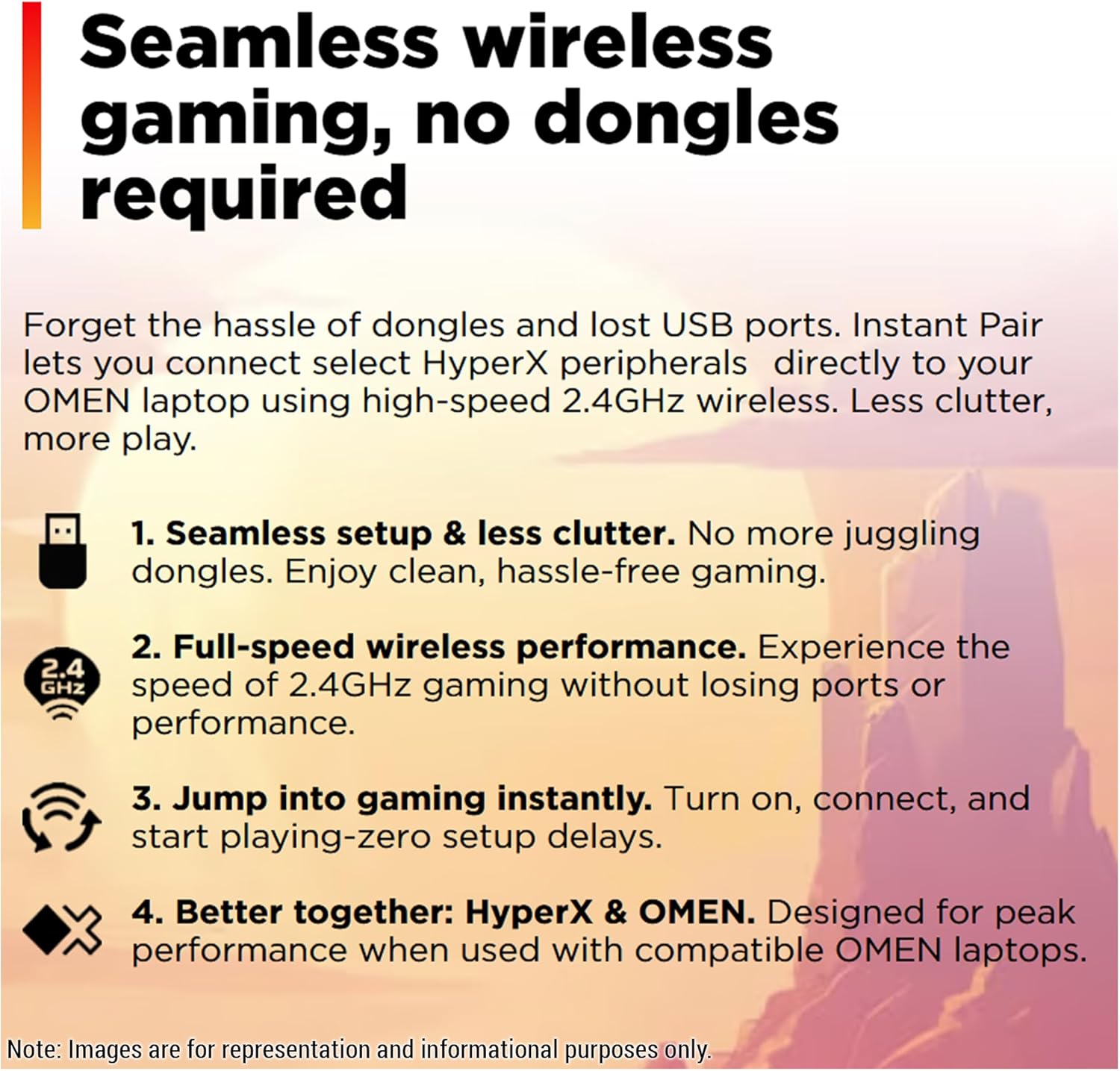
Figure 4.1: OMEN Gaming Hub interface, demonstrating the Unleashed Mode for performance tuning.
4.2 Conectividad inalámbrica
The laptop supports Wi-Fi 7 and Bluetooth 5.4. For seamless wireless gaming with compatible HyperX peripherals, Instant Pair technology allows direct connection without dongles, reducing clutter and ensuring full-speed performance.

Figure 4.2: Instant Pair technology simplifies connecting HyperX peripherals for a clutter-free gaming experience.
5. Mantenimiento
5.1 Limpieza de su computadora portátil
- Utilice un paño suave que no suelte pelusa para limpiar la pantalla y las superficies exteriores.
- Para manchas difíciles, un poco deampEnjuague el paño con agua o un limpiador de pantallas.
- Evite rociar líquidos directamente sobre la computadora portátil.
- Regularly clean the keyboard with compressed air to remove dust and debris.
5.2 Actualizaciones de software
Keep your operating system, drivers, and OMEN Gaming Hub software updated to ensure optimal performance, security, and access to the latest features. Windows Update will handle most system updates, while OMEN Gaming Hub can manage specific HP and gaming-related software.
5.3 Mantenimiento del ventilador
The OMEN Tempest Cooling PRO system includes a Fan Cleaner feature. While designed to be self-cleaning, occasional checks for excessive dust buildup in the vents are recommended. If significant dust is observed, use compressed air to clear the vents. Do not attempt to disassemble the laptop for fan cleaning unless you are a qualified technician.
6. Solución de problemas
6.1 Problemas comunes y soluciones
- La computadora portátil no se enciende: Asegúrese de que el adaptador de CA esté bien conectado tanto a la computadora portátil como a una toma de corriente que funcione. Pruebe con otra toma de corriente si es necesario.
- La pantalla está en blanco: Check if the laptop is powered on. If connected to an external display, ensure the correct input source is selected on the external display. Try pressing Fn + F4 (or the corresponding display toggle key) to switch display outputs.
- Performance issues (lag, low frame rates):
- Verify that the laptop is connected to power and running in a high-performance power plan.
- Check OMEN Gaming Hub for Unleashed Mode activation and monitor system vitals for overheating.
- Asegúrese de que los controladores gráficos estén actualizados.
- Cierre las aplicaciones en segundo plano innecesarias.
- Problemas de conectividad Wi-Fi:
- Reinicie su enrutador y módem.
- Ensure Wi-Fi is enabled on the laptop (check Windows settings).
- Actualice los controladores del adaptador inalámbrico.
7. Especificaciones
| Característica | Detalle |
|---|---|
| Marca | HP |
| Nombre del modelo | HP OMEN 16 MAX Gaming-4 |
| Tamaño de pantalla | 16 pulgadas |
| Resolución de pantalla | 2560 x 1600 píxeles (WQXGA) |
| Resolución máxima de pantalla | 2560x1600 píxeles |
| Procesador | AMD Ryzen AI 7 H 350 (up to 5.0 GHz max boost, 8 cores, 16 threads) |
| RAM | SO-DIMM DDR5 de 32 GB |
| Disco duro | 2 TB SSD (PCIe x 4 interface) |
| Coprocesador gráfico | Nvidia GeForce RTX 5070 Laptop GPU |
| Tamaño de RAM de la tarjeta gráfica | 8 GB GDDR7 |
| Tipo inalámbrico | Wi-Fi 7 BE200 (802.11ax), Bluetooth 5.4 |
| Sistema operativo | Inicio de Windows 11 |
| Peso del artículo | 5.48 libras |
| Dimensiones del producto | 14.04 x 10.59 x 0.9 pulgadas |
| Color | Sombra negra |
| Característica especial | Backlit Keyboard (4-Zone RGB) |
8. Garantía y soporte
Para obtener información detallada sobre la garantía y soporte técnico, consulte el sitio web oficial de HP. websitio o la documentación incluida con su producto. También puede visitar el Tienda HP en Amazon para encontrar recursos adicionales.
¿Qué hay en la caja?
- HP OMEN 16 MAX Gaming Laptop
- Adaptador de corriente alterna
- Teclado (integrado)
9. Recursos de vídeo
9.1 A Deep Dive on the HP OMEN MAX 16
Video 9.1: This video provides an in-depth look at the HP OMEN MAX 16, covering its design, performance benchmarks, port configurations, display capabilities, and internal hardware. It highlights the laptop's ability to handle demanding gaming and creative tasks without performance drops, showcasing its sleek appearance and powerful specifications.