
Información importante de seguridad
Lea y comprenda todas las instrucciones de seguridad antes de usar este producto. El incumplimiento de estas instrucciones podría provocar incendios, descargas eléctricas, explosiones u otros peligros.
- No exponga el banco de energía a temperaturas extremas (calor o frío), luz solar directa o alta humedad.
- No desmonte, abra, aplaste, doble, deforme, perfore ni triture el banco de energía.
- Evite dejar caer o someter el banco de energía a impactos fuertes.
- Mantenga el banco de energía alejado del agua y otros líquidos.
- Do not use the power bank if it has been damaged in any way.
- Mantener fuera del alcance de los niños.
- Deseche el banco de energía de forma responsable de acuerdo con las regulaciones locales.
Contenido del paquete
Verifique que todos los artículos estén presentes en su paquete:
- 1 × HYUCKOT K11 Portable Charger with built-in charging cables and wall plug
- 1 × Manual de usuario
Producto terminadoview
The HYUCKOT K11 Portable Charger is designed for convenience and versatility, featuring integrated charging solutions and a compact form factor.
Componentes
- Cables incorporados: Includes USB-C, iOS (Lightning), and Micro-USB cables for broad device compatibility. These cables are neatly integrated into the power bank's sides.
- Enchufe de pared plegable: An integrated AC plug allows direct recharging of the power bank from any standard wall outlet without needing an external adapter.
- Puerto de entrada/salida USB-C: A versatile port for both recharging the power bank and charging compatible devices.
- Puerto de salida USB-A: Un puerto adicional para cargar dispositivos utilizando su propio cable USB-A.
- Pantalla LED inteligente: Muestra el porcentaje de batería restantetage of the power bank, allowing you to monitor its charge status.

Figura 1: Sobreview of the HYUCKOT K11 Portable Charger, highlighting its built-in cables and foldable wall plug, contrasting it with the clutter of separate cables and adapters.
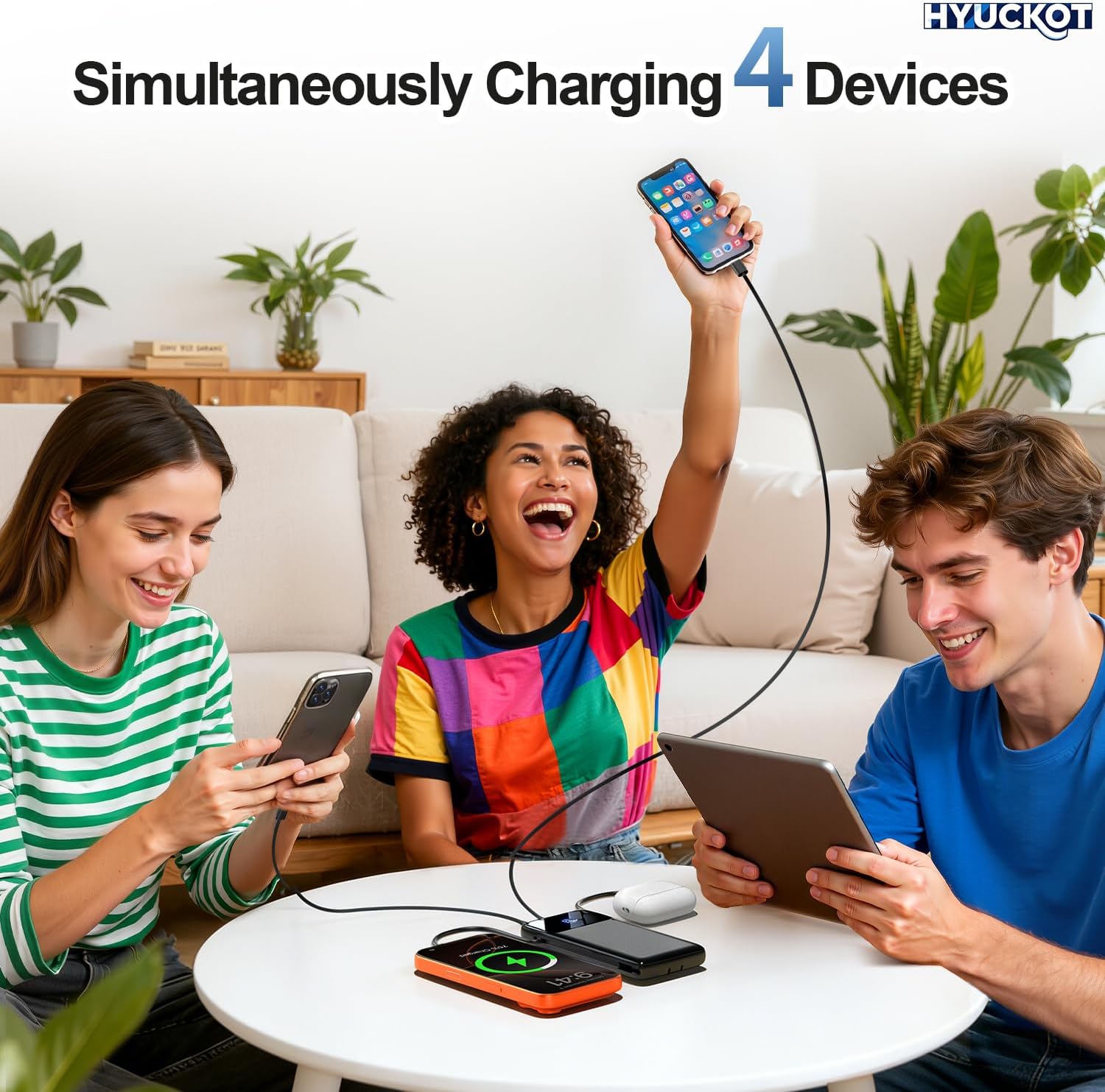
Figure 2: This image highlights the versatility of the HYUCKOT K11 Portable Charger, showcasing its integrated iOS, USB-C, and Micro-USB cables, designed to be compatible with a wide range of devices.
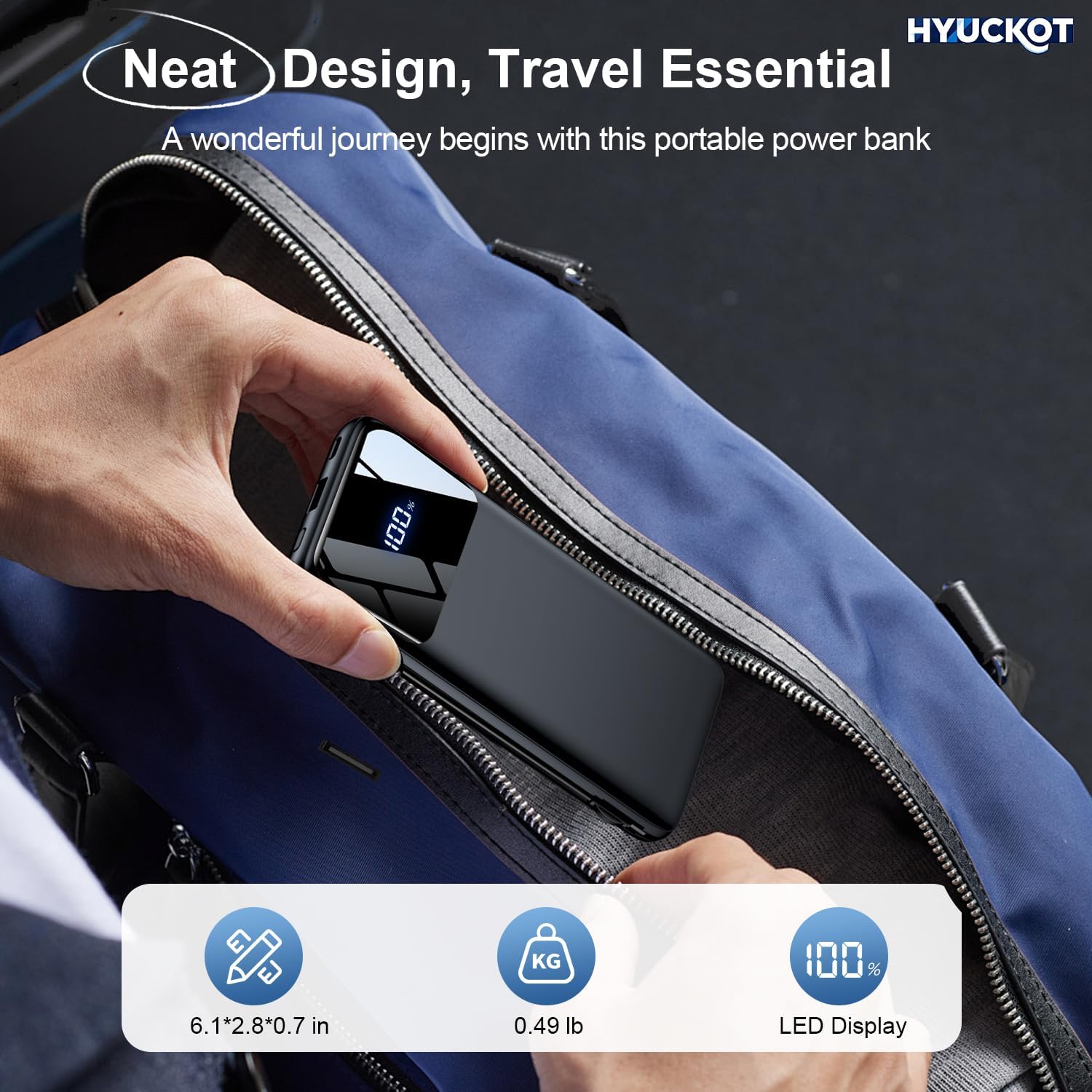
Figure 3: This image showcases the ultra-slim and lightweight design of the HYUCKOT K11 Portable Charger, illustrating how easily it fits into a bag, making it ideal for travel.
Configuración
Carga inicial del banco de energía
Before first use, fully charge your HYUCKOT K11 Portable Charger.
- Using the Foldable Wall Plug: Extend the foldable AC plug from the side of the power bank and plug it directly into a standard wall outlet. The LED display will show the charging progress.
- Uso del puerto de entrada USB-C: Alternatively, connect a USB-C cable (not included) to the power bank's USB-C input port and then to a compatible USB wall adapter (not included).
The power bank is fully charged when the LED display shows 100%.

Figure 4: This image demonstrates the two convenient methods for recharging the HYUCKOT K11 Portable Charger: directly through its foldable AC wall plug or via the dedicated USB-C input port.
Instrucciones de funcionamiento
Cargando sus dispositivos
The HYUCKOT K11 Portable Charger can charge up to four devices simultaneously.
- Uso de cables incorporados: Extend the appropriate built-in cable (USB-C, iOS, or Micro-USB) and connect it to your device's charging port.
- Uso del puerto de salida USB-C: Conecte su dispositivo al puerto USB-C del banco de energía usando un cable USB-C a USB-C compatible (no incluido).
- Uso del puerto de salida USB-A: Connect your device to the power bank's USB-A port using a compatible USB-A cable (not included).
Charging will begin automatically. The LED display will show the power bank's remaining charge.
Comprobación del nivel de batería
The intelligent LED display on the power bank shows the current battery percentage. Simplemente presione el botón de encendido una vez para activar la pantalla y view la carga restante.

Figure 5: The HYUCKOT K11 Portable Charger's capability to charge up to four devices concurrently, including smartphones, smartwatches, and earbuds, using its various output options.

Figure 6: This diagram details the multi-layer safety protections integrated into the HYUCKOT K11 Portable Charger, ensuring safe and reliable charging for your devices by guarding against common electrical issues.
Mantenimiento
Limpieza y almacenamiento
- Limpie la batería externa con un paño suave y seco. No utilice productos químicos agresivos ni materiales abrasivos.
- Guarde el banco de energía en un lugar fresco y seco, alejado de la luz solar directa y de temperaturas extremas.
- Si lo va a almacenar durante un período prolongado, recargue el banco de energía cada 3 a 6 meses para mantener la salud de la batería.
Solución de problemas
Problemas comunes y soluciones
- El dispositivo no se carga:
- Asegúrese de que el banco de energía tenga suficiente carga (verifique la pantalla LED).
- Verifique que el cable de carga esté conectado de forma segura tanto al banco de energía como a su dispositivo.
- Pruebe con un cable o puerto de carga diferente en el banco de energía.
- Asegúrese de que su dispositivo sea compatible con las especificaciones de salida del banco de energía.
- El banco de energía no se recarga:
- Ensure the foldable wall plug is fully extended and securely plugged into a live outlet.
- If using the USB-C input, ensure the cable and wall adapter are functioning correctly.
- Verifique si hay residuos en los puertos de carga.
- Carga lenta:
- Ensure your device supports fast charging and that the power bank is providing sufficient output.
- Cargar varios dispositivos simultáneamente puede reducir la velocidad de carga de los dispositivos individuales.
- Los factores ambientales (por ejemplo, temperaturas extremas) pueden afectar la eficiencia de carga.
Presupuesto
Detalles técnicos
| Dimensiones del producto | 3.5 x 6.6 x 0.7 pulgadas |
| Peso del artículo | 8.8 onzas |
| Número de modelo del artículo | K11 |
| Baterías | Se requieren 1 baterías de polímero de litio (incluidas) |
| Características especiales | Built-in Cable, Fast Charging, LED Indicator Lights, Slim Design |
| Tipo de conector | USB Type C (Input/Output), USB Type A (Output), Built-in iOS, Micro-USB |
| Capacidad de la batería | 10000 miliamp Horas |
Garantía y soporte
Garantía del producto
This product comes with a standard manufacturer's warranty. Please refer to the product packaging or contact customer support for specific warranty terms and conditions.
Atención al cliente
For any questions, technical assistance, or support needs, please contact our customer service team. We offer round-the-clock 24/7 support to ensure your satisfaction.
Contact information can typically be found on the product packaging or our official websitio.