
1. Producto terminadoview
The aMagisn Bluetooth Wireless Remote Control is designed for seamless control of various action cameras and smartphones. It offers extended range, long battery life, and a durable, splash-resistant design, making it suitable for diverse shooting environments.
Contenido del paquete
- Control remoto x 1
- Cable de carga x 1
- Short Wrist Strap x 1
- Long Wrist Strap x 1
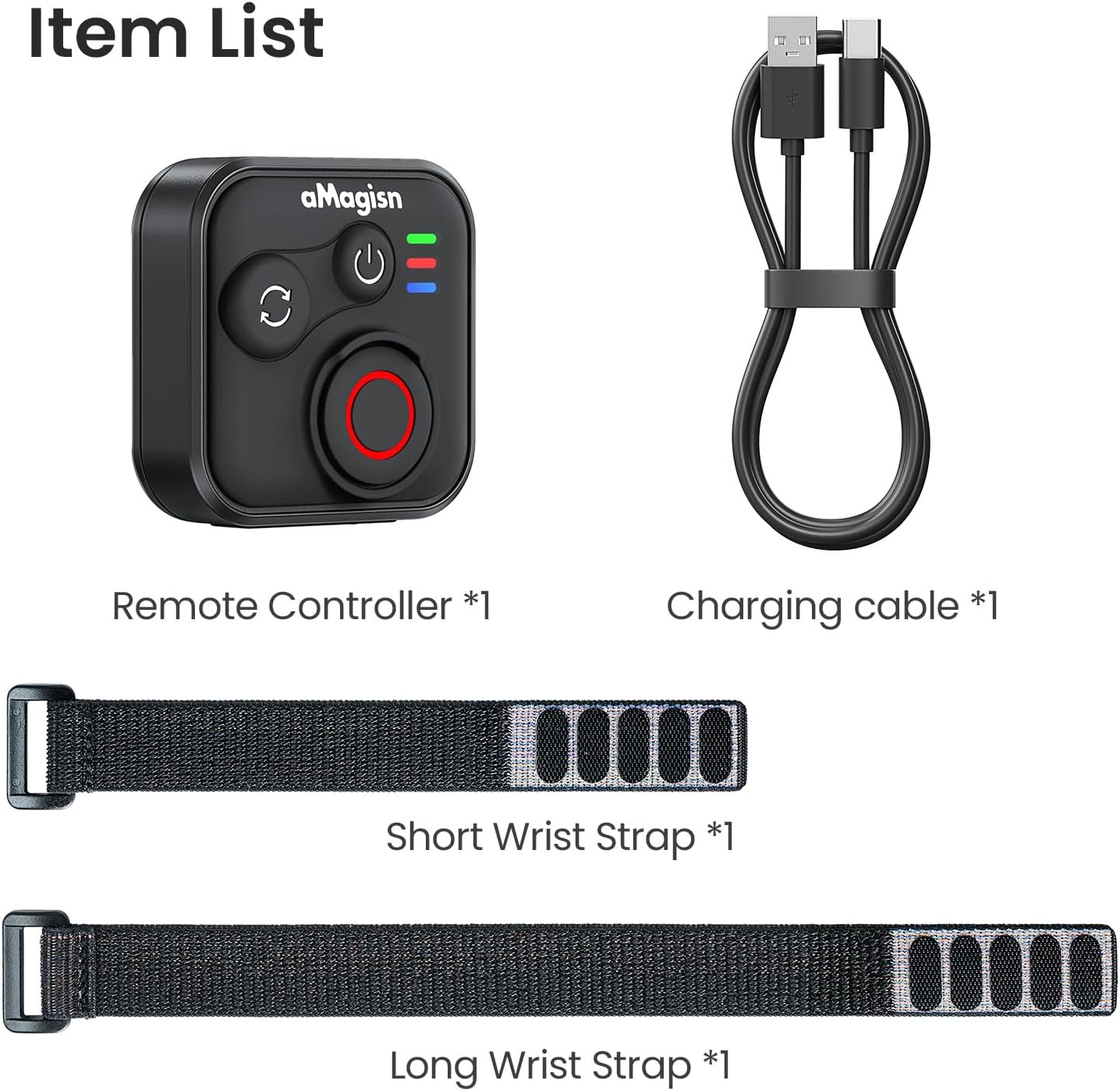
Image: Package contents including the remote, charging cable, and two wrist straps.
2. Especificaciones
| Marca | aMagia |
| Nombre del producto | Sports Camera Bluetooth Remote Control |
| Dispositivos compatibles | Insta360 series cameras, GoPro Hero series cameras, Android smartphones, iOS smartphones |
| Material | Silicona ABS |
| Dimensiones | 37.0 x 37.0 x 18.9 mm |
| Peso | 23 gramos |
| Capacidad de la batería | Iones de litio de 3.7 V / 120 mAh |
| Duración de la carga | Aproximadamente 3 horas |
| Entrada de carga | 5 V/100 mA |
| Alcance máximo | Hasta 76 metros (dependiendo del dispositivo) |

Image: Visual representation of the remote control's dimensions and key specifications.
3. Configuración
Carga del control remoto
Before first use, fully charge the remote control. Connect the provided charging cable to the USB-C port on the remote and to a standard USB power source. The charging indicator light will show the charging status.
Emparejamiento con dispositivos
The remote control supports pairing with Insta360 cameras, GoPro cameras, and iOS/Android smartphones.
- Encendido: Briefly press the Power Button to turn on the remote.
- Ingrese al modo de emparejamiento: If pairing with a new device, perform an Ultra-long press on the Mode Switch Button to force the remote to re-pair. The light indicator will show alternating blue, red, and green flashes.
- Activar Bluetooth en el dispositivo: On your camera or smartphone, enable Bluetooth and search for available devices.
- Select Remote: Select the aMagisn remote from the list of found devices to complete the pairing process.
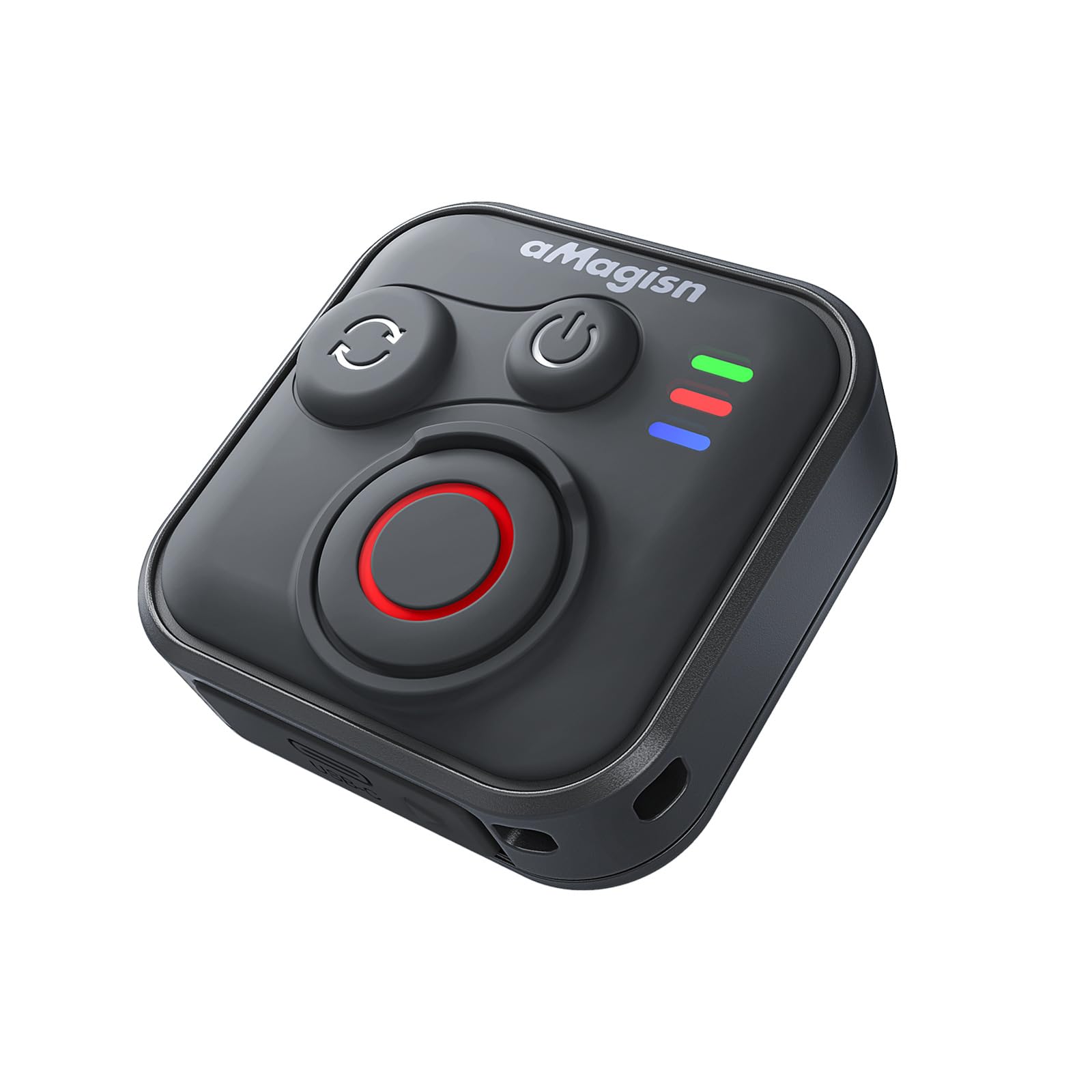
Image: The remote control demonstrating its Bluetooth 5.1 range, compatible with various devices.
4. Instrucciones de funcionamiento
Funciones de los botones
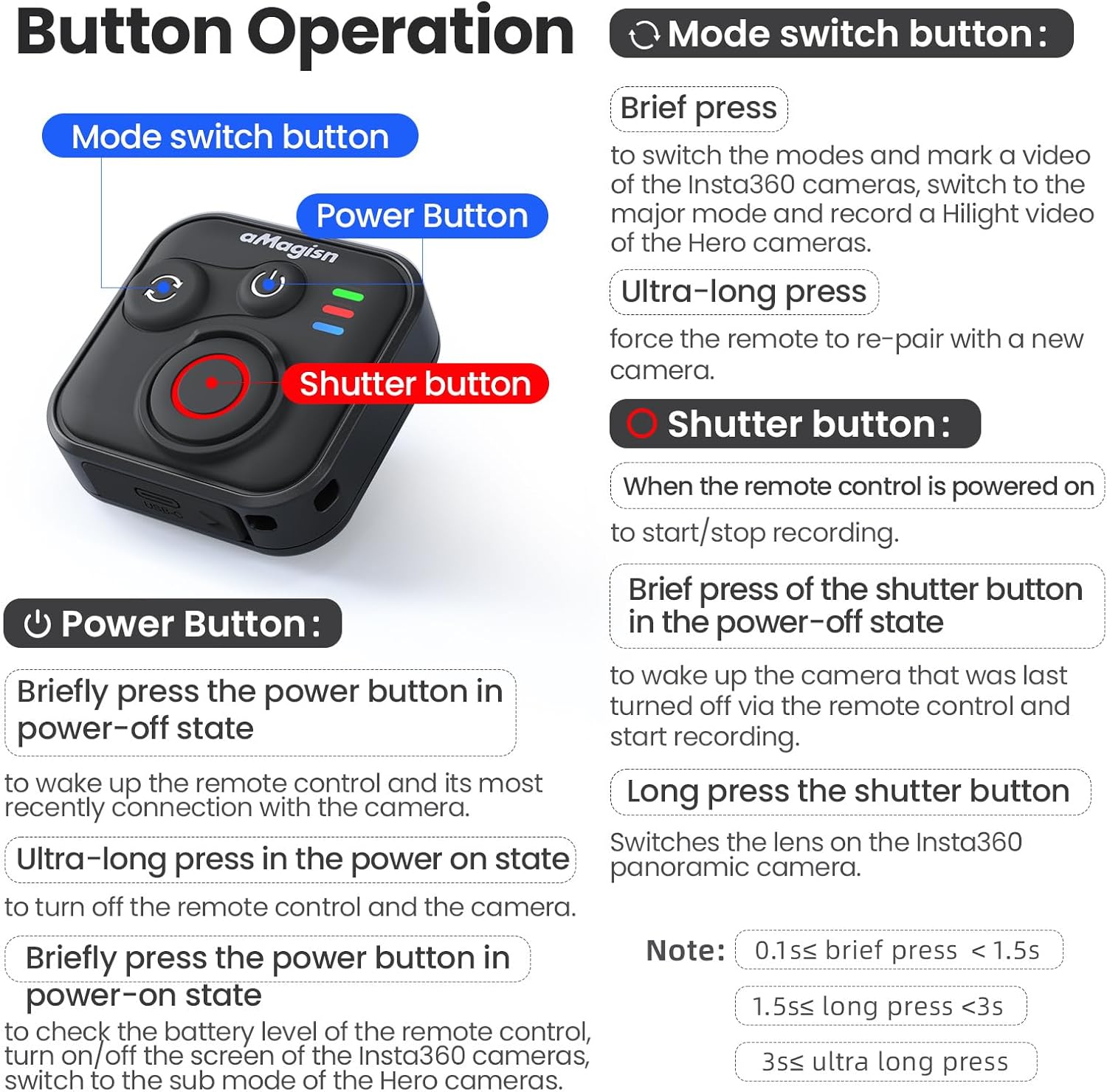
Imagen: Detallada sobreview of the remote control's buttons and their respective operations.
Botón de encendido
- Brief press (Power-off state): Wakes up the remote control and connects to the most recently paired device.
- Ultra-long press (Power-on state): Apaga el control remoto y la cámara conectada.
- Brief press (Power-on state): Checks battery level, turns on/off the screen of Insta360 cameras, or switches to the sub-mode of Hero cameras.
Botón de cambio de modo
- Prensa breve: Switches between modes (e.g., Photo/Video) and marks a video highlight (for GoPro HiLight).
- Pulsación ultralarga: Obliga al control remoto a volver a emparejarse con una nueva cámara.
Botón del obturador
- Press (Remote powered on): Inicia o detiene la grabación/captura.
- Brief press (Power-off state): Despierta la cámara que se apagó por última vez mediante el control remoto y comienza a grabar.
- Pulsación larga: Cambia la lente en las cámaras panorámicas Insta360.
Light Indicator Status

Image: Explanation of the remote control's LED light indicators for battery, connection, and pairing status.
Red and Green Light (Battery Status - Press Power Button)
- Luz verde fija: El nivel de la batería está entre el 10% y el 100%.
- Luz verde intermitente: El nivel de la batería está entre el 0% y el 10%.
- Luz roja intermitente: El nivel de batería está al 0%.
Blue Light (Bluetooth Status)
- Luz azul sólida: Bluetooth está conectado.
- Blinking Blue Light (Power light off): Esperando conectarse al último dispositivo conectado.
Estado de carga
- Luz roja sólida: Carga en progreso, batería aún no está llena.
- Luz verde fija: Carga en progreso, la batería está llena.
New Device Pairing
- Destellos de luz azul, roja y verde alternados: La cámara está esperando emparejarse con un nuevo dispositivo.
5. Installation and Usage Scenarios
The remote control features a versatile design with four pass-through holes, allowing for both horizontal and vertical wrist strap attachment. This ensures secure mounting on wrists, handlebars, selfie sticks, or other accessories.

Imagen: Examples of how the remote control can be mounted horizontally or vertically using wrist straps, and various use cases like cycling, selfie sticks, and backpack clips.
Diseño a prueba de agua
The remote control features a waterproof build and a sealed USB port, making it resistant to splashes, rain, and suitable for use in wet conditions like surfing.
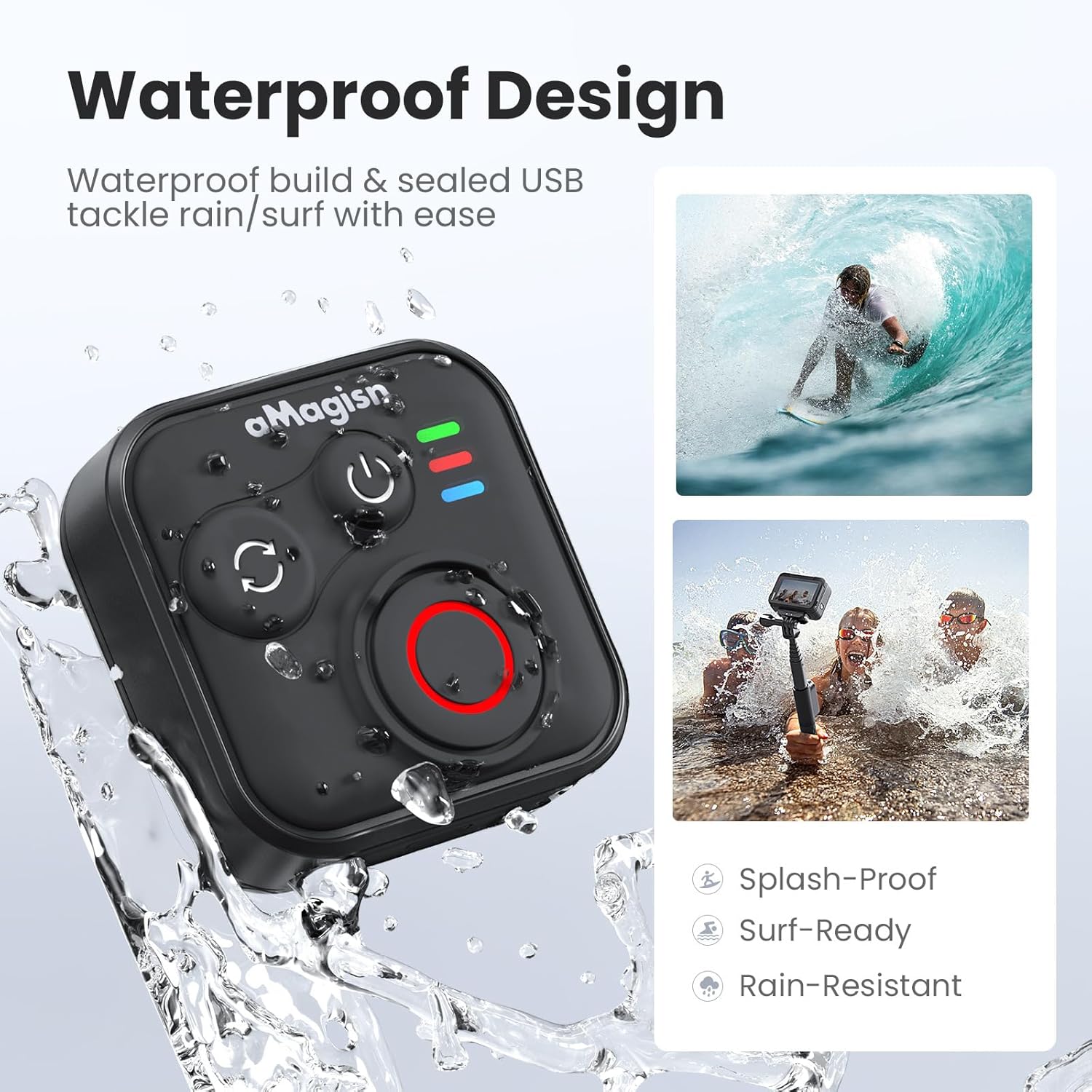
Image: The remote control demonstrating its waterproof capabilities, suitable for use in rain or near water.
6. Mantenimiento
Limpieza
Limpie el control remoto con un paño suave y seco. Para la suciedad difícil, utilice un paño ligeramente seco.amp Se puede usar un paño. No utilice productos químicos agresivos ni limpiadores abrasivos.
Almacenamiento
Store the remote control in a cool, dry place away from direct sunlight and extreme temperatures. If storing for an extended period, ensure the battery is partially charged (around 50%) to prolong its lifespan.
Duración de la batería
The remote control offers up to 96 hours of continuous operation on a single charge, with a charging duration of approximately 3 hours.

Image: Visual representation of the remote control's impressive 96-hour battery life and 3-hour charging time.
7. Solución de problemas
- El control remoto no se enciende: Ensure the battery is charged. Connect to the charging cable and check the charging indicator light.
- No se puede emparejar con el dispositivo:
- Asegúrese de que Bluetooth esté habilitado en su cámara/teléfono inteligente.
- Realizar una Ultra-long press on the Mode Switch Button on the remote to force re-pairing.
- Ensure the remote is within the effective Bluetooth range of your device.
- Restart both the remote and your device.
- El control remoto no controla la cámara:
- Verify that the remote is successfully paired (solid blue light).
- Check camera settings to ensure it supports external Bluetooth remote control.
- Asegúrese de que el firmware de la cámara esté actualizado.
- Rango de operación corto: Environmental factors (e.g., obstacles, interference) can affect Bluetooth range. Try operating in an open area.
8. Garantía y soporte
For warranty information or technical support, please refer to the contact details provided with your purchase or visit the official aMagisn webSitio. Conserve su comprobante de compra para reclamaciones de garantía.


