
1. Introducción
Thank you for choosing the TECKNET TK-MS024 Wireless Bluetooth Mouse. This manual provides detailed instructions for setting up, operating, and maintaining your new mouse. Please read this guide thoroughly to ensure optimal performance and longevity of your device.
2. Producto terminadoview
The TECKNET TK-MS024 is a versatile wireless mouse designed for comfort and efficiency. It features multiple connectivity options, adjustable DPI, and an ergonomic design suitable for various computing tasks.
Características principales:
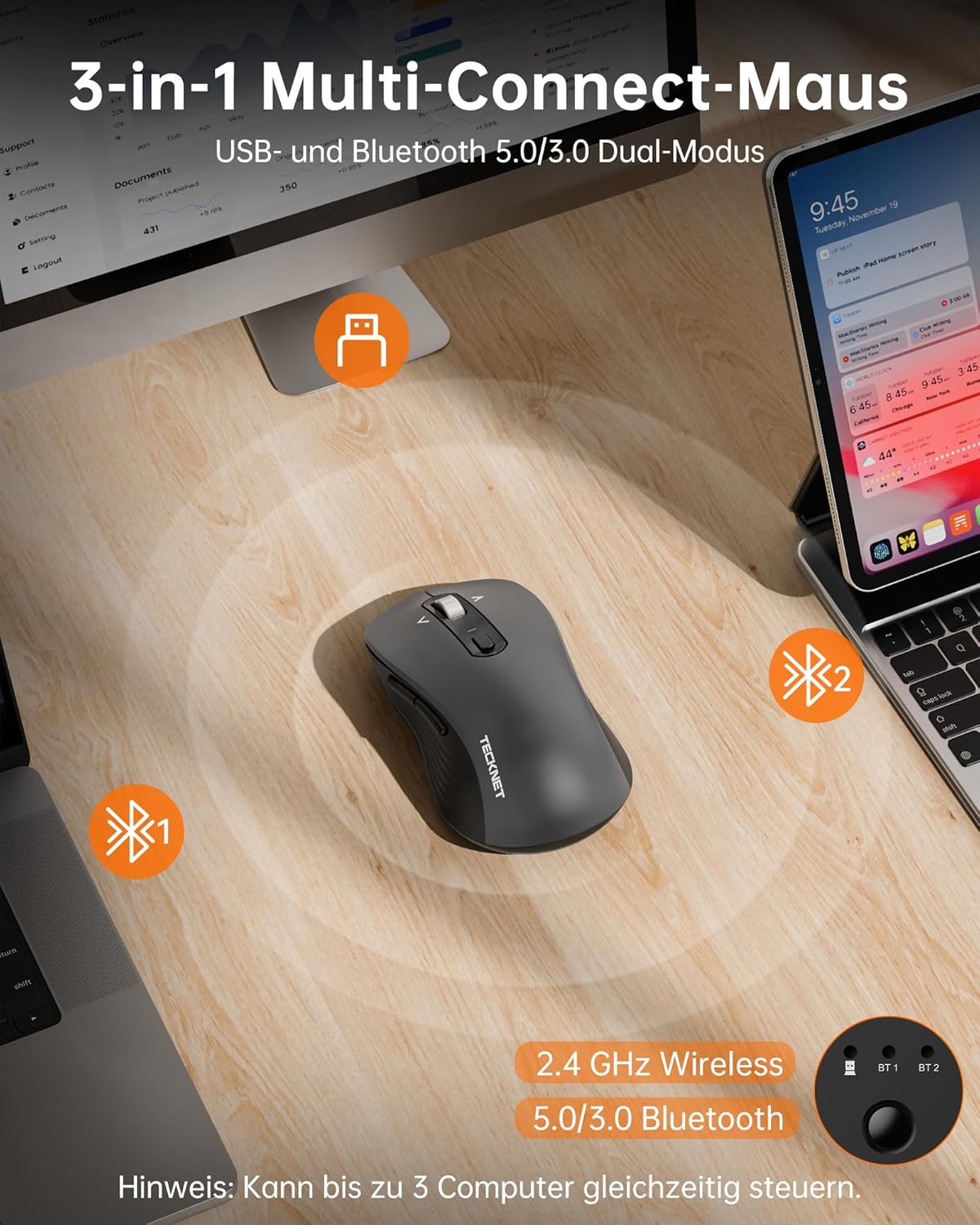
- Three-Mode Wireless Connection: Supports Bluetooth 5.0, Bluetooth 3.0, and 2.4 GHz wireless via USB-A receiver.
- 4-Way Scroll Wheel: Enables both vertical and horizontal scrolling for enhanced navigation.
- DPI ajustable: Six sensitivity levels (800/1200/1600/2400/3200/4800 DPI) with an indicator light.
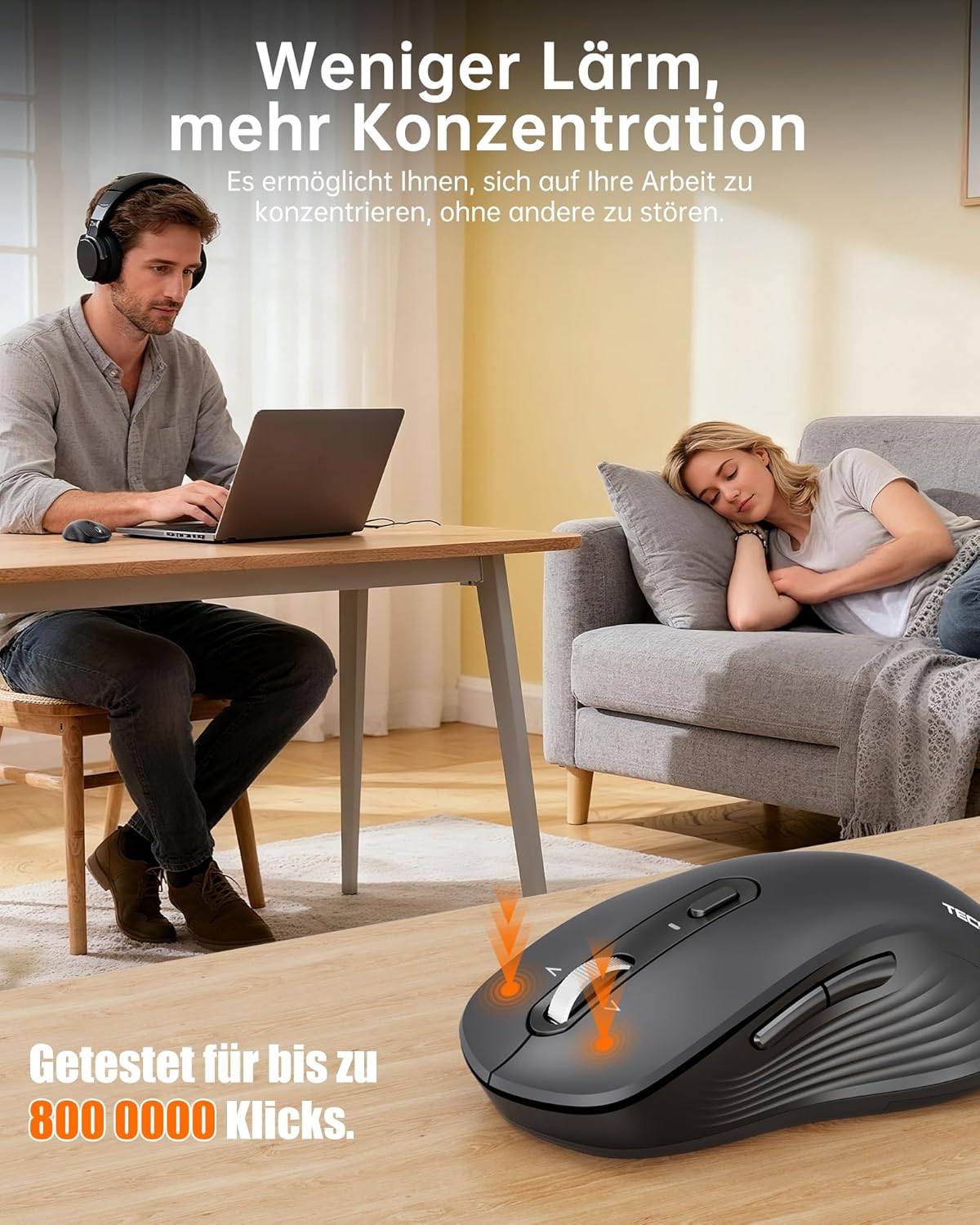
- Funcionamiento silencioso: Up to 90% quieter clicks compared to conventional mice.
- Diseño ergonómico: Full-size shape with natural curvature for reduced wrist strain and comfort.
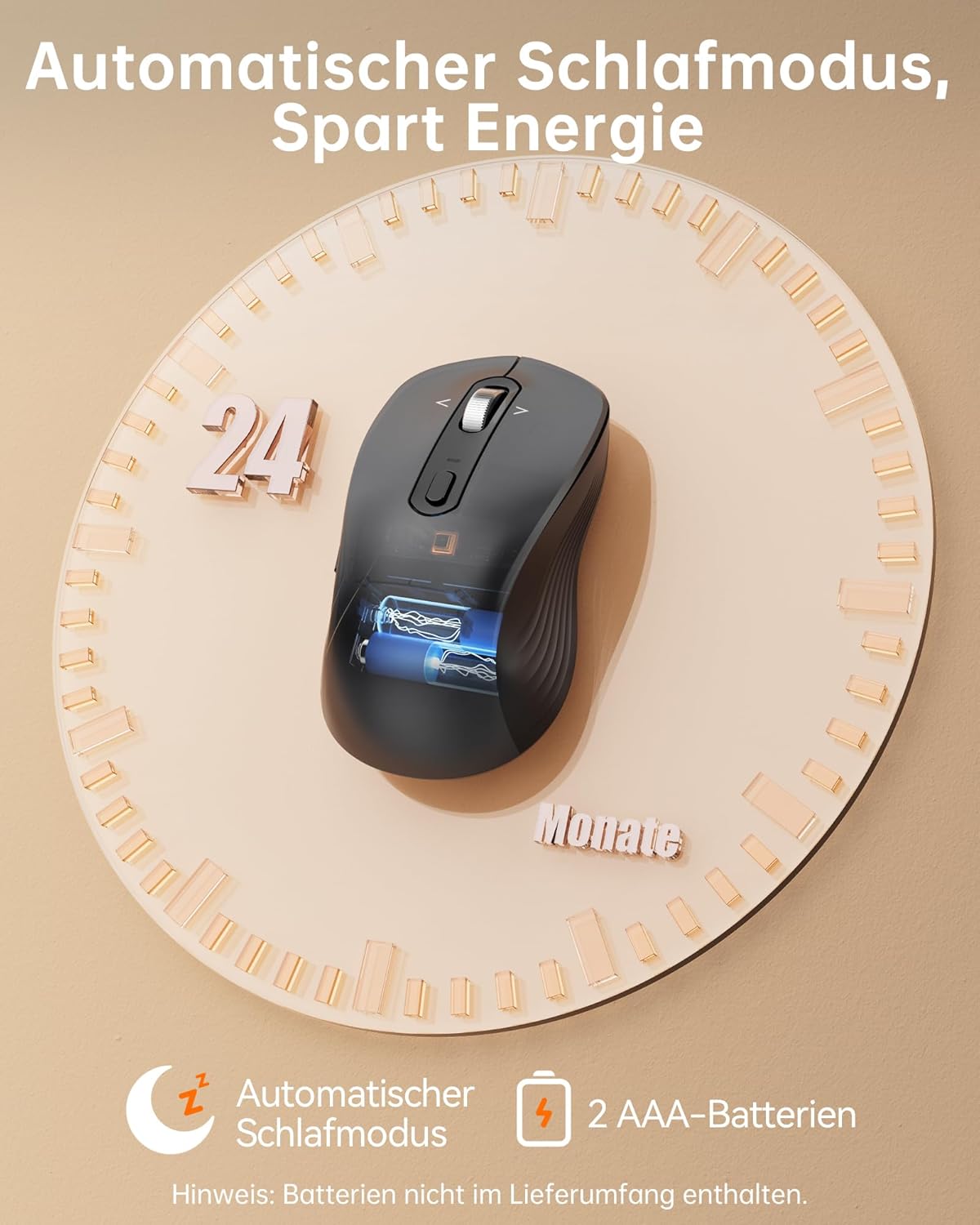
- Batería de larga duración: Up to 24 months with intelligent auto-sleep mode.
The mouse features an ergonomic, full-size design with a natural curvature and integrated wrist rest, suitable for both left and right-handed users, ensuring comfort during long work sessions.

Designed for quiet operation, the mouse's silent clicks reduce noise by up to 90%, promoting better concentration in various environments.
3. Configuración
3.1 Instalación de la batería
- Abra la tapa del compartimiento de la batería ubicada en la parte inferior del mouse.
- Inserte dos pilas AAA (no incluidas) de acuerdo con los indicadores de polaridad (+/-).
- Cierre bien la tapa del compartimento de la batería.

This image shows the mouse's automatic sleep mode feature, which conserves battery life, and indicates that it requires 2 AAA batteries (not included).
3.2 Modos de conectividad
The mouse supports three connection modes: 2.4 GHz wireless (via USB receiver), Bluetooth 5.0, and Bluetooth 3.0. You can connect to up to three devices simultaneously and switch between them.
Conexión inalámbrica de 2.4 GHz:
- Localice el receptor USB-A almacenado en el compartimiento de la batería del mouse.
- Conecte el receptor USB-A a un puerto USB disponible en su computadora.
- Enciende el ratón. Debería conectarse automáticamente.
Bluetooth Connection (BT 5.0 / BT 3.0):
- Encienda el ratón.
- Press the mode switch button on the underside of the mouse to select either BT1 or BT2 mode. The corresponding indicator light will flash.
- On your device (laptop, PC, Mac, tablet), go to Bluetooth settings and search for new devices.
- Select "TECKNET Mouse" from the list of available devices to pair.
- Una vez emparejado, la luz indicadora dejará de parpadear y permanecerá fija durante unos segundos.
The mouse offers versatile connectivity with 2.4 GHz wireless, Bluetooth 5.0, and Bluetooth 3.0 modes, allowing connection to up to three devices simultaneously.
4. Instrucciones de funcionamiento
4.1 Ajuste de ppp
The mouse features 6 adjustable DPI levels to suit various tasks and preferences. Press the DPI button, located behind the scroll wheel, to cycle through the settings:
- 800 ppp
- 1200 ppp
- 1600 ppp
- 2400 ppp
- 3200 ppp
- 4800 ppp
An indicator light will signal the current DPI level. The mouse includes a memory function that saves your last DPI setting.
This image illustrates the mouse's intelligent sensitivity with 6 adjustable DPI levels (800, 1200, 1600, 2400, 3200, 4800) for precise control, indicated by an LED.
4.2 4-Way Scrolling
The intelligent metal scroll wheel allows for both vertical and horizontal scrolling. Tilt the scroll wheel left or right to perform horizontal scrolling, which is particularly useful for navigating wide spreadsheets or large artboards.

The mouse features an intelligent metal scroll wheel that supports both vertical and horizontal scrolling, enhancing navigation in wide documents and spreadsheets.
4.3 Conmutación entre múltiples dispositivos
To switch between connected devices (2.4G, BT1, BT2), simply press the mode switch button on the underside of the mouse. The corresponding indicator light will illuminate to show the active connection.
5. Mantenimiento
- Limpieza: Utilice un paño suave y seco para limpiar el ratón. Para la suciedad difícil, utilice un paño ligeramente seco.amp Se puede utilizar un paño, pero asegúrese de que no entre humedad en el dispositivo.
- Reemplazo de batería: Replace AAA batteries when the mouse's performance degrades or the low battery indicator (if present) illuminates.
- Almacenamiento: When not in use for extended periods, remove the batteries to prevent leakage. Store the mouse in a cool, dry place.
6. Solución de problemas
El ratón no responde:
- Asegúrese de que el mouse esté encendido.
- Verifique los niveles de la batería y reemplácela si es necesario.
- Para una conexión de 2.4 GHz, asegúrese de que el receptor USB esté bien conectado a un puerto USB que funcione. Pruebe con otro puerto USB.
- For Bluetooth connection, ensure Bluetooth is enabled on your device and the mouse is correctly paired. Try re-pairing the mouse.
- Asegúrese de que el mouse esté dentro del rango operativo efectivo (hasta 15 metros).
Conexión intermitente:
- Acerque el mouse a su dispositivo.
- Evite utilizar el ratón sobre superficies metálicas, que pueden interferir con las señales inalámbricas.
- Minimiza la interferencia de otros dispositivos inalámbricos que operan en la misma frecuencia.
El movimiento del cursor es errático:
- Limpie el sensor óptico en la parte inferior del mouse.
- Utilice el ratón sobre una superficie limpia y no reflectante o sobre una alfombrilla.
- Ajuste la configuración de DPI a un nivel más bajo si el cursor es demasiado sensible.
7. Especificaciones
| Marca | TECKNET |
| Número de modelo | TK-MS024 |
| Tecnología de conectividad | Bluetooth 5.0, Bluetooth 3.0, 2.4 GHz Wireless (USB-A) |
| Niveles de DPI | 800, 1200, 1600, 2400, 3200, 4800 |
| Número de botones | 6 |
| Tecnología de detección de movimiento | Óptico |
| Características especiales | 4-Way Scrolling, Ergonomic Design, LED Lights, Soundless Clicks, Wireless |
| Dispositivos compatibles | Desktop, Laptop, Mac, Tablet |
| Compatibilidad del sistema operativo | Windows XP/7/8/10/11, macOS 10.4+, Linux, Android, Chrome OS |
| Fuente de poder | Pilas 2 x AAA (no incluidas) |
| Duración media de la batería | Hasta 24 meses |
| Dimensiones del producto | 11.8 x 6.6 x 0.1 cm |
| Peso del artículo | 100 gramos |
8. Garantía y soporte
TECKNET ofrece una Garantía de 36 meses for registered users of this product. If you encounter any issues or have questions regarding your TECKNET TK-MS024 Wireless Bluetooth Mouse, please contact TECKNET customer service for assistance. Please refer to the official TECKNET website or your purchase documentation for specific contact details and warranty registration information.