
1. Configuración e instalación
1.1 Desembalaje y accesorios
Retire con cuidado el televisor de su embalaje. Asegúrese de que todos los componentes estén presentes:
- Hisense 75-inch 4K UHD Smart Vidaa TV
- Mando a distancia
- Cable de alimentación
- Soporte de TV (2 piezas) y tornillos
- Manual de usuario (este documento)
- Tarjeta de garantía
1.2 Instalación del soporte
Para instalar el soporte del televisor:
- Coloque el televisor con la pantalla hacia abajo sobre una superficie suave y limpia para evitar rayones.
- Alinee cada pieza del soporte con las ranuras correspondientes en la parte inferior del televisor.
- Secure each stand piece with the provided screws.

Figure 1: Television dimensions and VESA mount details. The TV measures 167.6 cm wide, 96.4 cm high (104.1 cm with stand), and 7.9 cm deep (37.0 cm with stand). VESA wall mount support is 200x300 mm.
1.3 Montaje en pared (opcional)
If wall mounting, use a VESA-compatible bracket (200x300 mm) and follow the bracket manufacturer's instructions. Ensure the wall can support the TV's weight (18.5 kg without stand).
1.4 Conexión de periféricos
The television features various input ports for connecting external devices:
- HDMI: Connect Blu-ray players, game consoles, or set-top boxes. The TV supports 4K@60Hz. One HDMI port supports eARC for enhanced audio return.
- USB (x2): Conecte unidades flash USB para reproducción multimedia.
- Entrada AV: Para dispositivos más antiguos que utilizan video compuesto y audio estéreo.
- HORMIGA/CABLE: Conecte una antena o señal de TV por cable.
- Salida de audio digital: For connecting soundbars or external audio systems.
- Ethernet: Para una conexión a Internet por cable.

Figura 2: Conexiones del panel trasero para dispositivos externos.
1.5 Conexión de alimentación
Connect the power cable to the TV's power input and then to a wall outlet. The TV operates on 120 Volts.
2. Instrucciones de funcionamiento
2.1 control remoto sobreview
The included remote control provides access to all TV functions, including voice control and quick access buttons for popular streaming services.

Figure 3: Hisense TV Remote Control. Features quick access buttons for Disney+, YouTube, Prime Video, Netflix, YouTube Kids, Claro-video, and VOD, along with a voice control button.
2.2 Initial Setup and Vidaa TV
Upon first power-on, the TV will guide you through initial setup steps, including language selection, network connection (Wi-Fi or Ethernet), and channel scanning. The TV runs on the Vidaa U operating system, offering a smart TV experience with pre-installed applications.
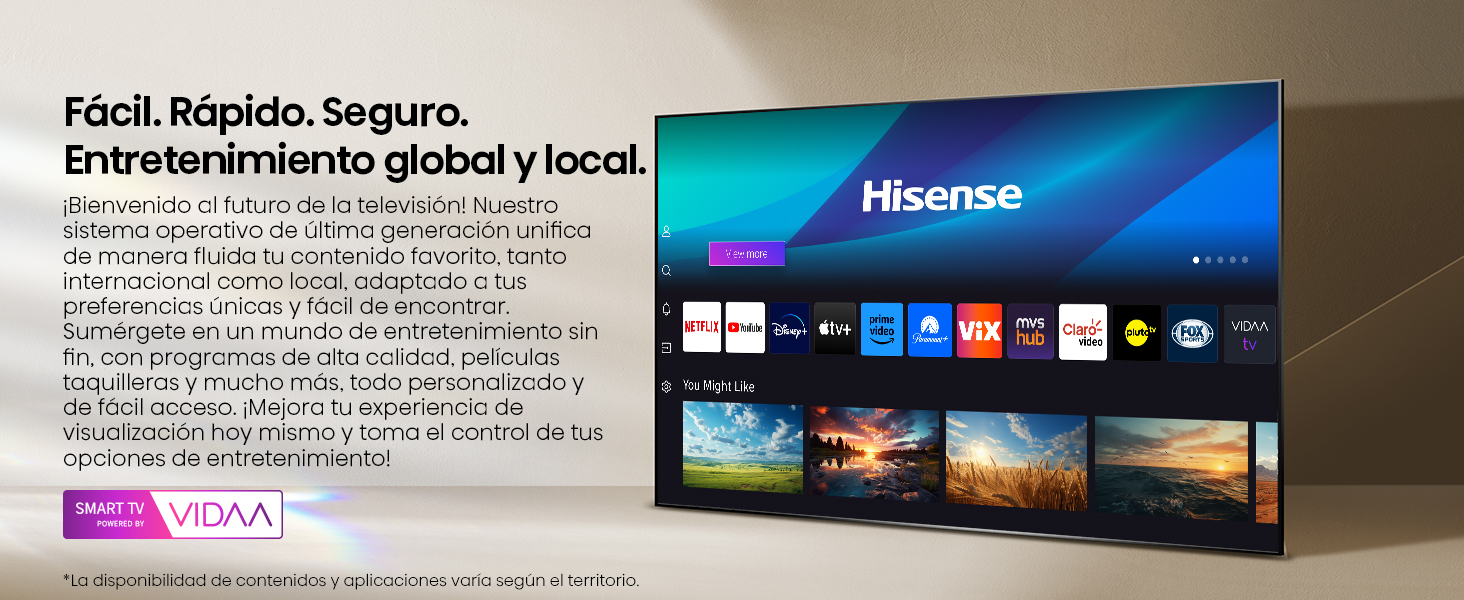
Figure 4: Vidaa Smart TV interface, providing access to global and local entertainment applications.
2.3 Mejoras de imagen y sonido
- Mejora de escala AI 4K: This feature enhances lower-resolution content to near 4K quality, improving clarity and detail across all your viewEn.

Figure 5: AI 4K Upscaling in action, transforming lower resolution content.
- Movimiento suave con IA: Utilizes MEMC (Motion Estimation, Motion Compensation) and 3D Noise Reduction technologies to ensure dynamic scenes appear natural and fluid, reducing motion blur.
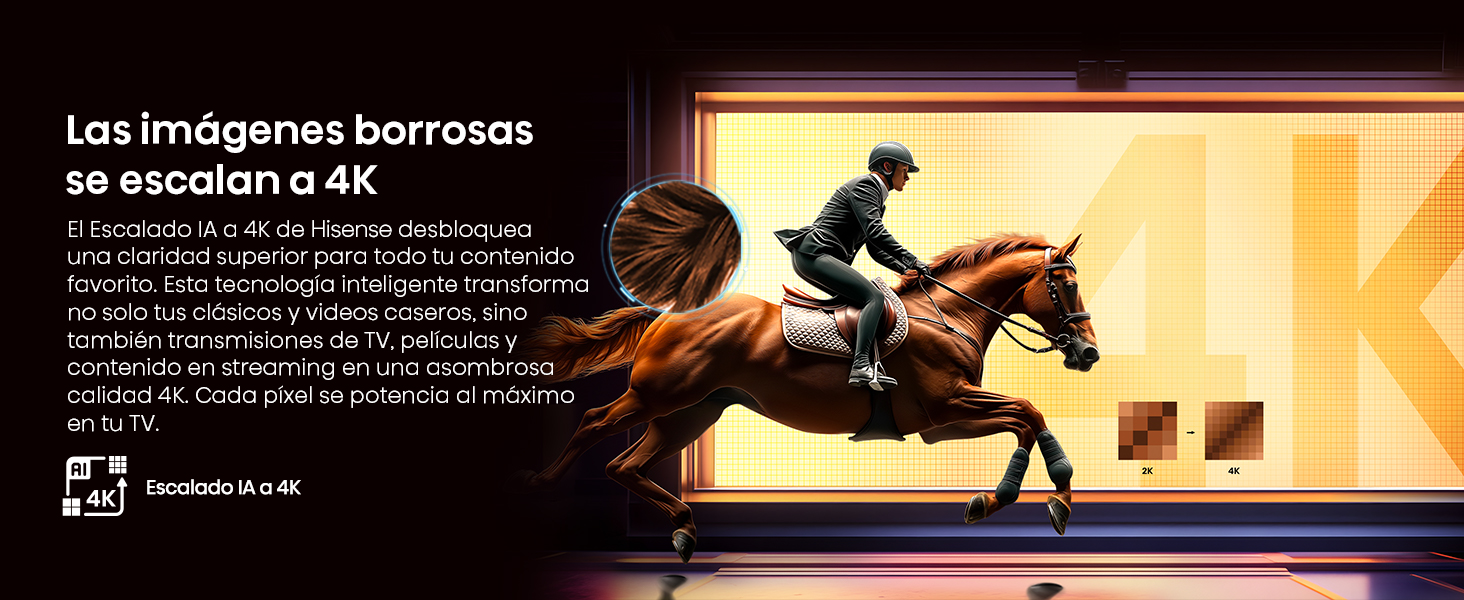
Figure 6: AI Smooth Motion for fluid, blur-free images.
- Visión Dolby: Provides a premium entertainment experience with enhanced brightness, contrast, and color, bringing content to life with greater detail.

Figure 7: Experience enhanced visuals with Dolby Vision.
- DTS Virtual:X: Delivers immersive audio without external speakers, simulating omnidirectional sound, including virtual height and rear channels, using only the TV's integrated speakers.

Figure 8: DTS Virtual:X for immersive sound experiences.
2.4 Características de juego
The TV includes features designed to enhance your gaming experience:
- Modo de juego PLUS: Reduces input lag and eliminates screen tearing for ultra-fluid gameplay. This mode includes 60Hz VRR (Variable Refresh Rate) and ALLM (Auto Low Latency Mode).
- Barra de juegos: An integrated control center for quick access to gaming settings.
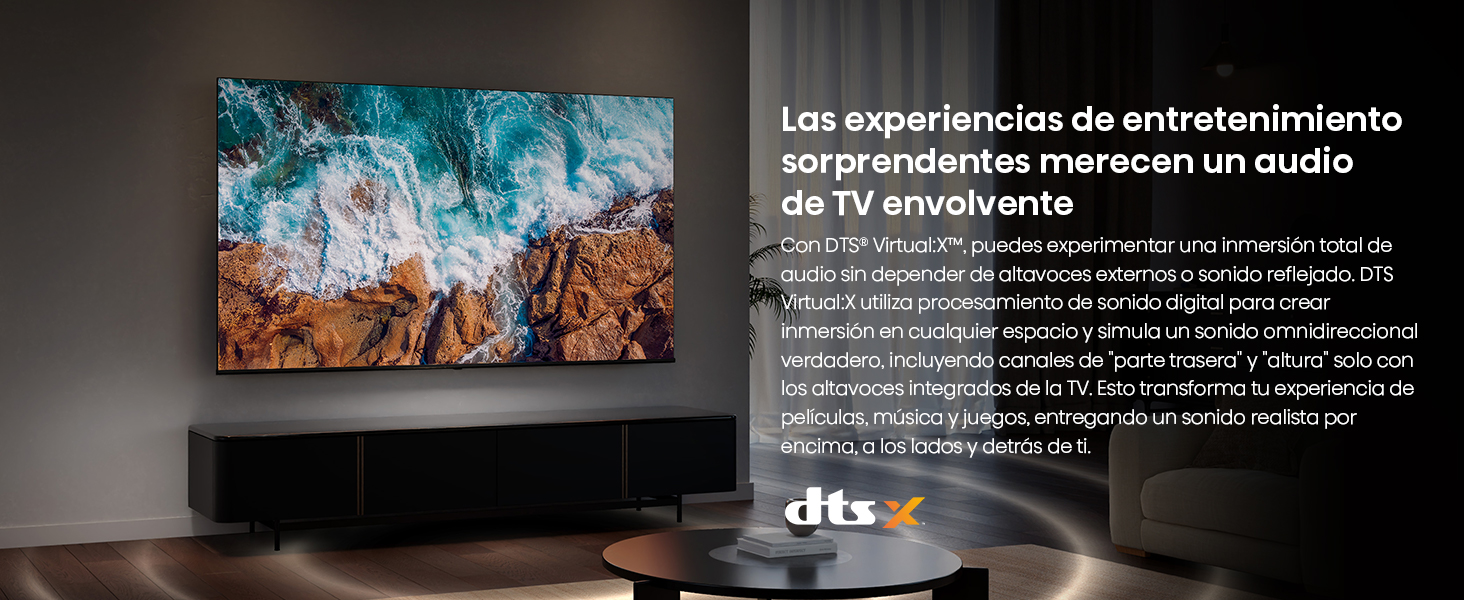
Figure 9: Game Mode PLUS for ultra-fluid, lag-free gaming.
2.5 Modo cineasta
Filmmaker Mode adjusts your video to its original configurations, preserving details like sound, aspect ratio, color, and frame rate, as intended by the filmmakers.

Figure 10: Filmmaker Mode ensures content is vieweditado según lo previsto por los creadores.
2.6 Control de voz
The Hisense Voice Remote allows you to control your TV using voice commands. Press the microphone button on the remote to activate voice commands for navigating programs, adjusting volume, or interacting with virtual assistants.

Figure 11: Voice control functionality for convenient TV operation.
2.7 Conectividad y compartición
The TV supports various connectivity options for sharing content from your devices:
- USB: Reproduzca medios directamente desde una unidad USB.
- HDMI: Connect and display content from other devices.
- Bluetooth: Connect wireless headphones or other Bluetooth audio devices.
- Wifi: Connect to your home network for streaming and internet access.
- Apple Home & Apple AirPlay: Seamlessly share content from Apple devices.

Figure 12: Multiple connectivity options for sharing and enjoying content.
2.8 EzPlay Soundbar Control
The EzPlay feature allows the TV remote to synchronize with and control a connected soundbar, providing integrated audio controls directly on the screen.

Figure 13: EzPlay for integrated soundbar control.
3. Mantenimiento
3.1 Limpieza del televisor
Para mantener la apariencia y el rendimiento de su televisor:
- Pantalla: Limpie suavemente la pantalla con un paño suave que no deje pelusa. Para manchas difíciles, limpie ligeramenteampEnjuague el paño con agua o una solución limpiadora específica para pantallas. No rocíe el líquido directamente sobre la pantalla.
- Cuerpo: Wipe the TV frame and stand with a soft, dry cloth. Avoid using abrasive cleaners, waxes, or solvents as they can damage the finish.
- Desenchufe siempre el televisor antes de limpiarlo.
3.2 Actualizaciones de software
The TV may receive periodic software updates to improve performance and add new features. Ensure your TV is connected to the internet to receive these updates automatically or check for them manually through the settings menu.
4. Solución de problemas
Si tiene problemas con su televisor Hisense, consulte las siguientes soluciones comunes:
| Problema | Posible solución |
|---|---|
| Sin poder | Check if the power cable is securely connected to the TV and the wall outlet. Try a different outlet. Press the power button on the TV or remote. |
| Sin imagen / Pantalla negra | Ensure the correct input source is selected. Check all HDMI/AV cable connections. Try restarting the TV by unplugging it for 60 seconds and plugging it back in. |
| Sin sonido | Check the volume level and ensure mute is off. Verify audio cable connections for external devices. If using a soundbar, check its power and input. |
| El control remoto no funciona | Cambie las pilas del control remoto. Asegúrese de que no haya obstrucciones entre el control remoto y el sensor infrarrojo del televisor. |
| Problemas de conexión de red | Restart your router/modem. Check Wi-Fi password. If using Ethernet, ensure the cable is connected. Try connecting to a different Wi-Fi network if available. |
| Problemas de calidad de la imagen | Adjust picture settings (brightness, contrast, color). Ensure the source content is high quality. Check cable connections for signal interference. |
Para problemas más complejos, consulte la sección de soporte o comuníquese con el servicio de atención al cliente.
5. Especificaciones
| Característica | Detalle |
|---|---|
| Marca | Hisense |
| Modelo | 75A65NV |
| Año del modelo | 2025 |
| Tamaño de pantalla | 75 pulgadas |
| Tecnología de visualización | LED, IPS Type |
| Resolución | 3840 x 2160 (4K UHD) |
| Frecuencia de actualización | 60 Hz |
| Sistema operativo | VIDA U |
| Características especiales | AI Smooth Motion, Dolby Vision, AI 4K Upscaling, Game Mode PLUS, VIDAA TV |
| Conectividad | Bluetooth, Ethernet, HDMI (x3, one eARC), USB (x2), Wi-Fi |
| Tecnología de control remoto | Infrared (Voice Control enabled) |
| Consumo de energía | 190 vatios |
| Volumentage | 120 voltios |
| Dimensiones (con soporte) | 167.6 cm (ancho) x 104.1 cm (alto) x 37 cm (profundidad) |
| Peso (con soporte) | 29.5 kilogramos |
| Compatibilidad con montaje VESA | 200x300 mm |
6. Información de garantía
This Hisense television comes with a manufacturer's warranty. Please refer to the warranty card included in the packaging for specific terms, conditions, and duration of coverage.
Optional extended warranties may be available for purchase. For details on extended warranty options, please consult your retailer or the Hisense websitio.
7. Atención al cliente
For technical assistance, product inquiries, or warranty claims, please contact Hisense customer support:
- Soporte telefónico: 800 0088 880
- Chat de soporte técnico: Visita hisense.com.mx and look for the 'Chat Soporte Técnico' option in the lower-left corner.
- Additional Phone Support: +55 41 53 1200
Horario de atención:
- Lunes - Viernes: 9:00 am - 9:00 pm
- Sábado: 9:00 am - 3:00 pm
Figure 14: Hisense customer support contact details and hours of operation.