
1. Introduction
The MINISO MS188 Ai Language Translator Earbuds are designed to facilitate seamless communication across language barriers. These innovative earbuds combine real-time translation capabilities with high-quality audio, all managed through an intuitive LCD touchscreen charging case. Their open-wearable stereo (OWS) design ensures comfort for extended use while maintaining environmental awareness.

Figure 1: MINISO MS188 AI Language Translation Earbuds Overview
2. Setup
2.1. Package Contents
Before you begin, please ensure all items are present in the package:
- Cable
- User Manual
- Charging Station

Figure 2: MINISO MS188 Earbuds and Charging Case
2.2. Initial Charging
It is recommended to fully charge the earbuds and charging case before first use. Connect the provided USB-C cable to the charging port on the case and a compatible power source. The touchscreen will display charging status.
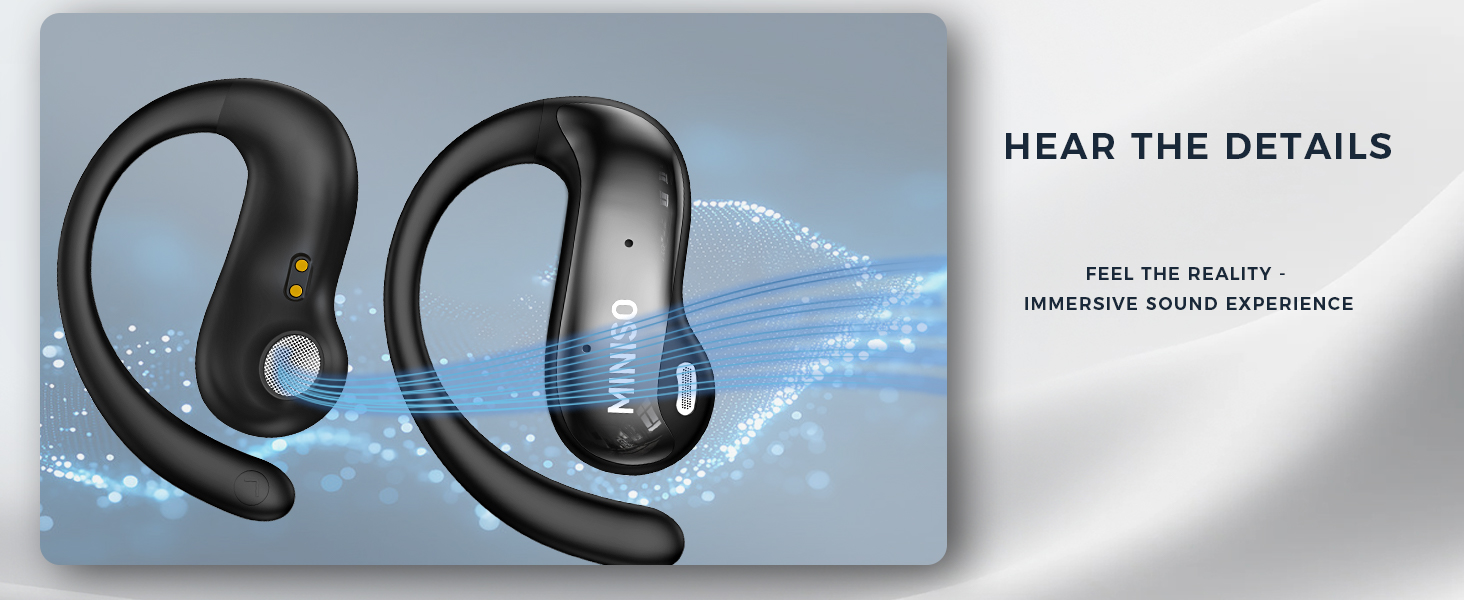
Figure 3: Charging the MS188 Earbuds and Case
2.3. Bluetooth Pairing
To pair your earbuds with your smartphone:
- Open the earphone charging case.
- Enable Bluetooth on your smartphone.
- Search for "MINISO-MS188" in the Bluetooth device list and select it to connect.
- The Bluetooth list will show "Connected" upon successful pairing.

Figure 4: Automatic Bluetooth Pairing
2.4. App Download
The translation function requires the EarJoy APP. Scan the QR code provided in the physical user manual or search for "EarJoy" in your device's app store. The EarJoy APP supports permanent free translation without subscription.

Figure 5: EarJoy App Download Instructions
3. Operating Instructions
3.1. Music Playback Control
- Play/Pause: Click the left or right earbud once.
- Volume Up: Double-click the right earbud.
- Volume Down: Double-click the left earbud.
- Next Song: Triple-tap the right earbud.
- Previous Song: Triple-tap the left earbud.
- Voice Assistant: Press and hold the left earbud for 2 seconds.
3.2. Call Management
- Answer/Hang Up Call: Click the left or right earbud once.
- Reject Call: Long press the left or right earbud.
3.3. Translation Modes
The MS188 earbuds support 144 languages and offer various translation modes via the EarJoy APP:
- Free Talk Mode: Speak directly into the headset to translate to the target language displayed on the APP page.
- AI Dialogue Mode: Ask the headset a question, and the app will provide the answer after processing.
- Translation Machine Mode: For text-based translation, allowing you to type or paste text for translation.
- Headphones+Phone Mode: One person wears an earbud, the other uses the phone's microphone for translation.
- Dual Ear Click Mode: Each person wears one earbud, and clicks their earbud to speak and translate.

Figure 6: AI Dialogue Mode in EarJoy App
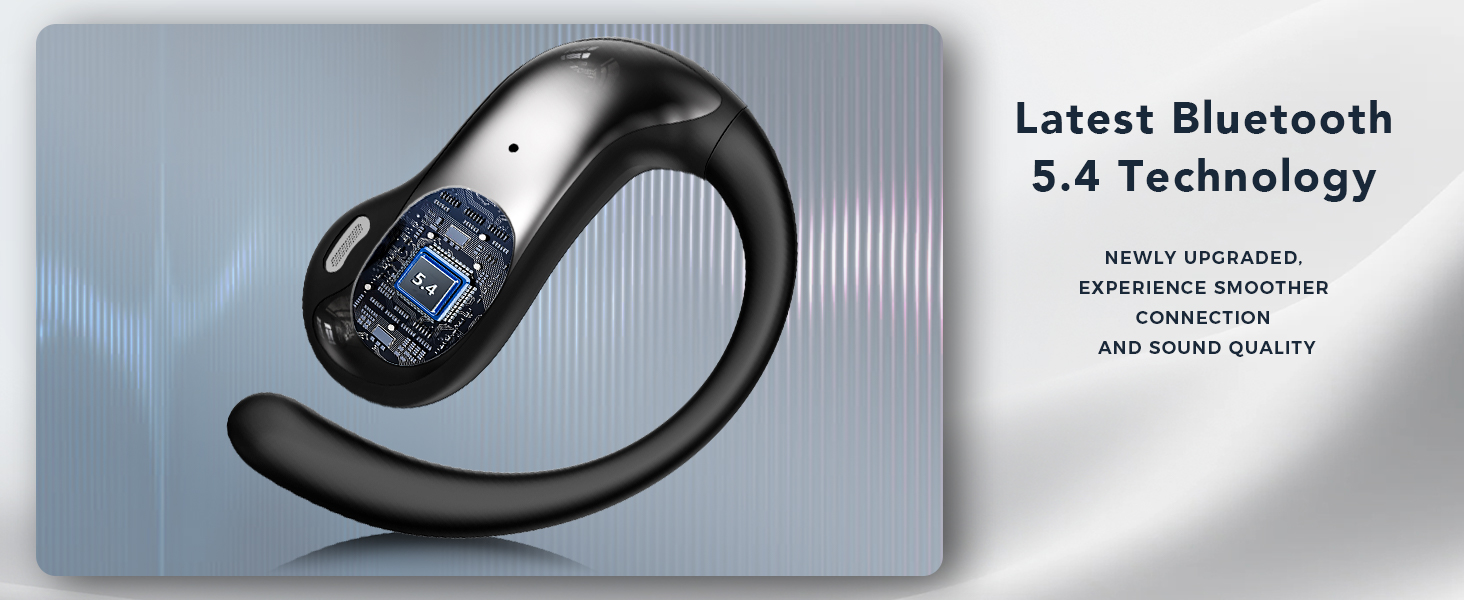
Figure 7: Translation Machine Mode in EarJoy App
3.4. Touchscreen Functions
The 2.64-inch touchscreen on the charging case provides direct access to various functions without needing your phone:
- Language Switch
- Screen Lock
- Volume Adjustment
- Alarm Clock
- Screensaver
- Equalizer settings (Normal, Spatial Sound)
- Light Level adjustment
- Find My Earphone function
- Remote Camera control
- Time Display
- Flashlight
- Phone Music control
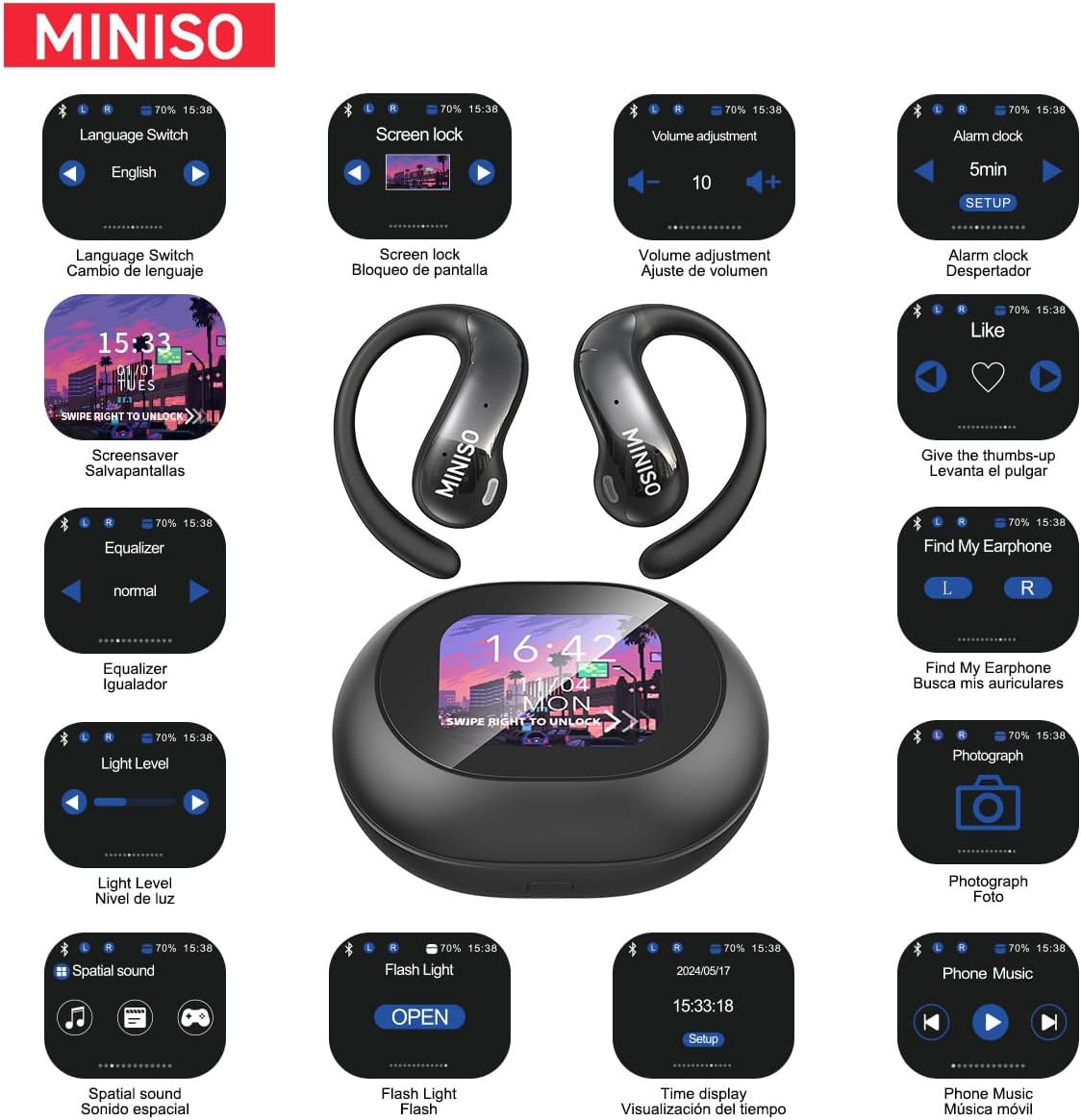
Figure 8: Touchscreen Interface and Functions
3.5. Remote Camera Control
The touchscreen case can act as a remote shutter for your smartphone's camera. Navigate to the 'Photograph' icon on the touchscreen and tap to capture photos.
Video 1: Demonstrating Touchscreen and Remote Camera Control
This video showcases the physical product, its unboxing, and the various functions of the touchscreen charging case, including remote camera control.
Video 2: Product Function Introduction
This video provides a detailed introduction to the product's functions, including Bluetooth connection, music playback controls, call handling, and various translation modes like Free Talk and AI Dialogue.
4. Maintenance
To ensure the longevity and optimal performance of your MINISO MS188 earbuds:
- Cleaning: Regularly wipe the earbuds and charging case with a soft, dry cloth. Avoid using harsh chemicals or abrasive materials.
- Storage: Store the earbuds in their charging case when not in use to protect them from dust and damage. Keep them in a cool, dry place away from extreme temperatures.
- Sweat Resistance: The earbuds feature a sweat-proof design suitable for sports. However, avoid submerging them in water.

Figure 9: Sweat-Proof Design
5. Troubleshooting
If you encounter any issues with your earbuds, please refer to the following common solutions:
- Earbuds not connecting to Bluetooth: Ensure both earbuds are in the charging case, the case is open, and Bluetooth is enabled on your device. Try forgetting the device in your phone's Bluetooth settings and re-pairing.
- Translation not accurate or delayed: Check your internet connection as the app requires online access for translation. Ensure clear pronunciation and speak directly into the earbud's microphone. Verify the correct source and target languages are selected in the app.
- App issues/crashes: Ensure the EarJoy APP is updated to the latest version. Try restarting the app or your smartphone.
- Sound quality issues: Check the earbud placement for a secure fit. Ensure the earbuds are clean and free from debris. Adjust the equalizer settings in the touchscreen case or app.
- Earbuds not charging: Verify the charging cable is securely connected to both the case and the power source. Ensure the charging contacts on the earbuds and inside the case are clean.
6. Specifications
| Feature | Specification |
|---|---|
| Model Name | MS152 |
| Connectivity Technology | Wireless |
| Bluetooth Range | 10 Meters |
| Frequency Range | 20Hz-20KHz |
| Impedance | 16 Ohm |
| Earpiece Shape | Open Ear |
| Noise Control | Sound Isolation |
| Item Weight | 6.7 ounces |
| Color | Black |
| Batteries | 3 9V batteries required. (included) |
7. Warranty and Support
MINISO products are manufactured to the highest quality standards. For warranty information or technical support, please refer to the contact details provided in the product packaging or visit the official MINISO website. Keep your purchase receipt as proof of purchase for any warranty claims.


