
Samsers KD07T
Manual de usuario del teclado Bluetooth plegable Samsers
Model: KD07T
Producto terminadoview
The Samsers Foldable Bluetooth Keyboard is a portable and rechargeable wireless keyboard designed for travel and on-the-go productivity. It supports connection to up to three devices simultaneously, offering a seamless typing experience across various operating systems.
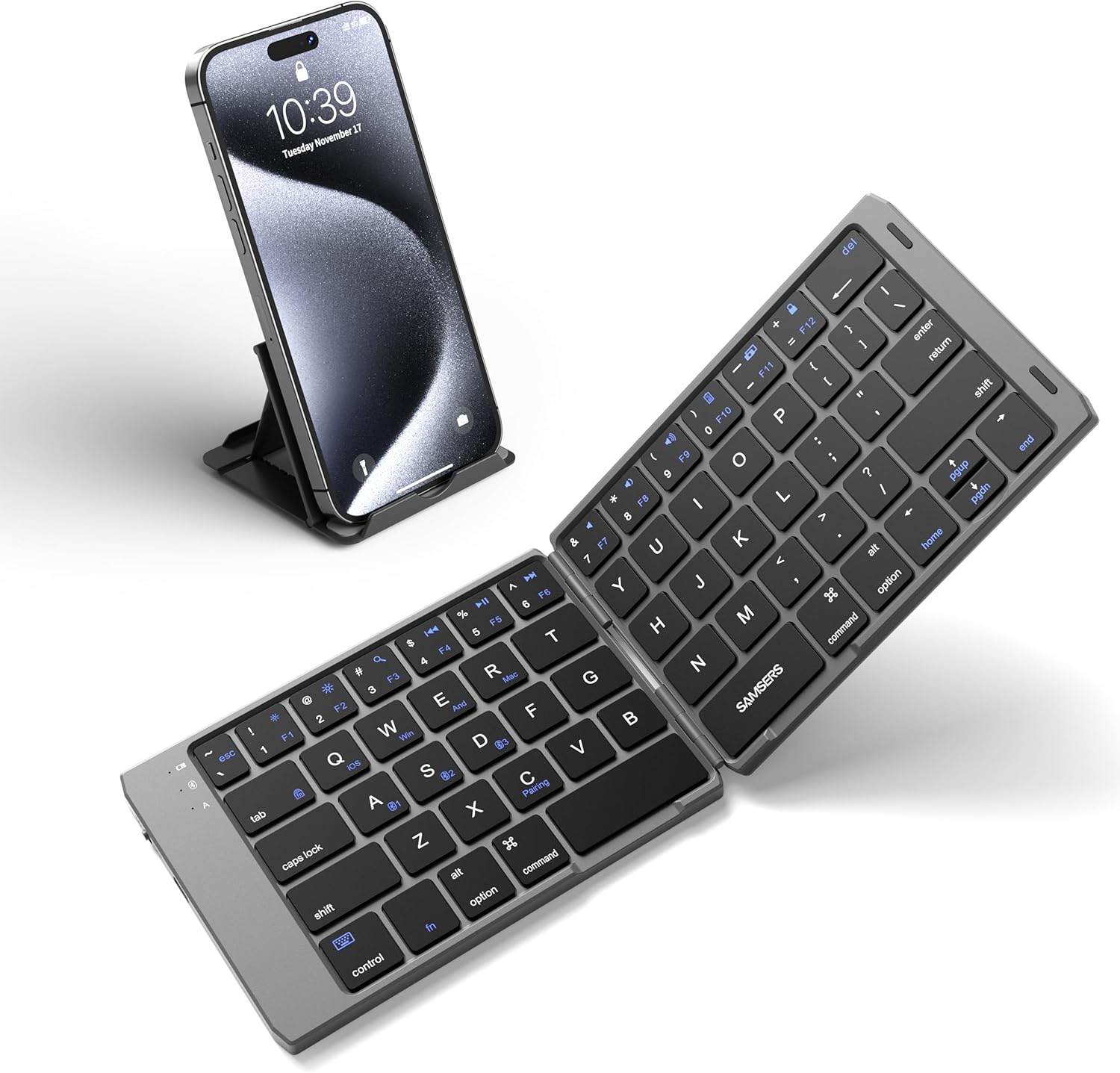
Image: The Samsers Foldable Bluetooth Keyboard in its unfolded state, positioned next to a smartphone resting on a foldable stand. This illustrates the keyboard's compact design and its intended use with mobile devices.
¿Qué hay en la caja?
- 1 x teclado plegable
- 1 x soporte para teléfono
- Cable USB
- Manual de usuario
Configuración y emparejamiento
Follow these steps to set up and pair your Samsers Foldable Bluetooth Keyboard with your device:
- Encendido: Unfold the keyboard to automatically power it on. The power indicator light will illuminate.

Image: A hand unfolding the keyboard, illustrating the power-on action. Folding the keyboard turns it off.
- Ingrese al modo de emparejamiento: Presione el Fn tecla simultáneamente con la C key to put the keyboard into Bluetooth pairing mode. The Bluetooth indicator light will start blinking.
- Seleccionar canal Bluetooth: To connect to one of the three available Bluetooth channels, press Fn+A para Bluetooth 1, Fn+S para Bluetooth 2, o Fn+D for Bluetooth 3. This allows you to switch between up to three paired devices.

Image: The keyboard connected to multiple devices (laptop, smartphone, tablet) via Bluetooth, demonstrating its multi-device capability.
- Conectarse en su dispositivo: On your smartphone, tablet, or laptop, go to the Bluetooth settings. Locate "KD07T" in the list of available devices and select it to connect.
- Match System: After successful pairing, press Fn + Q para iOS, Fn + W para Windows, o Fn + E for Android/Mac OS to optimize the keyboard layout for your operating system.

Image: A visual representation of the keyboard's wide compatibility with various devices and operating systems, including iPad, iPhone, DELL, HP, Samsung, Amazon, iOS, Windows, Android, and Mac OS.
Instrucciones de funcionamiento
The Samsers Foldable Bluetooth Keyboard offers a comfortable and efficient typing experience. Its standard-size keycaps and responsive design allow for accurate and fast typing, similar to a full-sized desktop keyboard.
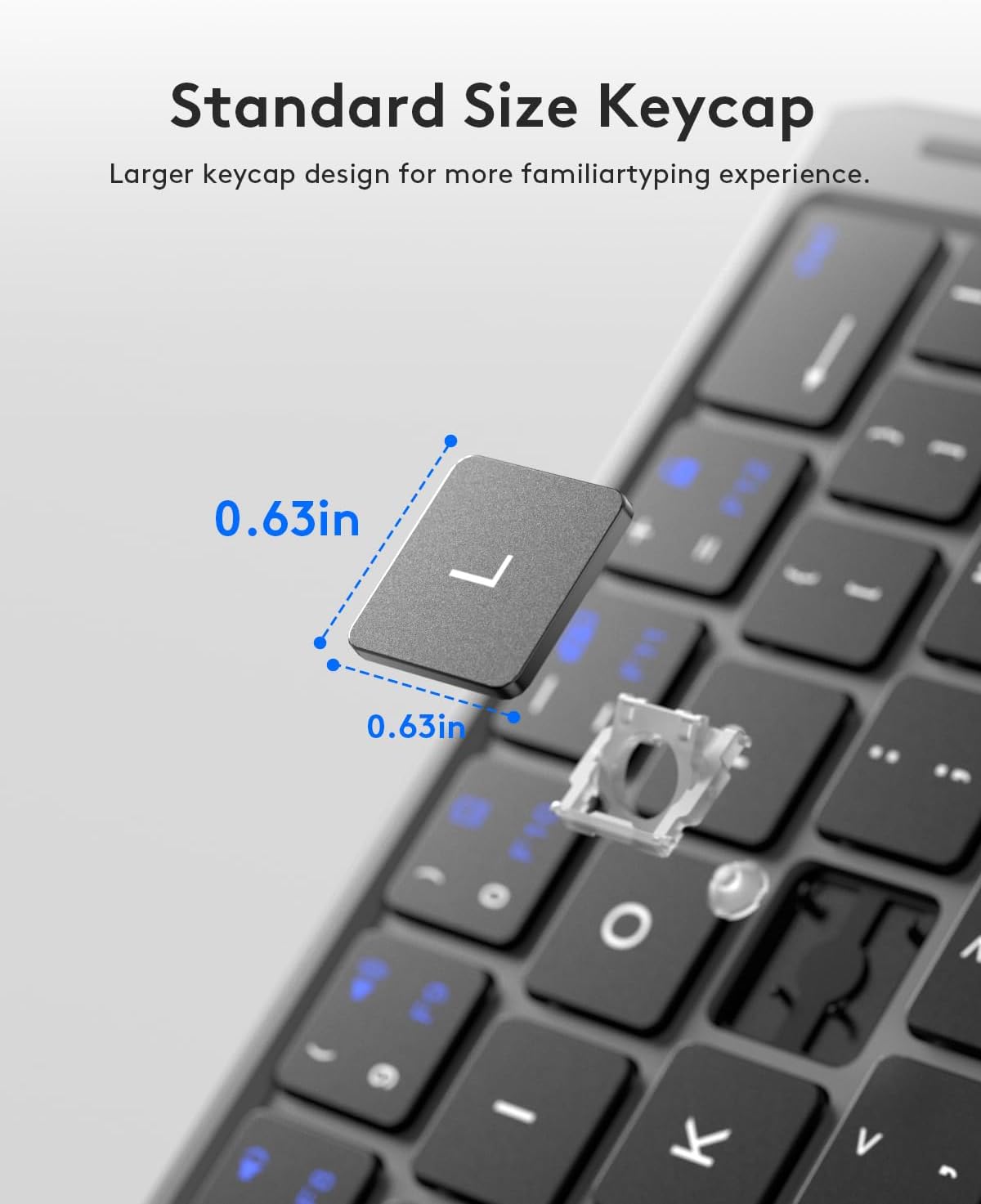
Imagen: Un detalle view of a keycap, highlighting its standard size (0.63 inches by 0.63 inches) for a familiar typing feel.
Funciones multimedia
Utilize the function (Fn) key in combination with the F-keys for various multimedia and shortcut functions. Refer to the key labels for specific actions such as volume control, media playback, and screen brightness adjustments.
alcance inalámbrico
The keyboard maintains a stable connection and provides fast response within a 10-meter (33-foot) operating range, allowing for flexible use in various environments.
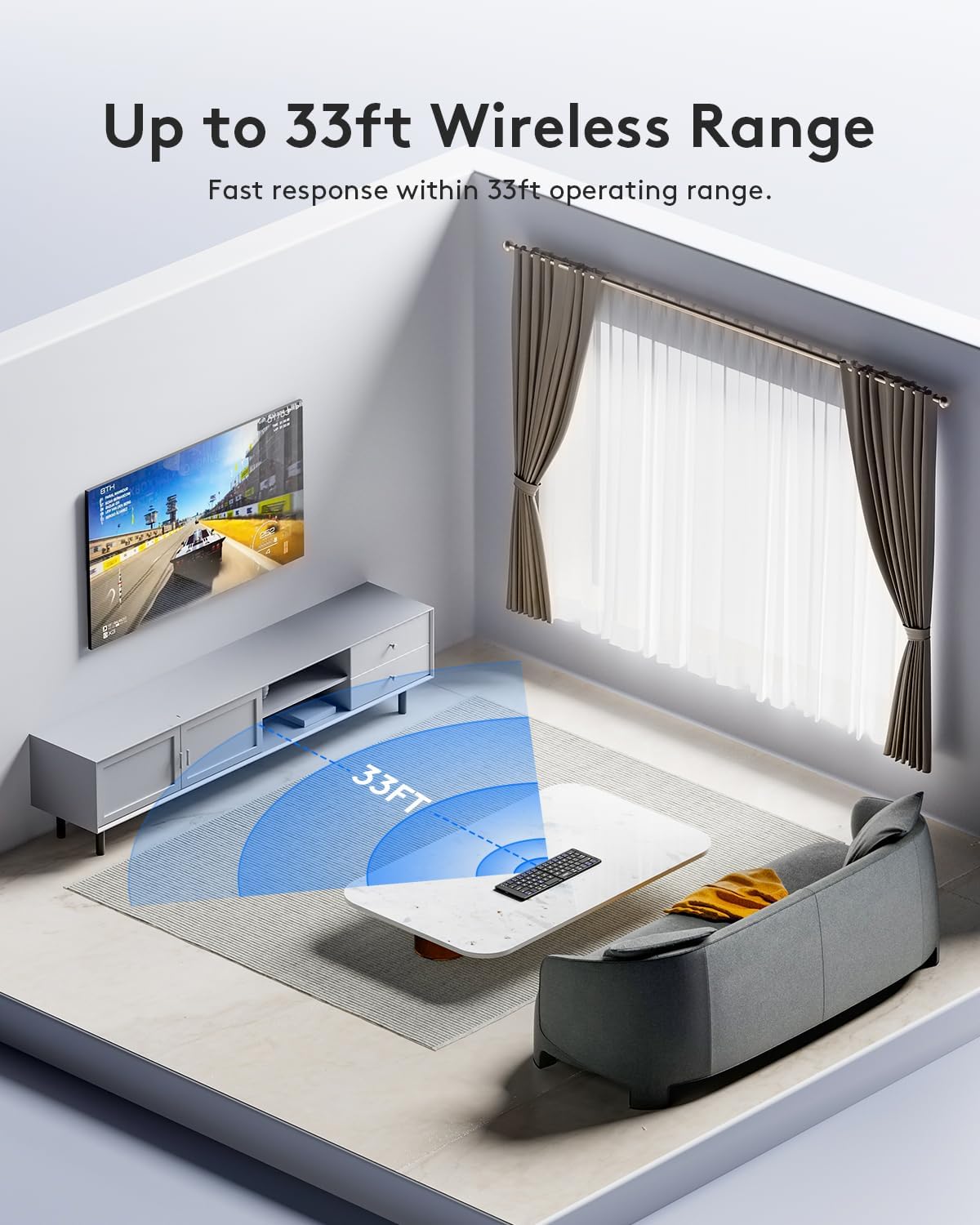
Image: An illustration depicting the keyboard's effective wireless range of up to 33 feet in a typical room setting.
Batería y carga
The keyboard is equipped with a built-in large capacity battery, designed for extended use.
- Operación continua: Hasta 60 horas con una sola carga.
- Tiempo en espera: Hasta 90 días.
- Cargando: Easily recharged via the included Type-C cable.
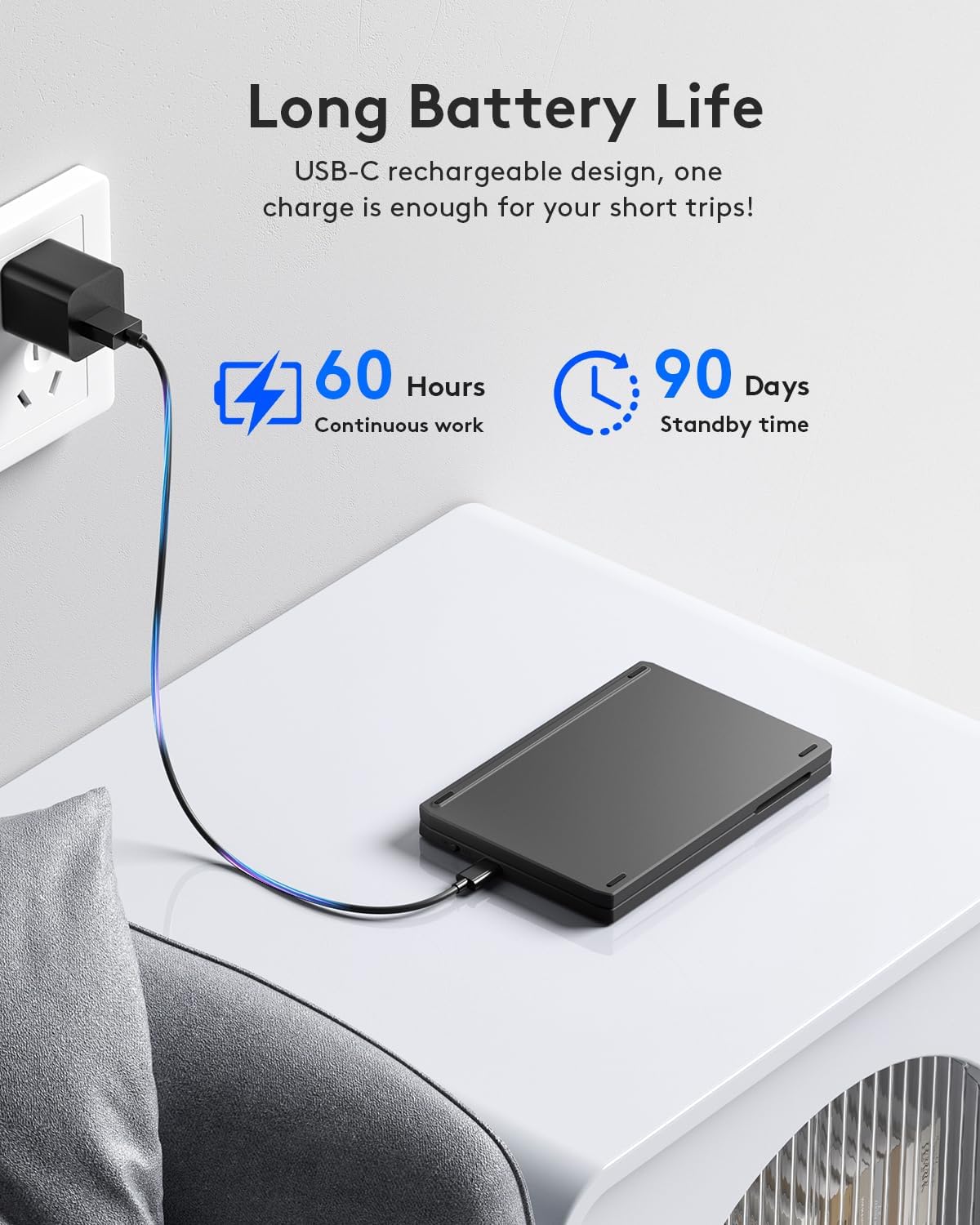
Image: The keyboard connected to a power outlet via its USB-C charging cable, demonstrating its rechargeable feature.
Portabilidad y diseño
The Samsers Foldable Bluetooth Keyboard is designed for maximum convenience and portability.
- Diseño plegable: Folds into a compact, palm-sized unit, making it easy to carry in a pocket or backpack.
- Ligero: Weighs only 6.5 ounces (approximately 184 grams).
- Cerradura magnética: Features a magnetic lock to keep the keyboard securely closed when folded.
- Soporte para teléfono incluido: Comes with a foldable phone holder that offers 6 adjustable angles for optimal viewEn.
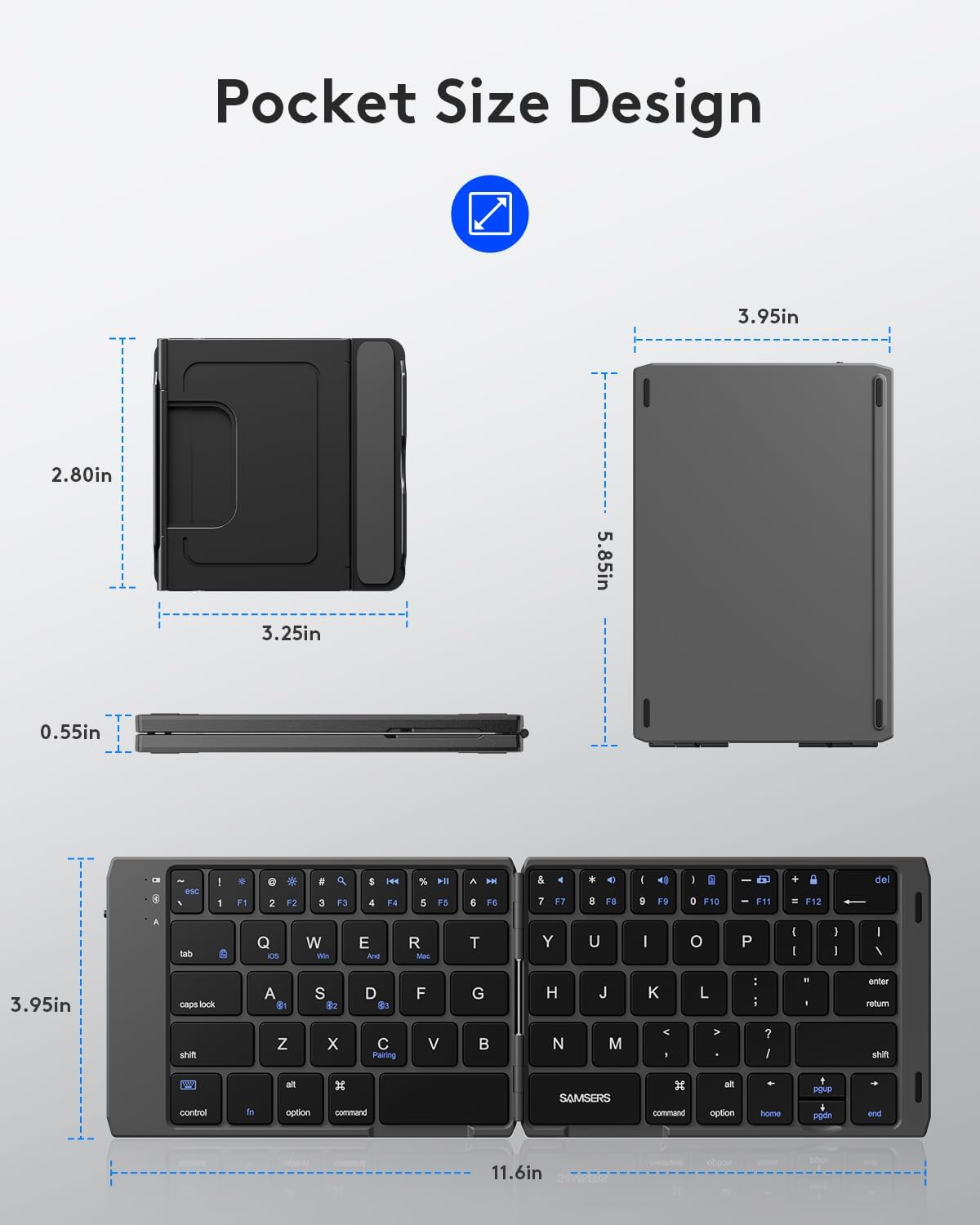
Image: A diagram illustrating the compact dimensions of the keyboard when folded (5.85 x 3.95 x 0.55 inches) and its full size when unfolded (11.6 x 3.95 x 0.25 inches).
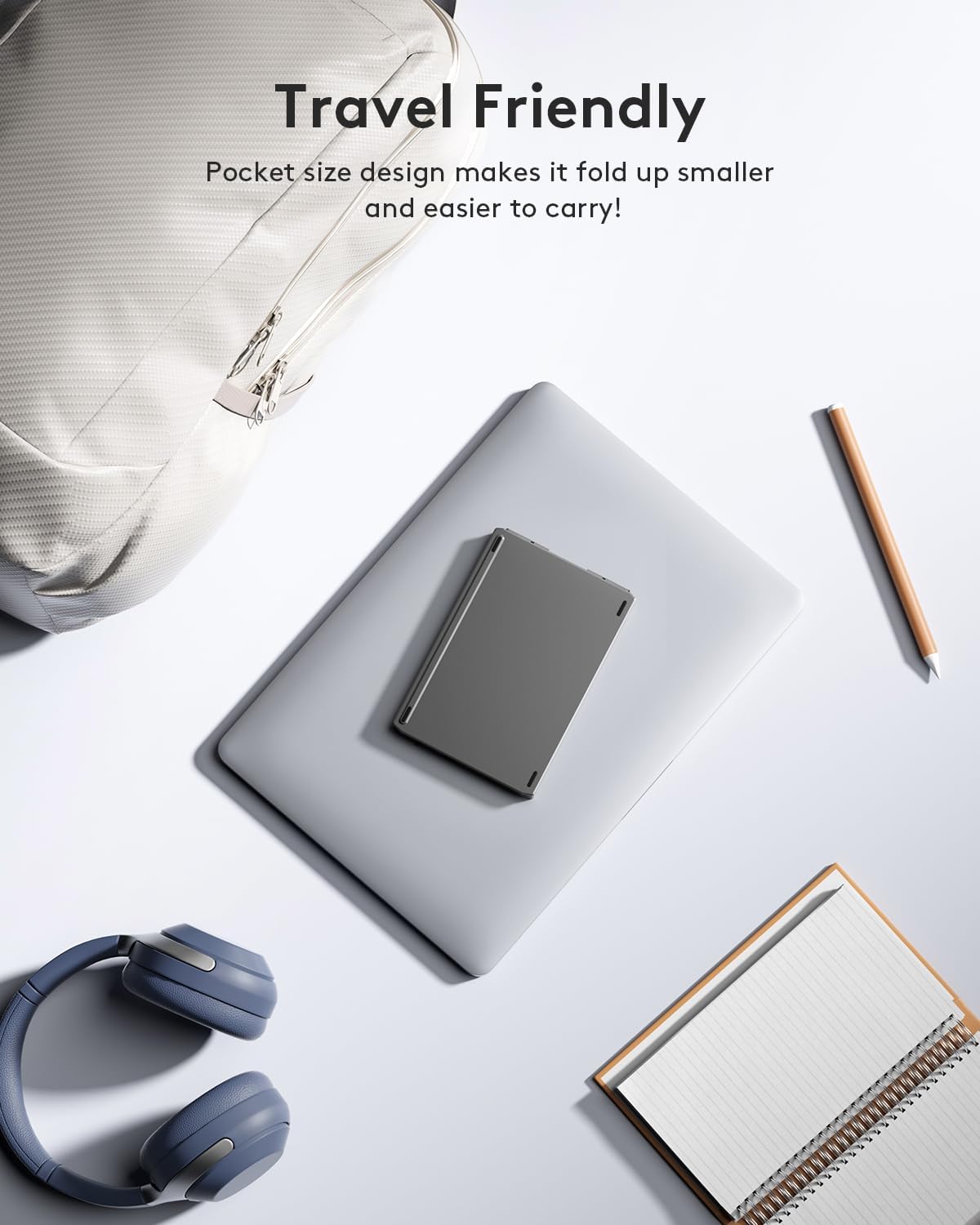
Image: The folded keyboard resting on a laptop, with a backpack and notebook nearby, highlighting its travel-friendly and compact nature.
Presupuesto
| Característica | Detalle |
|---|---|
| Dimensiones del producto (desplegado) | 11.6 x 3.95 x 0.25 pulgadas |
| Peso del artículo | 9.9 onzas |
| Número de modelo del artículo | KD07T |
| Baterías | Se requiere 1 batería de iones de litio (incluida) |
| Marca | Samsers |
| Dispositivos compatibles | Portátil, PC, teléfono inteligente, tableta |
| Tecnología de conectividad | Bluetooth |
| Descripción del teclado | Tamaño de bolsillo |
| Usos recomendados | Business, Education, Everyday Use, Student, Travel |
| Características especiales | Foldable, Hotkeys and Media Keys, Lightweight, Rechargeable |
| Color | Gris |
| Número de llaves | 64 |
| Estilo | Moderno |
Mantenimiento
To ensure the longevity and optimal performance of your Samsers Foldable Bluetooth Keyboard, follow these maintenance guidelines:
- Limpieza: Utilice un paño suave y seco para limpiar la superficie del teclado. Para la suciedad difícil, limpie ligeramenteampEnjuague el paño con agua o un limpiador suave no abrasivo. Evite la humedad excesiva.
- Almacenamiento: When not in use, fold the keyboard to protect the keys and store it in a cool, dry place away from direct sunlight and extreme temperatures.
- Cargando: Charge the keyboard using the provided USB Type-C cable or a certified equivalent. Avoid using damaged cables or chargers.
- Evite los líquidos: Do not expose the keyboard to liquids, as this can cause internal damage.
- Tratar con cuidado: Evite dejar caer el teclado o someterlo a impactos fuertes.
Solución de problemas
If you encounter issues with your Samsers Foldable Bluetooth Keyboard, try the following troubleshooting steps:
- El teclado no se conecta ni se empareja:
- Asegúrese de que el teclado esté completamente cargado.
- Asegúrese de que el teclado esté desplegado para encenderlo.
- Verifique que Bluetooth esté habilitado en su dispositivo.
- Put the keyboard into pairing mode (Fn + C) and re-scan for devices on your host device.
- Ensure you have selected the correct Bluetooth channel (Fn + A/S/D).
- Try restarting both the keyboard (fold and unfold) and your host device.
- Las teclas no responden:
- Verifique el nivel de la batería y cárguela si es necesario.
- Asegúrese de que el teclado esté conectado correctamente a través de Bluetooth.
- Intente volver a emparejar el teclado con su dispositivo.
- Typing Lag or Disconnections:
- Ensure your device is within the 10-meter (33-foot) operating range.
- Minimiza la interferencia de otros dispositivos inalámbricos.
- Verifique el nivel de la batería.
- Caracteres incorrectos escritos:
- Ensure the correct system mode is selected (Fn + Q for iOS, Fn + W for Windows, Fn + E for Android/Mac OS).
If these steps do not resolve the issue, please contact Samsers customer support for further assistance.
Garantía y soporte
Samsers provides comprehensive support for its products:
- Garantía: 1-Year Guarantee for quality and guide warranty.
- Política de devoluciones: 30-Day Free Return or replacement policy.
- Servicio de por vida: Technical service and support are available.
- Atención al cliente: 12 months of worry-free professional guide support. The after-sales service team is ready to serve you.

Image: Information regarding Samsers' customer care, including 12 months of support and a dedicated after-sales service team.
Ask a question about this manual
Ask about setup, troubleshooting, compatibility, parts, safety, or missing instructions. Manuals+ will review the question and use this page’s manual context to help answer it.