
Jxrev J53
Manual de usuario de los auriculares inalámbricos Jxrev J53
Modelo: J53
Introducción
Thank you for choosing the Jxrev Wireless Earbuds Model J53. These earbuds are designed to provide a high-quality audio experience with convenient features such as Bluetooth 5.4 connectivity, touch controls, and a portable charging case with an LED power display. This manual will guide you through the setup, operation, and maintenance of your new earbuds.
Contenido del paquete
Por favor revise el paquete para ver los siguientes artículos:
- Jxrev Wireless Earbuds (L/R)
- Estuche de carga
- Cable de carga USB
- Manual de usuario

Imagen: Frente view of the Jxrev J53 True Wireless Earbuds packaging box, showing an outline of the earbuds and charging case.
Producto terminadoview
The Jxrev J53 earbuds feature an ergonomic semi-in-ear design for comfortable wear. The charging case includes an LED display to show battery levels.

Image: The Jxrev J53 wireless earbuds in their open charging case, displaying a digital battery percentage on the front of the case.

Image: A woman holding the compact Jxrev J53 charging case in her palm, illustrating its small size and portability.
Configuración
1. Carga de los auriculares y el estuche
Before first use, fully charge both the earbuds and the charging case. The charging case features an LED power display to indicate the battery level.
- Coloque los auriculares en el estuche de carga.
- Conecte el estuche de carga a una fuente de alimentación utilizando el cable de carga USB proporcionado.
- The LED display on the case will show the charging status. A full charge for the case takes approximately 1.5 hours.
- Earbuds will charge automatically when placed in the case. A full charge for the earbuds takes approximately 1 hour.
A fully charged case can provide about 4 recharges for the earbuds, offering up to 40 hours of total playtime (8 hours per earbud charge).
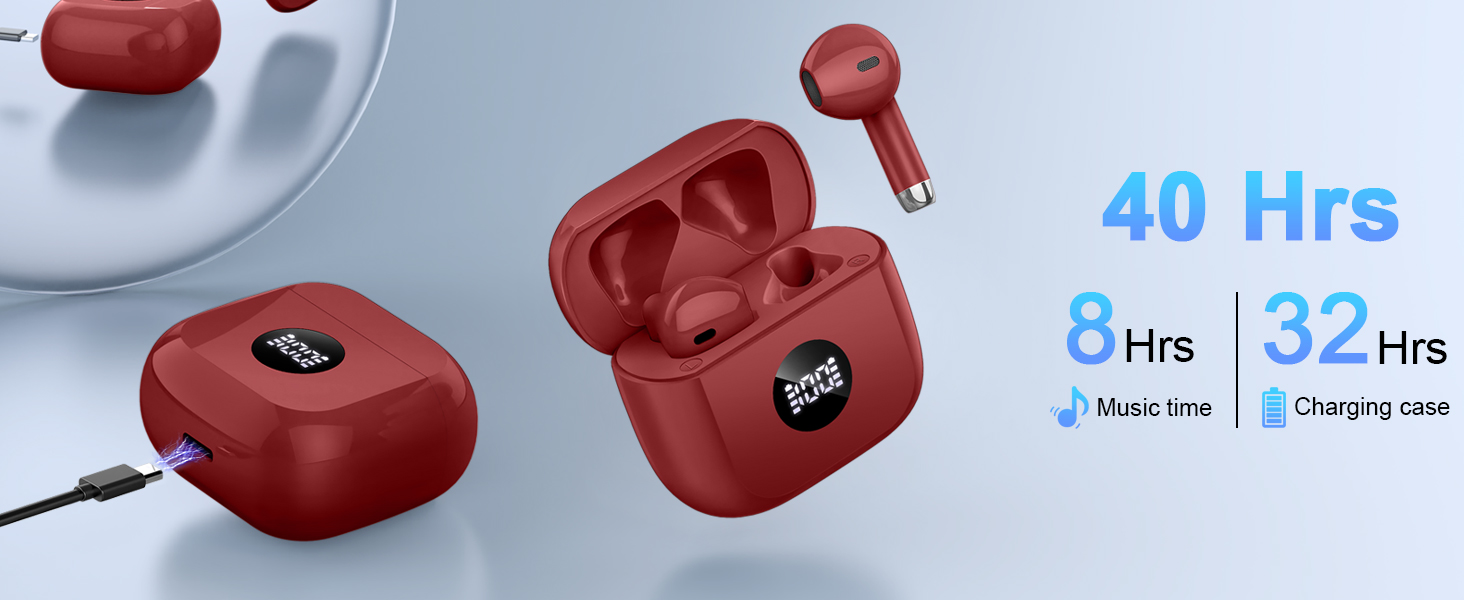
Image: Diagram illustrating the battery life of Jxrev J53 earbuds (8 hours music time) and the charging case (32 hours additional charge, 40 hours total).
2. Emparejamiento con su dispositivo
The Jxrev J53 earbuds utilize Bluetooth 5.4 for a fast and stable connection.
- Asegúrese de que los auriculares estén cargados.
- Abre la tapa del estuche de carga. Los auriculares entrarán automáticamente en modo de emparejamiento.
- En su dispositivo (teléfono inteligente, tableta, computadora), vaya a la configuración de Bluetooth.
- Buscar dispositivos disponibles y seleccione "J53" de la lista.
- Una vez conectado, escuchará un tono de confirmación y los auriculares estarán listos para usar.
- For subsequent connections, simply open the charging case, and the earbuds will automatically reconnect to the last paired device.

Image: A visual representation of the Bluetooth 5.4 pairing process for the Jxrev J53 earbuds, showing connection to various devices like phones, laptops, and tablets.
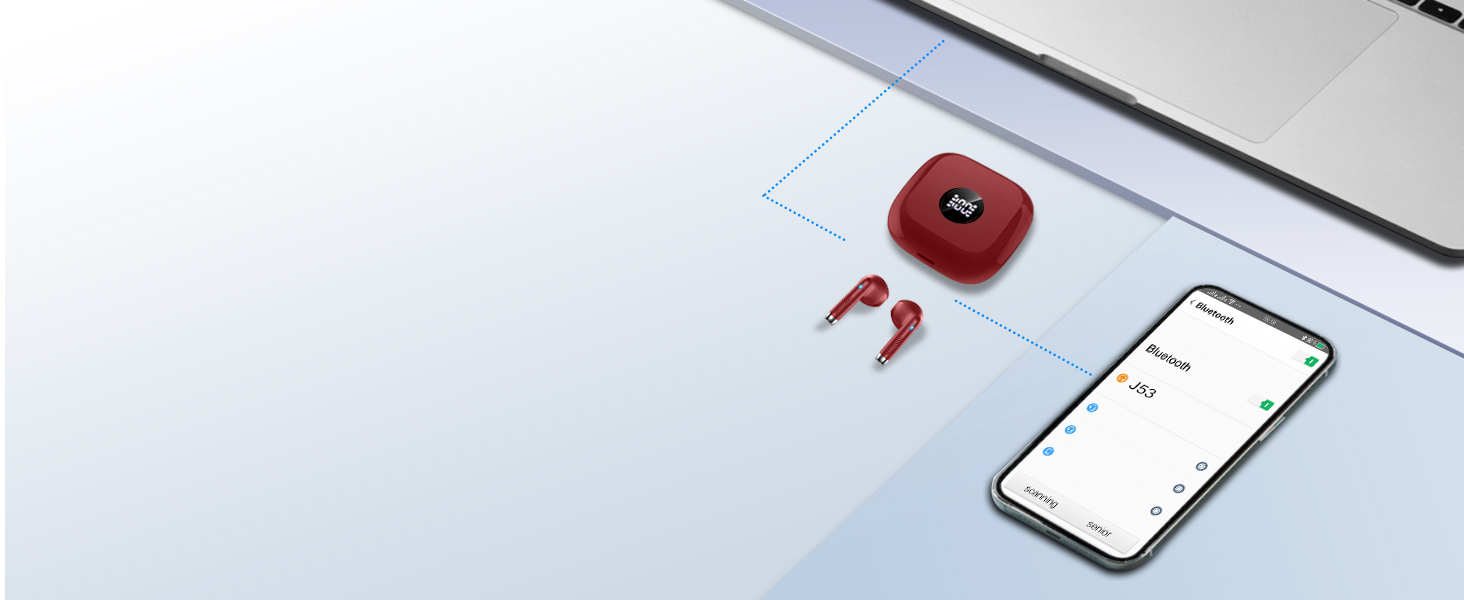
Image: Diagram showing the Jxrev J53 earbuds automatically connecting to a smartphone and laptop after opening the charging case.
Instrucciones de funcionamiento
Controles táctiles
Each earbud features a sensitive touch control area. Refer to the diagram below for specific functions:

Image: A diagram illustrating the touch control functions of the Jxrev J53 earbuds, including actions for music playback, calls, volume, and voice assistant.
- Reproducir/Pausa: Un solo toque en cualquiera de los auriculares.
- Pista siguiente: Toque dos veces el auricular derecho.
- Pista anterior: Toque dos veces el auricular izquierdo.
- Responder/Finalizar llamada: Un solo toque en cualquiera de los auriculares.
- Rechazar llamada: Mantenga presionado cualquiera de los auriculares durante 2 segundos.
- Activar asistente de voz: Toque tres veces cualquiera de los auriculares.
- Sube el volumen: Mantenga presionado el auricular derecho.
- Bajar volumen: Mantenga presionado el auricular izquierdo.
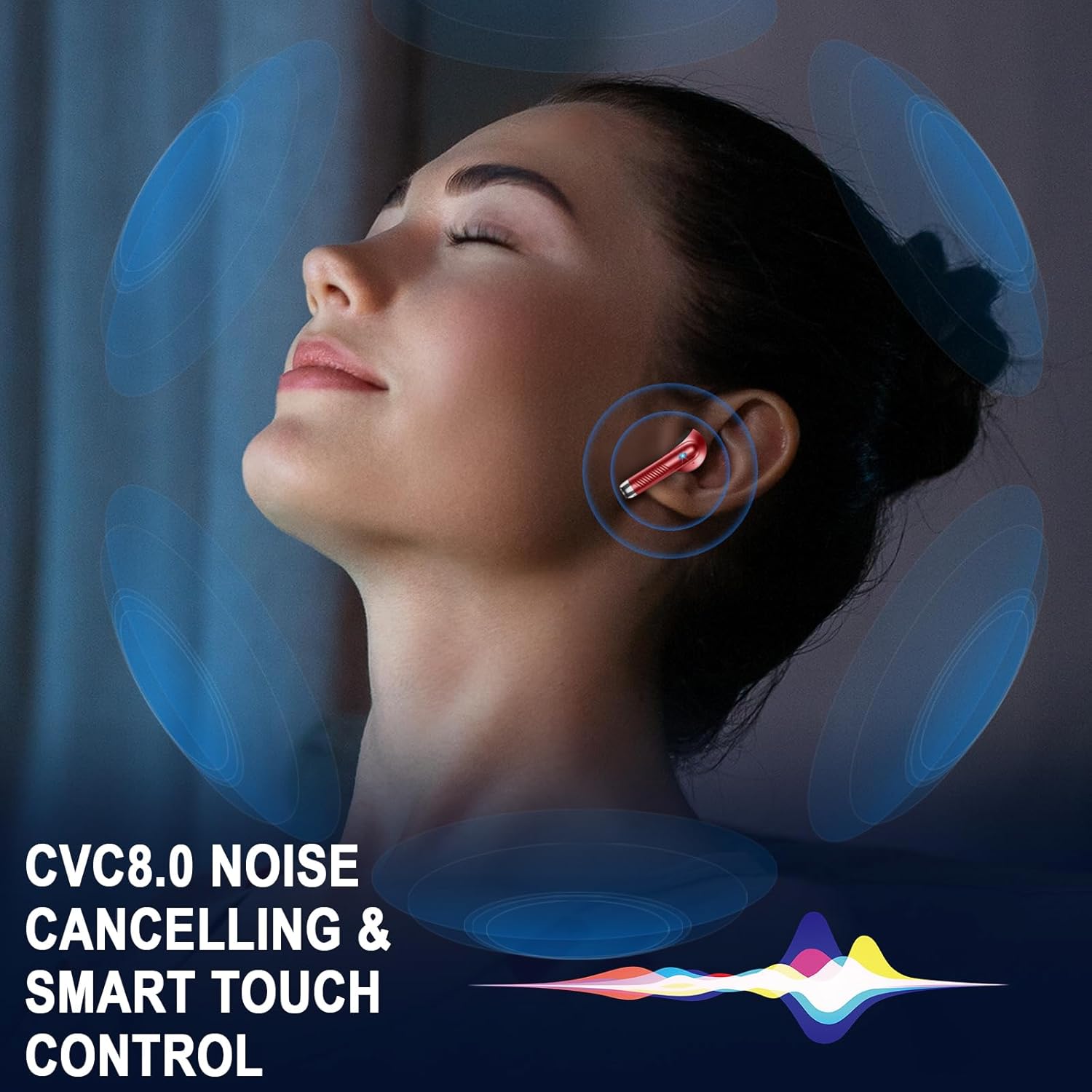
Image: A visual depicting a person wearing an earbud, surrounded by sound waves, highlighting CVC8.0 noise cancelling and smart touch control features.

Image: A woman wearing Jxrev J53 earbuds, with a speech bubble icon indicating the use of a voice assistant.
Modo de auricular único
The earbuds can be used independently. Simply take one earbud out of the case, and it will connect to your device. The other earbud can remain in the case or be used by another person.
Mantenimiento
Resistencia al agua (IP7)
The Jxrev J53 earbuds are rated IP7 waterproof, meaning they are protected against immersion in water up to 1 meter for up to 30 minutes. This makes them suitable for sports and use in light rain. However, they are not designed for swimming or prolonged submersion.
- Do not intentionally submerge the earbuds.
- Seque inmediatamente si se expone al agua o al sudor.
- Asegúrese de que el puerto de carga esté seco antes de cargar.
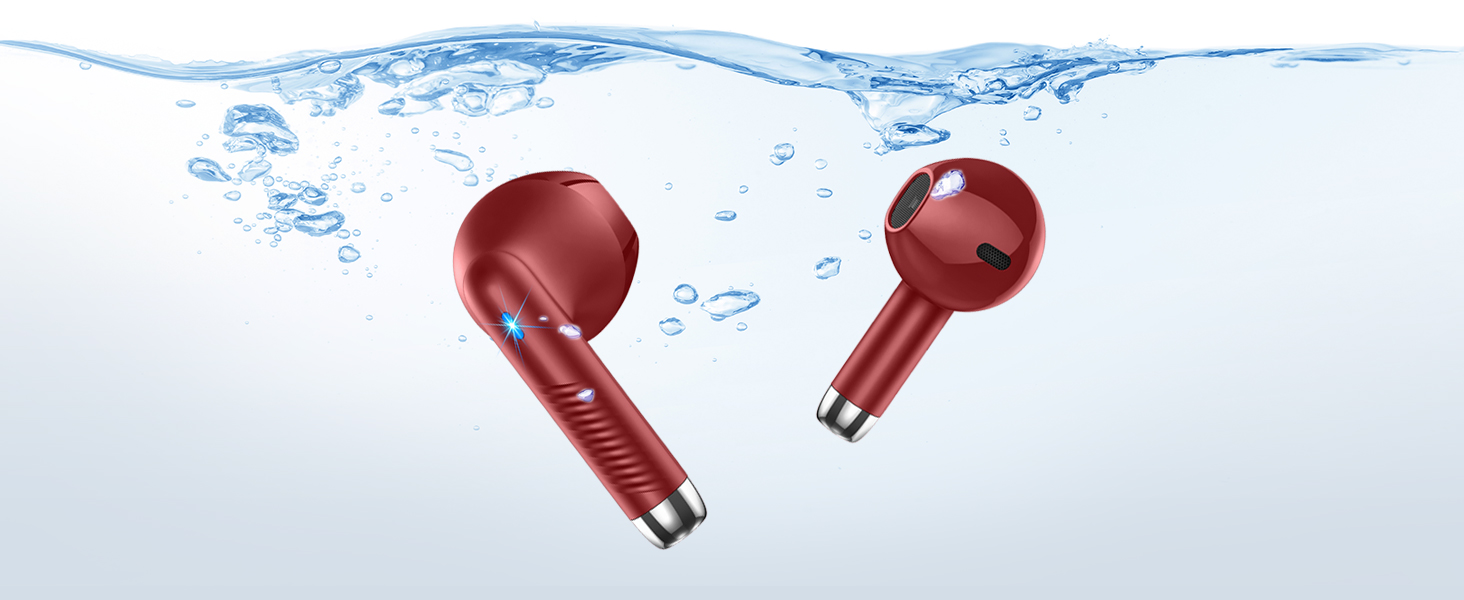
Image: The Jxrev J53 earbuds partially submerged in water, with bubbles, illustrating their IP7 waterproof capability.
Limpieza
Limpie periódicamente sus auriculares y estuche de carga para garantizar un rendimiento e higiene óptimos.
- Utilice un paño suave, seco y sin pelusa para limpiar los auriculares y el estuche de carga.
- No utilice limpiadores abrasivos ni disolventes.
- Limpie suavemente los contactos de carga de los auriculares y del estuche con un hisopo de algodón seco si es necesario.
Solución de problemas
If you encounter any issues with your Jxrev J53 earbuds, please refer to the following common solutions:
| Problema | Solución |
|---|---|
| Los auriculares no se emparejan |
|
| Solo funciona un auricular |
|
| Volumen bajo o mala calidad de sonido |
|
| El estuche de carga no carga |
|
Presupuesto
Below are the technical specifications for the Jxrev Wireless Earbuds Model J53:
| Característica | Detalle |
|---|---|
| Nombre del modelo | J53 |
| Tecnología de conectividad | Inalámbrico (Bluetooth) |
| Versión de Bluetooth | 5.4 |
| Alcance de Bluetooth | Hasta 15 metros |
| Tamaño del controlador de audio | 13 milímetros (controlador dinámico) |
| Control de ruido | Aislamiento de sonido (ENC para llamadas) |
| Sensibilidad | 35 dB |
| Tiempo de reproducción de auriculares | Hasta 8 horas |
| Tiempo total de juego (con estuche) | Hasta 40 horas |
| Tiempo de carga de los auriculares | Aproximadamente 1 hora |
| Tiempo de carga del estuche | Aproximadamente 1.5 horas |
| Nivel de resistencia al agua | IP7 resistente al agua |
| Tipo de control | Control táctil |
| Peso del auricular | Aprox. 3 g (cada uno) |
| Peso total del artículo | 1.06 onzas (aprox. 30 g) |
| Material | Plástico |
| Tipo de batería | Polímero de litio |

Image: Technical parameters listed on the product packaging, including model, play time, charging time, impedance, frequency range, wireless transmit power, battery capacity, input, and output.
Información de seguridad
Lea y siga estas pautas de seguridad para evitar dañar su dispositivo o lesionarse usted mismo:
- No desmonte, repare ni modifique el producto.
- Mantenga el dispositivo alejado de temperaturas extremas, luz solar directa y llamas abiertas.
- Evite dejar caer o someter los auriculares a impactos fuertes.
- Mantener fuera del alcance de los niños y las mascotas.
- No utilice los auriculares a un volumen alto durante períodos prolongados para evitar daños auditivos.
- Deseche las baterías y los componentes electrónicos de forma responsable de acuerdo con las regulaciones locales.

Image: Product packaging displaying compliance marks such as WEEE, UKCA, CE, FCC, and RoHS, along with FCC ID and "MADE IN CHINA".
Contacto y soporte
For any questions, technical support, or warranty inquiries, please contact the manufacturer or authorized representatives:

Image: Product packaging showing contact details for UK Representative (CYRUS-Consulting Ltd) and EC Representative (BRIGHT STAR CONSULTING), including addresses, emails, and phone numbers.
Representante del Reino Unido
Nombre de empresa: CYRUS-Consulting Ltd
DIRECCIÓN: 40 Sheepcote Drive, Rugby, England, CV 239 FG
Correo electrónico: gerente@cyrus-consultingltd.co.uk
Teléfono: +44 7763 280 902
Representante CE
Nombre de empresa: BRIGHT STAR CONSULTING
DIRECCIÓN: Humboldtstr.5,31812 Bad Pyrmont Germany
Correo electrónico: utaundnico@hotmail.com
Teléfono: +49-5281-609791
Fabricante: Jxrev
Nombre del productor: Dongguan Huien Tecnología Electrónica Co., Ltd.
DIRECCIÓN: China, Guangdong, Dongguan, ciudad de Changping, carretera de Changdong, n.º 429
Ask a question about this manual
Ask about setup, troubleshooting, compatibility, parts, safety, or missing instructions. Manuals+ will review the question and use this page’s manual context to help answer it.