
1. Introducción
The SPC Talk 2 is a basic 4G mobile phone designed for essential communication. It features a 1.8-inch display, a powerful 106 dB ringer, and a compact, lightweight design. This device includes practical tools such as a camera, flashlight, FM radio, and supports 9 quick dial memories. Its 4G connectivity ensures clear calls and broad coverage, while the USB-C port allows for convenient charging.
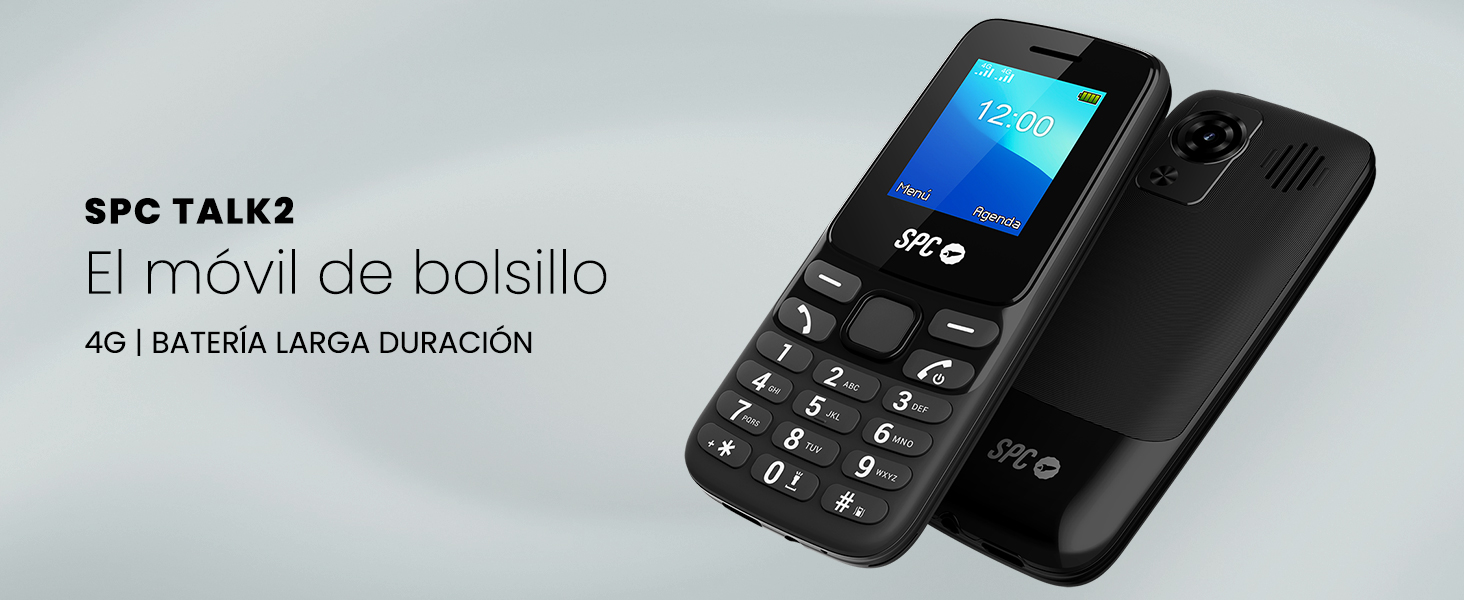
Image 1.1: The SPC Talk 2 mobile phone, highlighting its pocket-friendly size and long-lasting battery.
2. ¿Qué hay en la caja?
Upon unboxing your SPC Talk 2, verify that all the following items are included:
- SPC Talk 2 Mobile Phone
- Batería
- Cable de carga USB-C
- Guía del usuario
3. Producto terminadoview
Familiarize yourself with the physical components of your SPC Talk 2 mobile phone.

Imagen 3.1: Anverso y reverso view of the SPC Talk 2, showing the keypad, screen, and rear camera.

Image 3.2: Key features of the SPC Talk 2, including the flashlight, camera, FM radio, and quick dial memory buttons.
The phone features a traditional keypad, a 1.8-inch color display, a rear camera, a built-in flashlight, and a 3.5mm audio jack. Charging is done via the USB-C port located at the bottom of the device.

Imagen 3.3: Detallada view highlighting the 1.77-inch screen, USB-C port, Dual SIM capability, and 4G connectivity.
4. Configuración
4.1. Instalación de la batería y la tarjeta SIM
- Retire con cuidado la cubierta posterior del teléfono.
- Insert your SIM card(s) into the designated slot(s). The SPC Talk 2 supports Dual SIM.
- Inserte la batería en su compartimiento, asegurándose de que los contactos estén alineados.
- Vuelva a colocar la cubierta posterior hasta que encaje firmemente en su lugar.
4.2. Carga del dispositivo
Before first use, fully charge the phone. Use the provided USB-C cable to connect the phone to a power adapter (not included) or a computer. A full charge typically takes less than 3 hours.
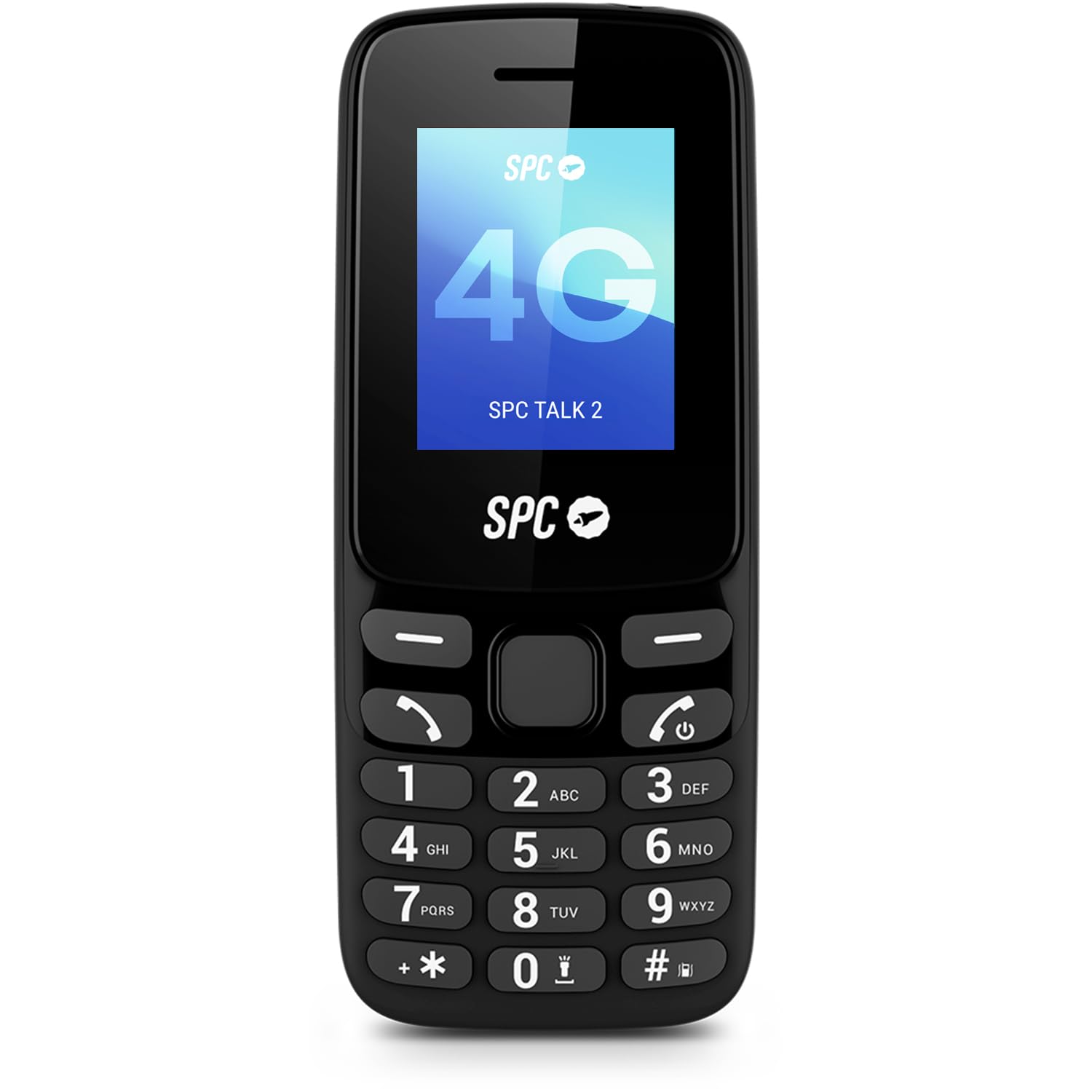
Image 4.1: The SPC Talk 2 phone being charged via its USB-C port.
4.3. Encendido / apagado
- To power on: Press and hold the Power button (usually the red hang-up key) until the screen lights up.
- Para apagar: Mantenga presionado el botón de Encendido, luego seleccione “Apagar” en las opciones.
5. Instrucciones de funcionamiento
5.1. Realización y recepción de llamadas
The SPC Talk 2 utilizes 4G technology for improved call clarity and network stability.
- Haciendo una llamada: Introduzca el número de teléfono utilizando el teclado y presione el botón verde Llamar.
- Recibir una llamada: When the phone rings, press the green Call button to answer.
- Terminar una llamada: Press the red Hang-up button.

Image 5.1: The phone's screen showing an active call interface.
The phone features a loud ringer at 106 dB, ensuring calls are not missed even in noisy environments.
Video 5.1: Demonstration of the phone's loud speaker and quick dial features, useful for basic call functions.
Vídeo 5.2: Demostración del productoasing the phone's ringer volume and flashlight functionality.
5.2. Contacts and Quick Dial
Store frequently called numbers in your phone's contacts. The SPC Talk 2 also supports 9 quick dial memories for instant calling.
- Accessing Contacts: Navigate to the 'Agenda' or 'Contacts' menu option.
- Setting Quick Dial: Refer to the phone's menu for assigning numbers to quick dial keys (typically 2-9).

Image 5.2: The phone's main menu, displaying options for navigation and accessing contacts.
5.3. Mensajería
Send and receive SMS text messages. Access the 'Messages' menu to compose new messages or view su bandeja de entrada.
5.4. Cámara
The SPC Talk 2 includes a basic rear camera for capturing simple photos. Access the camera function through the main menu.
5.5. Linterna
Activate the built-in flashlight for illumination. This feature can typically be accessed via a dedicated button or a shortcut in the menu.
5.6. Radio FM
Listen to FM radio stations. Ensure headphones are connected as they often act as the antenna. Access the FM Radio application from the main menu.
5.7. Ajustes básicos
Adjust phone settings such as volume, display brightness, date and time, and language through the 'Settings' menu.
6. Mantenimiento
6.1. Cuidado de la batería
The SPC Talk 2 battery offers extended usage times:
- Hasta 6 días de uso normal.
- Hasta 15 días en modo de espera.
- Hasta 8 horas de tiempo de conversación continua.
To maximize battery life, avoid extreme temperatures and fully charge the device regularly.

Image 6.1: Visual representation of the SPC Talk 2's 6-day battery life.
6.2. Limpieza
Wipe the phone with a soft, dry cloth. Avoid using harsh chemicals or abrasive materials that could damage the device.
7. Solución de problemas
If you encounter issues with your SPC Talk 2, refer to the following common problems and solutions:
| Problema | Posible solución |
|---|---|
| El teléfono no se enciende | Ensure the battery is correctly inserted and charged. Connect the phone to the charger for at least 15 minutes before attempting to power on again. |
| No puedo hacer ni recibir llamadas | Check if the SIM card is properly inserted and activated. Verify network signal strength. Ensure the phone is not in airplane mode. |
| Low ringer volume | Adjust the ringer volume in the 'Settings' menu. Ensure the phone is not in silent or vibrate-only mode. |
| La batería se agota rápidamente | Reduce screen brightness. Close unused applications. Ensure the phone is not in an area with poor signal, which can cause increased battery consumption. |
| FM Radio issues (e.g., high volume, poor reception) | Ensure headphones are properly connected as they serve as the antenna. Adjust volume settings within the FM Radio application. Try moving to an area with better reception. |
| Bluetooth connectivity problems | Ensure Bluetooth is enabled on both devices. Make sure both devices are in pairing mode and within range. Restart both devices and try pairing again. |
If the problem persists after attempting these solutions, please contact SPC customer support.
8. Especificaciones
Below are the technical specifications for the SPC Talk 2 mobile phone:
| Característica | Detalle |
|---|---|
| Número de modelo | 2340 N |
| Sistema operativo | Sistema operativo Nucleus |
| Tamaño de pantalla | 1.77 pulgadas |
| Resolución de pantalla | 128 x 160 píxeles |
| RAM | 48 MB |
| Almacenamiento interno | 256 GB (ampliable mediante microSD) |
| Modelo de CPU | Otros |
| Velocidad de la CPU | 1 GHz |
| Capacidad de la batería | 1150 mAh |
| Average Battery Life (Normal Use) | 6 días |
| Tiempo de conversación | 8 Hours (480 Minutes) |
| Ranuras para tarjetas SIM | Doble SIM |
| Tecnología móvil | 4G (LTE) |
| Conectividad | Bluetooth, USB-C |
| Conector de audio | 3.5 mm Jack |
| Nivel de resistencia al agua | No resistente al agua |
| Dimensiones | 116.5 x 48.5 x 15 mm (approximate, derived from 'pocket dimensions') |
| Peso | 77 gramos |
9. Garantía y soporte
The SPC Talk 2 mobile phone is covered by a warranty in accordance with current applicable laws. For specific warranty details or technical support, please refer to the official SPC websitio o comuníquese con su departamento de servicio al cliente.