
Introducción
El rastreador aéreo RSH Tag is designed to help you easily locate your valuable items using the Google Find Hub app on your Android device. This manual provides detailed instructions for setting up, operating, maintaining, and troubleshooting your Air Tracker Tags to ensure a seamless experience.
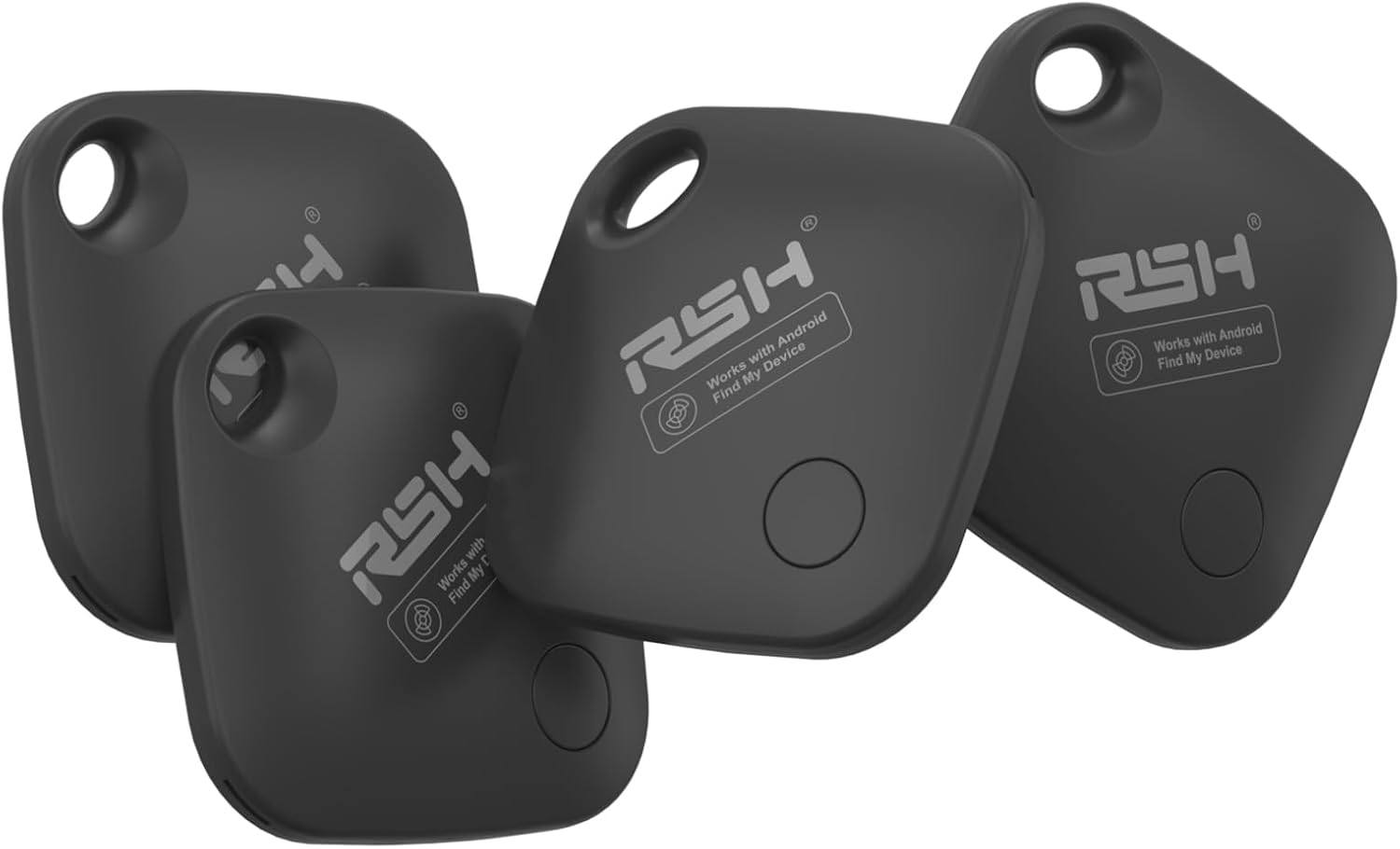
Imagen: Un conjunto de cuatro RSH Air Tracker Tags, mostrarasing their compact design and branding.
Configuración
El rastreador aéreo RSH Tag is optimized for Android 9.0 and above, offering quick Bluetooth 5.2 pairing and Google certification for instant location through Google Find Hub.
Emparejamiento fácil
- Download the Google Find My Device app: Ensure you have the official Google Find My Device app installed on your Android phone from the Play Store.
- Activar el Tag: Simply turn on the Android Bluetooth tag. A pairing window will automatically pop up on your phone when the tag Está cerca.
- Siga las instrucciones en pantalla: Complete the pairing process by following the instructions displayed on your Android device.

Image: Visual guide demonstrating the simple two-step pairing process for the RSH Air Tracker Tag.
Integración perfecta
El rastreador aéreo RSH Tag integrates seamlessly with most Android phones, including Samsung, Google Pixel, Xiaomi, OPPO, and Vivo, leveraging the Google Find My Device network.
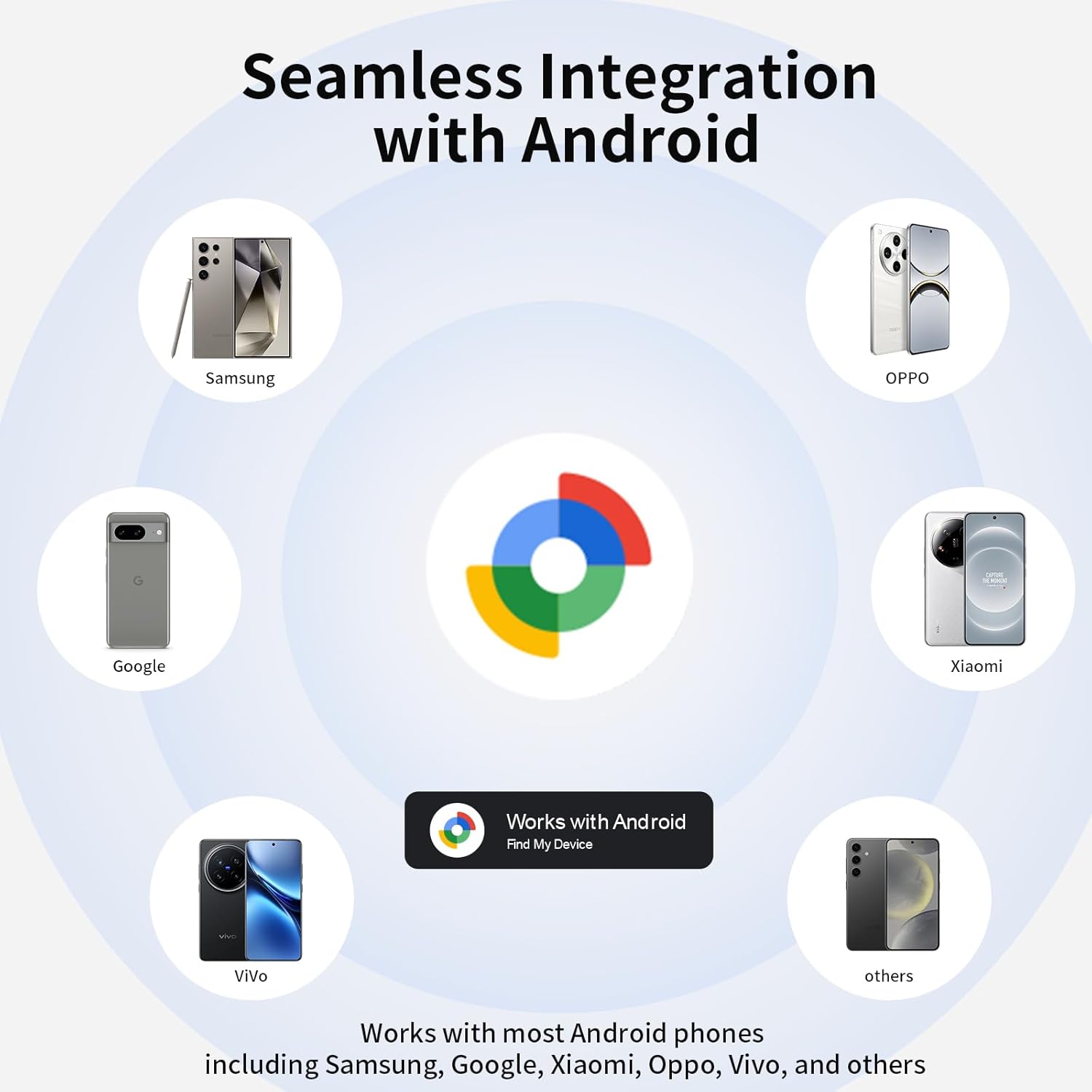
Image: An illustration highlighting the broad compatibility of the RSH Air Tracker Tag with diverse Android devices.
Operating Your Air Tracker Tag
Finding Nearby Items with Sound
When your item is within Bluetooth range (up to 60 meters or 200 feet), you can activate a sound to locate it. The RSH tag will ring loud enough to help you pinpoint its location.
- Open the Google Find Hub / Find My app on your Android device.
- Select your RSH Air Tracker Tag de la lista de dispositivos.
- Tap the 'Play Sound' button. The tag will emit a sound to guide you.
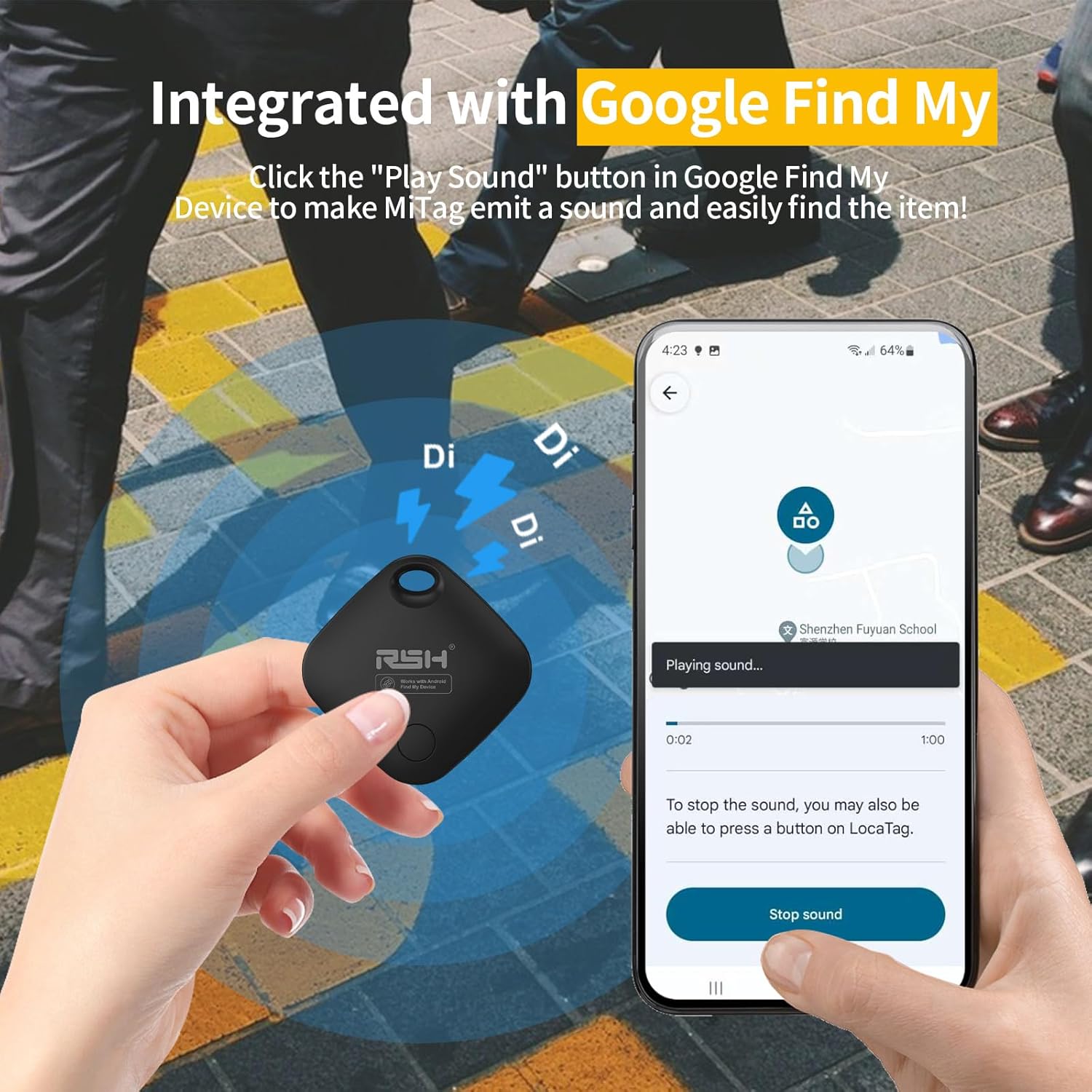
Image: Demonstrating the sound activation feature of the RSH Air Tracker Tag via the Google Find My app.

Image: The 'Make It Ring' feature, highlighting the sound function for locating nearby items.
Finding Faraway Items with Global Tracking
If your item is outside of Bluetooth range, you can still view its whereabouts on Google Maps within the Google Find My / Find Hub app. The Google Find My network, supported by millions of Android devices, provides location updates, often within 2 minutes in areas with high Android device density.

Image: The 'Locate Far Away' feature, showing how to check the worldwide location of your items on a map.
Lost Mode and Sharing Mode
El rastreador aéreo RSH Tag offers features to enhance security and collaboration:
- Modo perdido: If you lose your tag, you can set it to 'Lost Mode' in the app. This allows anyone who finds the tag a view contact information you've provided, increasing the chances of recovery.
- Modo de uso compartido: You can share the location of your RSH Google Air Smart Tag with family and friends, allowing them to help track important items.

Image: Setting the 'Lost Mode' to display contact information for anyone who finds your tag.

Image: The 'Share Device' feature, enabling you to share your tag's location with trusted individuals.
Attaching and Using Your Tag
El rastreador aéreo RSH Tag is designed to be easily attached to various items you wish to track.

Imagen: Un rastreador aéreo RSH Tag securely attached to luggage, emphasizing its use for travel.

Imagen: La tag attached to a backpack, illustrating its versatility for everyday items.

Image: A collage demonstrating multiple applications of the RSH Air Tracker Tag, including keys, wallets, and luggage.
Mantenimiento
Reemplazo de batería
El rastreador aéreo RSH Tag uses a replaceable CR2 battery. Two batteries are included and can last up to 12 months. You can check the battery status directly within the Google Find My app and replace it when necessary to ensure continuous tracking.

Imagen: Un primer plano view of the RSH Air Tracker Tag demonstrating its replaceable battery feature.
Solución de problemas
If you encounter issues with your RSH Air Tracker Tag, consulte las siguientes soluciones comunes:
- Tag not connecting: Si tu tag does not connect to your phone, try resetting the factory settings of the tag and then attempt to reconnect.
- Precisión de la ubicación: Ensure your Android device's location services are enabled and that the Google Find My Device app has the necessary permissions. Location updates rely on the density of Android devices in the area.
- El sonido no se reproduce: Comprueba el tag's battery level in the Google Find My app. Ensure your phone's Bluetooth is enabled and the tag está dentro del alcance.
Presupuesto
| Característica | Detalle |
|---|---|
| Número de modelo | RSH-ITag03 |
| Dimensiones del paquete | 4.57 x 3.74 x 0.75 pulgadas |
| Peso del artículo | 2.89 onzas |
| Baterías | Se requiere 1 batería CR2 (incluida) |
| Cantidad de baterías incluidas | 1 (plus extra in package) |
| Duración de la batería | Hasta 120 días (aprox. 4 meses) |
| Tecnología de conectividad | Bluetooth |
| Dispositivos compatibles | Android devices (Android 9.0 and above) |
| Fabricante | RSH |
| Fecha de primera disponibilidad | 8 de enero de 2025 |
Garantía y soporte
RSH is committed to providing reliable products and excellent customer service. While specific warranty details are not provided in this manual, we offer 7*24H service to assist you with any questions or issues you may encounter with your Air Tracker Tags.
For support, please refer to the contact information provided with your product packaging or visit the official RSH websitio.