
YMOO Y7
Manual del usuario de los auriculares híbridos con cancelación activa de ruido YMOO Bluetooth 5.2 (modelo Y7)
Model: Y7 | Brand: YMOO
1. Introducción
The YMOO Bluetooth 5.2 Hybrid Active Noise Cancelling Headphones (Model Y7) are designed to deliver a high-quality audio experience with effective noise reduction. These over-ear headphones offer versatile connectivity options, including Bluetooth 5.2 for wireless freedom and a wired connection for uninterrupted listening. They are engineered for comfort during extended use, making them suitable for travel, office environments, and daily audio enjoyment.

This image displays the YMOO Y7 headphones from an angled perspective, highlighting their over-ear design and blue finish. The left earcup shows control buttons and ports.
2. Contenido del paquete
Verifique que todos los artículos enumerados a continuación estén incluidos en su paquete:
- YMOO Bluetooth 5.2 Hybrid Active Noise Cancelling Headphones (Model Y7)
- Cable de carga USB-C
- Cable de audio tipo C a 3.5 mm
- Estuche de transporte
- Adaptador de avión de 3.5 mm
- Manual de usuario (este documento)
3. Producto terminadoview
Familiarize yourself with the various components and controls of your YMOO Y7 headphones.

This diagram illustrates the location and function of buttons on the left earcup of the YMOO Y7 headphones, including Power/Pairing, Volume controls, ANC button, and the Type-C Charging Port.
3.1 Controles y puertos
- Power Button (On/OFF / Pairing): Press and hold to power on/off. Press and hold longer to enter Bluetooth pairing mode.
- Subir volumen (+) / Siguiente pista: Pulsación corta para subir el volumen. Pulsación larga para pasar a la siguiente pista.
- Bajar volumen (-) / Pista anterior: Pulsación corta para bajar el volumen. Pulsación larga para ir a la pista anterior.
- ANC Button (Active Noise Cancellation): Press to toggle Active Noise Cancellation on or off.
- Puerto de carga tipo C: Conecte aquí el cable USB-C para cargar.
- Conector de audio de 3.5 mm: Connect the Type-C to 3.5mm audio cable for wired listening.
- Micrófono: Integrado para llamadas manos libres.
4. Carga de los auriculares
Before initial use, fully charge your headphones. Use the provided USB-C charging cable.
- Connect the USB-C end of the charging cable to the Type-C Charging Port on the headphones.
- Conecte el extremo USB-A del cable de carga a una fuente de alimentación USB compatible (por ejemplo, adaptador de pared, puerto USB de computadora).
- The LED indicator will show charging status (refer to LED indicator section for details, if available).
- Una vez que esté completamente cargado, desconecte el cable de carga.
Duración de la batería:
- Up to 75 hours of playtime with Active Noise Cancellation (ANC) off.
- Hasta 40 horas de tiempo de reproducción con la cancelación activa de ruido (ANC) activada.
Carga rápida: Una carga de 10 minutos puede proporcionar aproximadamente 5 horas de tiempo de reproducción.

This image highlights the 75-hour playtime capability of the YMOO Y7 headphones, emphasizing their long-lasting battery for extended use.
5. Configuración y conectividad
5.1 Emparejamiento Bluetooth (modo inalámbrico)
To connect your YMOO Y7 headphones wirelessly via Bluetooth:
- Asegúrese de que los auriculares estén cargados.
- Power on the headphones by pressing and holding the Power button until the LED indicator flashes (usually blue and red, indicating pairing mode).
- En su dispositivo (teléfono inteligente, tableta, computadora portátil), habilite Bluetooth y busque los dispositivos disponibles.
- Select "YMOO Y7" (or similar name) from the list of found devices.
- Una vez conectados, el indicador LED de los auriculares normalmente mostrará una luz azul fija o parpadeará lentamente.
5.2 conexiones cableadas
For a wired connection, use the provided Type-C to 3.5mm audio cable.
- Ensure the headphones have some charge, as wired mode still requires power for functionality.
- Connect the Type-C end of the audio cable to the Type-C Charging Port on the headphones.
- Connect the 3.5mm end of the audio cable to the audio output jack of your device.
- Los auriculares cambiarán automáticamente al modo cableado.
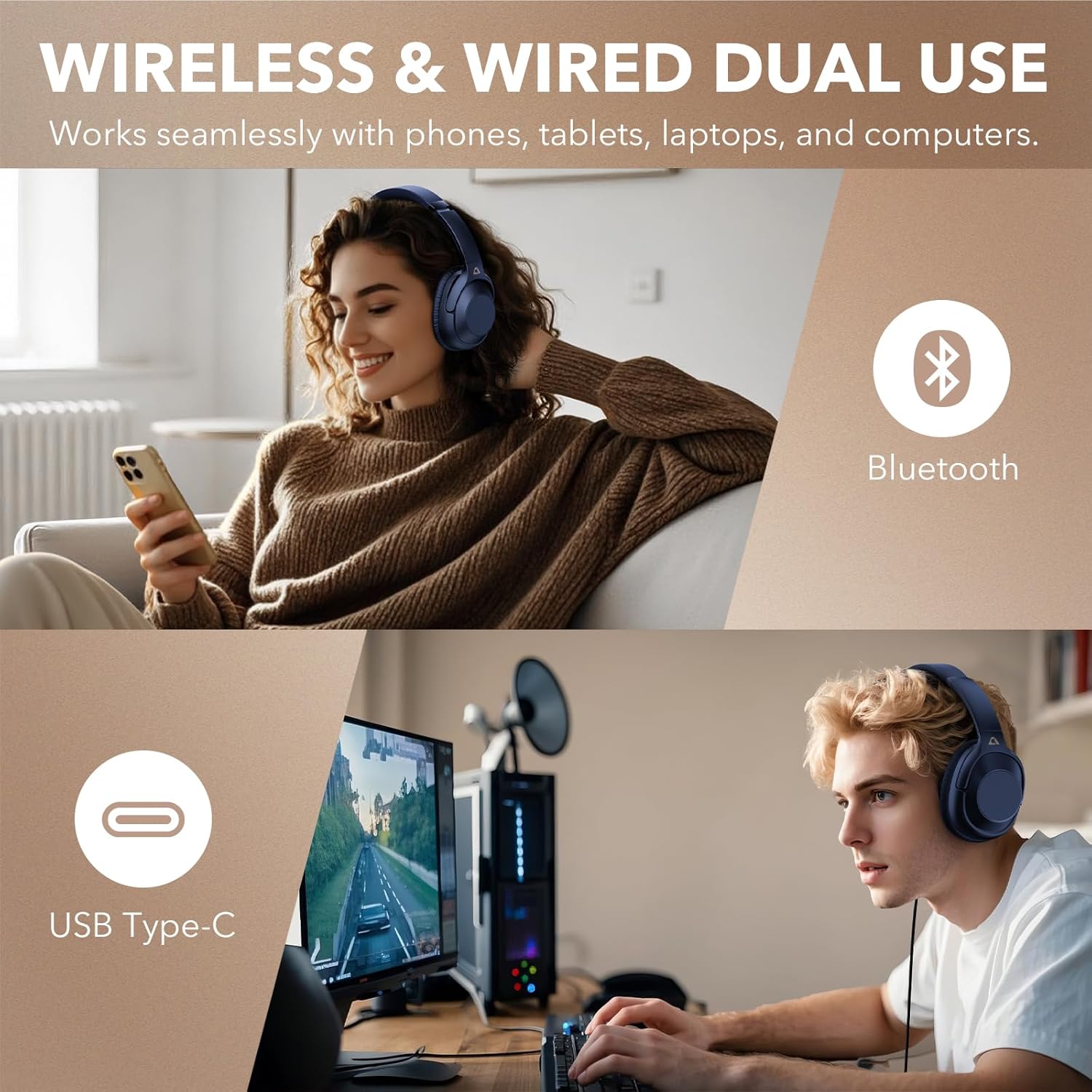
This image illustrates the flexibility of the YMOO Y7 headphones, showing a user enjoying wireless Bluetooth connectivity with a smartphone and another user connected via USB Type-C to a computer for wired audio.
6. Funcionamiento de los auriculares
6.1 Controles básicos
- Reproducir/Pausa: Presione brevemente el botón de encendido.
- Sube el volumen: Presione brevemente el botón "+".
- Bajar volumen: Presione brevemente el botón "-".
- Pista siguiente: Mantenga presionado el botón "+".
- Pista anterior: Mantenga presionado el botón "-".
- Responder/Finalizar llamada: Presione brevemente el botón de encendido.
- Rechazar llamada: Mantenga presionado el botón de encendido.
- Activar asistente de voz: Double-press the Power button (functionality may vary by device).
6.2 Cancelación activa de ruido (ANC)
The YMOO Y7 headphones feature Hybrid Active Noise Cancellation to reduce ambient noise.
- Presione el Botón ANC to activate Active Noise Cancellation. The ANC indicator light will illuminate.
- Presione el Botón ANC again to deactivate Active Noise Cancellation. The ANC indicator light will turn off.
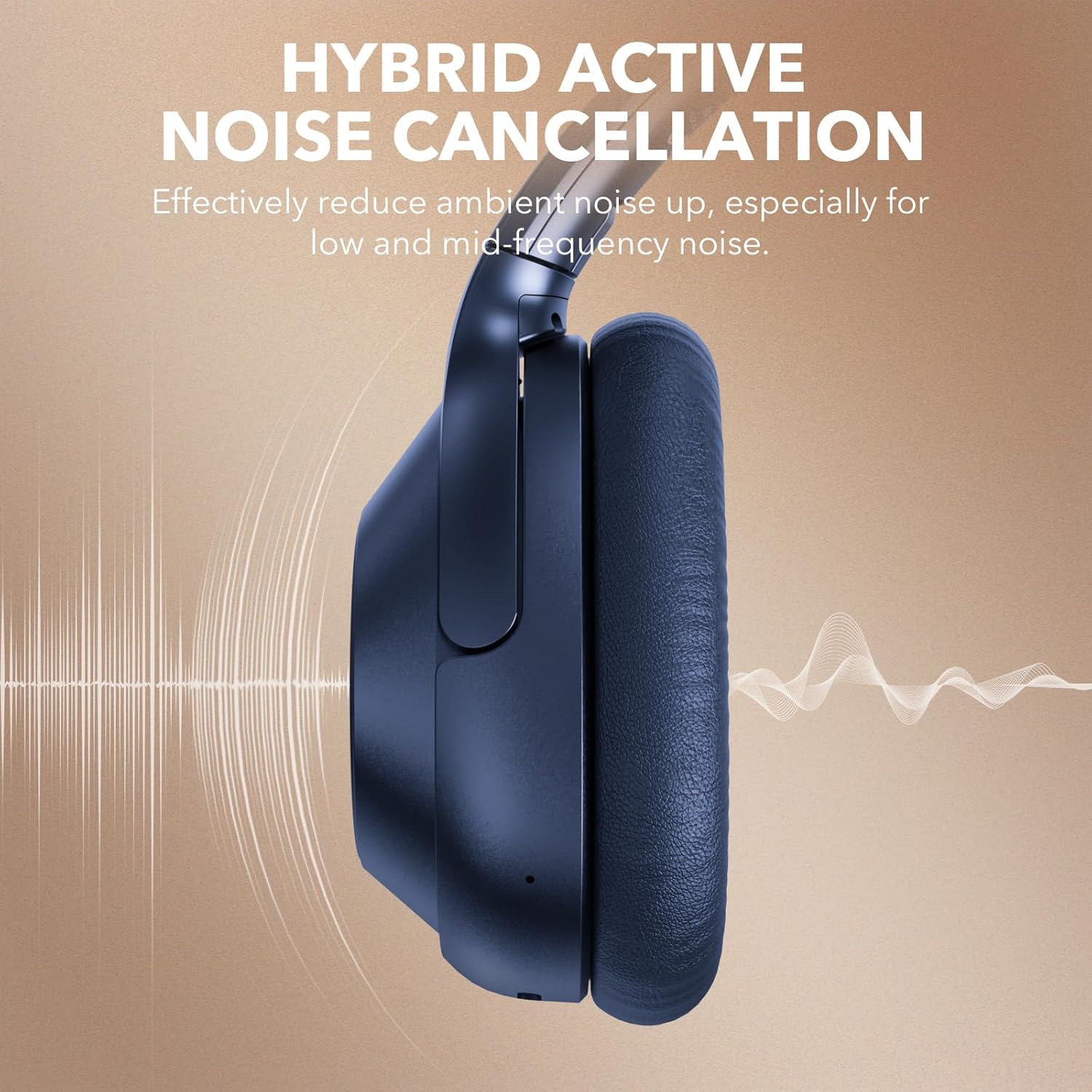
This image visually represents the Hybrid Active Noise Cancellation feature of the YMOO Y7 headphones, showing sound waves being reduced around the earcup.

A man is shown wearing the YMOO Y7 headphones while seated on an airplane, illustrating their comfortable design for travel.
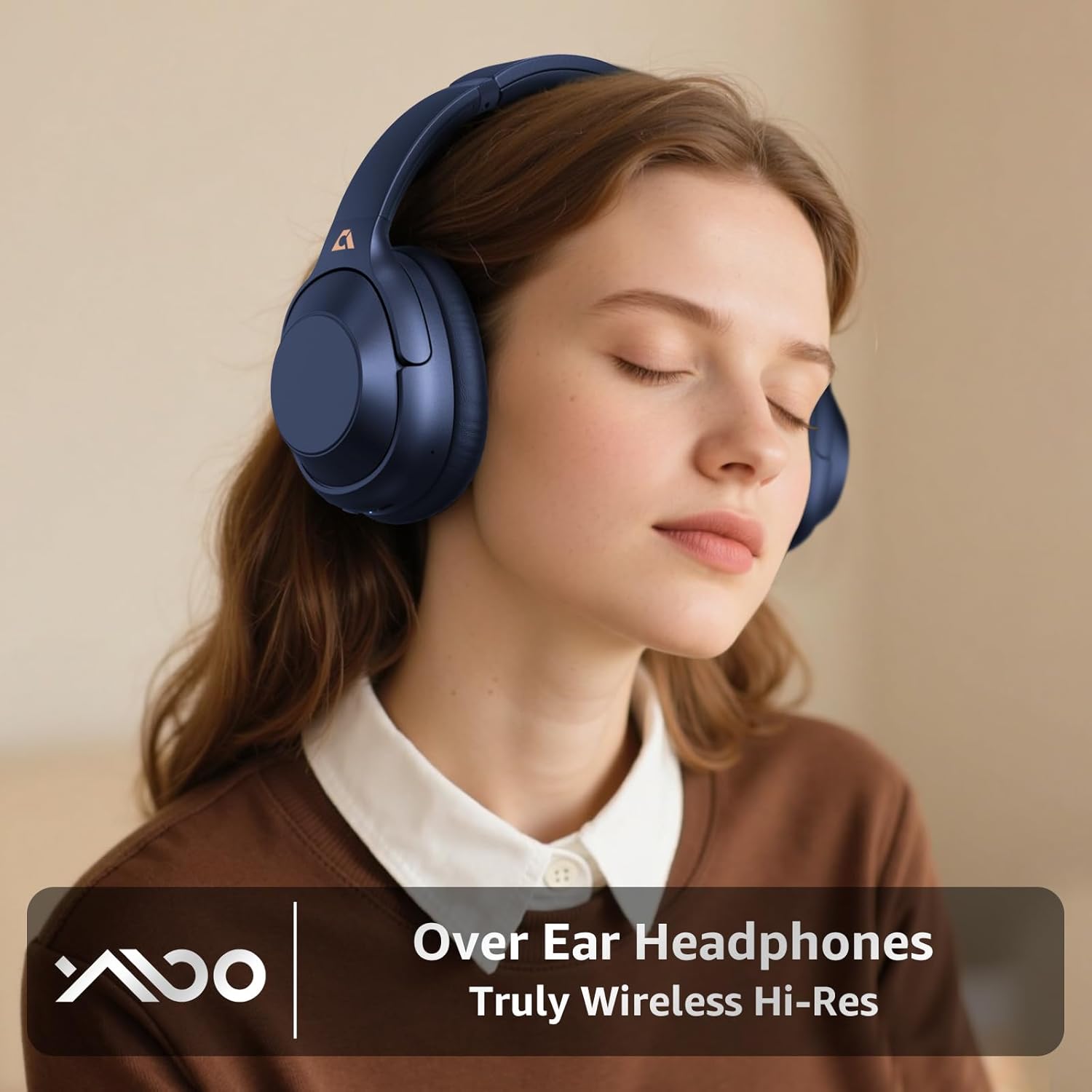
A woman is depicted wearing the YMOO Y7 over-ear headphones, emphasizing their design for an immersive audio experience.
7. Mantenimiento y cuidado
El cuidado adecuado garantiza la longevidad y el rendimiento de sus auriculares.
- Limpieza: Utilice un paño suave y seco para limpiar los auriculares y la diadema. No utilice limpiadores abrasivos ni disolventes.
- Almacenamiento: When not in use, store the headphones in the provided carrying case to protect them from dust and damage.
- Temperatura: Evite exponer los auriculares a temperaturas extremas (calor o frío) o alta humedad.
- Resistencia al agua: Estos auriculares no son resistentes al agua. Evite el contacto con líquidos.

This image displays the YMOO Y7 headphones in a folded position, highlighting their portability. Insets show the ultra-soft ear pads and the adjustable headband mechanism, emphasizing comfort and adaptability.
8. Solución de problemas
Si tiene problemas con sus auriculares, consulte los siguientes problemas y soluciones comunes:
| Problema | Posible solución |
|---|---|
| Los auriculares no se encienden. | Asegúrate de que los auriculares estén completamente cargados. Conéctalos a una fuente de alimentación mediante el cable USB-C. |
| No se puede emparejar a través de Bluetooth. |
|
| No hay sonido en modo inalámbrico. |
|
| La cancelación activa de ruido (ANC) no es efectiva. |
|
| No hay sonido en modo cableado. |
|
9. Especificaciones
| Característica | Detalle |
|---|---|
| Nombre del modelo | Y7 |
| Marca | yoo |
| Control de ruido | Cancelación activa de ruido híbrida |
| Tecnología de conectividad | Bluetooth 5.2, Wired (3.5mm) |
| Toma de auriculares | 3.5 mm Jack (via Type-C to 3.5mm cable) |
| Forma del auricular | Sobre la oreja |
| Duración de la batería | Hasta 75 horas (ANC desactivado), hasta 40 horas (ANC activado) |
| Tipo de controlador de audio | Controlador dinámico |
| Impedancia | 16 ohmios |
| Peso del artículo | 1.23 libras (0.56 kilogramos) |
| Nivel de resistencia al agua | No resistente al agua |
| Dispositivos compatibles | Teléfonos inteligentes, tabletas, computadoras portátiles y de escritorio |
10. Garantía y soporte
YMOO products are designed and manufactured to the highest quality standards. For warranty information, technical support, or customer service inquiries, please refer to the contact information provided on the product packaging or the official YMOO webSitio web. Conserve su comprobante de compra para reclamaciones de garantía.
Ask a question about this manual
Ask about setup, troubleshooting, compatibility, parts, safety, or missing instructions. Manuals+ will review the question and use this page’s manual context to help answer it.