
1. Introducción
The Awei H15 Smartwatch is designed to integrate seamlessly into your daily life, offering health monitoring, communication features, and smart notifications. This manual provides essential information for setting up, operating, and maintaining your device.
2. ¿Qué hay en la caja?
- 1 x Awei H15 Smartwatch
- 1 x cable de carga
- 1 x Manual de usuario (este documento)
3. Producto terminadoview
Familiarize yourself with the key components of your Awei H15 Smartwatch.
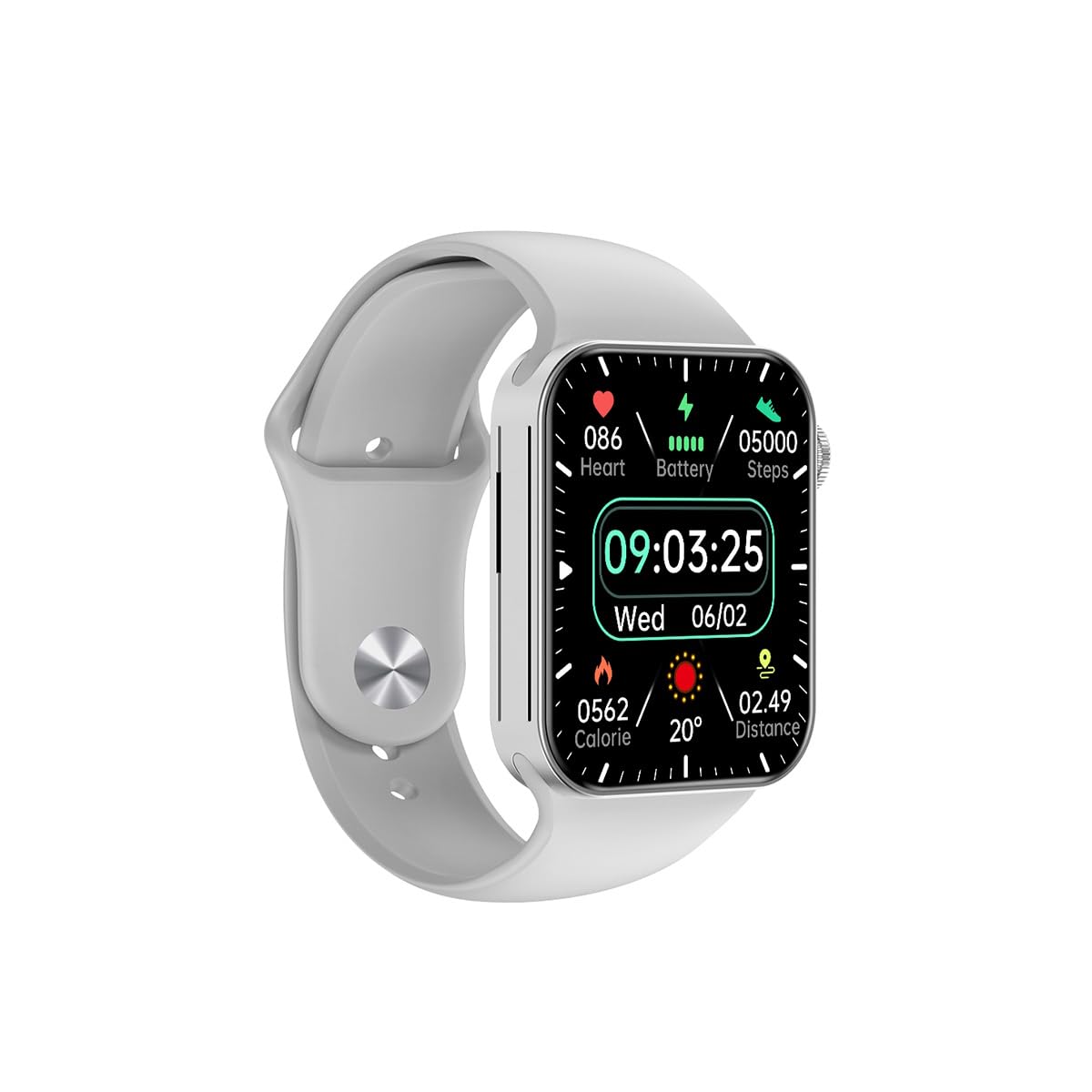
Figura 3.1: Frente view of the Awei H15 Smartwatch display, illustrating various health metrics and time.

Figura 3.2: Lado view of the smartwatch, highlighting the rotary crown for navigation and an additional button.
4. Configuración
4.1 Carga del reloj inteligente
Before first use, fully charge your Awei H15 Smartwatch. Connect the provided charging cable to the charging port on the back of the watch and to a standard USB power adapter (not included).
- Tiempo de carga: Aproximadamente 2-3 horas para una carga completa.
- Battery Life: Up to 7 days with calls, up to 15 days without calls.
4.2 Encendido y apagado
- Para encender: Mantenga presionado el botón lateral hasta que aparezca el logotipo de Awei.
- Para apagar: Mantenga presionado el botón lateral, luego seleccione “Apagar” en la pantalla.
4.3 Emparejamiento con su teléfono inteligente
The Awei H15 Smartwatch uses Dual Bluetooth 3.0/5.0 for stable connectivity. To unlock full features, download the companion app (refer to the packaging or quick start guide for app name) from your smartphone's app store.
- Asegúrese de que su reloj inteligente esté encendido y completamente cargado.
- Habilite Bluetooth en su teléfono inteligente.
- Open the companion app and follow the on-screen instructions to search for and connect to your Awei H15 Smartwatch.
- Confirme la solicitud de emparejamiento tanto en su teléfono inteligente como en su reloj inteligente.
5. Instrucciones de funcionamiento
5.1 Navegación básica
- Pantalla táctil: Desliza el dedo hacia la izquierda, derecha, arriba o abajo para navegar por los menús y las pantallas. Toca para seleccionar elementos.
- Corona giratoria: Rotate the crown to scroll through lists or zoom in/out (where applicable). Press the crown to return to the home screen or confirm selections.
5.2 Multi-Dial Switching
Customize your smartwatch's appearance by switching between various watch faces.

Figura 5.1: Examples of different watch faces available on the Awei H15 Smartwatch.
Para cambiar la esfera del reloj:
- From the home screen, press and hold the display.
- Desliza el dedo hacia la izquierda o hacia la derecha para explorar las esferas de reloj disponibles.
- Tap on a watch face to select it.
5.3 Monitoreo de Salud
The Awei H15 Smartwatch tracks various health metrics to support your active lifestyle.
- Frecuencia cardíaca: Controle su frecuencia cardíaca durante todo el día.
- Seguimiento de actividad: The built-in G-Sensor (MSA311) accurately tracks steps, distance, and calories burned.
- Monitoreo del sueño: Track your sleep patterns (light sleep, deep sleep, wake-up times).
Access detailed health data through the companion app on your smartphone.
5.4 Funciones inteligentes
- Llamadas: Make and receive calls directly from your smartwatch when connected to your phone via Bluetooth.
- Notificaciones: Receive alerts for messages, emails, and app notifications.
- Actualizaciones meteorológicas: Obtenga información meteorológica en tiempo real.
- Control de música: Controla la reproducción de música en tu teléfono inteligente.
6. Mantenimiento
6.1 Limpieza
Limpie periódicamente su reloj inteligente para garantizar un rendimiento e higiene óptimos.
- Limpie la pantalla y el cuerpo con un paño suave que no suelte pelusa.
- Para suciedad difícil, ligeramente dampEnjuague el paño con agua. Evite productos químicos agresivos.
- Limpie los contactos de carga periódicamente para garantizar una buena conexión.
6.2 Resistencia al agua (IP67)
The Awei H15 Smartwatch is IP67 water-resistant, meaning it is protected against dust and can withstand immersion in water up to 1 meter for 30 minutes.
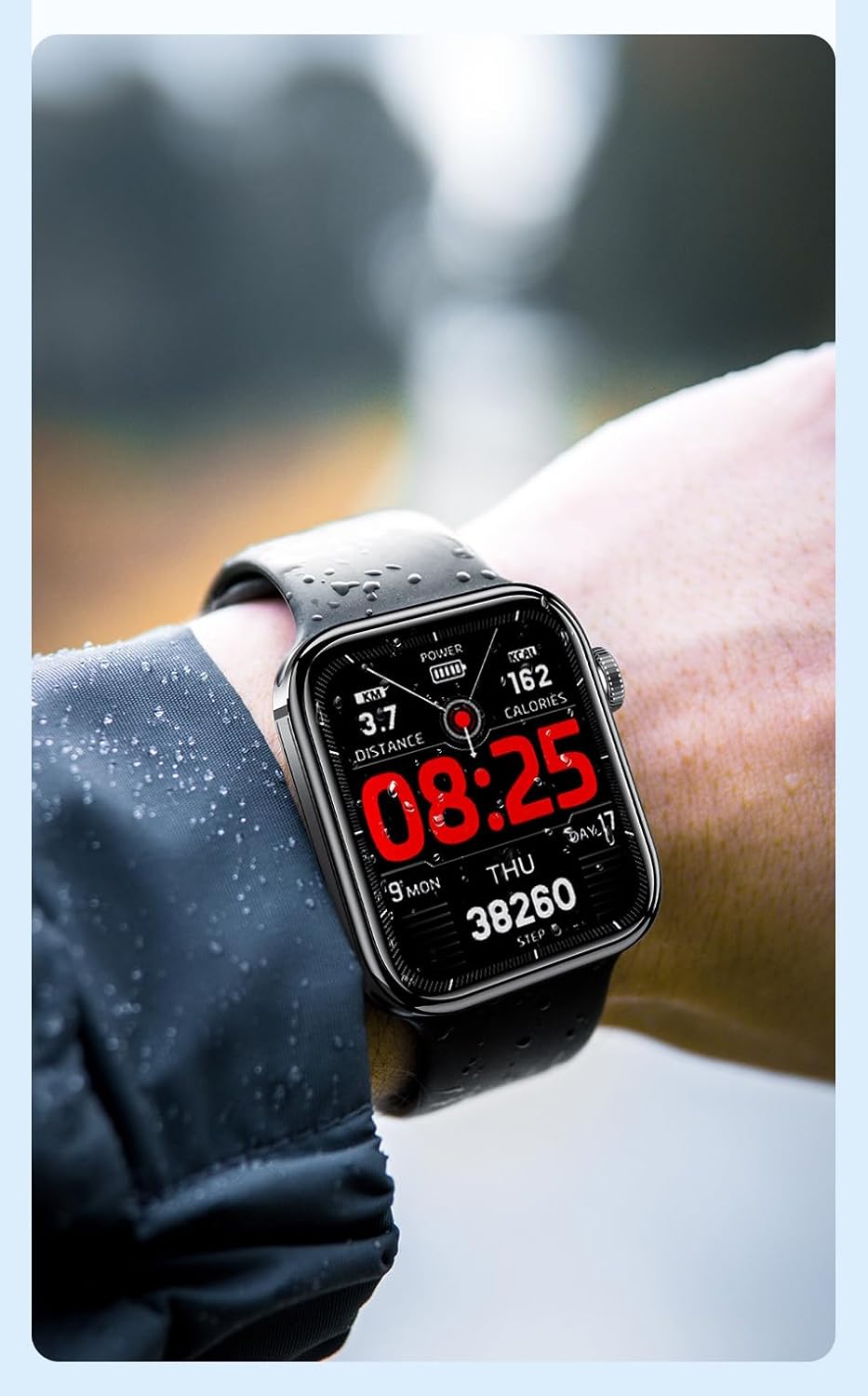
Figura 6.1: The Awei H15 Smartwatch is designed to withstand splashes and dust.
Important: IP67 rating does not mean the watch is suitable for swimming, showering, or diving. Avoid exposing the watch to hot water, steam, or high-velocity water.
7. Solución de problemas
- El reloj no enciende: Asegúrese de que el reloj esté completamente cargado. Conéctelo al cargador durante al menos 30 minutos.
- No se puede emparejar con el teléfono inteligente:
- Asegúrese de que Bluetooth esté habilitado en su teléfono y en el reloj.
- Asegúrese de que el reloj esté dentro del alcance de su teléfono.
- Reinicie tanto el reloj como el teléfono.
- Compruebe si la aplicación complementaria está actualizada a la última versión.
- Datos de salud inexactos: Asegúrese de que el reloj esté bien ajustado a su muñeca, ni demasiado apretado ni demasiado suelto. Limpie el sensor de la parte trasera del reloj.
- Duración de la batería corta: Reduce el brillo de la pantalla, desactiva las notificaciones innecesarias y limita la monitorización continua de la frecuencia cardíaca.
8. Especificaciones
| Característica | Especificación |
|---|---|
| Modelo | H15 |
| Tecnología de conectividad | Bluetooth 3.0/5.0 |
| Resistencia al agua | IP67 |
| Capacidad de la batería | 260 mAh |
| Tiempo de carga | 2-3 horas |
| Tiempo de uso | Up to 7 days (with calls), 15 days (without calls) |
| Sensor G | MSA311 |
| Dimensiones | 36.8 × 42.5 × 13.2 mm |
| Longitud de pulsera | 270 mm |
| Fabricante | Awei |
9. Garantía y soporte
Your Awei H15 Smartwatch comes with a Garantía de 6 meses A partir de la fecha de compra. Esta garantía cubre defectos de fabricación en condiciones normales de uso.
For warranty claims or technical support, please contact your retailer or the official Awei customer service. Keep your proof of purchase for warranty validation.