
1. Introducción
This manual provides essential instructions for the safe and efficient operation of your RadioShack IPX6 Waterproof Bluetooth Speaker. Please read this manual thoroughly before using the product and retain it for future reference.
The RadioShack IPX6 Waterproof Bluetooth Speaker is designed for portable audio playback, featuring Bluetooth connectivity, dynamic RGB lighting, and a built-in microphone for hands-free calls. Its IPX6 water-resistant rating makes it suitable for various indoor and outdoor environments.

Imagen 1.1: Frente view of the RadioShack IPX6 Waterproof Bluetooth Speaker.
2. Contenido del paquete
Verifique que todos los artículos enumerados a continuación estén incluidos en su paquete:
- RadioShack IPX6 Waterproof Bluetooth Speaker
- Cable de carga USB
- Cable de audio AUX
- Manual de usuario

Image 2.1: Visual representation of key speaker features and specifications.
3. Características del producto
- Sonido envolvente: Equipped with 8W of audio power and a 3600mAh battery, this speaker delivers clear highs and deep bass for an engaging listening experience.
- Iluminación RGB dinámica: Enhance your audio experience with customizable RGB lighting, suitable for various moods and occasions.
- Diseño resistente a la intemperie: An IPX6 rating ensures the speaker can withstand splashes and minor water exposure, making it ideal for outdoor use.
- Estéreo inalámbrico verdadero (TWS): Connect two identical speakers wirelessly to create a stereo sound system, expanding the audio output and soundstage.
- Micrófono incorporado: Facilitates hands-free calling directly through the speaker, allowing you to stay connected while enjoying music.

Imagen 3.1: El altavoz muestraasing its customizable RGB lighting feature.
4. Configuración
4.1 Carga inicial
- Before first use, fully charge the speaker. Connect the provided USB charging cable to the speaker's charging port and a compatible USB power adapter (not included).
- La luz indicadora de carga se iluminará durante la carga y se apagará una vez que esté completamente cargada.
4.2 Encendido / Apagado
- To power on, press and hold the Power button until the indicator light illuminates and an audible prompt is heard.
- Para apagar, mantenga presionado el botón de Encendido nuevamente hasta que la luz indicadora se apague y escuche un aviso audible.
4.3 Emparejamiento Bluetooth
- Asegúrese de que el altavoz esté encendido y en modo de emparejamiento Bluetooth (la luz indicadora de Bluetooth parpadeará).
- En tu dispositivo (teléfono inteligente, tableta, etc.), activa el Bluetooth y busca dispositivos disponibles.
- Seleccione “RadioShack Speaker” de la lista de dispositivos.
- Once paired, the Bluetooth indicator light will become solid, and an audible confirmation will be heard.
4.4 Emparejamiento estéreo inalámbrico verdadero (TWS)
To pair two RadioShack IPX6 Waterproof Bluetooth Speakers for TWS stereo sound:
- Asegúrese de que ambos altavoces estén encendidos y no conectados a ningún otro dispositivo Bluetooth.
- On one speaker, press and hold the TWS button (refer to button layout in section 5.1) until an audible prompt indicates TWS pairing mode. This speaker will be the primary unit.
- The second speaker will automatically search for and connect to the primary speaker. An audible prompt will confirm successful TWS pairing.
- Once TWS paired, connect your device to the primary speaker via Bluetooth as described in section 4.3. Audio will now play in stereo through both speakers.
5. Instrucciones de funcionamiento
5.1 Funciones de los botones
The speaker features a control panel with several buttons:
- Botón de encendido: Mantenga presionado para encender/apagar.
- Botón de reproducción/pausa: Presione para reproducir o pausar el audio.
- Subir volumen (+): Presione para aumentar el volumen. Mantenga presionado para la siguiente pista.
- Bajar volumen (-): Presione para disminuir el volumen. Mantenga presionado para ir a la pista anterior.
- Botón de modo (M): Press to switch between Bluetooth, AUX, and FM Radio modes.
- Botón de luz RGB: Press to cycle through RGB lighting modes or turn off the lights.
- Botón de llamada: Pulse para responder o finalizar llamadas. Mantenga pulsado para rechazar llamadas.
5.2 Reproducción de audio
- Modo Bluetooth: Después del emparejamiento exitoso, el audio del dispositivo conectado se reproducirá a través del altavoz.
- Entrada auxiliar: Connect an external audio device using the provided 3.5mm AUX cable. The speaker will automatically switch to AUX mode or can be selected using the Mode button.
- Radio FM: In FM Radio mode, press the Play/Pause button to auto-scan and save available stations. Use the Volume Up/Down buttons (press and hold) to navigate between saved stations.

Image 5.1: The speaker's USB and AUX connectivity ports.
5.3 Llamadas manos libres
When connected via Bluetooth, incoming calls will pause music playback. Press the Call button to answer, and press again to end the call. Press and hold the Call button to reject an incoming call.
6. Mantenimiento
6.1 Limpieza
Limpie el altavoz con un paño suave, damp cloth. Do not use abrasive cleaners or solvents. Ensure the charging and AUX ports are dry before use or charging.
6.2 Resistencia al agua (IPX6)
The speaker is rated IPX6, meaning it is protected against high-pressure water jets from any direction. It is not designed for submersion. Ensure the rubber flap covering the charging and AUX ports is securely closed to maintain water resistance.
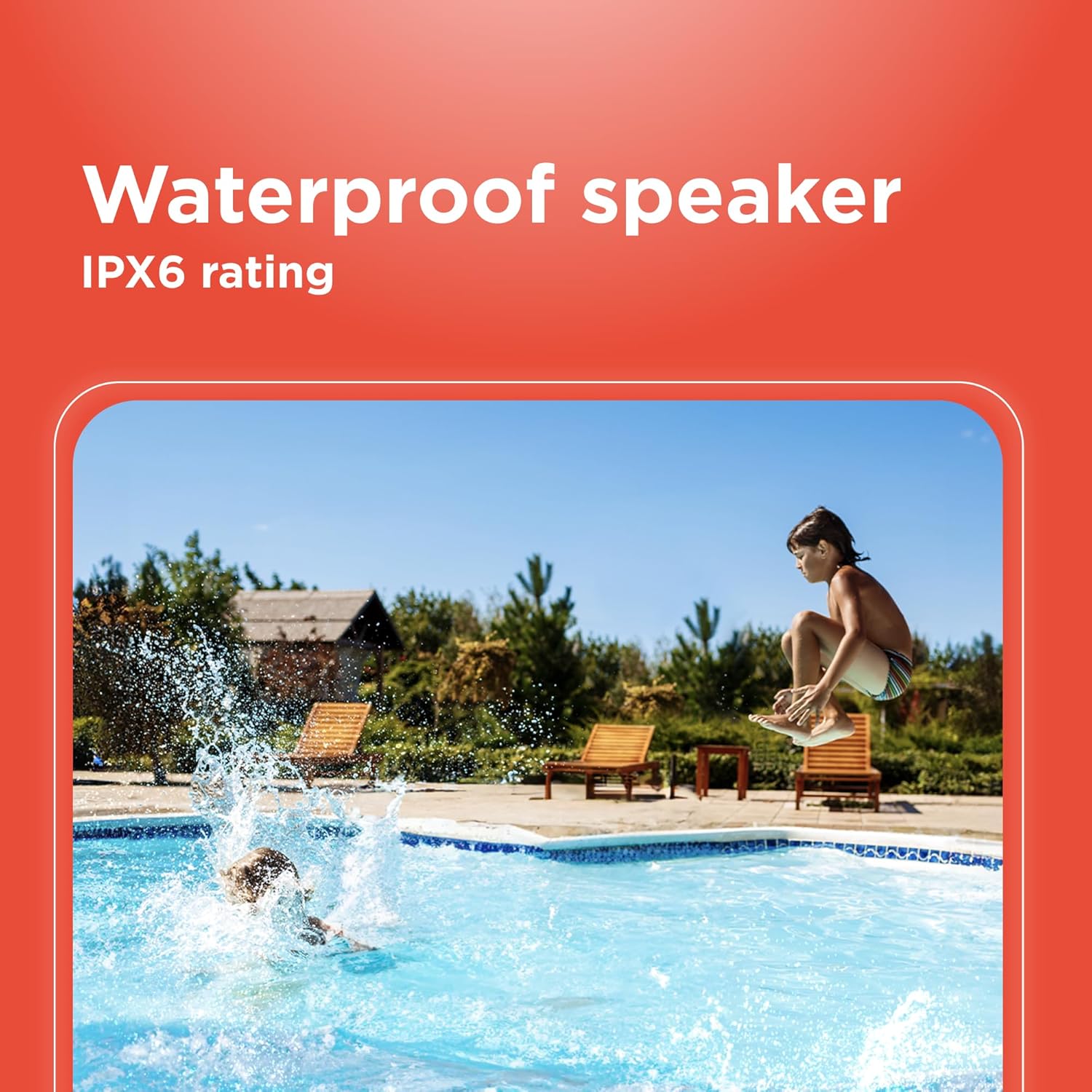
Image 6.1: The speaker's IPX6 water resistance allows for use near water.
6.3 Cuidado de la batería
Para prolongar la vida útil de la batería, evite descargar completamente el altavoz con frecuencia. Cárguelo regularmente, incluso si no lo usa durante períodos prolongados.
7. Solución de problemas
- El altavoz no se enciende: Asegúrese de que la batería esté cargada. Conéctela a una fuente de alimentación y vuelva a intentarlo.
- No se puede emparejar a través de Bluetooth: Ensure the speaker is in pairing mode and within range of your device. Turn off and on both the speaker and your device's Bluetooth. Forget the device on your phone and re-pair.
- Sin sonido: Check the volume levels on both the speaker and your connected device. Ensure the correct input mode (Bluetooth, AUX) is selected.
- Mala calidad de sonido: Move the speaker closer to your Bluetooth device. Ensure there are no obstructions between the speaker and the device.
- El emparejamiento de TWS falla: Ensure both speakers are identical models and not connected to any other Bluetooth device before initiating TWS pairing.
8. Especificaciones
| Característica | Especificación |
|---|---|
| Nombre del modelo | RadioShack Bluetooth Speaker RGB Light 14W |
| Número de modelo del artículo | 4001763-PRNT |
| Marca | RadioShack |
| Tipo de altavoz | Portátil |
| Tecnología de conectividad | Bluetooth |
| Tecnología de comunicación inalámbrica | Bluetooth |
| Potencia máxima de salida del altavoz | 8 vatios |
| Modo de salida de audio | Estéreo |
| Configuración de canales de sonido envolvente | 2.0 |
| Fuente de poder | Funciona con pilas |
| Tipo de batería | 1 batería de iones de litio (incluida) |
| Capacidad de la batería | 3600 miliamp Horas |
| Tiempo de juego estimado | Hasta 4 horas |
| es resistente al agua | True (IPX6 rating) |
| Método de control | Tocar |
| Material | Plástico |
| Color | Azul |
| Dimensiones del producto | 4.84" de profundidad x 11.14" de ancho x 4.96" de alto |
| Peso del artículo | 4.43 libras (70.9 onzas) |
| Fabricante | RadioShack |
9. Garantía y soporte
This RadioShack product comes with a limited warranty. For detailed warranty information, please refer to the warranty card included in your package or contact RadioShack customer support.
For technical assistance, troubleshooting, or service inquiries, please visit the official RadioShack support websitio o comuníquese con su departamento de servicio al cliente.