
SANSUI 32ES5932
SANSUI 32 Inch WebOS 5.0 Smart TV User Manual
Model: 32ES5932
Introducción
This manual provides essential information for setting up, operating, and maintaining your SANSUI 32 Inch WebOS 5.0 Smart TV. Please read this manual thoroughly before using your television to ensure proper operation and to maximize your viewExperiencia de aprendizaje.
¿Qué hay en la caja?
Upon unpacking your SANSUI 32 Inch Smart TV, please verify that all components are present:
- SANSUI 32 Inch WebSO 5.0 Smart TV
- Mando a distancia
- Soporte para TV (2 piezas)
- Cable de alimentación
- Manual de usuario (este documento)
Configuración
Instalación física
Your SANSUI 32 Inch Smart TV can be placed on a flat surface using the included stand or mounted on a wall (wall mount not included).

Frente view of the SANSUI 32 Inch Smart TV, showcasing su diseño de bisel delgado.

Lado view of the SANSUI 32 Inch Smart TV, highlighting its thin profile.
Dimensiones
Understanding the dimensions is crucial for proper placement and wall mounting.

The television measures approximately 28.31 inches in width, 18.58 inches in height (with stand), and 8.07 inches in depth (with stand).
Conexión de periféricos
The SANSUI Smart TV offers multiple connection options for various devices.

Rear panel connections include USB, Cable/Antenna, HDMI 1, HDMI 2/ARC, HDMI 3, Earphone, AV, Optical, and Ethernet ports.
- Puertos HDMI (3): Connect gaming consoles (PS5, PS4, PS3, X-Box), Blu-ray players, or other HDMI-enabled devices. HDMI 2 supports ARC for audio return channel functionality.
- Puerto USB: Para conectar dispositivos de almacenamiento USB para reproducir medios files.
- Entrada de cable/antena: Conecte una antena o una señal de TV por cable.
- Puerto Ethernet: Para una conexión a Internet por cable.
- Salida de auriculares: Para conectar auriculares.
- Entrada AV: Para conectar dispositivos más antiguos mediante cables de audio estéreo y vídeo compuesto.
- Salida óptica: Para conectar a una barra de sonido o un receptor de audio para audio digital.
Encendido inicial y configuración de la red
After connecting the power cable, press the power button on the remote control. Follow the on-screen instructions to select your language, region, and connect to your Wi-Fi network or use the Ethernet connection.
Manejo de la TV
Funciones del control remoto
The included remote control provides full functionality for navigating your TV's features.

The remote control allows access to all TV functions, including power, volume, channel, input selection, and smart TV navigation.
WebFunciones inteligentes del SO 5.0
Your SANSUI TV runs on WebOS 5.0, offering a user-friendly interface for accessing streaming services and applications.
El WebOS 5.0 home screen provides quick access to recent inputs, features, and a wide array of streaming applications like YouTube, Netflix, Disney+, and Prime Video.
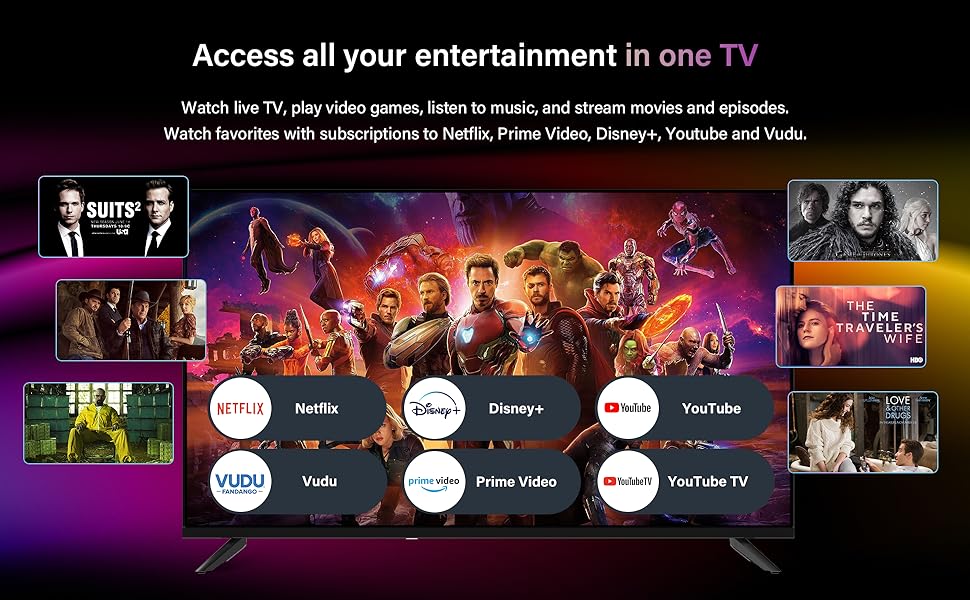
- Aplicaciones de transmisión: Directly access popular services such as YouTube, YouTube TV, Netflix, Disney+, Prime Video, and Vudu.
- Entretenimiento en el hogar: The intuitive interface allows for easy navigation between live TV, connected devices, and smart applications.
- AIPlay Screen Casting: Supports intelligent recognition for screen casting from compatible devices.
Music Card App
The integrated Music Card App centralizes various music services for a seamless audio experience.
The Music Card App integrates services like Spotify and YouTube Music, allowing users to access their favorite audio content and even play music from mobile or USB files.
- Access various music services including Spotify and YouTube Music.
- Play music directly from mobile devices or USB storage.
- Option to turn off the screen while listening to music.
Optimizador de juegos
Enhance your gaming experience with the built-in Game Optimizer feature.

The Game Optimizer reduces blue light emissions, minimizes input latency, and alleviates screen tearing and video lag for a smoother gaming experience.
- Reduces blue light emissions for eye comfort during extended gaming sessions.
- Minimizes input latency for more responsive gameplay.
- Alleviates screen tearing and video lag for a smoother visual experience.
Mantenimiento
Proper maintenance ensures the longevity and optimal performance of your SANSUI Smart TV.
- Limpieza de pantalla: Limpie suavemente la pantalla con un paño de microfibra suave y seco. Para manchas difíciles, limpie ligeramenteampEnjuague el paño con agua o una solución de limpieza específica para pantallas (no rocíe directamente sobre la pantalla).
- Limpieza de gabinetes: Utilice un paño suave y seco para limpiar la carcasa del televisor. Evite usar limpiadores abrasivos o disolventes.
- Ventilación: Asegúrese de que haya suficiente ventilación alrededor del televisor. No bloquee las aberturas de ventilación.
- Cable de alimentación: Revise regularmente el cable de alimentación para detectar posibles daños. Desenchufe el televisor durante tormentas eléctricas o si no lo va a usar durante períodos prolongados.
Solución de problemas
This section addresses common issues you might encounter with your SANSUI Smart TV.
| Problema | Posible causa | Solución |
|---|---|---|
| Sin poder | Power cord disconnected; Power outlet issue; Remote control batteries low. | Ensure power cord is securely plugged into TV and outlet. Test outlet with another device. Replace remote control batteries. |
| No hay imagen, pero tiene sonido | Fuente de entrada incorrecta seleccionada; problema con el dispositivo externo. | Press the 'Input' or 'Source' button on the remote to select the correct input. Check connections of external devices. |
| No tiene sonido, pero tiene imagen | Volume muted or too low; External audio system issue; Audio settings. | Unmute volume or increase level. Check connections to external audio systems. Verify audio output settings in TV menu. |
| El control remoto no funciona | Batteries depleted or incorrectly inserted; Obstruction between remote and TV; Remote sensor blocked. | Replace batteries, ensuring correct polarity. Remove any obstructions. Ensure TV's remote sensor is not blocked. |
| Las funciones inteligentes no funcionan | No internet connection; Network settings issue. | Check Wi-Fi or Ethernet connection. Restart router/modem. Reconfigure network settings in TV menu. |
Presupuesto
Detailed technical specifications for the SANSUI 32 Inch WebOS 5.0 Smart TV.
| Característica | Especificación |
|---|---|
| Marca | Sansui |
| Número de modelo | 32ES5932 |
| Tamaño de pantalla | 32 pulgadas (82 cm de diagonal visible) |
| Tecnología de visualización | LED HD Backlight |
| Resolución | 720p (máximo 1366 x 768) |
| Frecuencia de actualización | 60 Hz |
| Sistema operativo | WebSistema operativo 5.0 |
| Relación de aspecto | 16:9 |
| Tecnología de conectividad | Ethernet, HDMI (x3), RF, USB (x1), Wi-Fi |
| Características especiales | WebOS 5.0, Music Card App, Game Optimizer Advantage, AIPlay Screen Casting |
| Color | Negro |
| Dimensiones del producto (Pr x An x Al) | 8.07" x 28.31" x 18.58" |
| Peso del artículo | 7.3 libras |
| Volumentage | 100-240 V |
| Energía en modo de espera | <0.5 W |
Garantía y soporte
Para obtener información sobre la garantía y soporte técnico, consulte la tarjeta de garantía incluida con su producto o visite el sitio web oficial de SANSUI. website. You may also contact SANSUI customer service directly for assistance with product registration, troubleshooting, or service requests.
SANSUI Official Websitio: Visit SANSUI Store on Amazon