
Samsung QN65Q70DAFXZA
Manual del usuario del televisor inteligente Samsung QLED 4K serie Q70D de 65 pulgadas
Modelo: QN65Q70DAFXZA
Introducción
This manual provides essential information for the safe and efficient use of your SAMSUNG 65-Inch Class QLED 4K Q70D Series Smart TV. Please read it thoroughly before operating the television and retain it for future reference.
Instrucciones de seguridad importantes
Siga siempre las precauciones básicas de seguridad al utilizar este producto para reducir el riesgo de incendio, descarga eléctrica y lesiones a las personas.
- No exponga este aparato a la lluvia ni a la humedad.
- No bloquee ninguna abertura de ventilación.
- No lo instale cerca de fuentes de calor.
- Proteja el cable de alimentación para que no sea pisado ni aplastado.
- Utilice únicamente accesorios especificados por el fabricante.
- Deje todo servicio a personal de servicio calificado.
¿Qué hay en la caja?
Upon unpacking, please verify that all components are present and in good condition.
- SAMSUNG 65-Inch Class QLED 4K Q70D Series Smart TV
- Cable de alimentación
- Control remoto de células solares™ TM2360E
- Manual de usuario (este documento)
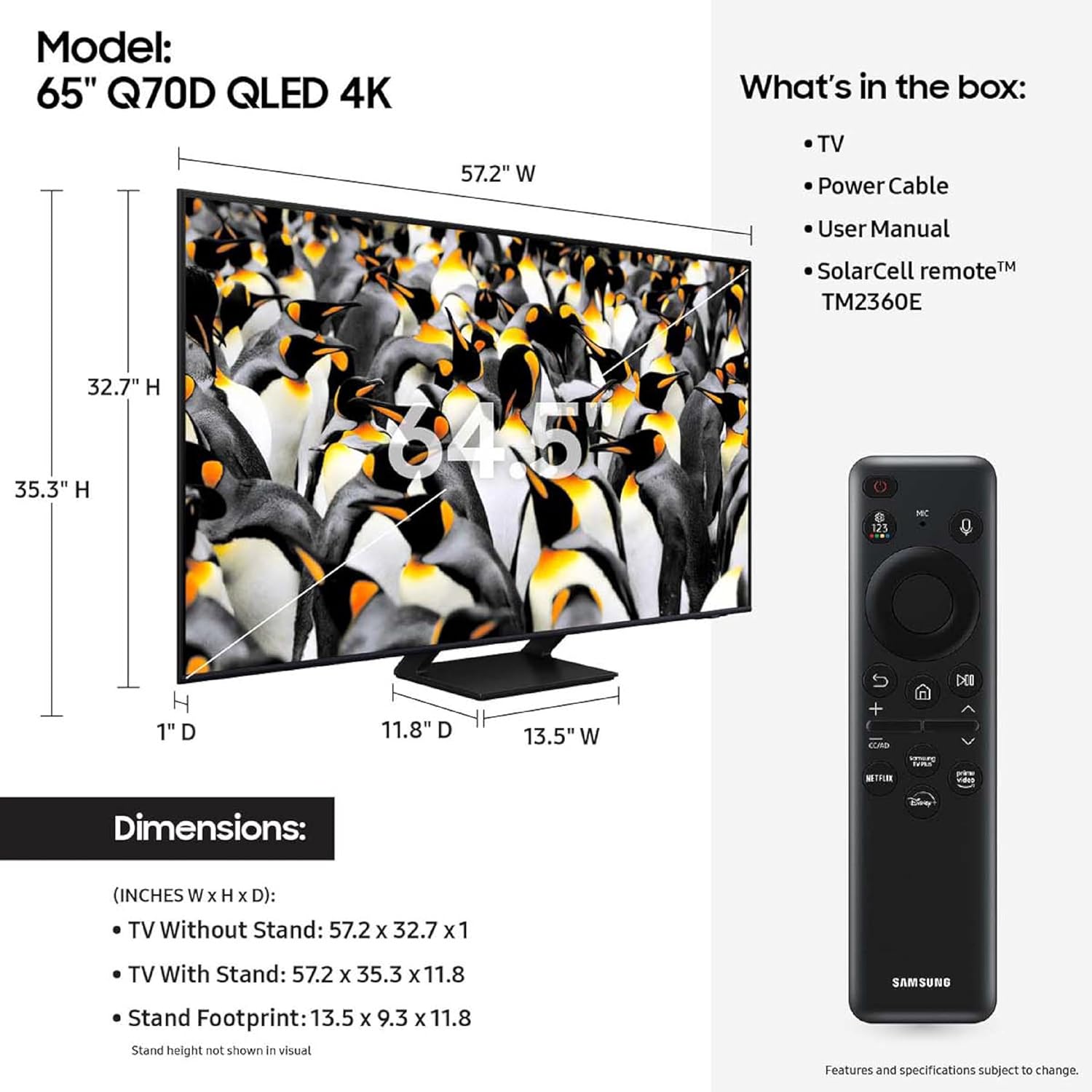
Image showing the Samsung QLED 4K TV, its dimensions, the included SolarCell remote, power cable, and user manual.
Configuración
Instalación física
Carefully remove the TV from its packaging. Place the TV on a stable, flat surface or mount it to a wall using a compatible VESA mount (sold separately).

Frente view of the SAMSUNG 65-Inch Class QLED 4K Q70D Series Smart TV, showcasing its slim design and QLED display.

Lado profesionalfile of the SAMSUNG 65-Inch Class QLED 4K Q70D Series Smart TV, highlighting its thin form factor.
Conectar dispositivos
Connect your external devices such as Blu-ray players, gaming consoles, or sound systems to the appropriate ports on the back of the TV.

Detallado view of the rear input panel of the Samsung QLED TV, indicating USB, HDMI (including eARC), LAN, and Cable/Antenna ports.
- HDMI: Connect HDMI cables for high-definition video and audio. The HDMI 2 port supports eARC for enhanced audio return channel functionality.
- USB: Conecte dispositivos de almacenamiento USB para reproducción multimedia.
- LAN: Conecte un cable Ethernet para una conexión a Internet por cable.
- Cable/Hormiga: Conecte una antena o entrada de TV por cable.
Conexión de energía
Conecte el cable de alimentación al televisor y luego a una toma de corriente. Asegúrese de que la toma de corriente sea fácilmente accesible.
Asistente de configuración inicial
Upon first power-on, the TV will guide you through the initial setup process, including network connection, channel scanning, and Samsung Account setup. A Samsung Account is required for network-based smart services, including streaming apps and other smart features.
Operación de su televisor
Using the SolarCell Remote™
The included SolarCell Remote™ TM2360E can be charged via solar energy or USB-C. It provides intuitive control over your TV's functions.
The SolarCell Remote™ TM2360E, showing its sleek design and button layout for easy navigation and control.
- Botón de encendido: Enciende o apaga el televisor.
- Pad de navegación: Se utiliza para moverse por los menús y seleccionar elementos.
- Botones de volumen/canal: Ajustar el volumen y cambiar canales.
- Botón Smart Hub: Access the Samsung Tizen OS Smart Hub for apps and services.
- Botón del asistente de voz: Activate Alexa Built-in for voice commands.
Configuración de imagen y sonido
Your Q70D TV features advanced picture and sound technologies. Access the settings menu to customize your viewExperiencia de aprendizaje.
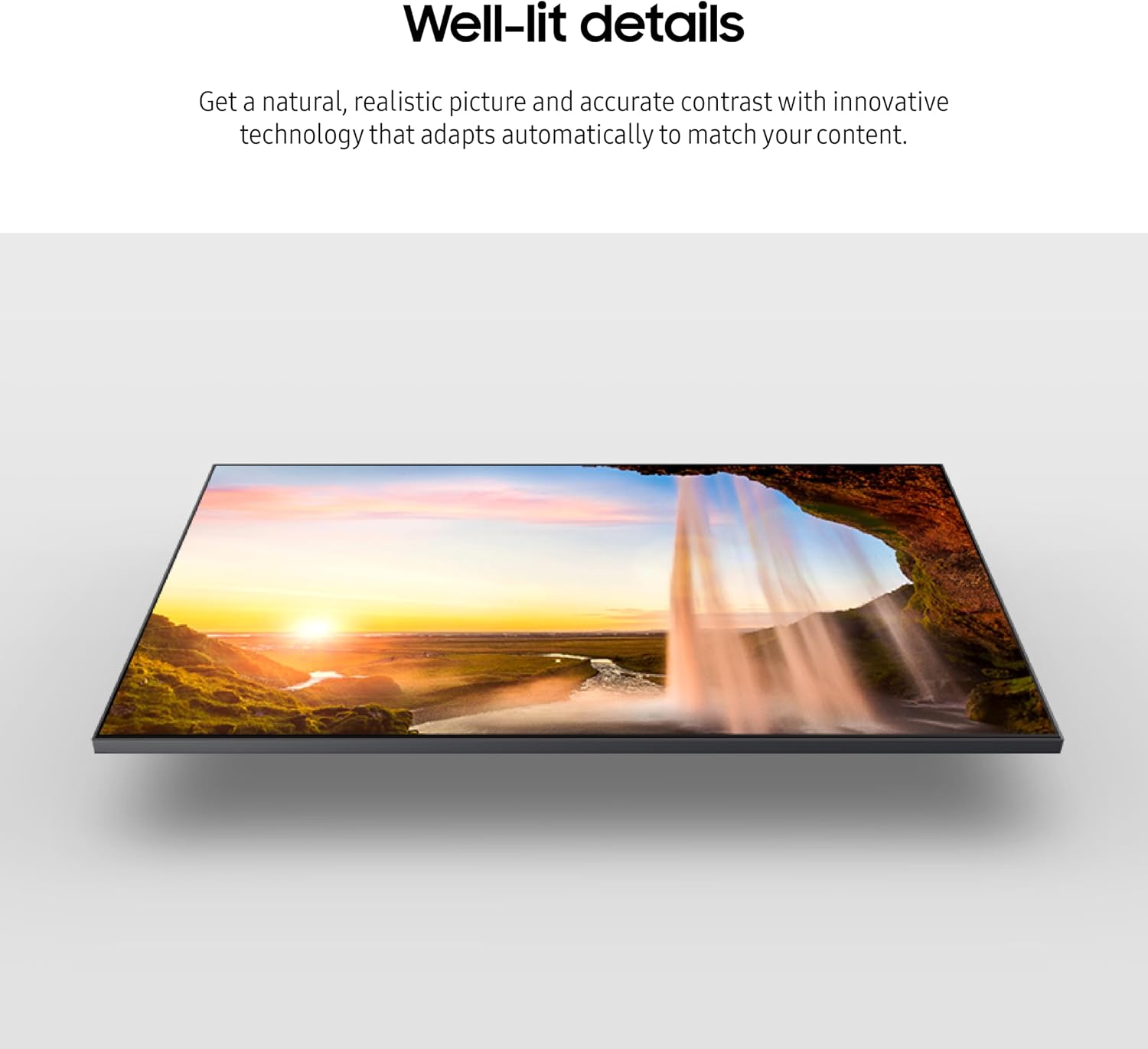
- Modo de imagen: Select from various modes like Standard, Dynamic, Movie, or adjust custom settings for brightness, contrast, sharpness, and color. The TV features LED doble for natural, realistic picture and 100% de volumen de color con punto cuántico for breathtaking color.
- Modo de sonido: Choose from Standard, Adaptive Sound, or customize equalizer settings. Sonido de seguimiento de objetos Lite provides 3D surround sound that follows on-screen movement.
- Acelerador de movimiento 120 Hz: For smooth action and crisp visuals, especially beneficial for sports and gaming.
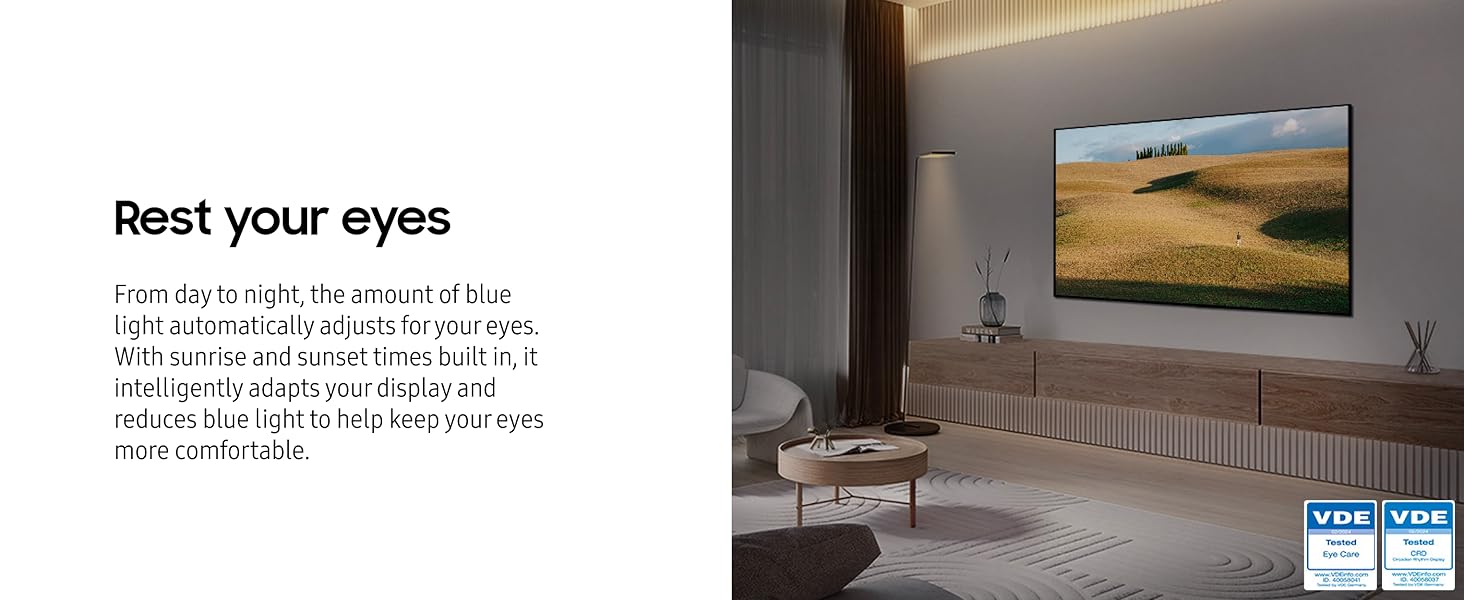
- Modo de comodidad ocular: Automatically adjusts blue light based on ambient light and time of day to reduce eye strain.
The Samsung QLED TV showcasing its ability to produce true-to-life colors with 100% Color Volume and Quantum Dot technology.

The Samsung QLED TV demonstrating distinct contrast and detail with Quantum HDR, optimizing imagery for various content.

The Samsung QLED TV illustrating smooth motion with Motion Xcelerator 120Hz, providing crisp visuals at 120 frames per second.

The Samsung QLED TV depicting the effect of Object Tracking Sound Lite, where 3D surround sound follows on-screen movement.
Funciones de Smart TV (sistema operativo Samsung Tizen)
The Samsung Tizen OS provides access to a wide range of streaming services, apps, and smart features. Navigate the Smart Hub to discover content.
- Aplicaciones de transmisión: Access popular services like Netflix, Hulu, Prime Video, and more.
- Centro de juegos: Stream games directly from your TV without a console (high-speed internet and compatible controller required).
- Alexa incorporado: Utilice comandos de voz para controlar el televisor, obtener información y realizar la integración con el hogar inteligente.
- Multi View: Watch multiple sources simultaneously (e.g., Live TV and an HDMI input).

La interfaz Smart Hub del sistema operativo Samsung Tizen, que muestra varias aplicaciones de transmisión y recomendaciones de contenido.
The Samsung Gaming Hub interface, displaying various cloud gaming titles and options for playing games directly on the TV.
Mantenimiento
Limpiar tu televisor
Para limpiar la pantalla, límpiela suavemente con un paño suave que no deje pelusa. Para manchas difíciles, límpiela ligeramente.ampen the cloth with water or a screen cleaner specifically designed for electronics. Do not spray cleaner directly onto the screen.
For the TV frame and stand, use a soft, dry cloth. Avoid using abrasive cleaners, waxes, or solvents.
Actualizaciones de software
Asegúrate de que el software de tu televisor esté actualizado para un rendimiento y una seguridad óptimos. Puedes buscar actualizaciones en el menú de configuración del televisor (Configuración > Soporte > Actualización de software).
Solución de problemas
Si tiene problemas con su televisor, consulte las siguientes soluciones comunes antes de comunicarse con el servicio técnico.
| Problema | Posible solución |
|---|---|
| Sin poder | Compruebe que el cable de alimentación esté bien conectado al televisor y a la toma de corriente. Pruebe la toma de corriente con otro dispositivo. |
| Sin imagen/sonido | Ensure the correct input source is selected. Check HDMI/audio cable connections. Try a different cable. |
| El control remoto no funciona | Ensure the remote is charged (SolarCell Remote). Point the remote directly at the TV. Remove any obstructions. |
| Problemas de conexión de red | Restart your router and modem. Reconnect to the Wi-Fi network or check the Ethernet cable connection. Verify Wi-Fi password. |
| Problemas de calidad de la imagen | Ajuste la configuración de la imagen (brillo, contraste y nitidez). Asegúrese de que el contenido sea de alta calidad. |
Para obtener una solución de problemas más detallada, consulte el manual electrónico en pantalla del televisor o visite el soporte de Samsung. websitio.
Presupuesto
Key technical specifications for the SAMSUNG 65-Inch Class QLED 4K Q70D Series Smart TV (Model: QN65Q70DAFXZA).
| Característica | Detalle |
|---|---|
| Número de modelo | QN65Q70DAFXZA |
| Tamaño de pantalla | 65 pulgadas (166 cm de diagonal visible) |
| Tecnología de visualización | LED Q |
| Resolución | 4K UHD (3840x2160) |
| Frecuencia de actualización | 120 Hz (Motion Xcelerator 120 Hz) |
| Procesador | Quantum Processor 4K w/ AI Upscaling |
| Compatibilidad con HDR | HDR cuántico |
| Salida de audio | 20 Watts, Built-In Speaker, Object Tracking Sound Lite |
| Sistema operativo | Sistema operativo Samsung Tizen |
| Conectividad | Bluetooth, Wi-Fi, HDMI (multiple ports, one eARC), USB, LAN, Cable/Antenna |
| Dimensiones (An x Al x Pr) | TV Without Stand: 57.2" x 32.7" x 1" TV With Stand: 57.2" x 35.3" x 11.8" |
| Peso | 49.2 libras |
| Consumo de energía | 312 kWh al año (basado en 4 horas/día) |

Diagram illustrating the dimensions of the SAMSUNG 65-Inch Q70D QLED 4K TV, both with and without its stand.
Garantía y soporte
Para obtener información sobre la garantía, consulte la tarjeta de garantía incluida con su producto o visite el sitio web oficial de Samsung. webSitio. Samsung brinda soporte al cliente para consultas sobre productos, asistencia técnica y solicitudes de servicio.
Soporte en línea: Visita Soporte de Samsung Para preguntas frecuentes, descargas y solicitudes de servicio.
Servicio al cliente: Contact Samsung customer service for direct assistance. Refer to the contact information provided on the Samsung support websitio para su región.
Ask a question about this manual
Ask about setup, troubleshooting, compatibility, parts, safety, or missing instructions. Manuals+ will review the question and use this page’s manual context to help answer it.