
1. Introducción
This manual provides detailed instructions for the proper use and maintenance of your QZT L12003 Body Camera. Please read this manual thoroughly before operating the device to ensure optimal performance and longevity. The QZT L12003 is a compact, high-definition body camera designed for various recording needs, featuring 1080P video, night vision, and motion detection capabilities.
2. Producto terminadoview
The QZT L12003 Body Camera is a versatile recording device equipped with several key features:
- Vídeo HD 1080P: Records high-definition video for clear footage.
- Pantalla de 1.3 pulgadas: Allows for real-time viewing and playback of recordings.
- Batería de 1200 mAh: Proporciona un tiempo de funcionamiento prolongado.
- Lente giratoria de 180°: Offers flexible recording angles to capture various perspectives.
- Vocero: Para reproducción de audio.
- Función de foto: Captura imágenes fijas.
- Grabación de audio: Records sound independently or with video.
- Visión nocturna: Enhanced recording in low-light conditions with IR-CUT filter and white light assistance.
- Detección de movimiento: Comienza a grabar automáticamente cuando se detecta movimiento.

Figura 2.1: Sobreview of QZT L12003 Body Camera features, including 1080P HD, 1.3-inch screen, 1200mAh battery, 180° wide angle lens, speaker, photo, video, record, night vision, and motion detection capabilities.
3. Configuración
3.1 Carga del dispositivo
Before first use, fully charge the body camera. Connect the camera to a power source using the provided charging cable. The charging indicator light will typically show the charging status and turn off or change color when fully charged.
3.2 Almacenamiento
The camera comes with 32GB of internal storage. For extended recording needs, the device supports storage expansion up to 128GB. Ensure the storage medium is properly formatted if using an external card (not included).
4. Instrucciones de funcionamiento
4.1 Encendido y apagado
- To power on: Locate the power button (often labeled ON/OFF) and press and hold it until the screen illuminates.
- Para apagar: Mantenga presionado el botón de encendido nuevamente hasta que el dispositivo se apague.
4.2 Grabación de vídeo
To begin recording video in 1080P HD:
- Asegúrese de que la cámara esté encendida.
- Navigate to the video recording mode using the menu buttons.
- Press the record button (often marked with a camera icon or 'REC') to start recording. A red indicator light or on-screen icon will typically confirm recording is active.
- Presione el botón de grabación nuevamente para detener la grabación.
4.3 Toma de fotografías
Para capturar imágenes fijas:
- Asegúrese de que la cámara esté encendida.
- Cambiar al modo fotografía.
- Press the photo capture button (often marked with a camera icon) to take a picture.
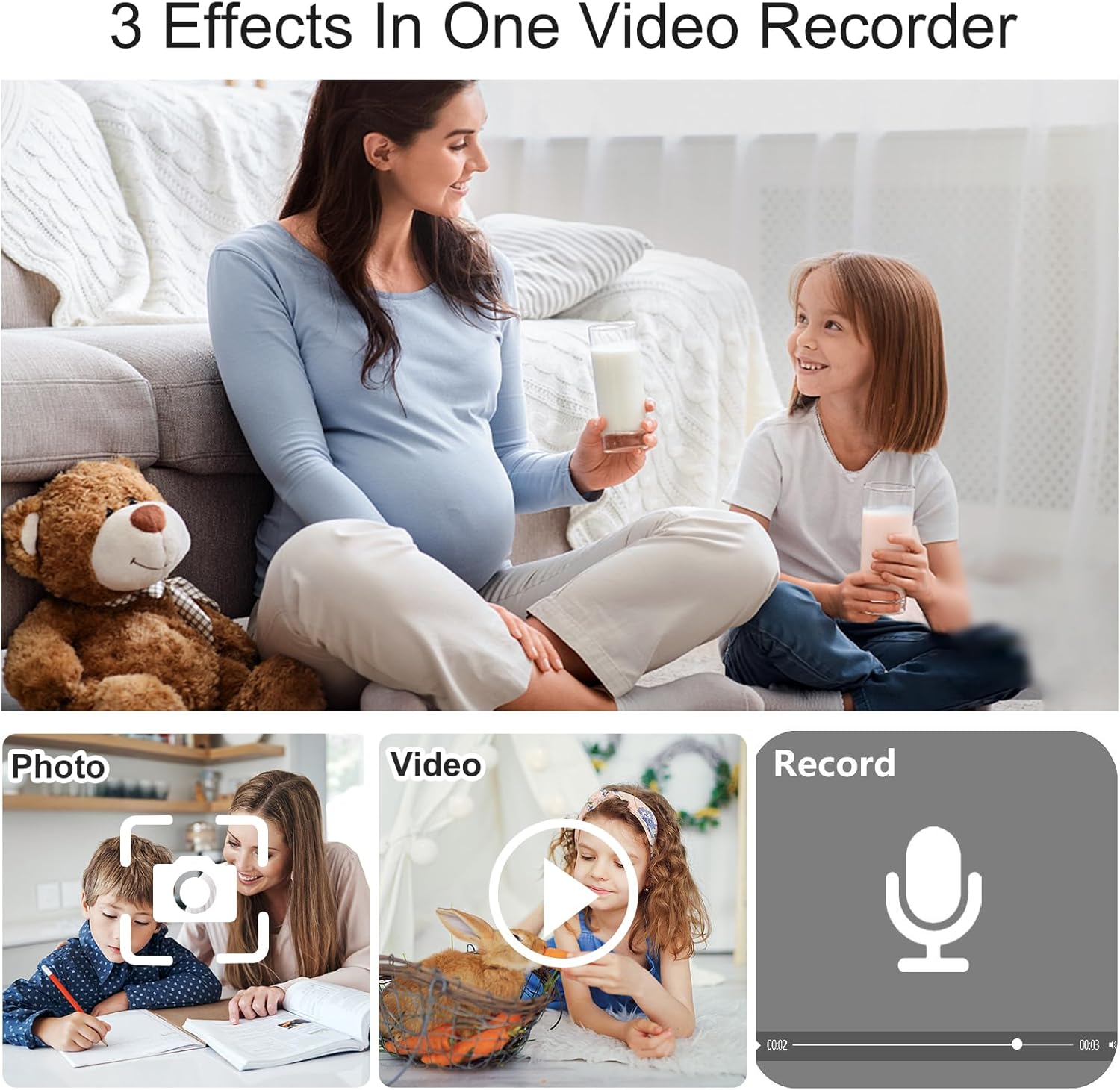
Figure 4.1: The camera supports three primary functions: photo capture, video recording, and audio recording.
4.4 Grabación de audio
The device can record audio. Refer to the on-screen menu for specific instructions on activating standalone audio recording mode.
4.5 Grabación por detección de movimiento
The motion detection feature allows the camera to automatically start recording when movement is detected within its field of view.
- Access the camera's settings menu.
- Locate and enable the 'Motion Detection' option.
- Once enabled, the camera will enter standby mode and begin recording automatically upon detecting motion.

Figure 4.2: Motion detection feature automatically initiates recording when movement is detected, useful for security monitoring.
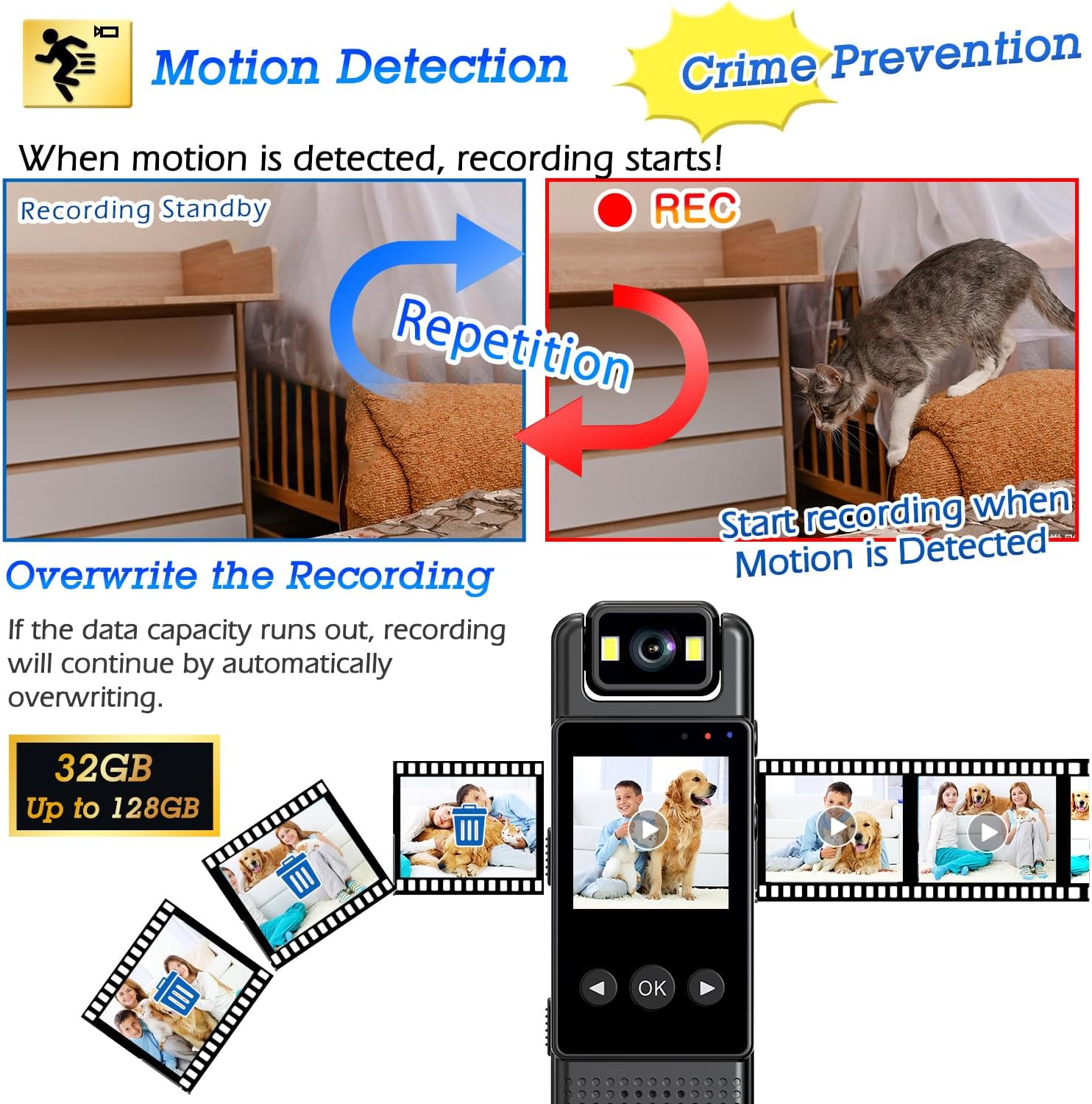
Figure 4.3: When motion is detected, recording starts. If storage capacity is reached, the camera will automatically overwrite the oldest files para continuar grabando.
4.6 Visión nocturna
The camera is equipped with night vision capabilities for recording in low-light or dark environments.
- The dual-level IR-CUT filter automatically adjusts to external brightness.
- To activate the white light for recording in total darkness, press and hold the designated button (typically the right button).

Figure 4.4: The camera provides clear images in both day and night conditions. Long-pressing the right button activates the white light for recording in complete darkness.
4.7 Using the 180° Rotatable Lens
The camera features a lens that can rotate 180 degrees, allowing you to adjust the recording angle as needed.
- Gently rotate the lens assembly to the desired position.
- This feature is useful for capturing different directions without repositioning the entire camera.

Figure 4.5: The 180° rotatable lens allows for quick adjustment of the recording direction.
4.8 Reviewing Footage
Las grabaciones se pueden volver a grabar.viewed directly on the camera's 1.3-inch color display. Use the navigation buttons to browse and play back files.
4.9 Transferencia de datos
Para transferir grabado files to a computer, connect the camera using a USB cable. The camera should appear as a removable storage device, allowing you to copy files.
5. Mantenimiento
5.1 Limpieza
- Utilice un paño suave y seco para limpiar el cuerpo de la cámara.
- Para la lente, utilice un paño y una solución de limpieza de lentes especializados para evitar rayones.
- No utilice productos químicos agresivos ni materiales abrasivos.
5.2 Almacenamiento
- Guarde la cámara en un lugar fresco y seco, alejado de la luz solar directa y de temperaturas extremas.
- Mantenga la cámara alejada de campos magnéticos fuertes.
5.3 Cuidado de la batería
- Cargue la batería periódicamente, incluso si la cámara no se utiliza con frecuencia, para mantener la salud de la batería.
- Evite descargar completamente la batería con frecuencia.
6. Solución de problemas
- La cámara no se enciende: Asegúrese de que la batería esté cargada. Conéctela a una fuente de alimentación y vuelva a intentarlo.
- Mala calidad de imagen/vídeo: Ensure the lens is clean. Check lighting conditions; activate night vision if necessary. Verify that the camera is set to 1080P recording mode.
- La grabación no se inicia: Check if the storage is full. If so, transfer files or enable overwrite recording (refer to Section 4.5). Ensure motion detection is not preventing manual recording if not intended.
- El dispositivo no responde: Try performing a soft reset by pressing and holding the power button for an extended period (e.g., 10-15 seconds) until it restarts or shuts down.
- no se puede transferir files a la computadora: Ensure the USB cable is securely connected. Try a different USB port or cable. The camera should be recognized as a mass storage device.
7. Especificaciones
| Característica | Especificación |
|---|---|
| Nombre del modelo | L12 (L12003) |
| Resolución de captura de video | 1080p |
| Resolución del sensor fotográfico | 32 MP |
| Formato de captura de video | Avión |
| Características especiales | HD Resolution, Local Recording, Night Vision, Motion Detection, 180° Rotatable Lens |
| Uso en interiores y exteriores | Exterior |
| Tecnología de conectividad | Cableado |
| Clasificación de impermeabilidad | IP54 |
| Batería | 1200 mAh (1 A batteries required, included) |
| Dimensiones del producto | 7.98 x 3.99 x 2.54 cm; 180 g |
| Medios integrados | Manual de instrucciones |
| Color | Negro |
8. Garantía y soporte
8.1 Garantía del fabricante
The QZT L12003 Body Camera comes with a 1 año de garantía del fabricanteConserve su comprobante de compra para reclamaciones de garantía.
8.2 Support Information
For technical support or inquiries, please contact QZT customer service. Manufacturer contact information is available on the product packaging or official QZT websitio.