
Introducción
Welcome to the user manual for your Baseus Bowie EZ10 Wireless Bluetooth Earbuds. This guide provides detailed instructions on how to set up, operate, and maintain your earbuds to ensure optimal performance and a seamless audio experience. Please read this manual carefully before using your device.
Producto terminadoview
Contenido del paquete

Image: The package contents for the Baseus Bowie EZ10, including the two earbuds, the charging case, a USB charging cable, and multiple pairs of silicone ear tips in various sizes.
- Baseus Bowie EZ10 Wireless Earbuds (Left and Right)
- Estuche de carga
- Cable de carga USB
- Varios pares de tapones para los oídos (varios tamaños)
- Manual de usuario (este documento)
Características principales
- Adaptive Noise Cancellation (ANC) up to -42dB: Experience high-quality, immersive audio regardless of your environment.
- ENC Noise Cancellation with 4 Microphones: Ensures clear and high-quality calls even in noisy surroundings.
- Latencia ultrabaja (0.038 s): Guarantees audio and video synchronization for an immersive experience, especially for gaming and video playback.
- Mayor duración de la batería: Up to 30 hours of total playback with the charging case, and 5 hours on a single charge.
- Conexión simultánea de dispositivos: Connect to two devices at the same time for seamless switching.
- Soporte de aplicaciones personalizables: Personalize your audio experience and controls via the dedicated Baseus application.
Diagrama del producto
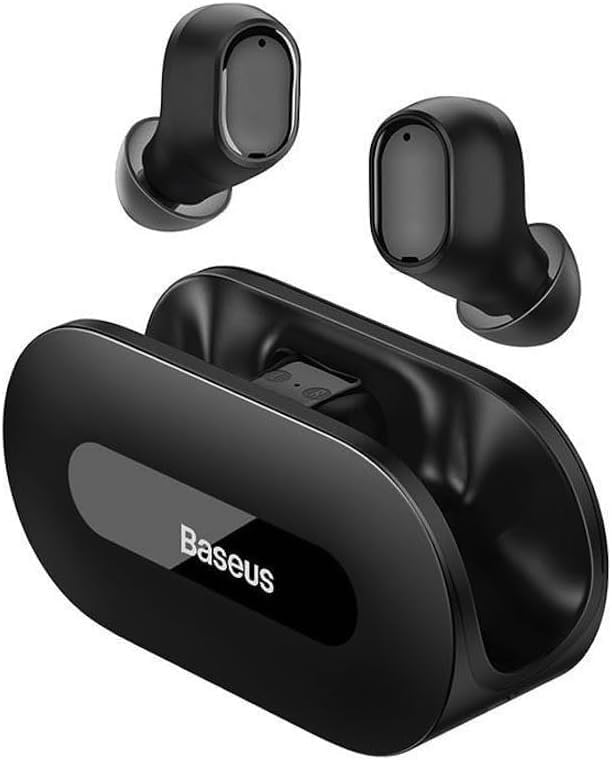
Imagen: Una clara view of the Baseus Bowie EZ10 wireless earbuds and their sleek black charging case, showcasing su diseño compacto.
The Baseus Bowie EZ10 earbuds feature a compact in-ear design for a comfortable and secure fit. The charging case is designed for easy portability and secure storage, with magnetic slots to hold the earbuds in place.
Configuración
Cargar los auriculares y el estuche

Image: A graphic illustrating the long battery life of the Baseus Bowie EZ10 earbuds, indicating extended listening time with the charging case and quick charging capabilities.
- Carga inicial: Before first use, fully charge both the earbuds and the charging case. Place the earbuds into the charging case.
- Conectar el cargador: Conecte el cable de carga USB al puerto de carga del estuche y conecte el otro extremo a una fuente de alimentación USB compatible (por ejemplo, adaptador de pared, puerto USB de computadora).
- Indicadores de carga: The LED indicators on the charging case will show the charging status. Refer to the specific light patterns in your quick start guide for detailed information.
- Carga rápida: The earbuds support fast charging, providing significant playback time with a short charge.
Emparejamiento con su dispositivo
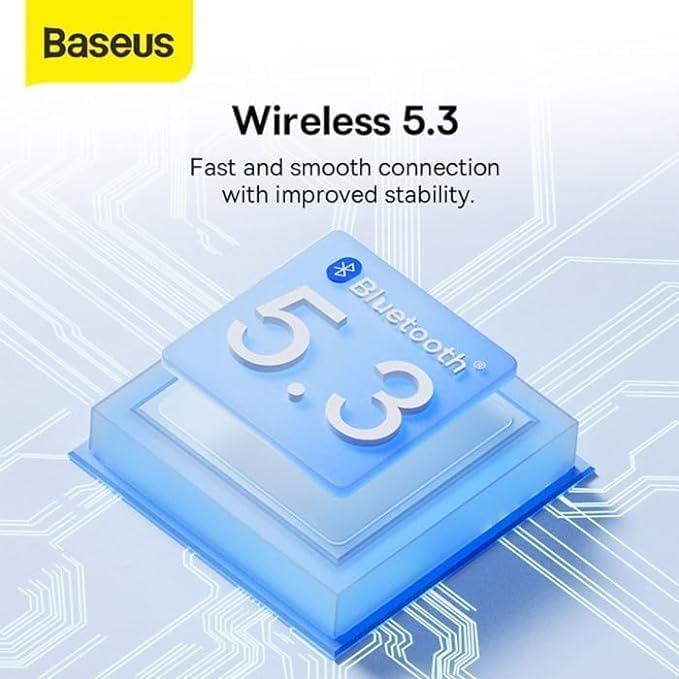
Image: A visual representation of Bluetooth 5.3 technology, highlighting its role in providing a fast and stable wireless connection for the Baseus Bowie EZ10 earbuds.
- Encendido: Abre el estuche de carga. Los auriculares se encenderán automáticamente y entrarán en modo de emparejamiento.
- Activar Bluetooth: En su dispositivo (teléfono inteligente, tableta, computadora), habilite Bluetooth.
- Buscar Dispositivos: En la configuración de Bluetooth de su dispositivo, busque los dispositivos disponibles.
- Select 'Baseus Bowie EZ10': From the list of found devices, select 'Baseus Bowie EZ10' to connect.
- Confirmación: Once connected, you will hear an audio prompt from the earbuds, and the device's Bluetooth settings will show them as connected.
- Conexión multidispositivo: The earbuds can connect to two devices simultaneously. After pairing with the first device, disable Bluetooth on it, then pair with the second device. Re-enable Bluetooth on the first device, and the earbuds should connect to both.
Instrucciones de funcionamiento
Cómo usar los auriculares
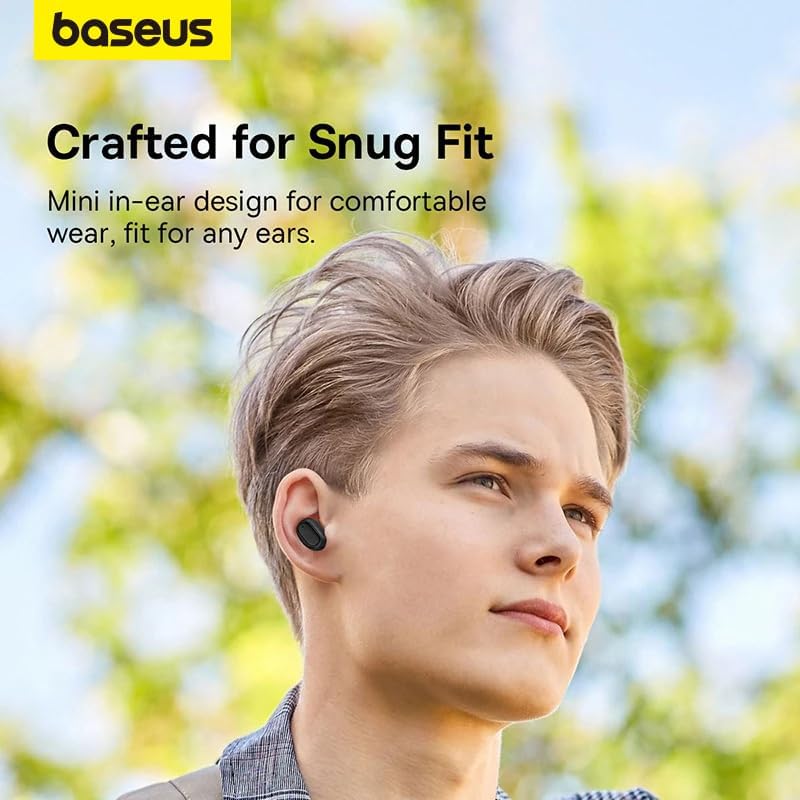
Image: A person wearing a Baseus Bowie EZ10 earbud, illustrating the comfortable and snug fit of the mini in-ear design.
- Choose Right Ear Tips: Seleccione las almohadillas que proporcionen el mejor sellado y comodidad para sus oídos.
- Insertar auriculares: Inserte suavemente cada auricular en el canal auditivo.
- Ajustar para ajustar: Rotate the earbuds slightly until they feel secure and comfortable, ensuring a good seal for optimal sound quality and noise cancellation.
Controles táctiles
The Baseus Bowie EZ10 earbuds feature intuitive touch controls on each earbud. Specific functions may vary or be customizable via the Baseus app.
- Reproducir/Pausa: Un solo toque en cualquiera de los auriculares.
- Pista siguiente: Toque dos veces el auricular derecho.
- Pista anterior: Toque dos veces el auricular izquierdo.
- Responder/Finalizar llamada: Un solo toque en cualquiera de los auriculares.
- Rechazar llamada: Mantenga presionado cualquiera de los auriculares.
- Activar asistente de voz: Toque tres veces cualquiera de los auriculares.
- Control de volumen: Specific gestures for volume control can often be set up in the Baseus app.
Noise Cancellation (ANC/ENC)
The Baseus Bowie EZ10 earbuds offer advanced noise cancellation features:
- Cancelación de ruido adaptativa (ANC): Reduces ambient noise for an immersive listening experience. This mode can often be toggled on/off or adjusted via the touch controls or the Baseus app.
- ENC Noise Cancellation for Calls: The 4-microphone ENC system automatically works during calls to ensure your voice is clear and background noise is minimized for the person on the other end.
Modo de baja latencia
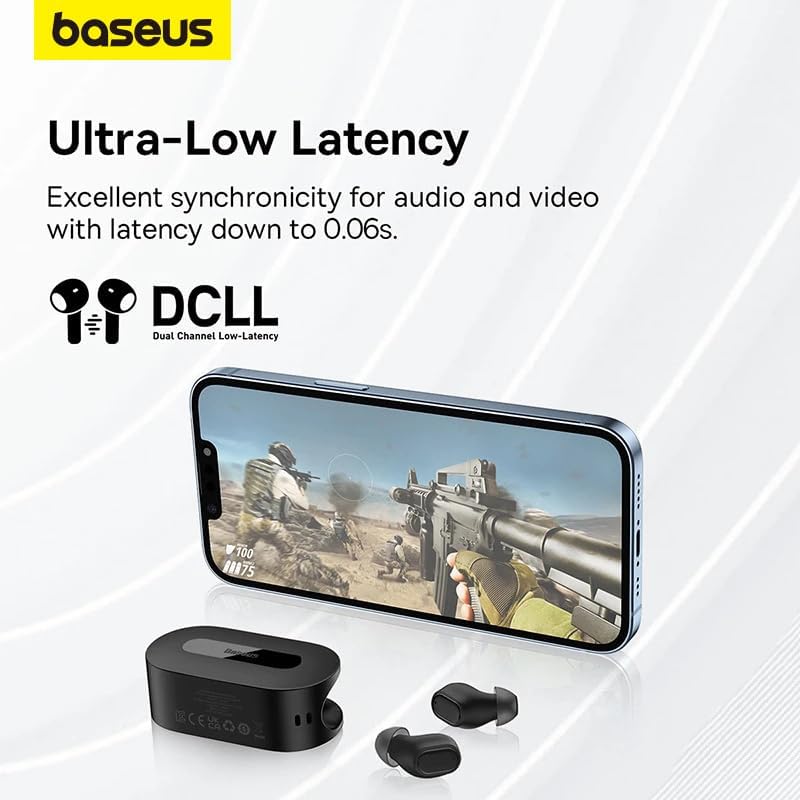
Image: The Baseus Bowie EZ10 earbuds and charging case positioned next to a smartphone displaying a gaming scene, emphasizing the ultra-low latency feature for synchronized audio and video.
For gaming or watching videos, activate the ultra-low latency mode to ensure perfect synchronization between audio and video. This mode can typically be activated via a specific touch gesture or through the Baseus app.
Usando la aplicación Baseus
Download the official Baseus app from your device's app store. The app allows you to:
- Personaliza los controles táctiles.
- Ajustar la configuración del ecualizador.
- Toggle noise cancellation modes.
- Verifique los niveles de la batería.
- Actualice el firmware.
Mantenimiento
Limpieza
- Auriculares: Use a soft, dry, lint-free cloth to wipe the earbuds. For earwax or debris, gently clean with a small, soft brush or cotton swab. Do not use liquids or abrasive cleaners.
- Consejos para los oídos: Retire las almohadillas de silicona y lávelas con agua y jabón suave. Enjuáguelas bien y déjelas secar completamente antes de volver a colocarlas.
- Estuche de carga: Wipe the case with a soft, dry cloth. Ensure the charging contacts inside the case are clean and free of debris.
Almacenamiento
- Guarde siempre los auriculares en su estuche de carga cuando no los utilice para protegerlos y mantenerlos cargados.
- Guarde el dispositivo en un lugar fresco y seco, alejado de temperaturas extremas y de la luz solar directa.
Solución de problemas
| Problema | Posible causa | Solución |
|---|---|---|
| Los auriculares no se emparejan | Los auriculares no están en modo de emparejamiento; Bluetooth desactivado en el dispositivo; el dispositivo previamente emparejado interfiere. | Ensure earbuds are in pairing mode (open case); turn on Bluetooth on your device; forget previous connections on your device and try again. |
| Sin sonido de un auricular | Batería baja; auricular no conectado correctamente; auricular sucio. | Place both earbuds in the case to charge; ensure they are properly seated; clean earbud and charging contacts. |
| Problemas de carga | Cable or adapter faulty; charging contacts dirty; case battery empty. | Try a different USB cable and power adapter; clean charging contacts on earbuds and case; ensure charging case is charged. |
| Mala calidad de sonido | Improper fit; ear tips dirty; interference. | Adjust earbud fit and try different ear tips; clean ear tips and earbuds; move closer to your device or away from sources of interference. |
Presupuesto
| Característica | Detalle |
|---|---|
| Nombre del modelo | Bowie EZ10 |
| Tecnología de conectividad | Inalámbrico (Bluetooth 5.3) |
| Colocación de orejas | En la oreja |
| Control de ruido | Adaptive Noise Cancellation, ENC for calls |
| Estado latente | 0.038s (Ultra-Low Latency Mode) |
| Duración de la batería (auriculares) | Hasta 5 horas (una sola carga) |
| Duración de la batería (con estuche) | Hasta 30 horas |
| Tipo de control | Media Control, Volume Control (customizable) |
| Material | Plastic, Silicone/Memory Foam (ear tips) |
| Color | Negro |
| Fabricante | Baseus_Inc |
| Proceso de dar un título | CE |
Garantía y soporte
The Baseus Bowie EZ10 Wireless Bluetooth Earbuds come with a manufacturer's warranty. Please refer to the warranty card included in your package or visit the official Baseus webSitio para conocer los términos y condiciones detallados de la garantía.
For technical support, troubleshooting assistance, or any product-related inquiries, please contact Baseus customer service through their official websitio o la información de contacto proporcionada en el embalaje de su producto.