
Angrox ND21-J
Angrox Replacement Remote for VIZIO Sound Bar
Model: ND21-J
1. Introducción
This manual provides comprehensive instructions for the Angrox Replacement Remote, designed specifically for VIZIO Sound Bar systems. This remote offers 100% of the original functionality, ensuring a seamless replacement experience for your home theater audio system.
It is compatible with various VIZIO Sound Bar series, including 2.1 and 5.1 home theater sound bars, VIZIO channel sound bar systems, and VIZIO M/V/P series home audio sound systems.

Image: The Angrox Replacement Remote for VIZIO Sound Bar, showcasing su elegante diseño.

Image: Visual guide illustrating the types of VIZIO sound bar systems compatible with this replacement remote, including 2.1, 5.1, channel, and M/V/P series setups.
2. Configuración
2.1 Instalación de la batería
The remote requires two (2) AAA batteries (not included). Follow these steps to install them:
- Ubique el compartimiento de la batería en la parte posterior del control remoto.
- Deslice la tapa de la batería hacia abajo para abrirla.
- Inserte dos pilas AAA, asegurándose de que los extremos positivo (+) y negativo (-) estén alineados con las marcas dentro del compartimiento.
- Deslice la tapa de la batería nuevamente en su lugar hasta que haga clic de forma segura.

Image: Diagram showing the battery compartment and correct insertion of AAA batteries.
2.2 Conexión inicial
This replacement remote is designed for immediate use with compatible VIZIO Sound Bar systems. No complex programming or pairing is typically required. Simply insert the batteries, and the remote should automatically connect and function with your sound bar.
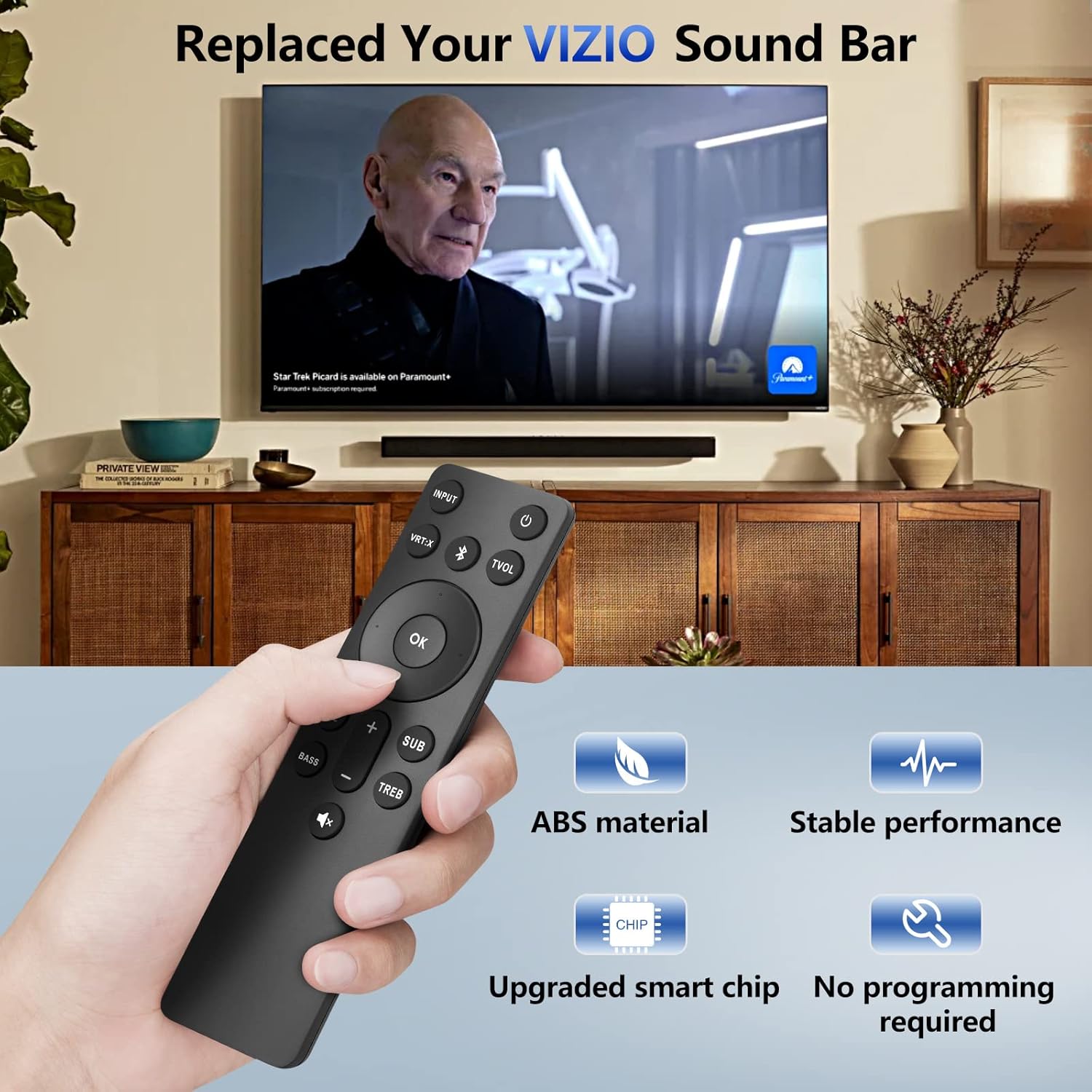
Image: A hand holding the remote, demonstrating its use with a VIZIO sound bar setup, highlighting its no-programming feature and upgraded smart chip for stable performance.
3. Instrucciones de funcionamiento
The Angrox Replacement Remote provides full control over your VIZIO Sound Bar's functions. Below is a detailed guide to each button and general usage tips:

Image: A detailed diagram labeling each button on the remote and describing its specific function, including input, volume, EQ, and more.
| Botón | Función |
|---|---|
| Fuerza (⏻) | Enciende o apaga la barra de sonido. |
| APORTE | Changes the input source of the sound bar. |
| VRT: X | Turns Virtual:X surround sound on or off. |
| Bluetooth (Ⓑ) | Switches to Bluetooth mode. Long press for Pairing Mode. |
| TVOL | Turns TruVolume on or off. |
| OK | Enter/Play/Pause. Select an option, play or pause media. |
| Flechas de navegación (Arriba abajo izquierda derecha) | Navigate menus, cycle through settings and options. |
| Anterior | Return to previous track. (Changes audio settings) |
| Próximo | Skip to the next track. (Changes audio settings) |
| EQ | Change equalizer settings. |
| BASS | Press to increase/decrease the bass level. |
| SUB | Press to increase/decrease the subwoofer level. (Long press to turn Night mode on/off) |
| TREB | Press to increase/decrease the treble level. |
| Volumen +/- | Aumenta y disminuye el volumen. |
| Silenciar (🔇) | Mute/unmute audio. (Long press to turn LED power indicator on/off) |
3.1 Customizing Your Audio Experience
The remote allows you to fine-tune your sound experience. Use the EQ button to cycle through preset equalizer modes, and adjust BASS, TREB, y SUB levels to suit your preferences. The comfort grip design ensures ease of use while customizing your audio.
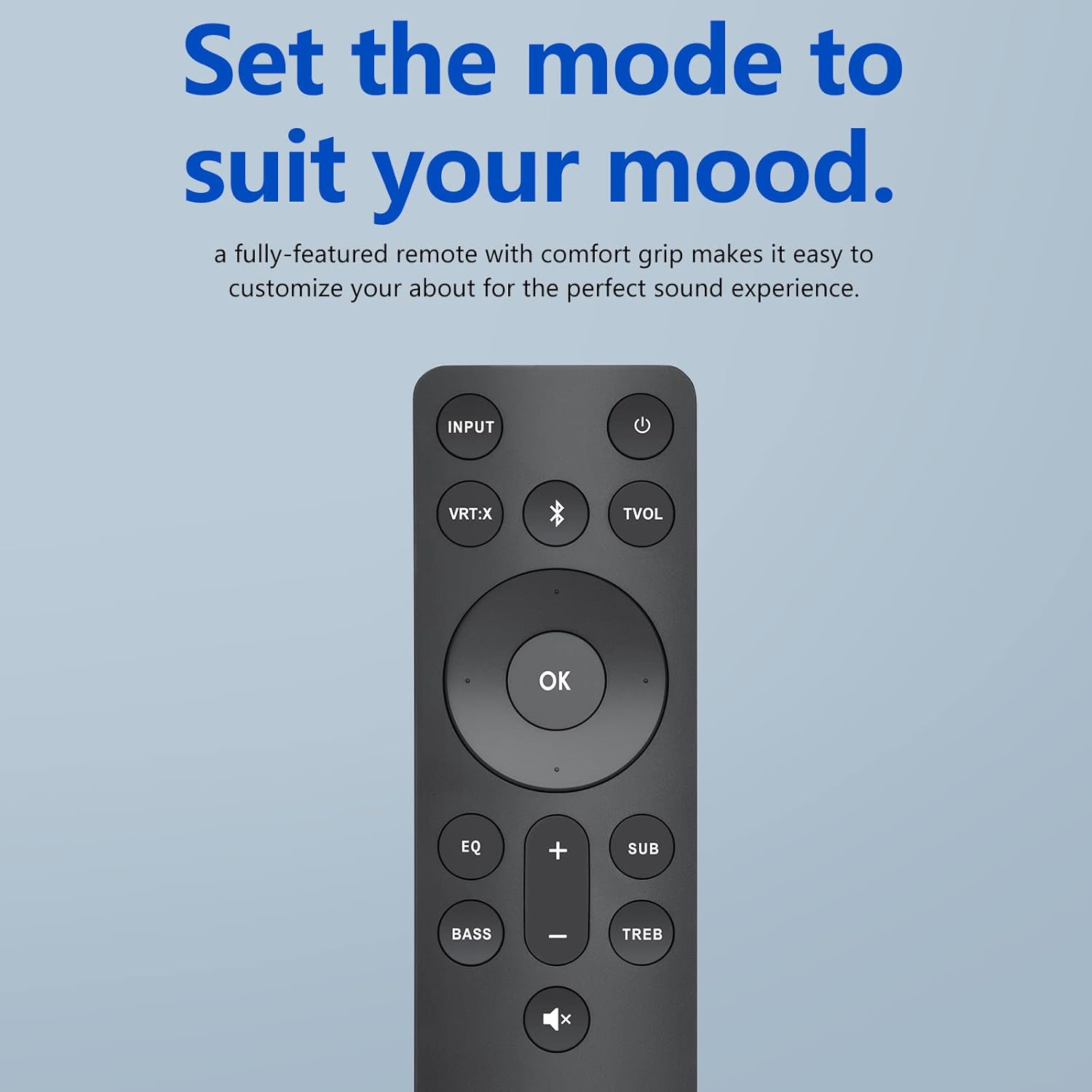
Image: The remote control displayed with the phrase "Set the mode to suit your mood," emphasizing its ability to customize audio for a perfect sound experience.
3.2 Remote Performance and Range
The remote operates using infrared (IR) technology, providing a reliable connection up to 10-12 meters (approximately 33-40 feet) from your sound bar. For optimal performance, ensure a clear line of sight between the remote and the sound bar's IR receiver. The remote boasts a fast response time of 0.5 seconds, ensuring your commands are registered quickly.

Image: Visual representation of the remote's effective operating range, indicating functionality over 40 feet.

Image: An illustration highlighting the remote's quick response time of 0.5 seconds.
3.3 Uso versátil
The compact and ergonomic design of the remote makes it suitable for use in various environments within your home, providing convenient control from your living room, kitchen, or bedroom.
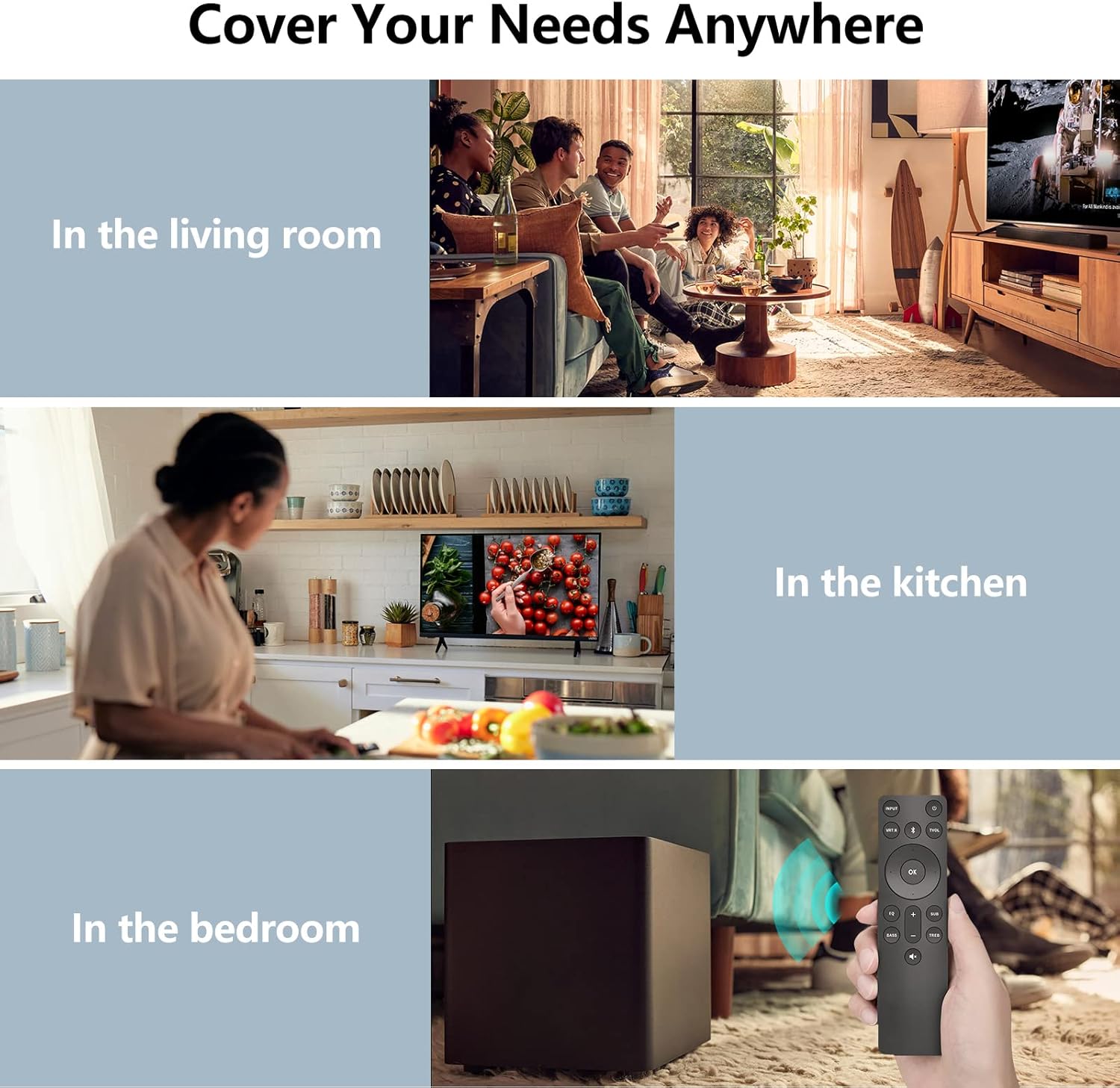
Image: Collage showing the remote being used in various settings such as a living room, kitchen, and bedroom, demonstrating its versatility.
4. Mantenimiento
4.1 Reemplazo de batería
When the remote's response becomes sluggish or it stops functioning, it's time to replace the batteries. Refer to Section 2.1 for battery installation instructions.
4.2 Limpieza
To clean the remote, gently wipe it with a soft, dry cloth. Avoid using liquid cleaners, aerosols, or abrasive materials, as these can damage the remote's surface or internal components.
4.3 Storage and Durability
Store the remote in a cool, dry place away from direct sunlight and extreme temperatures. If the remote will not be used for an extended period, it is recommended to remove the batteries to prevent leakage. The remote is designed to be sturdy and drop-resistant, ensuring long-term durability.

Image: An illustration highlighting the remote's sturdy and drop-resistant design, showing it can withstand impacts.
5. Solución de problemas
- El control remoto no responde:
- Asegúrese de que las baterías estén correctamente instaladas y no agotadas. Reemplácelas si es necesario.
- Check for any obstructions between the remote and the sound bar's IR receiver.
- Asegúrese de estar dentro del rango operativo efectivo (10-12 metros).
- Funcionalidad intermitente:
- Verify that the remote is pointed directly at the sound bar.
- Avoid strong light sources (e.g., direct sunlight, bright fluorescent lights) that might interfere with the IR signal.
- Botones específicos que no funcionan:
- Ensure the remote is compatible with your specific VIZIO Sound Bar model. Refer to the compatibility list in Section 1.
- If only certain buttons are unresponsive, the remote might be damaged.
Si continúa experimentando problemas después de seguir estos pasos, comuníquese con el servicio de atención al cliente para obtener más ayuda.
6. Especificaciones
| Número de modelo | ND21-J |
| Dimensiones (L x An x Al) | 7.91 x 2.8 x 0.94 pulgadas (aprox. 20.1 x 7.1 x 2.4 cm) |
| Peso del artículo | 1.44 onzas (aprox. 40.8 gramos) |
| Pilas necesarias | 2 x AAA (no incluido) |
| Tecnología | Infrarrojos (IR) |
| Rango de operación | Hasta 10-12 metros (33-40 pies) |
| Material | abdominales |
| Dispositivos compatibles | VIZIO 2.1/5.1 Home Theater Sound Bar, VIZIO channel sound bar system, VIZIO M/V/P series home audio sound system |
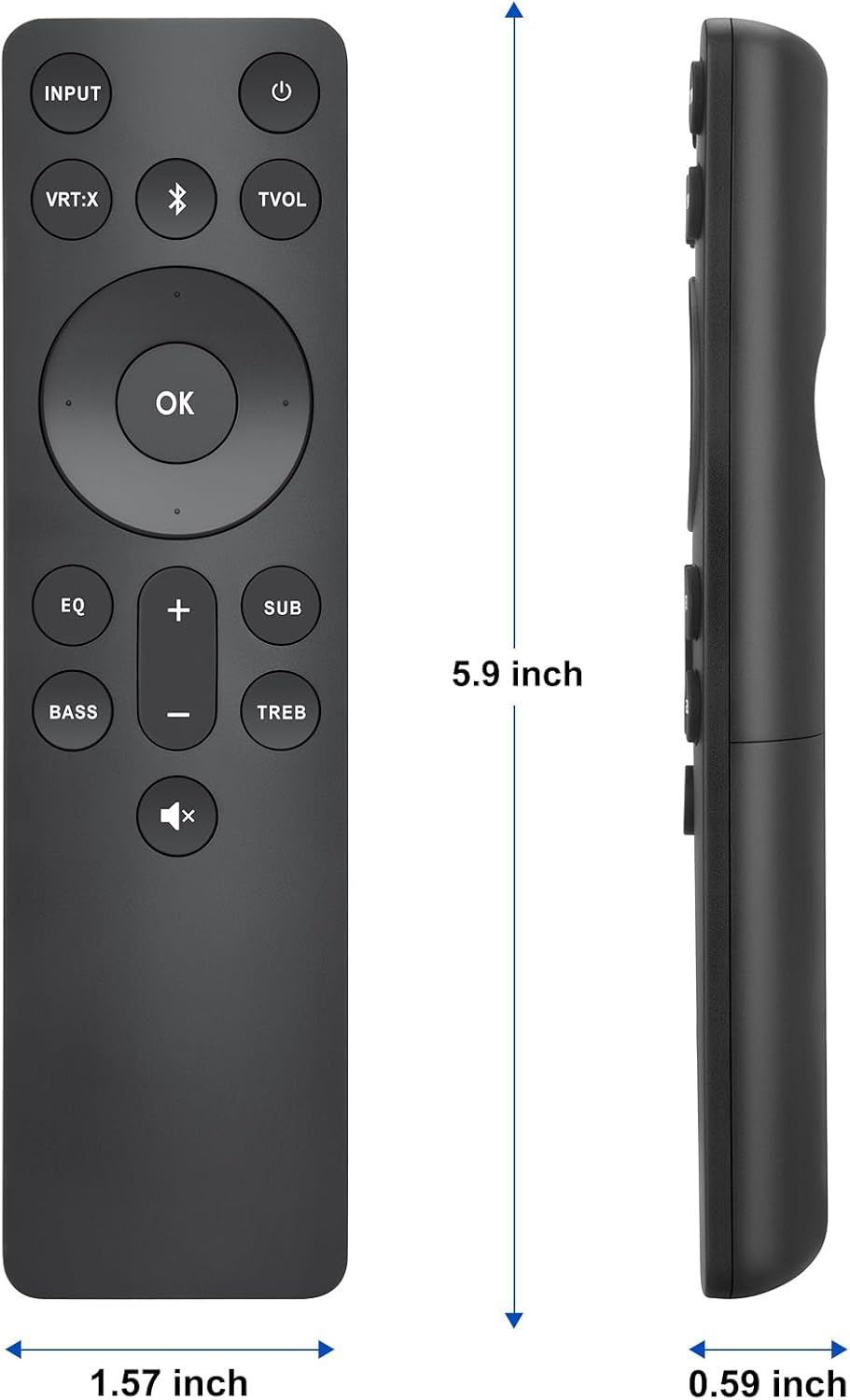
Image: Diagram illustrating the physical dimensions (length, width, thickness) of the remote control.
7. Garantía y soporte
Angrox offers a 30-day warranty return service for this product. If you encounter any issues or have questions regarding your order, please do not hesitate to contact our customer support team.
We are committed to providing excellent after-sales service and will respond to your inquiries within 12 hours on working days.
Para obtener ayuda, visite el sitio Tienda Angrox en Amazon or contact us through the platform where you made your purchase.
Ask a question about this manual
Ask about setup, troubleshooting, compatibility, parts, safety, or missing instructions. Manuals+ will review the question and use this page’s manual context to help answer it.