
1. Másview
The Sony WH-CH520 Wireless Headphones offer high-quality sound and comfortable, all-day listening. Designed for convenience, these on-ear headphones feature an ultra-long battery life, quick charging, and a built-in microphone for hands-free calling. They are ideal for various uses, from daily commutes to long listening sessions.

2. ¿Qué hay en la caja?
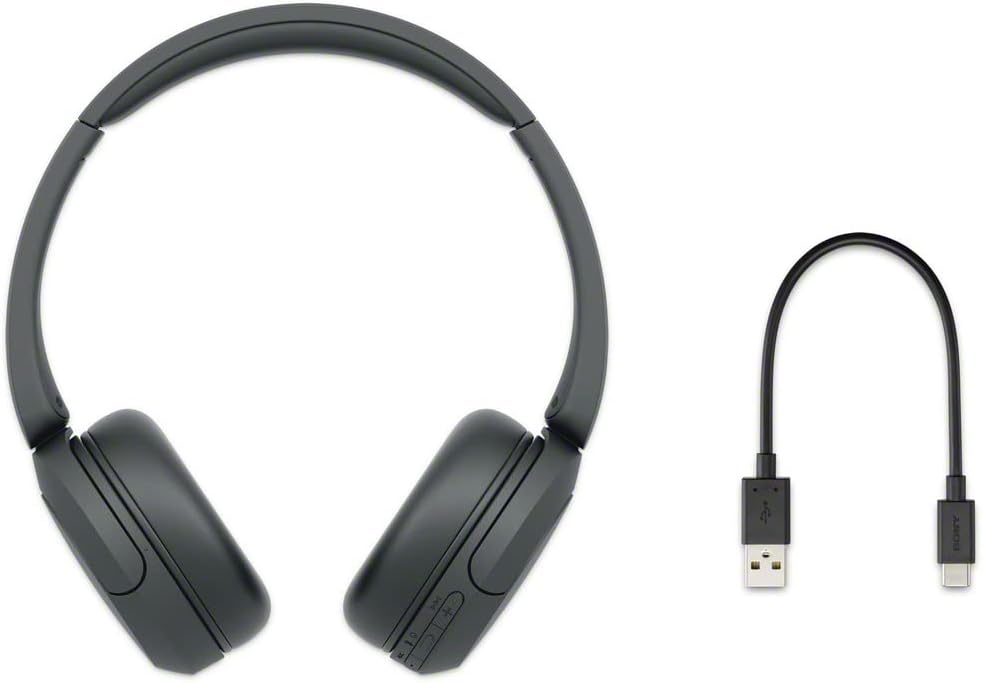
Upon opening your Sony WH-CH520 package, you will find the following items:
- Auriculares
- Cable USB tipo C (USB-A a USB-C) (aprox. 20 cm (7.88 pulg.))
3. Configuración
3.1. Carga de los auriculares
Before initial use, fully charge your headphones. Connect the supplied USB Type-C cable to the USB Type-C port on the headphones and to a USB charging adapter or a computer's USB port. A full charge provides up to 50 hours of playback. A quick 3-minute charge can provide up to 1.5 hours of audio playback.

3.2. Emparejamiento Bluetooth
Para conectar sus auriculares a un dispositivo a través de Bluetooth:
- Asegúrese de que los auriculares estén cargados y apagados.
- Press and hold the power button on the headphones for approximately 7 seconds until the indicator light flashes blue rapidly, indicating pairing mode.
- En su dispositivo (teléfono inteligente, tableta o computadora), habilite Bluetooth y busque los dispositivos disponibles.
- Select "WH-CH520" from the list of found devices.
- Una vez conectado, la luz indicadora parpadeará lentamente en azul.
For Windows 10 computers, Swift Pair makes connection quick and easy. For Android devices, Fast Pair helps locate missing headphones by sound or last known location.

3.3. Connecting to Multiple Devices (Multipoint Connection)
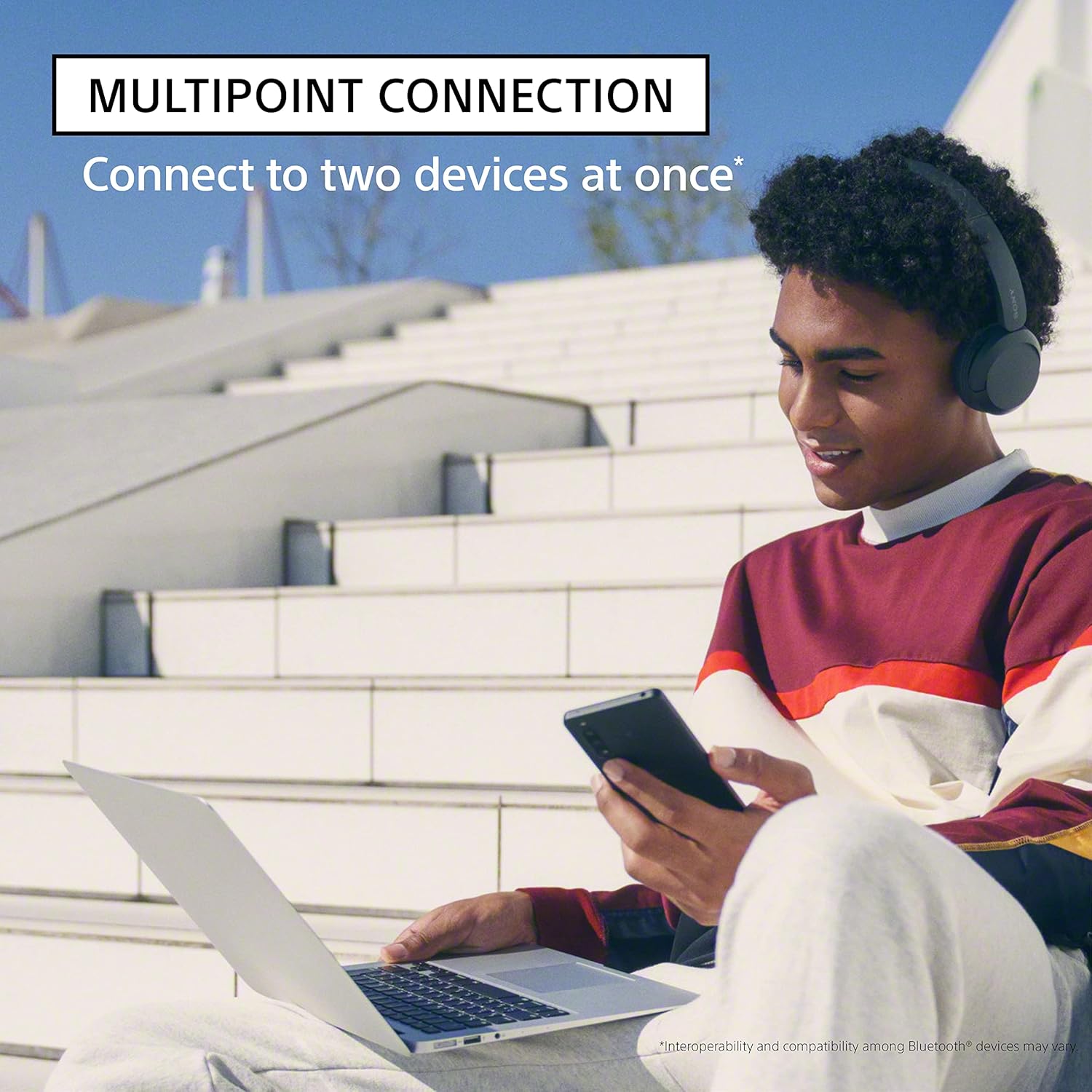
The WH-CH520 headphones support multipoint connection, allowing you to connect to two Bluetooth devices simultaneously. This feature enables seamless switching between devices, for example, listening to music on your computer and then answering a call on your smartphone without re-pairing.
4. Instrucciones de funcionamiento
4.1. Controles de auriculares
The control buttons are located on the right ear cup, allowing for easy management of audio playback and calls:
- Botón de encendido: Mantenga presionado para encender/apagar.
- Botones de volumen (+/-): Presione para ajustar el volumen.
- Botón multifunción (Reproducir/Pausa/Llamar): Press once to play/pause music or answer/end calls. Press twice for next track, three times for previous track.

4.2. Llamadas manos libres
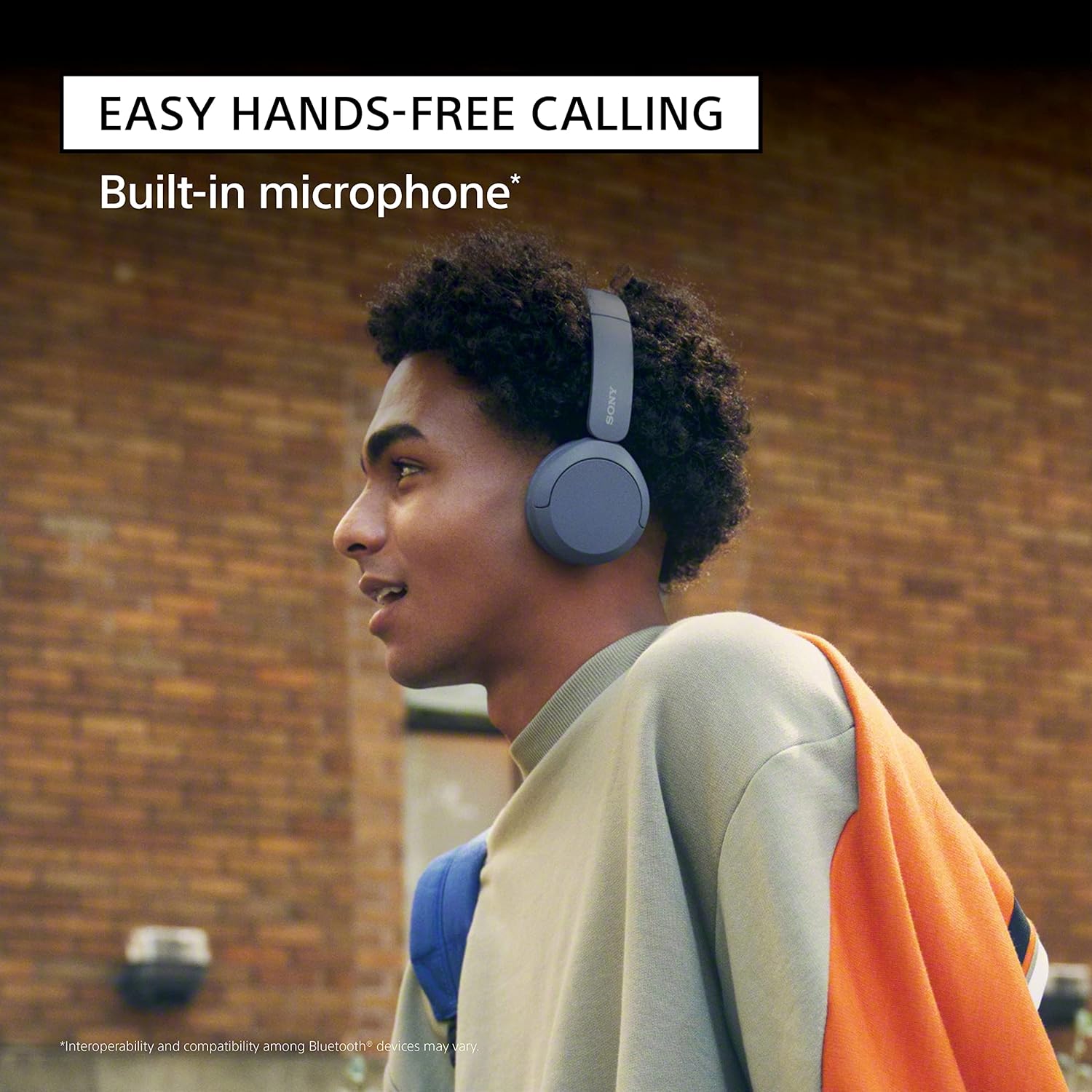
The built-in microphone allows for clear hands-free calling. When a call comes in, press the multi-function button once to answer. Press it again to end the call. You do not need to take your phone out of your pocket.
4.3. Customizing Sound with the App
For a personalized audio experience, download the Sony | Headphones Connect App. This application allows you to customize the equalizer (EQ) settings to match your music preferences, enhancing the sound quality of your audio playback.

4.4. Motor de mejora del sonido digital (DSEE)
The DSEE (Digital Sound Enhancement Engine) feature restores the high-frequency sound lost during compression, providing a more natural and expansive sound experience, especially with streaming music services.
5. Mantenimiento
Proper care and maintenance will ensure the longevity and optimal performance of your headphones.
5.1. Cleaning Your Headphones
- Limpie los auriculares con un paño suave y seco.
- Do not use alcohol, benzene, thinners, or other chemical cleaners, as they may damage the finish or cause malfunction.
- Mantenga el puerto de carga libre de polvo y residuos.
5.2. Almacenamiento
When not in use, store the headphones in a cool, dry place away from direct sunlight and extreme temperatures. Avoid placing heavy objects on them or subjecting them to strong impacts.
6. Solución de problemas
If you encounter issues with your Sony WH-CH520 headphones, refer to the table below for common problems and solutions.
| Problema | Solución |
|---|---|
| Los auriculares no se encienden. | Asegúrese de que los auriculares estén cargados. Conéctelos a una fuente de alimentación mediante el cable USB tipo C incluido. |
| No se puede conectar a través de Bluetooth. | Ensure headphones are in pairing mode (rapidly flashing blue light). Check that Bluetooth is enabled on your device and that the headphones are within range. Delete previous pairing records on your device and try again. |
| No hay sonido o volumen bajo. | Check the volume levels on both the headphones and the connected device. Ensure the headphones are properly paired and connected. |
| Mala calidad de sonido. | Move the headphones closer to the connected device. Avoid obstacles between the headphones and the device. Ensure there is no interference from other wireless devices. |
| El micrófono no funciona durante las llamadas. | Asegúrate de que los auriculares estén correctamente conectados para las llamadas. Comprueba la configuración del micrófono en el dispositivo conectado. |
For more detailed troubleshooting or persistent issues, please refer to the official user guide PDF linked in the Warranty and Support section.
7. Especificaciones técnicas
| Característica | Especificación |
|---|---|
| Nombre del modelo | WHCH520/B |
| Tecnología de conectividad | Inalámbrico |
| Tecnología de comunicación inalámbrica | Bluetooth |
| Versión de Bluetooth | 5.2 |
| Duración de la batería | Hasta 50 horas |
| Tiempo de carga | Approx. 3 hours for full charge (3 min quick charge for 1.5 hrs playback) |
| Peso del artículo | 5.1 onzas (144.58 gramos) |
| Dimensiones del producto | 6.85 x 1.76 x 7.76 pulgadas |
| Rango de frecuencia | 20 Hz - 20,000 Hz |
| Material | Plástico |
| Componentes incluidos | Auriculares, cable USB tipo C |
8. Garantía y soporte
Sony products are manufactured to high standards and are covered by a limited warranty. For specific warranty terms and conditions, please refer to the documentation included with your purchase or visit the official Sony support websitio.
For additional support, detailed instructions, or to download the complete user manual in PDF format, please visit the following link:


