
Introducción
This manual provides detailed instructions for the setup, operation, and maintenance of your TROCOTN 7-Inch Digital Calendar Alarm Clock, Model TR-C007-01. This clock features a large, high-resolution display designed for clear readability, automatic Daylight Saving Time (DST) adjustment, auto-dimming, and customizable alarms. Please read this manual thoroughly to ensure proper use and to maximize the benefits of your new clock.
Configuración
- Desempaquetado: Carefully remove the clock and its power adapter from the packaging.
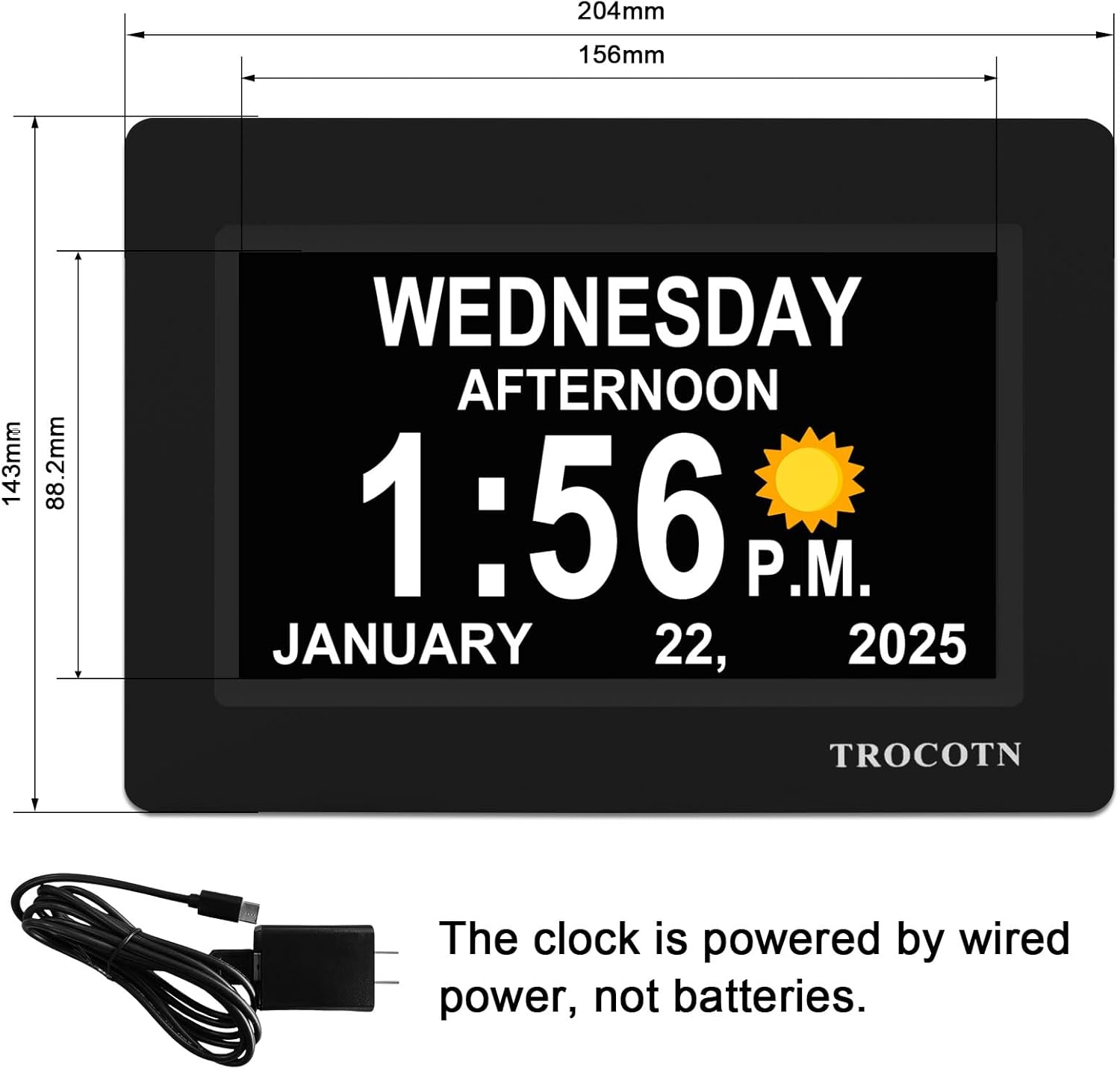
- Conexión de energía: Connect the provided power adapter to the clock's power input port and then plug it into a standard electrical outlet. The clock is designed for corded electric operation and does not use batteries for primary power.
- Encendido inicial: Upon connecting to power, the clock will automatically turn on and display the default time and date.
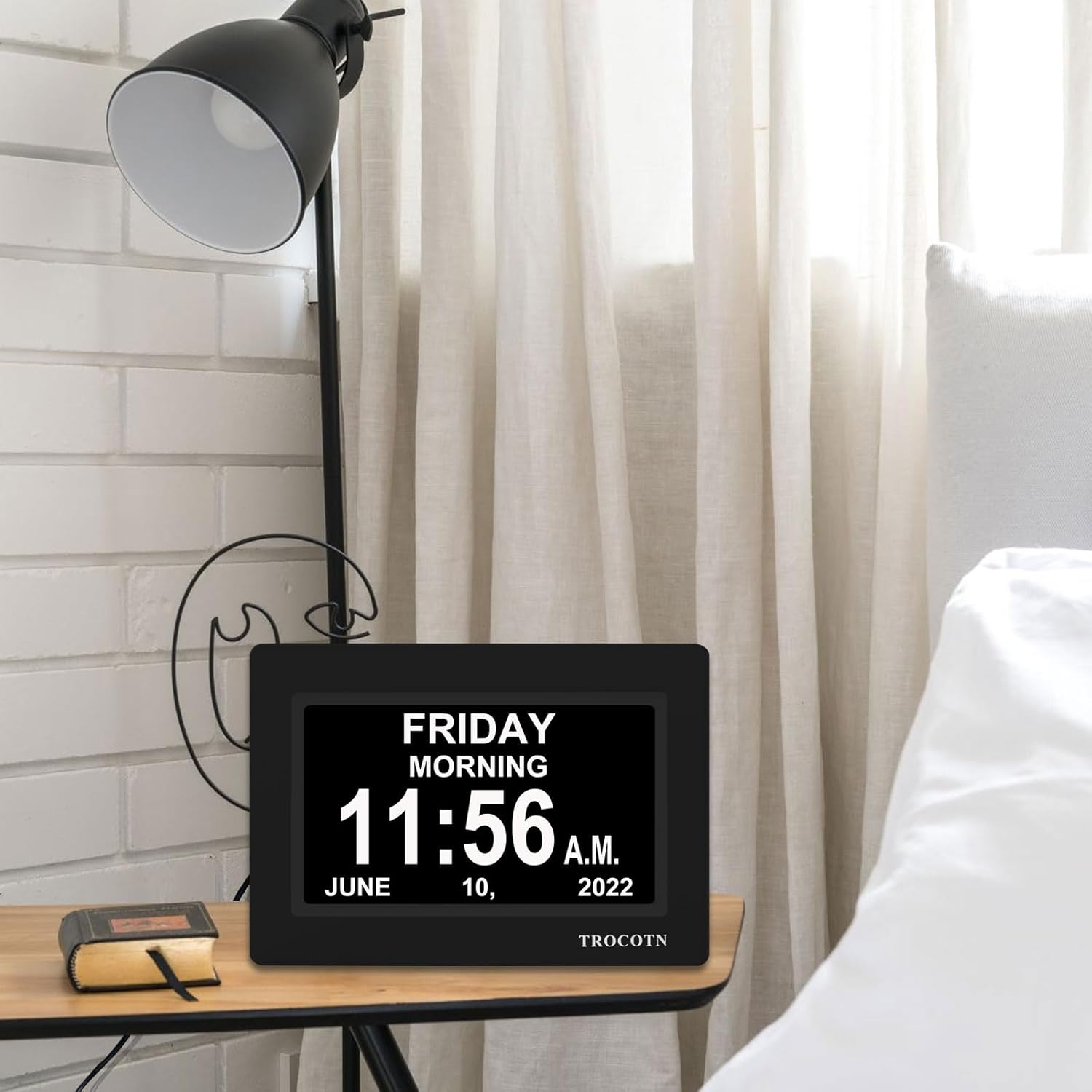
- Colocación: The clock can be placed on a flat surface using its integrated stand or mounted on a wall using the rear mount hole. Ensure it is placed in a location where the display is easily visible.
Instrucciones de funcionamiento
1. Basic Settings (Time, Date, Language)
Use the buttons on the back of the clock to navigate the menu. Press the 'MENU' button to enter settings. Use the arrow buttons (Up/Down/Left/Right) to select options and 'OK' to confirm. Follow the on-screen prompts to set the correct time, date, and preferred language. The clock supports 8 languages.
2. Horario de verano automático (DST)
The clock is equipped with an automatic DST feature. Once enabled in the settings, it will automatically adjust for Daylight Saving Time changes.
3. Display Modes and Time Period Icons
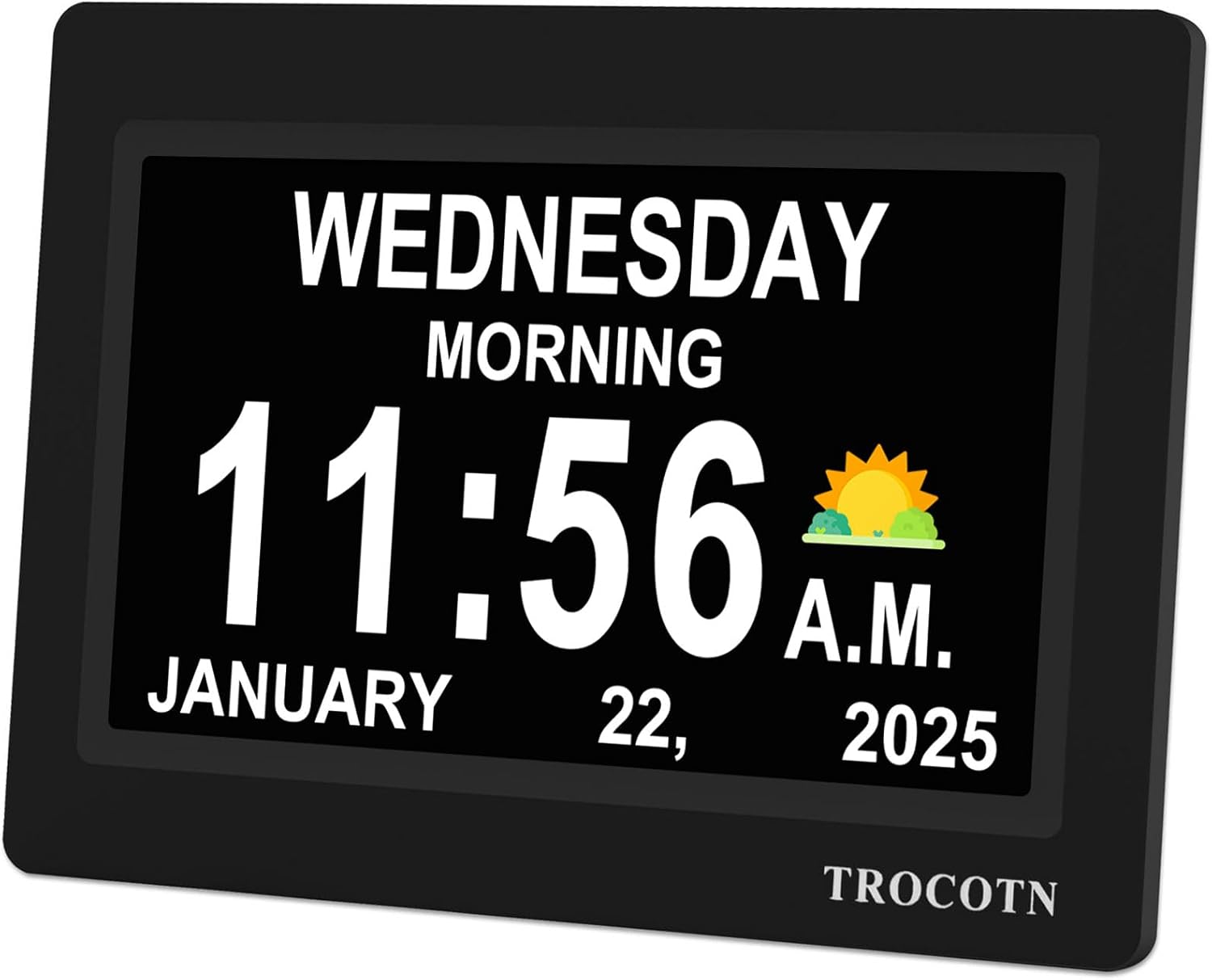
The clock offers 5 display modes and clearly spells out the time of day (e.g., MORNING, AFTERNOON, EVENING, NIGHT, PREDAWN) alongside the time, day of the week, month, and date. Time period icons (sun, moon, clouds) can also be displayed to visually indicate the current part of the day.


4. Custom Alarms
The clock supports up to 12 sets of custom alarms. Each alarm can be configured for:
- Frecuencia: Single alarm, every day, weekdays only, or weekends only.
- Etiquetas: Choose from 14 pre-set alarm labels (e.g., Medicine, Meal, Appointment, Drink Some Water, Wake up) to display on the screen when the alarm sounds.
To set an alarm, navigate to the 'Alarm Settings' in the menu, select an alarm slot, set the time, frequency, and choose a label.
5. Auto Dimming and Brightness Adjustment
The clock features an automatic dimming function. The display will automatically dim at 7:00 PM and brighten at 7:00 AM, optimizing visibility for both day and night. Users can also manually set a fixed brightness level through the settings menu if preferred.

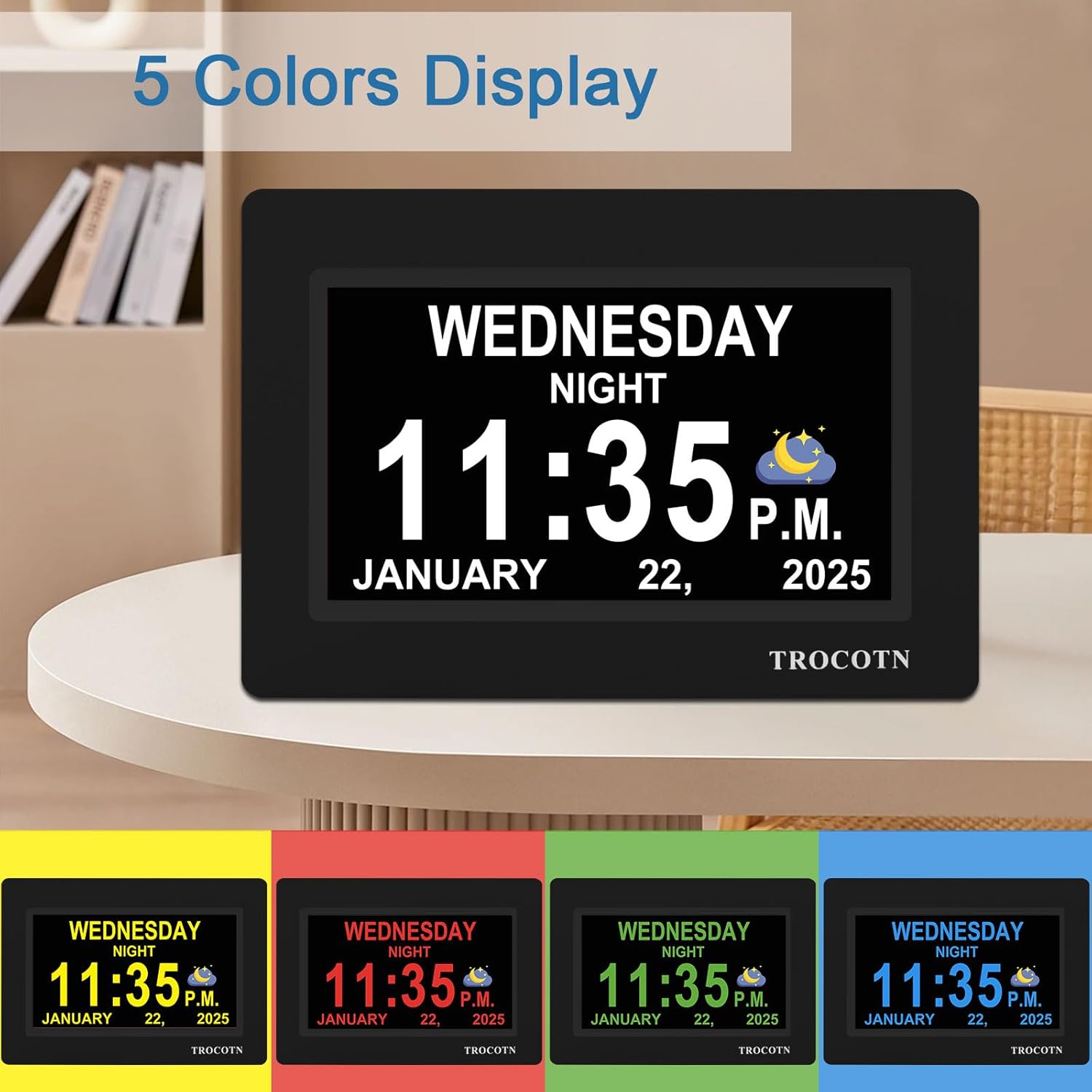
6. 5-Color Display Options
The clock offers 5 color display options for the text, allowing users to choose a color that best suits their visual preference or room decor. These options can be accessed and changed within the clock's settings.
Mantenimiento
- Limpieza: Para limpiar la pantalla y casing, use a soft, dry, or slightly damp cloth. Avoid using abrasive cleaners, solvents, or spray cleaners directly on the screen.
- Fuerza: Ensure the clock remains connected to a stable power source. Disconnecting power will require resetting the time and date if the internal backup (if any) is depleted.
- Ambiente: Keep the clock away from extreme temperatures, direct sunlight for prolonged periods, and high humidity to ensure optimal performance and longevity.
Solución de problemas
- La pantalla está en blanco:
- Check if the power adapter is securely plugged into both the clock and the wall outlet.
- Asegúrese de que la toma de corriente funcione.
- Hora/fecha incorrecta:
- Enter the settings menu and manually adjust the time and date.
- Verify that the Automatic DST setting is correctly configured for your region.
- La alarma no suena:
- Check alarm settings to ensure the alarm is enabled and set to the correct time and frequency.
- Verify the alarm volume setting.
- La pantalla es demasiado brillante/oscura:
- Check the auto-dimming setting. If you prefer a fixed brightness, disable auto-dimming and adjust the brightness manually in the settings.
Presupuesto
| Característica | Detalle |
|---|---|
| Marca | TROCOTN |
| Número de modelo | TR-C007-01 |
| Tamaño | 7 pulgadas |
| Tipo de pantalla | Digital |
| Color | Negro |
| Dimensiones del producto | 8.03" de ancho x 5.63" de alto |
| Peso del artículo | 15.5 onzas (0.44 kilogramos) |
| Fuente de poder | Eléctrico con cable |
| Material | Plástico |
| Características especiales | Large Display, Auto Dimming, Auto DST, Custom Alarms, 5 Display Modes, 5 Color Display, 8 Languages |
| Tipo de montaje | Montaje en pared |
| ¿Están incluidas las pilas? | No |
Garantía y soporte
This TROCOTN Digital Calendar Alarm Clock comes with a Limited Warranty. For specific details regarding warranty coverage, duration, and terms, please refer to the documentation included with your product or contact TROCOTN customer support directly. For technical assistance or further inquiries, please reach out to the manufacturer's support channels.