
KORG LP-380-BK-U
Manual de instrucciones del piano digital doméstico KORG LP-380U
Model: LP-380-BK-U | Brand: KORG
Introducción
The Korg LP-380U digital piano brings realistic piano sound and feel into your home environment. It features Korg’s Real Weighted Hammer Action 3 keybed, providing a playing experience akin to a grand piano. The integrated speaker system delivers rich sound from 30 expressive instruments, with versatile modes like Layer Mode for combining sounds and Partner Mode for collaborative playing. With onboard USB connectivity, the LP-380U seamlessly integrates with computers for composition, recording, virtual instruments, and piano learning applications. Its compact design allows it to fit elegantly into various spaces, offering impressive grand piano feel and tone.
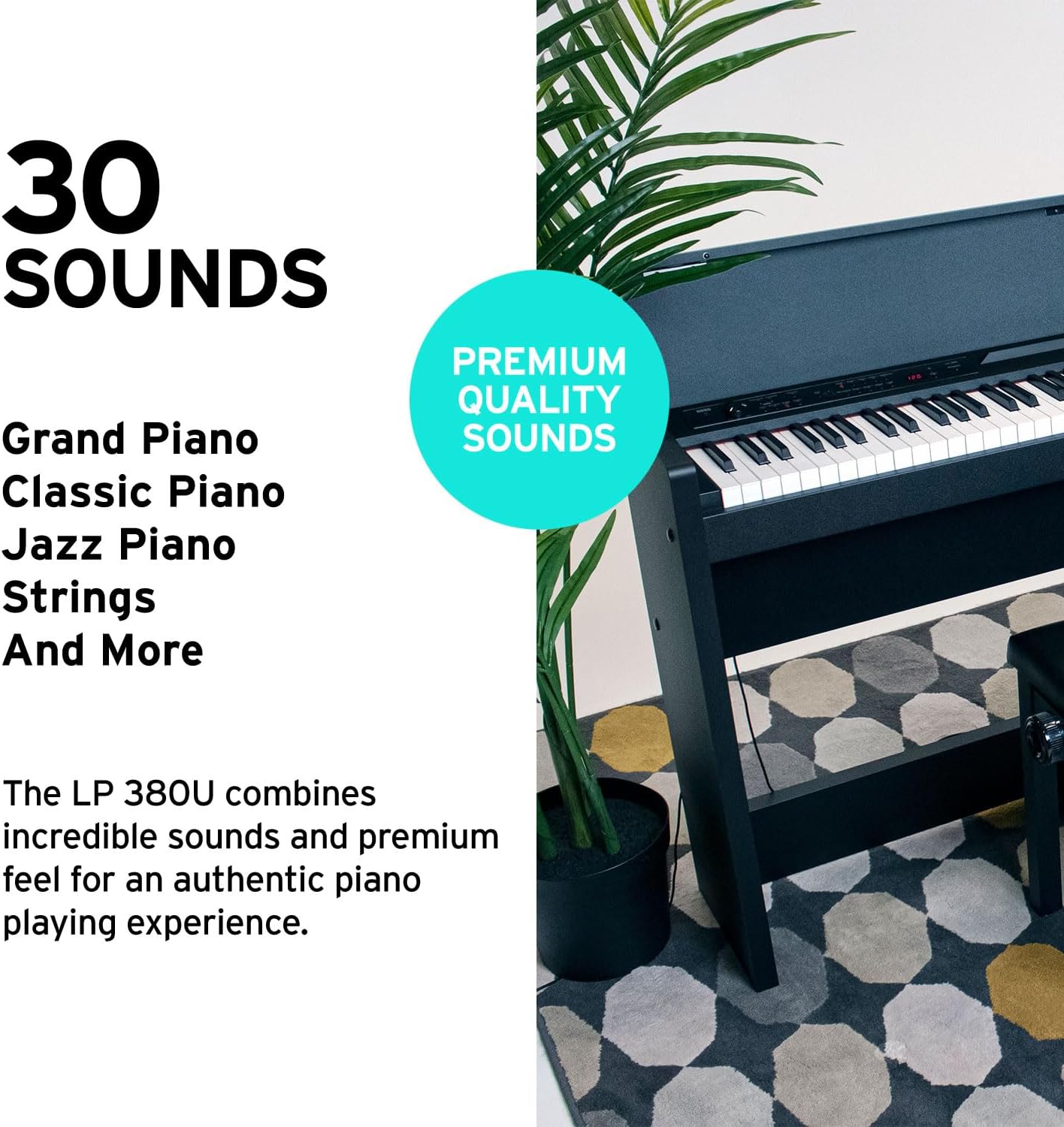
Figura 1: Frente view of the KORG LP-380U Digital Home Piano.
Información importante de seguridad
- Always connect the power adapter to a grounded outlet.
- Do not expose the instrument to rain or moisture. Avoid placing objects filled with liquids, such as vases, on the instrument.
- Asegúrese de que haya una ventilación adecuada alrededor del instrumento para evitar el sobrecalentamiento.
- Do not attempt to disassemble or modify the instrument. Refer all servicing to qualified service personnel.
- Keep the instrument away from direct sunlight, heat sources, and excessive dust.
Configuración
Asamblea
The KORG LP-380U is designed for home use and includes a furniture stand and a 3-pedal unit. Follow the detailed assembly instructions provided in the separate assembly guide included in your product packaging. Ensure all components are securely fastened before use.

Figure 2: The KORG LP-380U Digital Home Piano fully assembled with its stand and pedal unit.
Encendido inicial
- Connect the included AC adapter to the DC IN jack on the rear panel of the piano.
- Conecte el adaptador de CA a una toma de pared adecuada.
- Press the POWER button located on the control panel to turn on the instrument. The indicator light will illuminate.
- Ajuste la perilla de VOLUMEN a un nivel de escucha cómodo.
Instrucciones de funcionamiento
Realistic Piano Feel and Response (RH3 Keybed)
The LP-380U features Korg's Real Weighted Hammer Action 3 (RH3) keyboard. This keybed is designed to replicate the feel of a traditional acoustic grand piano, with a heavier touch in the lower register that gradually becomes lighter as you move towards the higher notes. This graded hammer action provides an authentic and expressive playing experience.
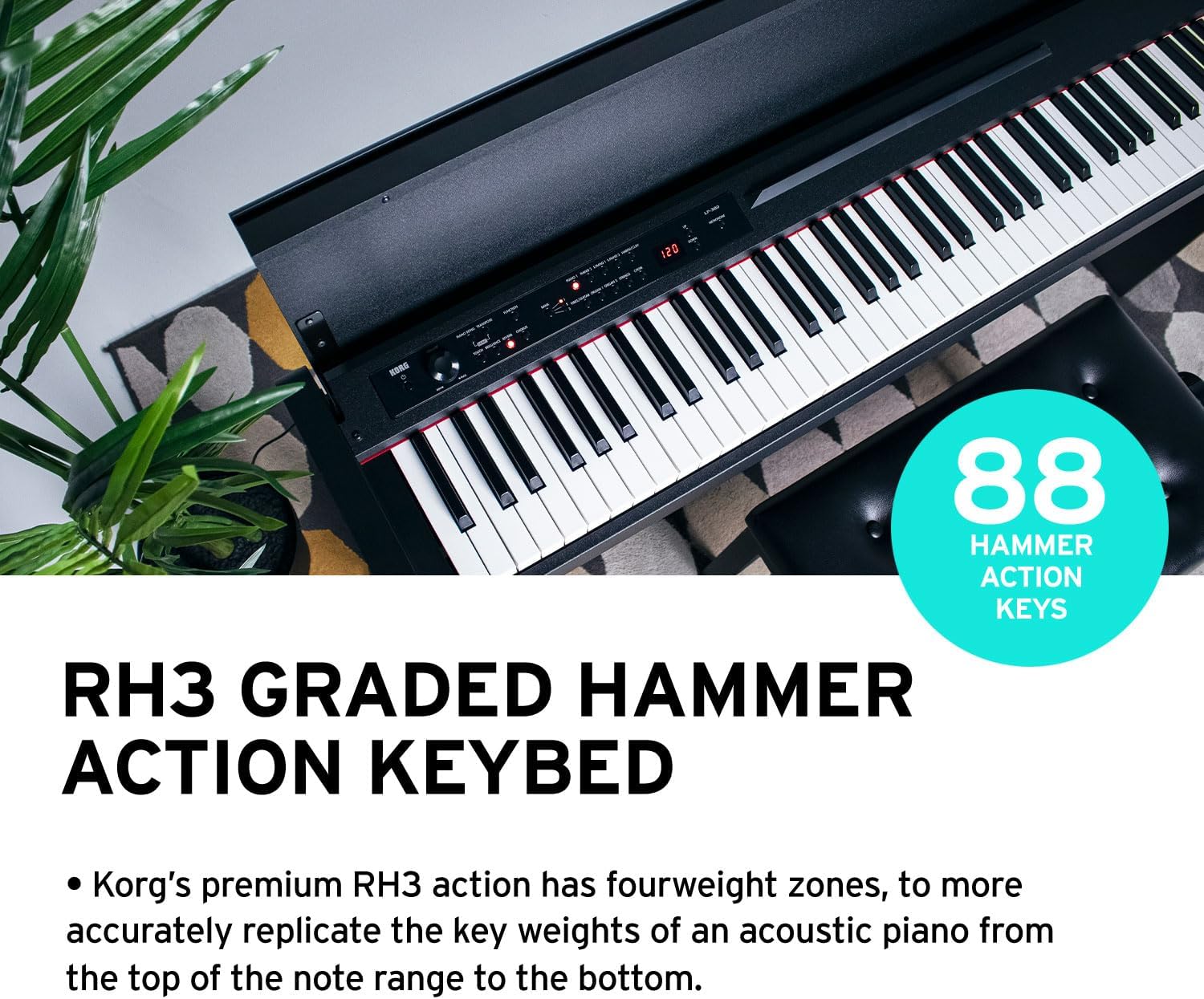
Figure 3: Illustration of the RH3 Graded Hammer Action Keybed with 88 keys.
Excelente calidad de sonido
Explore a rich palette of 30 high-quality sounds, including various expressive pianos, vintage electric pianos, vibrant strings, and more. The LP-380U offers several modes to enhance your musical expression:
- Modo de capa: Allows you to play two different sounds simultaneously, such as piano and strings, for a richer, more complex timbre.
- Partner Mode: Divides the keyboard into two identical sections, enabling two players to play in the same pitch range simultaneously. This is ideal for lessons or duets.

Figure 4: The LP-380U offers 30 premium quality sounds for diverse musical expression.
Conectividad moderna
The LP-380U is equipped with USB Audio and MIDI capabilities, providing flexible connectivity options for modern music production and learning environments. Connect to your computer or smart device to:
- Utilize recording software for capturing your performances.
- Control virtual instruments for expanded sound possibilities.
- Engage with piano learning applications to enhance your skills.
A free software bundle is often included, which may provide access to piano learning software and other useful applications.
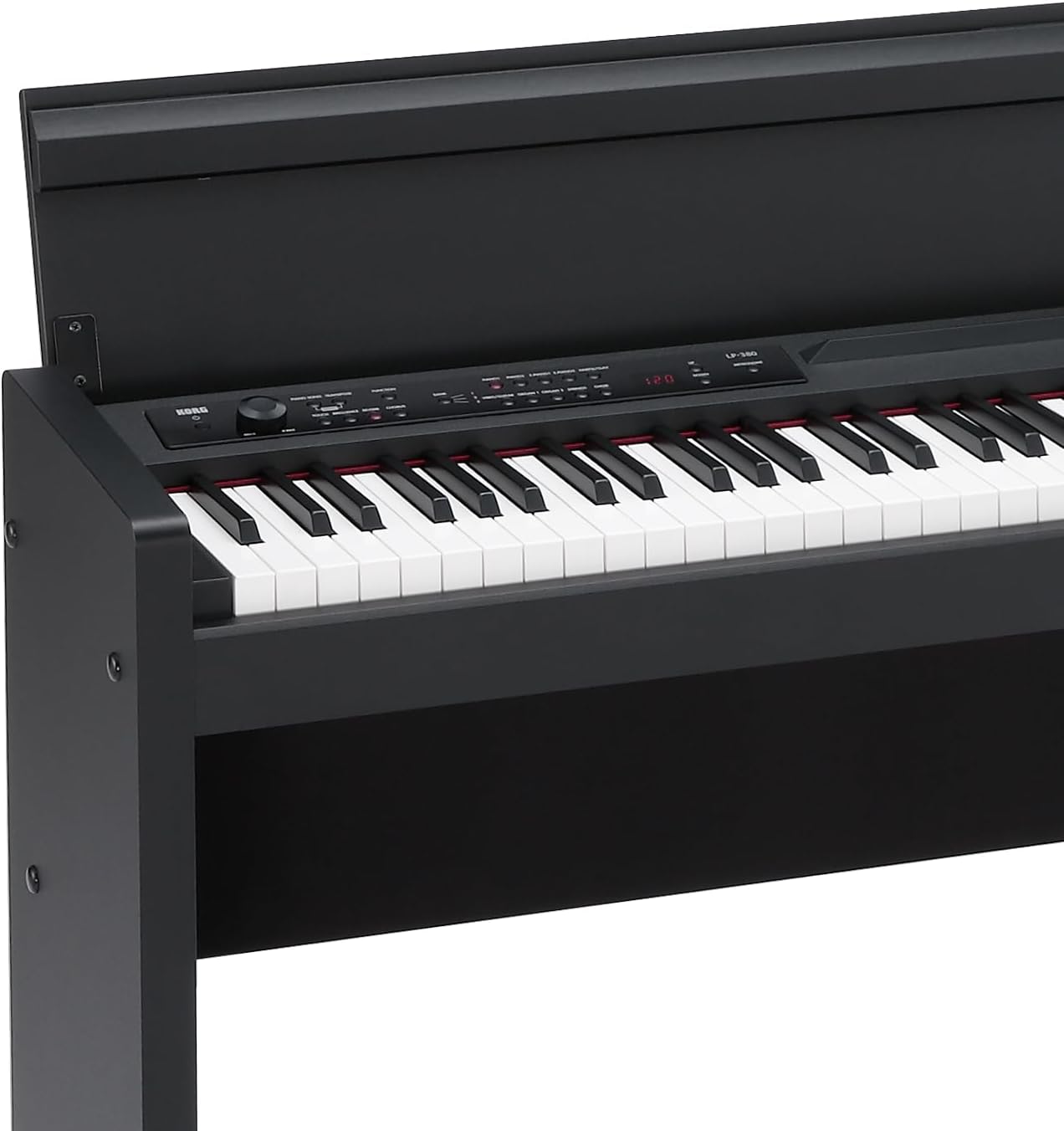
Figure 5: USB Audio and MIDI connectivity for versatile use with software and devices.
Unidad de 3 pedales
The LP-380U comes with a standard 3-pedal unit, replicating the functionality found on a traditional grand piano. These pedals allow for expressive playability:
- Damper Pedal (Derecho): Sustains notes. Supports realistic half-pedaling.
- Pedal de sostenimiento (medio): Sustains only notes held down at the moment the pedal is pressed.
- Pedal suave (izquierdo): Softens the sound. Supports realistic half-pedaling.

Figure 6: The LP-380U includes a 3-pedal unit for full expressive control.
Slim & Compact Design
Designed to complement any interior, the LP-380U boasts an elegant and compact profile. With a depth of merely 26cm (approximately 10.2 inches), it is slim enough to fit comfortably in various living spaces. The wooden key cover, when closed, provides a flat top surface, allowing the instrument to blend seamlessly into your room's decor.

Figure 7: The slim and stylish design of the LP-380U, ideal for home environments.
Mantenimiento
- Limpieza: Utilice un paño suave y seco para limpiar la superficie del piano. Para la suciedad difícil, limpie ligeramenteampen the cloth with water and a mild, neutral detergent, then wipe dry immediately. Avoid abrasive cleaners or solvents.
- Cuidado de las llaves: Mantenga las teclas limpias. Si se ensucian, límpielas con un paño suave.ampened with water and a small amount of mild soap.
- Almacenamiento: When not in use, close the key cover to protect the keys and internal components from dust.
- Ambiente: Avoid exposing the instrument to extreme temperatures, humidity, or direct sunlight, as these can cause damage.
Solución de problemas
If you encounter issues with your KORG LP-380U, please refer to the following common troubleshooting steps:
| Problema | Posible causa | Solución |
|---|---|---|
| Sin sonido | Volume too low; headphones connected; incorrect sound selection. | Increase VOLUME knob; disconnect headphones; select a sound. |
| El poder no se enciende | El adaptador de CA no está conectado correctamente; problema con la toma de corriente. | Check all power connections; try a different outlet. |
| Las teclas no responden o se sienten pegajosas | Dust or debris under keys; liquid spill. | Clean keys and surrounding area; if liquid spill, discontinue use and seek professional service. |
| USB MIDI/Audio not working | Incorrect driver; software settings; cable issue. | Install latest drivers from KORG website; check software MIDI/Audio settings; try a different USB cable. |
Presupuesto
| Característica | Detalle |
|---|---|
| Tamaño | 88 teclas |
| Nombre del modelo | LP-380U |
| Dimensiones del producto | 57" de profundidad x 18.5" de ancho x 14.5" de alto |
| Peso del artículo | 81.6 libras |
| Color | NEGRO |
| Número de llaves | 88 |
| Acción clave | Real Weighted Hammer Action 3 (RH3) |
| Sonidos | 30 (including various pianos, electric pianos, strings) |
| Tecnología de conectividad | USB, audio de 1/4 de pulgada |
| Toma de auriculares | Conector de 3.5 mm |
| Fuente de poder | USB (via AC adapter) |
| Quétage | 22 vatios |
| Fabricante | Corgi |
| Fecha de primera disponibilidad | 19 de julio de 2021 |
Garantía y soporte
For detailed warranty information, please refer to the warranty card included with your product or visit the official KORG website. If you require technical support, have questions about operation, or need assistance with repairs, please contact KORG customer service through their official support channels. Keep your proof of purchase for warranty claims.
Online resources and FAQs may also be available on the KORG webSitio para ayudar con consultas comunes.
Ask a question about this manual
Ask about setup, troubleshooting, compatibility, parts, safety, or missing instructions. Manuals+ will review the question and use this page’s manual context to help answer it.