
Introducción
This manual provides essential information for the safe and efficient operation of your Klarstein Bornholm Single Smart Electric Convection Heater. Please read these instructions carefully before use and retain them for future reference. The Klarstein Bornholm Single Smart convection heater enhances any room and ensures pleasant temperatures, regardless of how cold it is outside.
Instrucciones de seguridad
Seguridad general
- Lea todas las instrucciones antes de utilizar el aparato.
- No cubra el calentador. Podría sobrecalentarse.
- Mantenga a los niños y las mascotas alejados del aparato.
- No utilice este calentador en las inmediaciones de un baño, ducha o piscina.
- Asegúrese de que el aparato esté colocado sobre una superficie estable y nivelada.
- No inserte objetos en las aberturas de ventilación.
Seguridad eléctrica
- Connect the appliance only to a properly installed and earthed socket.
- No utilice el aparato con un cable o enchufe dañado.
- Desconecte el aparato de la fuente de alimentación antes de limpiarlo o realizarle mantenimiento.
- Do not pull the power cord to disconnect the plug from the socket.
Colocación
- Maintain a minimum distance of 1 meter from flammable materials (curtains, furniture, etc.).
- The appliance is IP24 splash-proof, making it suitable for use in bathrooms, but it must not be directly exposed to water spray.
Contenido del paquete
Desempaque la caja con cuidado y asegúrese de que todos los artículos estén presentes y sin daños.
- 1 x Klarstein Bornholm Single Smart Electric Convection Heater
- 1 x control remoto
- 2 x Supports (with 2 castors each)
- 1 x Mounting Material (for wall mounting)
- 1 x Manual de usuario (este documento)
Producto terminadoview
The Klarstein Bornholm Single Smart heater features a sleek design with an integrated LED touch display and can be operated via an app or remote control.

Imagen: Frente view of the Klarstein Bornholm Single Smart Electric Convection Heater, showing its white glass panel and digital display.
Componentes principales
- Front Glass Panel with LED Touch Display
- Heating Element (internal)
- Cable de alimentación
- Supports with Castors (for mobile use)
- Wall Mounting Brackets (optional installation)
Control Panel (LED Touch Display)

Image: Close-up of the heater's LED touch display, showing temperature digits and control icons.
The LED display shows the current room temperature and allows for setting desired temperatures and modes via touch controls.
Mando a distancia

Image: The remote control for the Klarstein Bornholm heater, featuring power, ECO, set, and directional buttons.
El control remoto incluido proporciona acceso cómodo a todas las funciones del calentador a distancia.
Configuración
Mobile Installation (with feet)
- Attach the two supports with castors to the bottom of the heater using the provided screws. Ensure they are securely fastened.
- Place the heater on a stable, level surface, ensuring adequate clearance from walls and furniture.
- Conecte el cable de alimentación a una toma eléctrica adecuada con conexión a tierra.

Image: The Klarstein Bornholm heater standing on its attached feet with castors, ready for mobile use.
Montaje en pared (opcional)
- Select a suitable wall location, ensuring it is clear of obstructions and maintains required clearances.
- Use the provided mounting material to securely attach the wall brackets to the wall. Refer to the detailed wall mounting instructions in the separate manual for precise measurements and drilling.
- Carefully hang the heater onto the installed wall brackets. Ensure it is firmly seated.
- Conecte el cable de alimentación a una toma eléctrica adecuada con conexión a tierra.

Image: The Klarstein Bornholm heater mounted on a wall, demonstrating its space-saving installation option.
Instrucciones de funcionamiento
Encendido/apagado
Presione el botón de encendido en el panel de control o el control remoto para encender o apagar el calentador.
Ajuste de temperatura
Use the '+' and '-' buttons on the control panel or remote to adjust the desired temperature between 5°C and 45°C in 1°C increments. The LED display will show the set temperature.
Niveles de calor
The heater offers two heat levels: 500W and 1000W. These can typically be selected via the control panel or remote, or automatically adjusted by the thermostat to reach the set temperature.
Image: The remote control, highlighting the ECO button for energy-saving operation.
Modo ecologico
Activate ECO mode to optimize energy consumption. In this mode, the heater will maintain the set temperature with reduced power when possible, contributing to energy savings.

Image: The heater with an ECO leaf icon, indicating its energy-saving feature.
Temporizador semanal
Program the weekly timer to automatically turn the heater on and off at specific times. Refer to the detailed instructions in the full manual for setting up custom schedules.

Image: The heater operating in a bedroom while a person sleeps, illustrating the convenience of the automatic timer function.
OpenWindow Detection
This feature automatically detects a rapid drop in room temperature (e.g., when a window is opened) and temporarily switches off the heating to prevent energy waste. The heater will resume operation once the temperature stabilizes or the window is closed.
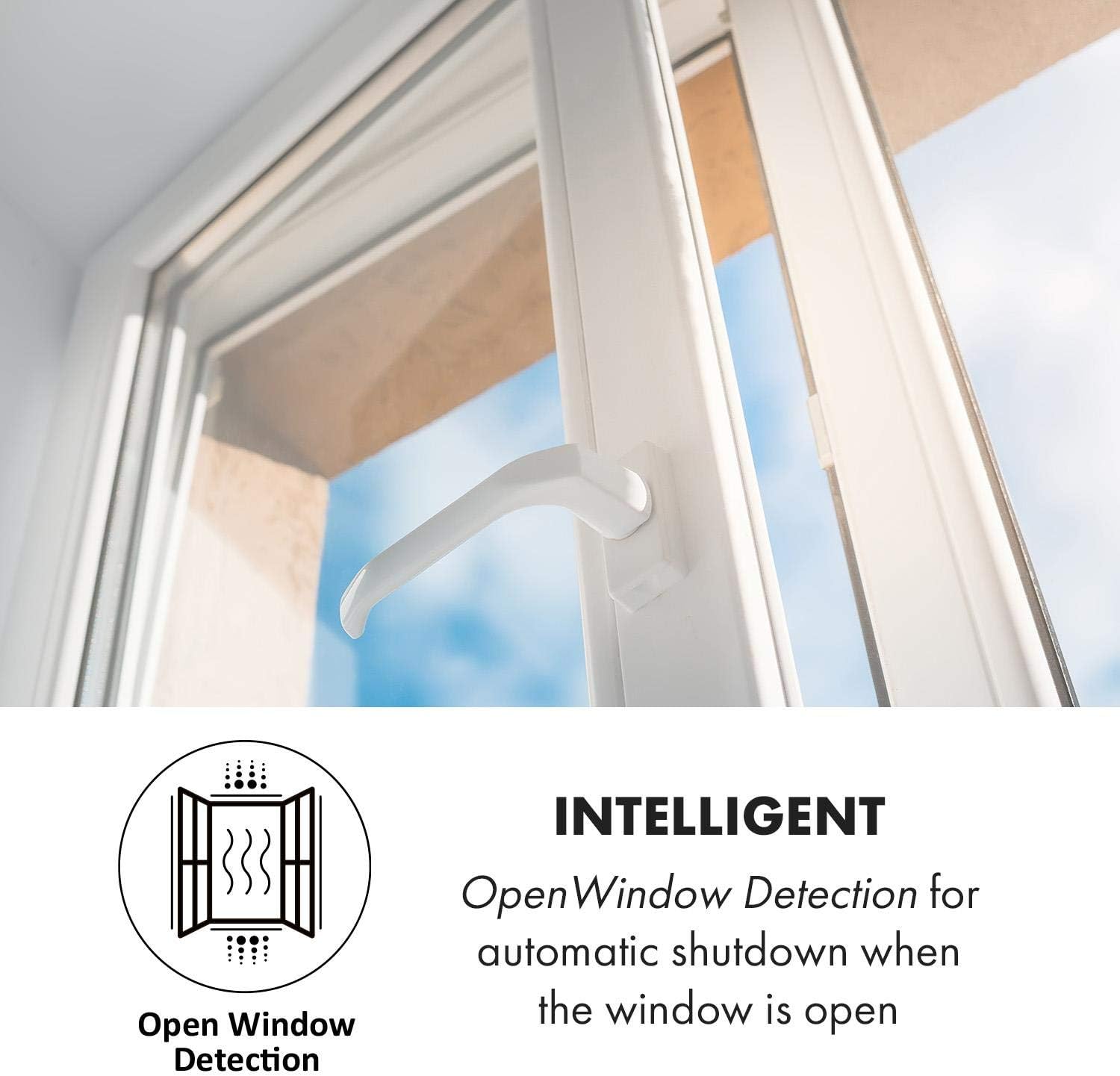
Image: A window partially open, with an icon representing the OpenWindow Detection feature of the heater.
App Control (Klarstein App Experience)
The Klarstein Bornholm Single Smart heater can be controlled via the Klarstein App Experience on your smartphone (Android or iOS).
- Download the "Klarstein App Experience" from your device's app store.
- Ensure your heater is connected to a 2.4 GHz Wi-Fi network.
- Follow the in-app instructions to pair your heater with the application.
- Once paired, you can control the heater's power, temperature, modes, and timer settings remotely.

Image: A person using a smartphone to control the Klarstein Bornholm heater via the dedicated app, showing the app interface.
Mantenimiento
Limpieza
- Desenchufe siempre el calentador de la toma de corriente y deje que se enfríe completamente antes de limpiarlo.
- Limpie las superficies exteriores con un paño suave, damp Paño. No utilice limpiadores abrasivos ni disolventes.
- Asegúrese de que no entre agua en los componentes internos.
- Regularly clean the air inlet and outlet grilles to prevent dust buildup, which can affect performance. Use a soft brush or vacuum cleaner.
Almacenamiento
If storing the heater for an extended period, ensure it is clean and dry. Store it in its original packaging in a cool, dry place, away from direct sunlight and moisture.
Solución de problemas
| Problema | Posible causa | Solución |
|---|---|---|
| El calentador no enciende. | No hay fuente de alimentación; botón de encendido no presionado; protección contra sobrecalentamiento activada. | Check power cord and outlet; Press power button; Unplug and allow to cool for 30 minutes. |
| El calentador no calienta eficazmente. | Temperature setting too low; ECO mode active; OpenWindow detection active; Room size too large. | Increase temperature setting; Deactivate ECO mode; Close windows/doors; Consider room size vs. heater capacity. |
| El control de la aplicación no funciona. | No Wi-Fi connection; Incorrect pairing; App issues. | Ensure heater is connected to 2.4 GHz Wi-Fi; Re-pair device in app; Restart app/phone. |
| La pantalla muestra el código de error. | Mal funcionamiento interno. | Consulte el manual completo para conocer los códigos de error específicos o comuníquese con el servicio de atención al cliente. |
Presupuesto
| Característica | Detalle |
|---|---|
| Modelo | ACO7-BrnhlmSnglSmrtW |
| Fuerza | 500 W / 1000 W |
| Volumentage | 220 voltios |
| Rango de temperatura | 5°C - 45°C |
| Clasificación IP | IP24 (a prueba de salpicaduras) |
| Dimensiones (con pies) | 51.5 x 45 x 24.5 cm (largo x alto x profundidad) |
| Dimensiones (sin pies) | 51.5 x 45 x 10.5 cm (largo x alto x profundidad) |
| Longitud del cable | 150 centímetros |
| Peso | 6.3 kilogramos |
| Control | Touch Display, Remote Control, Wi-Fi App |
| Características especiales | Weekly Timer, ECO Mode, OpenWindow Detection, Child Safety, Overheat Protection |
Garantía y soporte
For warranty information, please refer to the documentation provided with your purchase or contact Klarstein customer support.
If you encounter any issues not covered in the troubleshooting section, please contact Klarstein customer service for assistance.