
1. Introducción
This manual provides comprehensive instructions for the Sony Cyber-shot DSC-W810 Digital Camera. It covers essential information for setting up, operating, maintaining, and troubleshooting your camera to ensure optimal performance and longevity. Please read this manual thoroughly before using your camera.
2. Producto terminadoview
Familiarize yourself with the components and controls of your Sony Cyber-shot DSC-W810 camera.
2.1 Componentes de la cámara
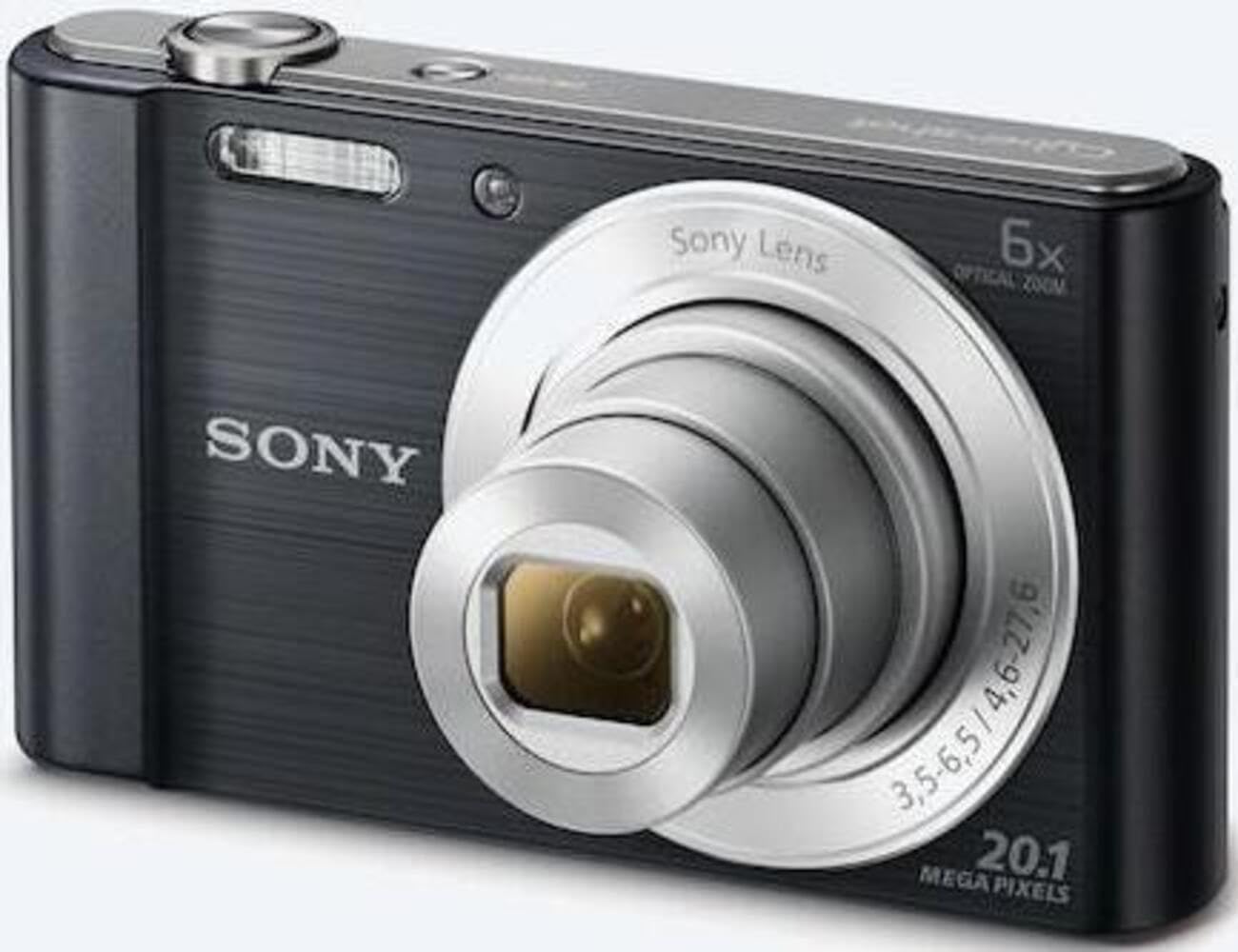
Figura 1: Frente view of the camera with the lens retracted. This shows the lens, flash, and shutter button.
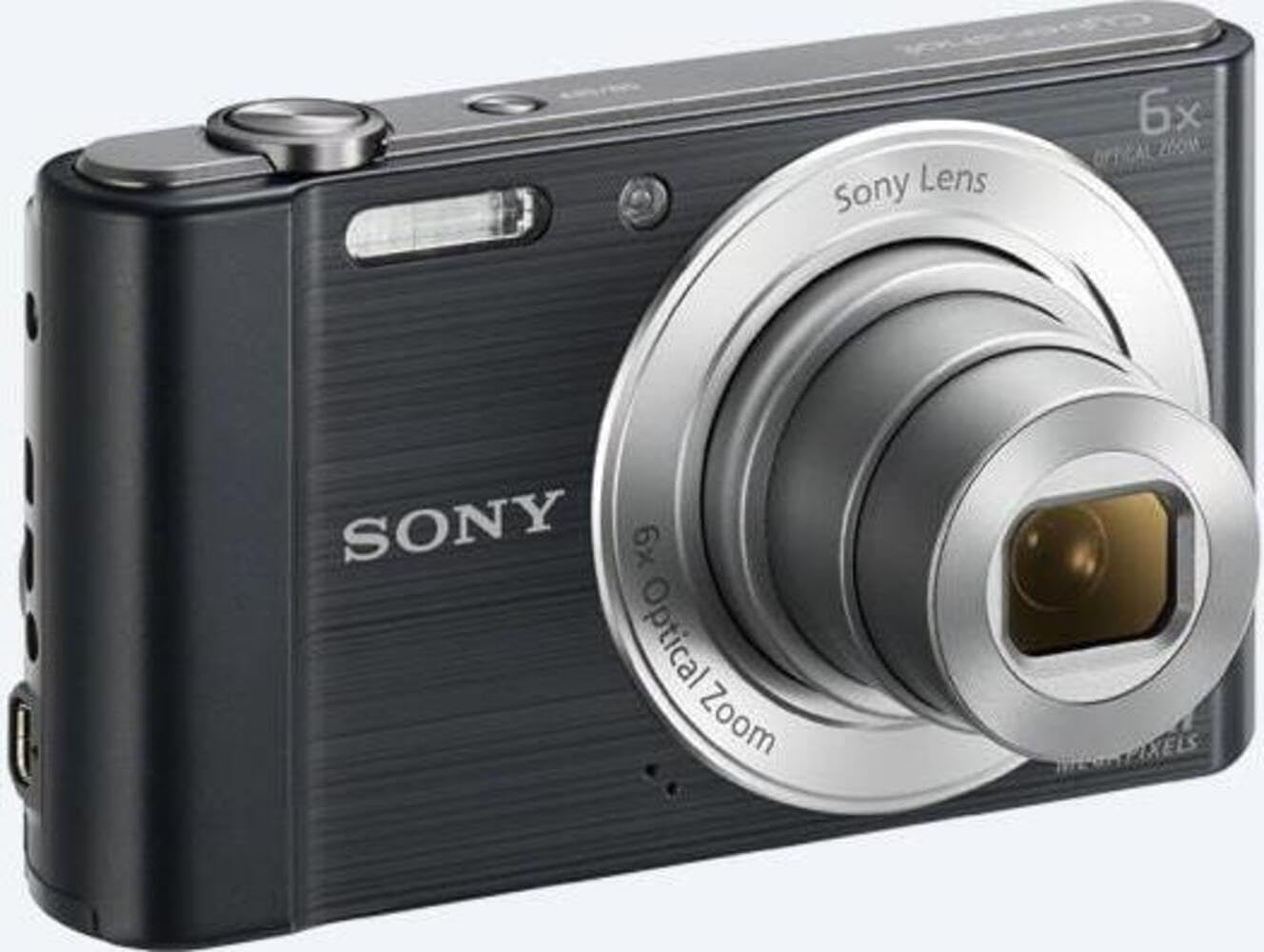
Figura 2: Frente view of the camera with the lens extended, ready for shooting. This illustrates the camera's compact design when in use.

Figura 3: Posterior view of the camera, highlighting the 2.7-inch LCD screen, navigation buttons, movie record button, and menu button.

Figura 4: Arriba view of the camera, showing the power button, shutter button, and zoom lever.
2.2 Botones de control y funciones
- Botón del obturador: Presione hasta la mitad para enfocar y completamente para capturar una imagen.
- Palanca de zoom (W/T): Adjusts optical and digital zoom. "W" for wide-angle, "T" for telephoto.
- Botón de encendido: Enciende o apaga la cámara.
- Botón de película: Inicia y detiene la grabación de vídeo.
- Botón de reproducción: Ingresa al modo de reproducción para view Fotos y videos.
- Botón de menú: Accede a la configuración y opciones de la cámara.
- Botones direccionales: Navigate menus and select options. Also used for flash settings, self-timer, and display options.
- Destello: Flash incorporado para condiciones de poca luz.
- Pantalla LCD: Pantalla de 2.7 pulgadas para encuadrar fotografías, viewvisualizar imágenes y navegar por menús.
3. Configuración
Siga estos pasos para preparar su cámara para el primer uso.
3.1 Inserción de la batería
- Abra la tapa de la batería/tarjeta de memoria ubicada en la parte inferior de la cámara.
- Insert the battery with the correct orientation, ensuring the terminals align. Push until it clicks into place.
- Cierre la tapa de forma segura.
Note: The camera does not include batteries. Please use compatible Sony NP-BN or NP-BN1 batteries.
3.2 Inserción de una tarjeta de memoria
The camera supports SDXC or SDHC memory cards.
- Abra la tapa de la batería/tarjeta de memoria.
- Insert the memory card into the slot with the correct orientation until it clicks.
- Cierre la tapa de forma segura.
Note: A memory card is not included with the camera. Purchase a compatible SDXC or SDHC card separately.
3.3 Encendido inicial y configuración
- Presione el botón de Encendido para encender la cámara.
- The initial setup screen will appear. Follow the on-screen prompts to set the language, date, and time.
- Asegúrese de que la fecha y la hora sean precisas para una correcta organización de las fotografías.
4. Operación de la cámara
Learn how to capture photos and videos with your DSC-W810.
4.1 Toma de fotografías
- Encienda la cámara.
- Encuadre su toma utilizando la pantalla LCD.
- Utilice la palanca de zoom (W/T) para ajustar el zoom óptico 6x.
- Press the Shutter button halfway down to focus. The focus frame will turn green when focus is achieved.
- Press the Shutter button fully to take the picture.
4.2 Using Flash Modes
The camera features a built-in flash with various modes. Press the right directional button (flash icon) to cycle through modes:
- Flash automático: La cámara determina automáticamente si es necesario el flash.
- Fill-flash: Flash fires for every shot.
- Sincronización lenta: Flash fires, and shutter speed is slowed to capture background light.
- Sin flash: El flash está deshabilitado.
Tip: For low-light environments, the "Party Mode" (accessible via the menu) can optimize settings for clearer images without harsh flash.
4.3 Grabación de vídeos
- Encienda la cámara.
- Press the dedicated Movie button to start recording.
- Press the Movie button again to stop recording.
Note: Videos are recorded in 720p resolution in MP4 format.
4.4 Modo de reproducción
- Presione el botón Reproducción para ingresar al modo de reproducción.
- Use the left/right directional buttons to browse through your photos and videos.
- Press the center button to play videos.
- Presione el botón de reproducción nuevamente para regresar al modo de disparo.
5. Mantenimiento
El cuidado adecuado garantiza la longevidad y el rendimiento de su cámara.
5.1 Limpieza de la cámara
- Cuerpo de cámara: Limpie con un paño suave y seco. Para la suciedad difícil, utilice un paño ligeramente seco.ampAcabado con agua.
- Lente: Utilice un cepillo para lentes para eliminar el polvo y luego limpie suavemente con un paño de limpieza. Evite tocar la superficie de la lente con los dedos.
- Pantalla LCD: Use a soft, dry cloth specifically designed for LCD screens.
Caution: Do not use organic solvents such as alcohol or thinner to clean the camera.
5.2 Cuidado de la batería
- Cargue la batería completamente antes del primer uso.
- Retire la batería si la cámara no se utilizará durante un período prolongado.
- Guarde las baterías en un lugar fresco y seco.
5.3 Almacenamiento
When not in use, store the camera in a dry, well-ventilated area, away from direct sunlight, high temperatures, and humidity. Use a camera case for protection during transport.
6. Solución de problemas
Consulte esta sección para obtener soluciones a problemas comunes.
| Problema | Solución |
|---|---|
| La cámara no se enciende. |
|
| Las imágenes están borrosas. |
|
| El flash es demasiado brillante o demasiado tenue. |
|
| Error de tarjeta de memoria. |
|
7. Especificaciones
Key technical specifications for the Sony Cyber-shot DSC-W810 Digital Camera.
| Característica | Detalle |
|---|---|
| Nombre del modelo | DSCW810B.CE3 |
| Resolución de imágenes fijas efectiva | 20.1 MP |
| Tecnología de fotosensor | CCD |
| Zoom óptico | 6x |
| Zoom digital | 48x |
| Distancia focal máxima | 27.6 milímetros |
| Distancia focal mínima | 4.6 milímetros |
| Estabilización de imagen | digitales, ópticos |
| Tamaño de pantalla | LCD de 2.7 pulgadas |
| Resolución de vídeo | 720p |
| Apoyado File Formatos | JPEG, RAW (fotografía), MP4 (vídeo) |
| Tipo de memoria flash | SDXC or SDHC |
| Conectividad | USB |
| Peso del artículo | 111 gramos |
| Color | Negro |
8. Garantía y soporte
8.1 Información de garantía
This product comes with a 90-day Limited Hardware Warranty. For full details, please refer to the official warranty document:
View Garantía limitada de hardware de 90 días
Note: This is an international version of the camera and may have warranty limitations in certain regions.
8.2 Atención al cliente
Para obtener más ayuda, soporte técnico o consultas de servicio, visite el sitio de soporte oficial de Sony. websitio o póngase en contacto con su servicio de atención al cliente.