
1. Introducción
The UGREEN Mini HDMI to HDMI Adapter (Model 20137) is designed to convert a Mini HDMI 2.0 port to a standard HDMI Type A interface. This adapter supports resolutions up to 4K UHD at 60Hz, ensuring high-quality video and audio transmission. It is also backward compatible with Full HD 1080P and 3D video. The adapter features bi-directional transmission, allowing connection from Mini HDMI to HDMI and vice-versa, making it versatile for various devices.

Image 1.1: UGREEN Mini HDMI to HDMI Adapter.
2. Producto terminadoview
The adapter consists of a Mini HDMI male connector on one end and a standard HDMI female connector on the other. It is constructed with 24K gold-plated connectors and premium PVC material for durability and stable signal transmission. Double shielding, including aluminum foil and tinned copper braiding, minimizes signal loss.
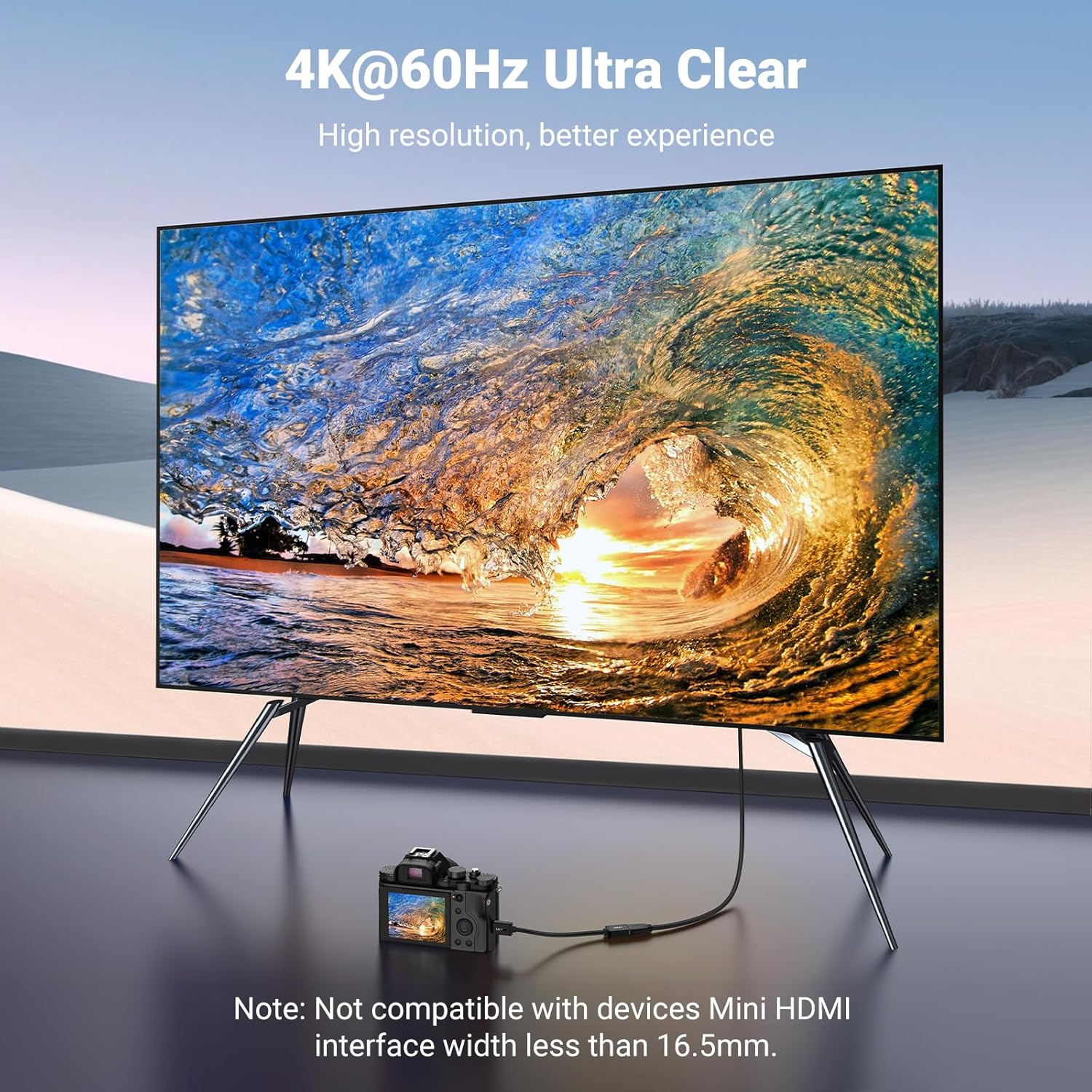
Image 2.1: Internal structure of the adapter, highlighting tinned copper wire, aluminum foil, braid, and PVC jacket for stable signal transfer.
Nota: This adapter is specifically designed for Mini HDMI ports. Please verify your device's port type before use. Micro HDMI and Micro USB ports are not compatible.

Image 2.2: Visual comparison of Micro HDMI, Mini HDMI, and Micro USB port sizes to ensure correct device compatibility.
3. Instrucciones de configuración
Follow these steps to connect your devices using the UGREEN Mini HDMI to HDMI Adapter:
- Identify the Mini HDMI port on your source device (e.g., laptop, camera, Raspberry Pi).
- Gently insert the Mini HDMI male connector of the adapter into the Mini HDMI port of your source device.
- Take a standard HDMI cable (not included) and connect one end to the HDMI female port of the UGREEN adapter.
- Conecte el otro extremo del cable HDMI estándar al puerto de entrada HDMI de su dispositivo de visualización (por ejemplo, TV, monitor, proyector).
- Ensure both devices are powered on and select the correct HDMI input on your display device.

Imagen 3.1: Examples of connecting a camera, laptop, and tablet to external monitors using the adapter.
4. Instrucciones de funcionamiento
Once connected, the adapter facilitates the transmission of high-definition video and audio signals. It operates as a plug-and-play device, requiring no additional drivers or software installation.
- Transmisión de video: The adapter supports resolutions up to 4K (3840x2160) at 60Hz, providing a clear and detailed visual experience. It also supports 3D video output.
- Transmisión de audio: The adapter supports Audio Return Channel (ARC), HDMI Ethernet Channel (HEC), 32-channel audio, and Dolby TrueHD, ensuring high-quality audio alongside video.
- bidireccional: The adapter supports signal flow from Mini HDMI to HDMI and from HDMI to Mini HDMI, depending on the device configuration.

Image 4.1: A camera connected to a 4K display, demonstrating 4K@60Hz ultra-clear output.

Image 4.2: A laptop connected to a TV, showcasing a realistic 3D effect.
5. Compatibilidad
The UGREEN Mini HDMI to HDMI Adapter is compatible with a wide range of devices featuring a Mini HDMI port. Ensure your device has a Mini HDMI port for proper functionality.
Los dispositivos compatibles incluyen:
- Raspberry Pi Zero, Pi Zero W
- ThinkPad Yoga 12 inch laptop
- Monitores portátiles
- NUC barebones desktop PC
- Geforce GT 430 graphics card, video cards
- Camcorders (e.g., Sony HDR-XR500)
- Nvidia Shield K1 tablet
- Pico projectors
- DSLR cameras (e.g., Nikon D3200, Nikon D810, Canon cameras with Mini HDMI port)

Image 5.1: Illustration of bi-directional compatibility with various Mini HDMI source devices (portable monitors, Raspberry Pi, camera, laptop) and HDMI display devices (HDTV, monitor, projector, Xbox, PS5).
6. Especificaciones
| Característica | Especificación |
|---|---|
| Número de modelo | 20137 |
| Tipo de conector | Mini HDMI Male to HDMI Female |
| Resolución máxima | 4K UHD (3840x2160) @ 60Hz |
| Compatibilidad con versiones anteriores | 1080P, 3D Video |
| Soporte de audio | ARC, HEC, 32 Channel Audio, Dolby TrueHD |
| Transmisión | Bidireccional |
| Longitud del cable | 0.6 feet (approximately 18 cm) |
| Material | 24K Gold-plated connectors, PVC jacket, Tinned Copper, Aluminum Foil, Braided Shielding |
| Color | Negro |
| Dimensiones del producto | 0.47 x 8.66 x 8.35 pulgadas |
| Peso del artículo | 1.06 onzas |
7. Mantenimiento
To ensure the longevity and optimal performance of your UGREEN Mini HDMI to HDMI Adapter, follow these maintenance guidelines:
- Almacenamiento: Guarde el adaptador en un lugar fresco y seco, alejado de la luz solar directa y de temperaturas extremas.
- Limpieza: Use a soft, dry cloth to clean the adapter and its connectors. Avoid using liquid cleaners or abrasive materials.
- Manejo: Always grasp the connector ends when plugging or unplugging the adapter. Avoid pulling on the cable itself, as this can damage the internal wiring.
- Evite doblarse: Do not excessively bend or crimp the cable, especially near the connectors, to prevent internal wire damage.
8. Solución de problemas
If you encounter issues with your UGREEN Mini HDMI to HDMI Adapter, consider the following troubleshooting steps:
- Sin señal/pantalla negra:
- Asegúrese de que todas las conexiones estén seguras y completamente insertadas.
- Verify that your source device has a Mini HDMI port, not Micro HDMI or Micro USB.
- Check if your display device is set to the correct HDMI input source.
- Test with a different HDMI cable or display device to rule out other component issues.
- Mala calidad de imagen:
- Ensure your source device and display support the desired resolution (e.g., 4K).
- Check display settings on your source device to ensure the output resolution is correctly configured.
- Verify that the HDMI cable used is rated for the desired resolution and refresh rate.
- Sin audio:
- Confirm that your display device's audio is not muted or set to a very low volume.
- Check audio output settings on your source device to ensure HDMI audio is selected.
- Si utiliza un sistema de audio externo, asegúrese de que esté conectado y configurado correctamente.
9. Garantía y soporte
UGREEN products are designed for reliability and performance. For warranty information, technical support, or further assistance, please refer to the official UGREEN webSitio web o contacte directamente con el servicio de atención al cliente de UGREEN. Conserve su recibo de compra para reclamaciones de garantía.