
Belkin F9D1000-15
Manual del usuario del protector contra sobretensiones de regleta de enchufes Belkin F9D1000-15
Model: F9D1000-15
1. Introducción
This manual provides essential information for the safe and effective use of your Belkin Power Strip Surge Protector, model F9D1000-15. This device is designed to protect your electronic equipment from power surges and electrical imbalances, ensuring clean and safe power delivery.
The Belkin Power Strip Surge Protector features 10 AC outlets and a 15-foot heavy-duty metal extension cord, making it suitable for various environments such as home offices, workshops, and entertainment centers.
2. Información importante de seguridad
- Uso exclusivo en interiores: This surge protector is intended for indoor use in dry locations. Do not expose to moisture or extreme temperatures.
- Toma de tierra: Ensure the surge protector is plugged into a properly grounded 3-prong outlet. Do not remove the grounding prong.
- Protección contra sobrecarga: Do not exceed the electrical rating of the surge protector (15A/125V/1875W). Overloading can cause fire or electrical shock.
- Vida útil del protector contra sobretensiones: The protective components inside surge protectors absorb over-voltage spikes and will eventually wear out. Replace the unit at least every 3 years or immediately after any significant over-voltage spike event (e.g., lightning strike, major power outage). Periodically check the surge protector enclosure and cable for signs of wear or heat distress.
- Manejo del cable: Do not bundle the power cord tightly while in use, as this can lead to overheating.
- Niños y mascotas: Keep the surge protector and connected cords out of reach of children and pets.
- Advertencia sobre la Proposición 65: Este producto puede contener sustancias químicas reconocidas por el Estado de California como causantes de cáncer y defectos de nacimiento u otros daños reproductivos. Lavarse las manos después de la manipulación.
3. Contenido del paquete
Su paquete debe contener el siguiente artículo:
- 1 x Belkin Power Strip Surge Protector (Model F9D1000-15)
4. Características del producto

Imagen 1: Arriba view of the Belkin Power Strip Surge Protector showing all 10 AC outlets, the power switch, and the coiled 15-foot power cord.
- 10 salidas de CA: Proporciona ample power connections for multiple electronic devices.
- 885-Joule Surge Protection: Safeguards connected equipment from power surges, spikes, and lightning strikes.
- Heavy-Duty Metal Case: Durable construction designed for demanding environments like workshops and offices.
- Cable de alimentación de 15 pies: Offers extended reach for flexible placement.
- Orificios para montaje en pared: Integrated mounting holes allow for secure installation on walls or workbenches.
- Illuminated Power Switch: Large, easy-to-locate switch to control power to all outlets.
- "Protected" Indicator Light: Confirms that surge protection is active and functioning.

Imagen 2: Lateral view of the surge protector, highlighting the robust metal casing and the design of the outlets.

Imagen 3: En ángulo view of the surge protector, providing a clearer look at the spacing of the 10 AC outlets and the red power switch.
5. Instrucciones de configuración
- Desembalaje del protector contra sobretensiones: Retire con cuidado el protector contra sobretensiones de su embalaje.
- Elija una ubicación: Select a dry, indoor location away from heat sources and moisture. Ensure the 15-foot cord can reach your desired outlet without being stretched or creating a tripping hazard.
- Montaje en pared (opcional):
The surge protector features four cross-hatched holes on the back for wall mounting. To mount:
- Measure the distance between the mounting holes on the back of the unit.
- Mark the corresponding locations on your wall or workbench.
- Install appropriate screws (not included) into the marked locations, leaving a small portion of the screw head exposed.
- Align the mounting holes on the surge protector with the screw heads and slide the unit down to secure it.

Imagen 4: Trasera view of the surge protector, illustrating the four wall-mount keyhole slots and the product information label.
- Conéctelo a un tomacorriente de pared: Insert the surge protector's 3-prong plug firmly into a standard, grounded 120V AC wall outlet.
- Verificar protección: Once plugged in, the "Protected" indicator light (usually a small red LED next to the power switch) should illuminate, confirming that the surge protection is active.
6. Instrucciones de funcionamiento
- Encendido/apagado:
The large red switch on the surge protector controls power to all 10 outlets. Press the switch to the "ON" position to supply power, and to the "OFF" position to cut power.

Image 5: Close-up of the red power switch and the "Protected" indicator light, which glows when surge protection is active.
- Conexión de dispositivos:
Plug your electronic devices into any of the 10 AC outlets. The widely spaced outlets are designed to accommodate larger power adapters without blocking adjacent outlets.
- Monitoring Protection:
The "Protected" indicator light should remain illuminated during normal operation. If this light goes out, it indicates that the surge protection components have been compromised and the unit should be replaced.
7. Mantenimiento
- Inspección regular: Periodically inspect the surge protector, its cord, and the connected plugs for any signs of damage, fraying, or overheating.
- Programa de reemplazo: Surge protectors have a finite lifespan. For optimal protection, it is recommended to replace your Belkin Power Strip Surge Protector at least every 3 years.
- Post-Surge Replacement: If the surge protector experiences a significant power surge (e.g., a lightning strike or major power fluctuation) and the "Protected" indicator light goes out, the internal surge protection components have likely absorbed the surge and are no longer functional. In this event, immediately replace the unit to ensure continued protection for your devices.
- Limpieza: Disconnect the surge protector from the wall outlet before cleaning. Use a dry, soft cloth to wipe the exterior. Do not use liquid cleaners or solvents.
8. Solución de problemas
| Problema | Posible causa | Solución |
|---|---|---|
| No hay energía en los dispositivos conectados. |
|
|
| La luz indicadora "Protegido" está apagada. |
|
|
| Devices are still damaged after a power event. |
|
|
9. Especificaciones
| Característica | Detalle |
|---|---|
| Número de modelo | F9D1000-15 |
| Tomas de corriente totales | 10 salidas de CA |
| Clasificación de energía de sobretensión | 885 julios |
| Longitud del cable | 15 pies (4.5 metros) |
| Volumentage | 330 Volts (Clampvol.tage) |
| Dimensiones del producto | 15 x 8 x 3 pulgadas |
| Peso del artículo | 3.2 libras |
| Material de la caja | Metal |
| Fabricante | Belkin Inc. |
10. Garantía y soporte
Connected Equipment Coverage
This Belkin product includes standard coverage for connected equipment. In the event that your electronic devices are damaged by a power surge while properly connected to this surge protector, Belkin may provide coverage up to a specified amount. Please refer to the official Belkin website for detailed terms, conditions, and claim procedures for the Connected Equipment Warranty.
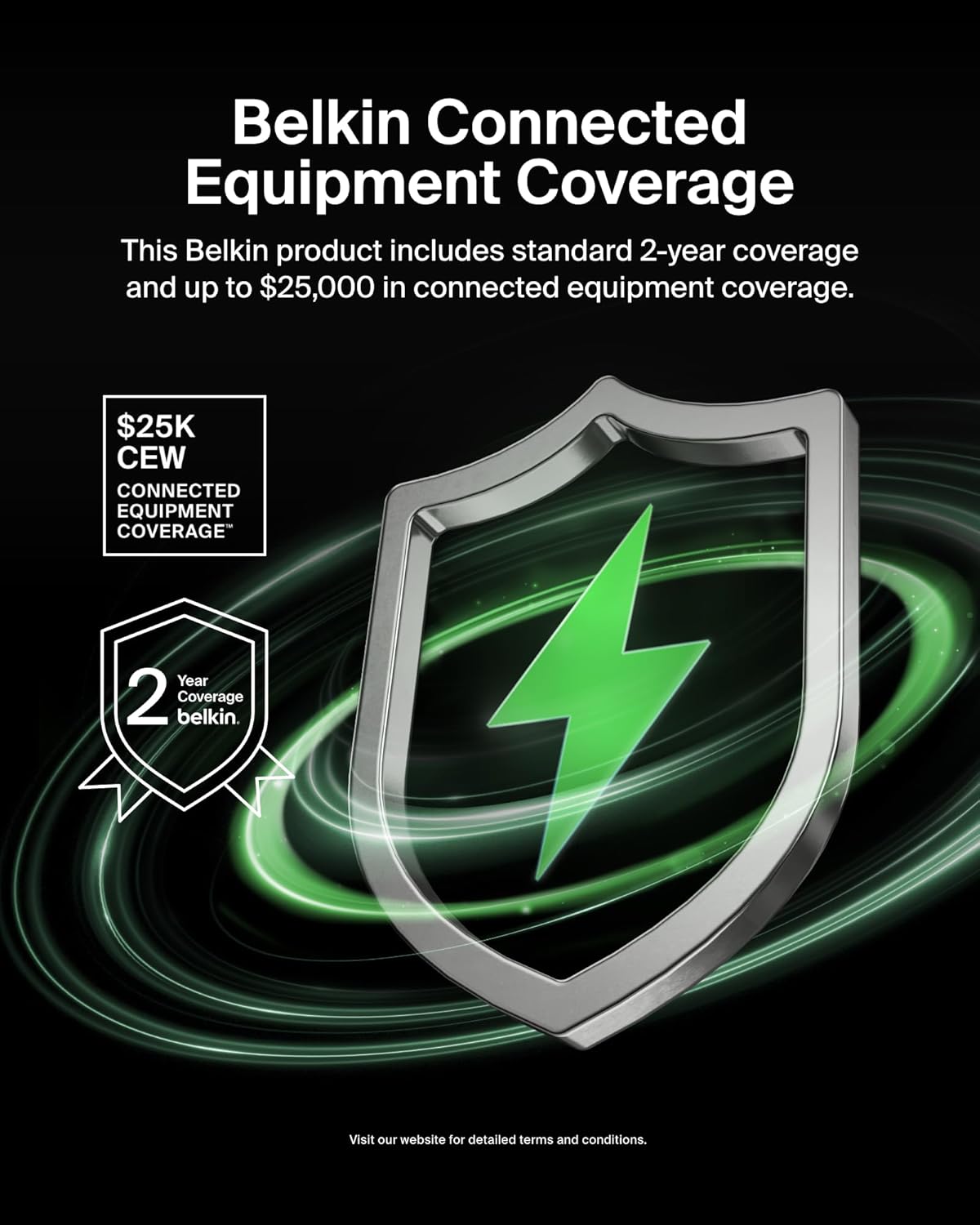
Image 6: Illustration of Belkin's Connected Equipment Coverage, indicating potential financial protection for devices connected to the surge protector.
Soporte de producto
Para obtener más ayuda, soporte técnico o reclamos de garantía, visite el soporte oficial de Belkin. websitio o póngase en contacto con su servicio de atención al cliente.
- Oficial de Belkin Websitio: www.belkin.com
- Página de soporte: Refer to the support section on the Belkin websitio para preguntas frecuentes, guías de solución de problemas e información de contacto.
Ask a question about this manual
Ask about setup, troubleshooting, compatibility, parts, safety, or missing instructions. Manuals+ will review the question and use this page’s manual context to help answer it.