
1. Το προϊόν τελείωσεview
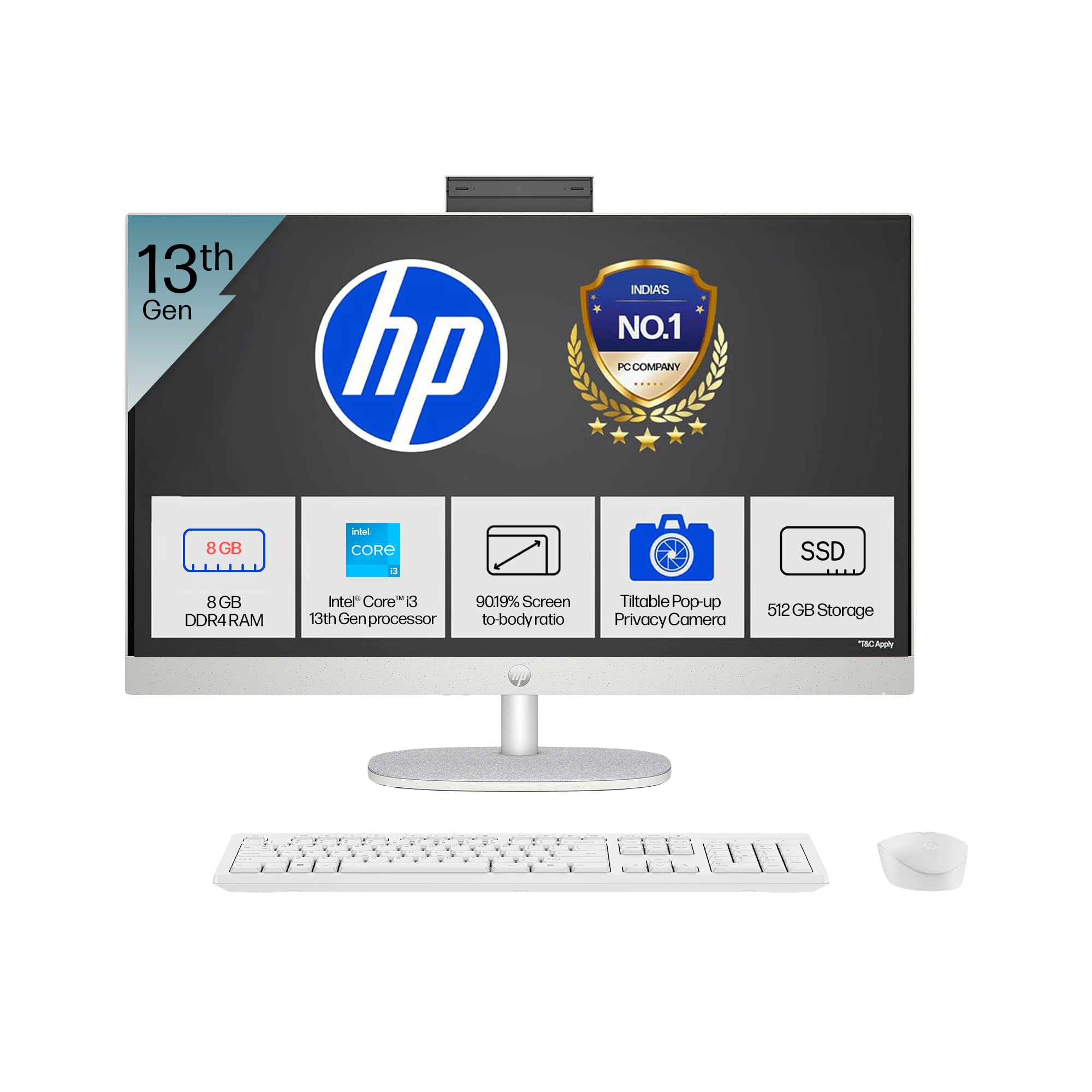
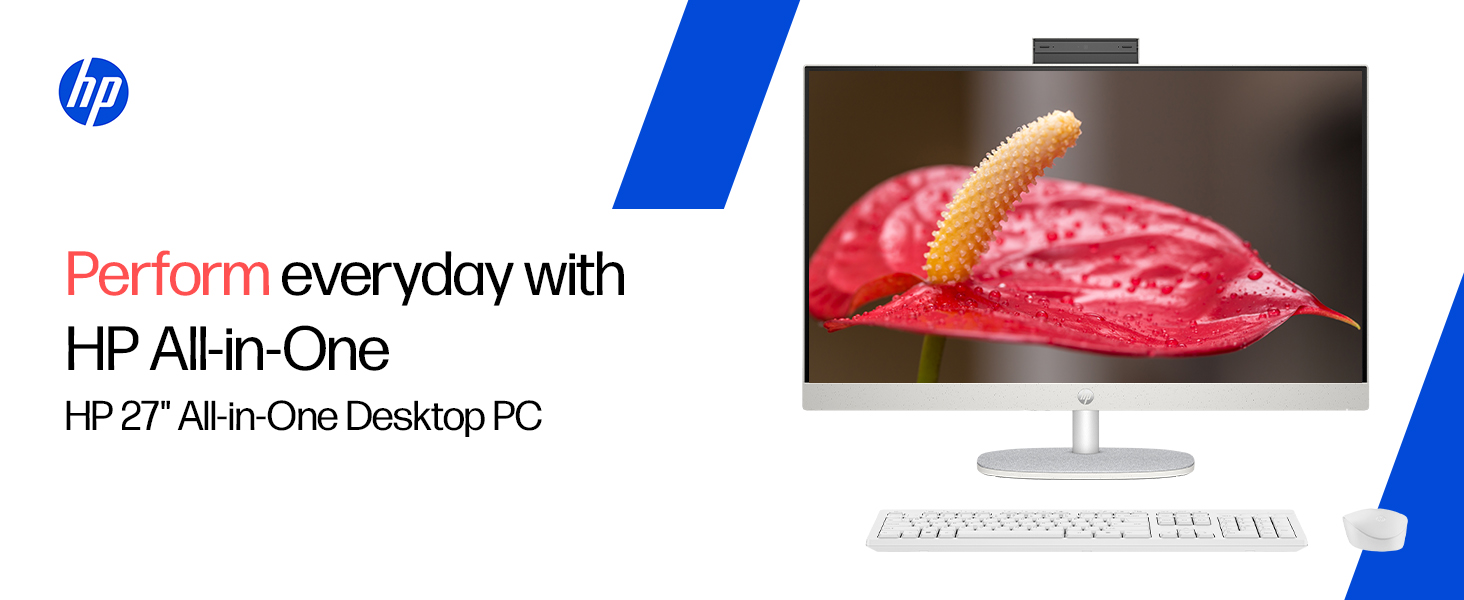
The HP All-in-One PC models 27-cr0902in and 27-cr0906in are designed for everyday computing tasks, offering a blend of performance and display quality. This manual provides essential information for setting up, operating, maintaining, and troubleshooting your device.
Βασικά Χαρακτηριστικά
- Επεξεργαστής: Intel Core i3-1315U (up to 4.5 GHz with Intel Turbo Boost Technology, 6 cores, 8 threads)
- Μνήμη: 8 GB DDR4-3200 MT/s RAM
- Αποθήκευση: 512 GB PCIe NVMe M.2 SSD
- Επίδειξη: 27-inch (68.6 cm) diagonal, FHD (1920 x 1080), touch, IPS, three-sided microedge, anti-glare, 300 nits, 99% sRGB
- Γραφικά: Ενσωματωμένα γραφικά Intel UHD
- Λειτουργικό σύστημα: Windows 11 Home Single Language σε λειτουργία S
- Κάμερα: HP True Vision 1080p FHD IR tilt privacy camera with temporal noise reduction and integrated dual array digital microphones
- Συνδεσιμότητα: Wi-Fi 6 (2x2), Bluetooth 5.3, 1 USB Type-C 5Gbps, 2 USB Type-A 5Gbps, 2 USB 2.0 Type-A, 1 headphone/microphone combo, 1 RJ-45
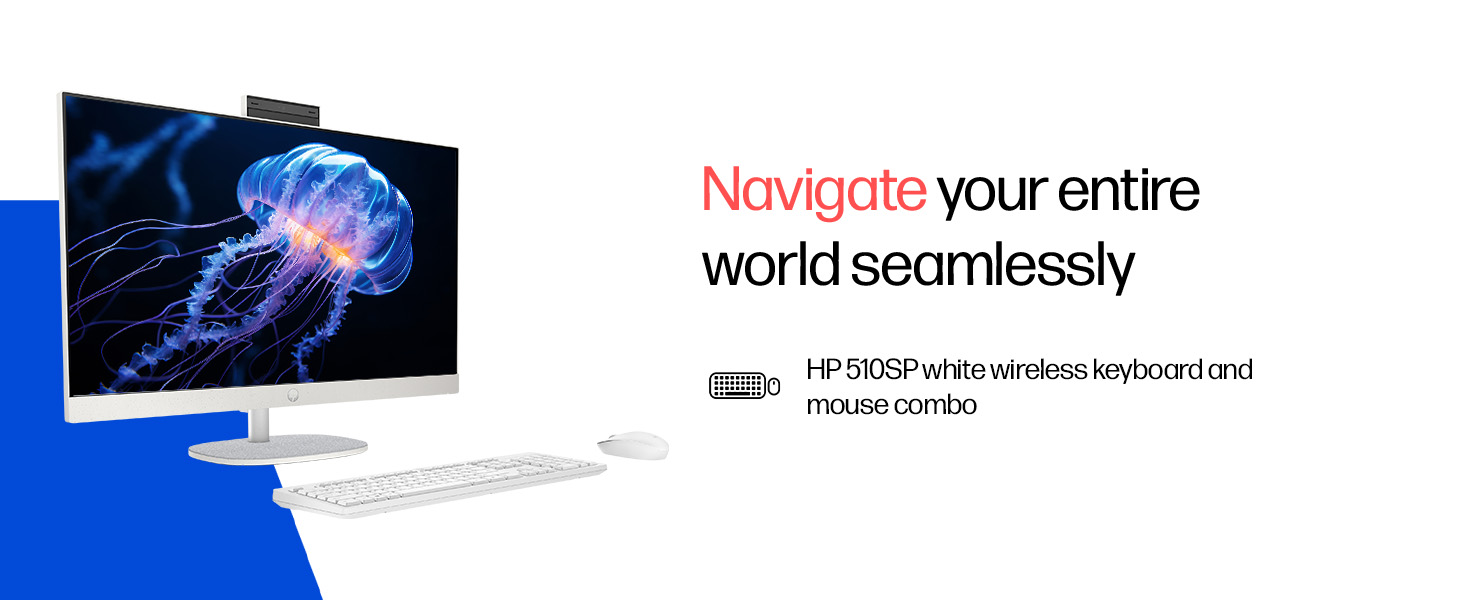
- Included Peripherals: HP 510SP White Wireless Keyboard and Mouse Combo
2. Οδηγός εγκατάστασης
Follow these steps to set up your HP All-in-One PC.
2.1 Αποσυσκευασία του κουτιού
Αφαιρέστε προσεκτικά όλα τα εξαρτήματα από τη συσκευασία. Βεβαιωθείτε ότι υπάρχουν τα ακόλουθα:
- HP All-in-One PC unit
- Μετασχηματιστής ρεύματος και καλώδιο
- HP 510SP White Wireless Keyboard
- HP 510SP White Wireless Mouse
- Τεκμηρίωση (αυτό το εγχειρίδιο, πληροφορίες εγγύησης)
2.2 Σύνδεση περιφερειακών
- Συνδέστε το πληκτρολόγιο και το ποντίκι: Insert the USB receiver for the wireless keyboard and mouse into an available USB port on the back of the All-in-One PC. Ensure batteries are installed in both the keyboard and mouse.
- Σύνδεση τροφοδοσίας: Connect the power adapter to the power input port on the back of the All-in-One PC, then plug the power cable into a wall outlet.
- Προαιρετικές συνδέσεις:
- Εξωτερικές συσκευές: Connect any external USB devices (e.g., external hard drives, printers) to the available USB ports.
- Καλώδιο δικτύου: If using a wired network connection, connect an Ethernet cable to the RJ-45 port.

2.3 Αρχική ενεργοποίηση
Press the power button, usually located on the side or back of the display. The PC will boot up, and you will be guided through the Windows 11 setup process. Follow the on-screen instructions to configure your operating system, network, and user accounts.
3. Οδηγίες λειτουργίας
3.1 Ενεργοποίηση/Απενεργοποίηση και Λειτουργία Αναστολής Λειτουργίας
- Ενεργοποίηση: Πατήστε το κουμπί λειτουργίας.
- Κλείνω το εργοστάσιον: Κάντε κλικ στο κουμπί Έναρξη στα Windows και, στη συνέχεια, επιλέξτε Παροχή ενέργειας > Τερματισμός λειτουργίας.
- Επανεκκίνηση: Κάντε κλικ στο κουμπί Έναρξη στα Windows και, στη συνέχεια, επιλέξτε Παροχή ενέργειας > Επανεκκίνηση.
- Υπνος: Click the Start button in Windows, then select Power > Sleep. You can also configure power settings in Windows to automatically enter sleep mode after a period of inactivity.
3.2 Using the Touch Display
Your HP All-in-One PC features a touch-enabled display. You can interact with the operating system and applications using touch gestures similar to a tablet or smartphone. Common gestures include tapping, swiping, pinching to zoom, and stretching to zoom out.
3.3 Using the HP True Vision Camera
The integrated HP True Vision 1080p FHD IR tilt privacy camera is suitable for video calls and facial recognition login (Windows Hello). The camera can be tilted for optimal viewing angles and includes a privacy shutter for security. To use the camera, open an application that requires camera access (e.g., Camera app, video conferencing software).
3.4 Audio and Microphones
The PC includes integrated dual 2W speakers and dual array digital microphones with temporal noise reduction for clear audio input during calls or recordings. You can adjust volume settings through the Windows sound controls.
4. Συντήρηση
Proper maintenance ensures the longevity and optimal performance of your HP All-in-One PC.
4.1 Καθαρισμός της συσκευής
- Επίδειξη: Χρησιμοποιήστε ένα μαλακό πανί που δεν αφήνει χνούδι ελαφρώς dampened with water or a screen cleaning solution. Avoid harsh chemicals or abrasive materials.
- Πλαίσιο: Σκουπίστε τις εξωτερικές επιφάνειες με ένα μαλακό, στεγνό πανί.
- Πληκτρολόγιο και ποντίκι: Use a soft brush or compressed air to remove dust and debris.
- Πάντα να απενεργοποιείτε και να αποσυνδέετε τον υπολογιστή από την πρίζα πριν τον καθαρισμό.
4.2 Ενημερώσεις λογισμικού
Regularly check for and install Windows updates and HP driver updates to ensure system stability, security, and performance. You can find Windows updates in the Settings app under "Windows Update." HP drivers can be found on the official HP support webτοποθεσία.
4.3 Δημιουργία αντιγράφων ασφαλείας συστήματος
Συνιστάται να δημιουργείτε τακτικά αντίγραφα ασφαλείας των σημαντικών δεδομένων σας σε εξωτερικό δίσκο ή σε χώρο αποθήκευσης στο cloud για να αποτρέψετε την απώλεια δεδομένων.
5. Αντιμετώπιση Προβλημάτων
This section addresses common issues you might encounter with your HP All-in-One PC.
5.1 Δεν υπάρχει τροφοδοσία ρεύματος / Το σύστημα δεν ενεργοποιείται
- Βεβαιωθείτε ότι το καλώδιο τροφοδοσίας είναι καλά συνδεδεμένο τόσο στον υπολογιστή όσο και στην πρίζα.
- Βεβαιωθείτε ότι η πρίζα λειτουργεί συνδέοντας μια άλλη συσκευή.
- Δοκιμάστε μια διαφορετική πρίζα.
5.2 Προβλήματα εμφάνισης
- Δεν υπάρχει εικόνα στην οθόνη: Ensure the PC is powered on. If connected to an external monitor, check the input source on the monitor.
- Τρεμοπαίξιμο ή παραμορφωμένη εικόνα: Update graphics drivers. If the issue persists, contact support.
- Η οθόνη αφής δεν αποκρίνεται: Restart the PC. Ensure there are no obstructions on the screen. Check for driver updates for the touch display.
5.3 System Performance Issues (Slowdown, Hanging)
- Κλείστε τις περιττές εφαρμογές που εκτελούνται στο παρασκήνιο.
- Ελέγξτε τη Διαχείριση Εργασιών (Ctrl+Shift+Esc) για διεργασίες που καταναλώνουν μεγάλη χρήση CPU, μνήμης ή δίσκου.
- Βεβαιωθείτε ότι το λειτουργικό σας σύστημα και τα προγράμματα οδήγησης είναι ενημερωμένα.
- Εκτελέστε πλήρη σάρωση συστήματος για κακόβουλο λογισμικό ή ιούς.
- Consider freeing up disk space on your SSD.
5.4 Peripheral Connectivity Problems (Keyboard/Mouse)
- Βεβαιωθείτε ότι ο δέκτης USB είναι καλά συνδεδεμένος σε μια θύρα USB.
- Check the batteries in the wireless keyboard and mouse and replace them if necessary.
- Δοκιμάστε να συνδέσετε τον δέκτη USB σε διαφορετική θύρα USB.
- Κάντε επανεκκίνηση του υπολογιστή.
6. Τεχνικές Προδιαγραφές
Detailed specifications for the HP All-in-One PC 27-cr0902in/cr0906in.
| Χαρακτηριστικό | Λεπτομέρεια |
|---|---|
| Μάρκα | HP |
| Αριθμοί Μοντέλων | 27-cr0902in, 27-cr0906in |
| Επεξεργαστής | Intel Core i3-1315U (up to 4.5 GHz, 6 cores, 8 threads, 10 MB L3 cache) |
| Λειτουργικό σύστημα | Windows 11 Home Single Language σε λειτουργία S |
| Μνήμη (RAM) | 8 GB DDR4-3200 MT/s (1 x 8 GB) |
| Αποθήκευση | 512 GB PCIe NVMe M.2 SSD |
| Επίδειξη | 27-inch (68.6 cm) FHD (1920 x 1080) IPS, touch, anti-glare, 300 nits, 99% sRGB |
| Γραφικά | Γραφικά Intel UHD (Ενσωματωμένα) |
| Κάμερα | HP True Vision 1080p FHD IR tilt privacy camera with temporal noise reduction |
| Ήχος | Integrated dual array digital microphones, Dual 2W speakers |
| Ασύρματη Συνδεσιμότητα | Realtek RTL8852BE Wi-Fi 6 (2x2), Bluetooth 5.3 |
| λιμάνια | 1 USB Type-C 5Gbps, 2 USB Type-A 5Gbps, 2 USB 2.0 Type-A, 1 headphone/microphone combo, 1 RJ-45 |
| Πληκτρολόγιο & Ποντίκι | HP 510SP White Wireless Keyboard and Mouse Combo |
| Διαστάσεις (Π x Β x Υ) | 61.2 x 18.6 x 44.1 cm (24.11 x 7.33 x 17.36 ίντσες) |
| Βάρος | 6.42 κιλά |
| Χρώμα | Shell White |
| Περιβαλλοντικές Πιστοποιήσεις | EPEAT Gold Registered, ENERGY STAR certified |
7. Εγγύηση και υποστήριξη
7.1 Πληροφορίες εγγύησης
Your HP All-in-One PC comes with a Εγγύηση κατασκευαστή 1 έτους on the device from the date of purchase. Please retain your purchase receipt for warranty claims.
7.2 Τεχνική Υποστήριξη
For any technical or product-related queries, please contact HP customer support:
- Αριθμοί χωρίς χρέωση: 1800-258-7170 or 1860-258-3079
- Επικοινωνία με τον κατασκευαστή: HP India Sales Pvt. Ltd.
- Επικοινωνία Εισαγωγέα: HP India Sales Private Limited, No. 24, Kothari Arena, Hosur Main Road, Adugodi, Bangalore, Karnataka, India, 560030
You can also visit the official HP support website for drivers, documentation, and further assistance.