
Τ800
T800 Ultra Smartwatch User Manual
Μοντέλο: T800
1. Εισαγωγή
Welcome to the T800 Ultra Smartwatch user manual. This guide provides comprehensive instructions for setting up, operating, and maintaining your new smartwatch. The T800 Ultra seamlessly blends advanced technology with a timeless design, offering a sophisticated and functional experience. It features a larger, brighter display, deep water resistance, video control assistant, fast wireless charging, Bluetooth connectivity, and NFC capabilities.
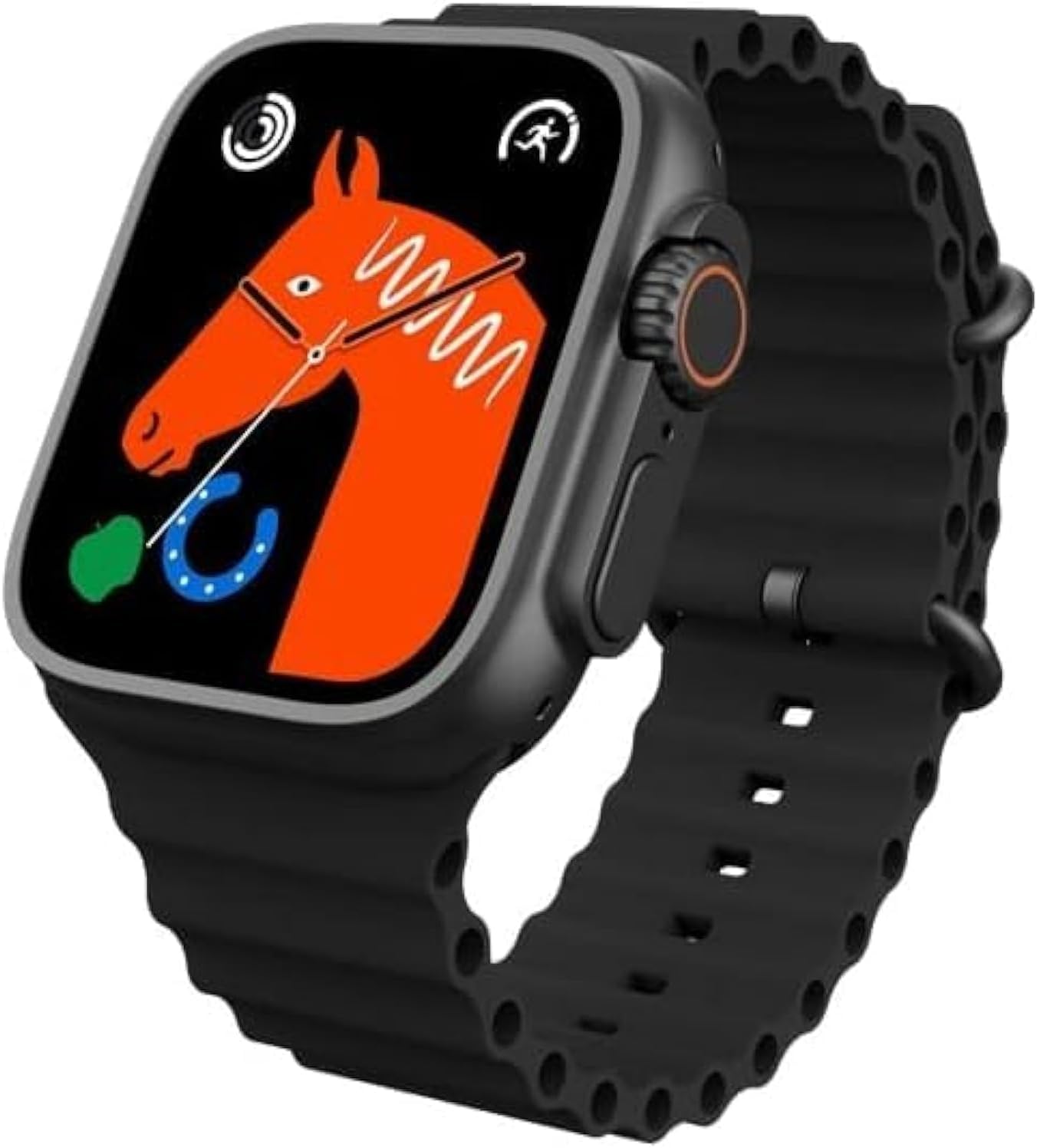
Figure 1: T800 Ultra Smartwatch, front view με οθόνη.
2. Πληροφορίες Ασφάλειας
- Μην εκθέτετε τη συσκευή σε ακραίες θερμοκρασίες ή σε άμεσο ηλιακό φως για παρατεταμένα χρονικά διαστήματα.
- Αποφύγετε την πτώση ή την έκθεση της συσκευής σε σοβαρές κρούσεις.
- Κρατήστε τη συσκευή μακριά από ισχυρά μαγνητικά πεδία.
- Χρησιμοποιήστε μόνο το παρεχόμενο καλώδιο φόρτισης και τον προσαρμογέα για να αποφύγετε ζημιές.
- While water-resistant, avoid prolonged submersion or use in hot water (e.g., hot showers, saunas).
- Μην επιχειρήσετε να αποσυναρμολογήσετε ή να επισκευάσετε τη συσκευή μόνοι σας. Επικοινωνήστε με την υποστήριξη πελατών για βοήθεια.
3. Το προϊόν τελείωσεview
The T800 Ultra Smartwatch features a sleek design with a responsive touch screen and physical buttons for easy navigation. Key components include:
- Επίδειξη: Large, bright, and customizable digital screen.
- Crown/Button: For navigation and selection.
- Πλαϊνό κουμπί: For quick access to functions.
- Αισθητήρας καρδιακών παλμών: Βρίσκεται στο πίσω μέρος για παρακολούθηση της υγείας.
- Φόρτιση επαφών: Για ασύρματη φόρτιση.
4. Ρύθμιση
4.1. Φόρτιση της Συσκευής
Before first use, fully charge your T800 Ultra Smartwatch. The device supports fast wireless charging.
- Τοποθετήστε το smartwatch στην ασύρματη βάση φόρτισης.
- Ensure the charging contacts on the watch align with the charging area on the pad.
- Η οθόνη του ρολογιού θα υποδεικνύει την κατάσταση φόρτισης. Μια πλήρης φόρτιση διαρκεί συνήθως περίπου 2 ώρες.
4.2. Ενεργοποίηση/Απενεργοποίηση
- Για ενεργοποίηση: Πατήστε παρατεταμένα το πλευρικό κουμπί μέχρι να ανάψει η οθόνη.
- Για απενεργοποίηση: Πατήστε παρατεταμένα το πλευρικό κουμπί και, στη συνέχεια, επιλέξτε "Απενεργοποίηση" στην οθόνη.
4.3. Σύζευξη με το smartphone σας
To unlock the full potential of your T800 Ultra, pair it with your smartphone via Bluetooth.
- Download the companion app (check the watch manual or packaging for app name, typically found via QR code on the watch or in the box) from your smartphone's app store.
- Ενεργοποιήστε το Bluetooth στο smartphone σας.
- Ανοίξτε την εφαρμογή συνοδευτικής σύνδεσης και ακολουθήστε τις οδηγίες στην οθόνη για να προσθέσετε τη συσκευή σας.
- On your T800 Ultra, navigate to the Bluetooth settings and ensure it is discoverable.
- Select your T800 Ultra from the list of available devices in the app to complete pairing.
5. Οδηγίες λειτουργίας
5.1. Πλοήγηση στη διεπαφή
The T800 Ultra features an intuitive touch interface and physical buttons for seamless interaction.
- Σύρετε πάνω/κάτω: Κάντε κύλιση στα μενού και τις ειδοποιήσεις.
- Σύρετε αριστερά/δεξιά: Αποκτήστε πρόσβαση σε διαφορετικά γραφικά στοιχεία ή γρήγορες ρυθμίσεις.
- Παρακέντηση: Επιλέξτε ένα στοιχείο ή ανοίξτε μια εφαρμογή.
- Στέμμα Τύπου: Return to the home screen or access the app list.
- Πατήστε το πλευρικό κουμπί: Typically for power options or a customizable shortcut.
5.2. Προσαρμογή προσόψεων ρολογιού
Personalize your T800 Ultra with a variety of dynamic watch faces to match your style and mood.
- From the home screen, press and hold the watch face.
- Σύρετε το δάχτυλό σας προς τα αριστερά ή προς τα δεξιά για να περιηγηθείτε στις διαθέσιμες προσόψεις ρολογιού.
- Tap on a watch face to select it. Some watch faces may offer further customization options (e.g., complications, colors) which can be adjusted by tapping the 'Edit' icon.

Εικόνα 2: Πρamples of customizable watch faces on the T800 Ultra.
5.3. Κλήσεις μέσω Bluetooth
With Bluetooth calling, you can manage calls directly from your wrist.
- Ensure your watch is paired with your smartphone.
- Όταν λαμβάνετε μια εισερχόμενη κλήση, μπορείτε να την απαντήσετε ή να την απορρίψετε απευθείας στην οθόνη του ρολογιού.
- You can also dial numbers or access your phone's contact list from the watch to initiate calls.

Figure 3: Bluetooth calling interface on the T800 Ultra.
5.4. Παρακολούθηση υγείας και φυσικής κατάστασης
The T800 Ultra is equipped with advanced sensors to monitor your health and fitness metrics.
- Παρακολούθηση καρδιακών παλμών: The watch continuously monitors your heart rate. Access the Heart Rate app on the watch to view δεδομένα σε πραγματικό χρόνο και ιστορικές τάσεις.
- Παρακολούθηση βημάτων: The built-in pedometer tracks your daily steps, distance, and calories burned.
- Παρακολούθηση ύπνου: Wear the watch to bed to track your sleep patterns, including deep sleep, light sleep, and wakefulness. View λεπτομερής ανάλυση στην εφαρμογή συνοδευτικών δεδομένων.
- Λειτουργία πολλαπλών αθλημάτων: Select from various sports modes (e.g., running, cycling, basketball) to track specific workouts with detailed metrics.
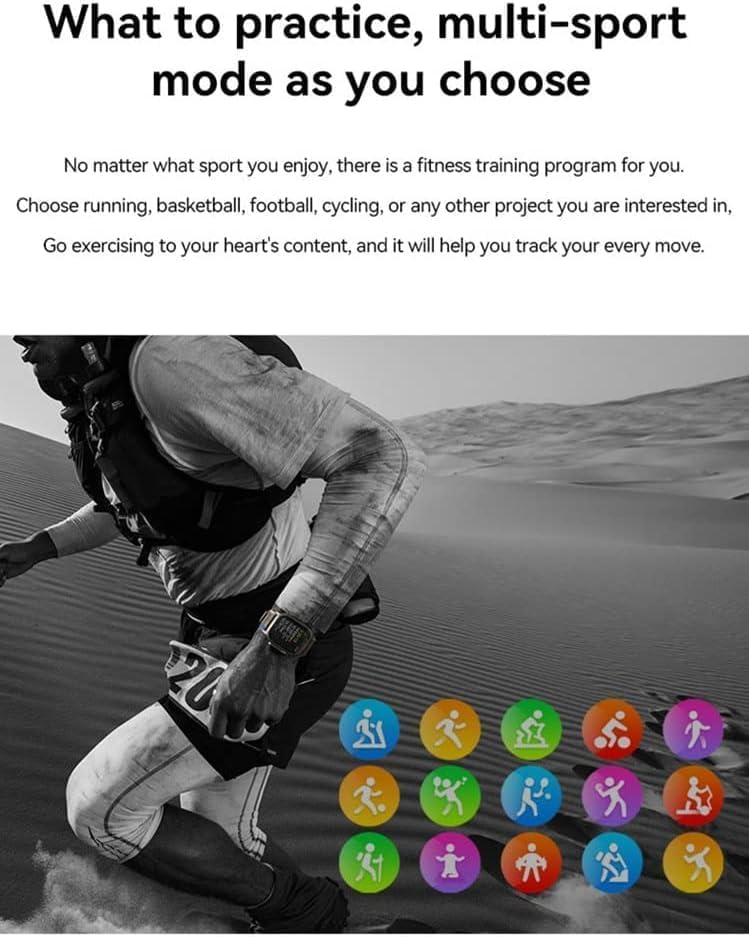
Figure 4: Heart rate and sleep tracking features.
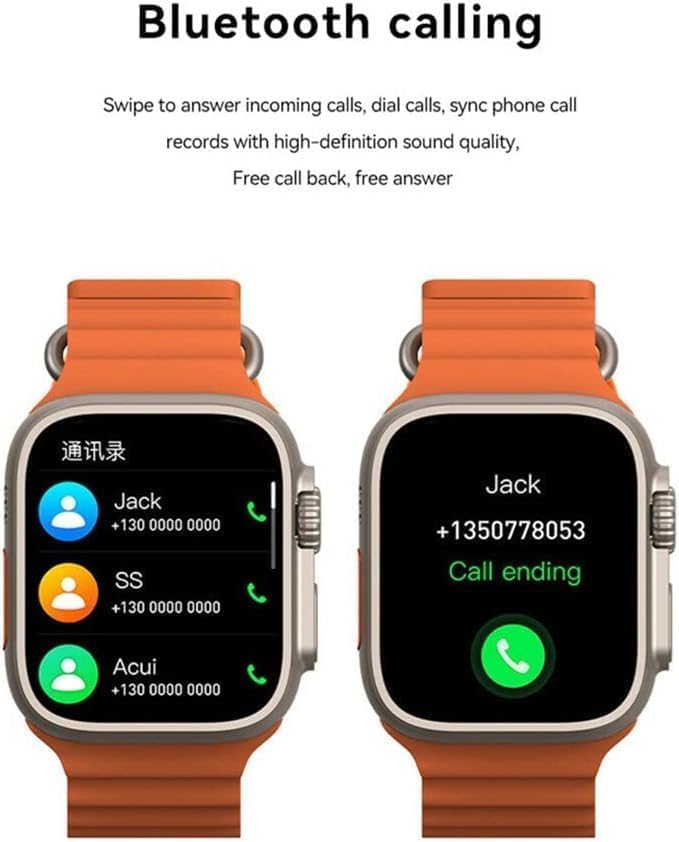
Figure 5: Multi-sport mode selection.
5.5. Λειτουργικότητα NFC
The T800 Ultra supports NFC for convenient access control and other compatible functions.
- The NFC feature allows for simulation of company/community access cards.
- To use, simply lift your wrist with the watch near a compatible NFC reader.
- Refer to the companion app for setup and management of NFC functions.
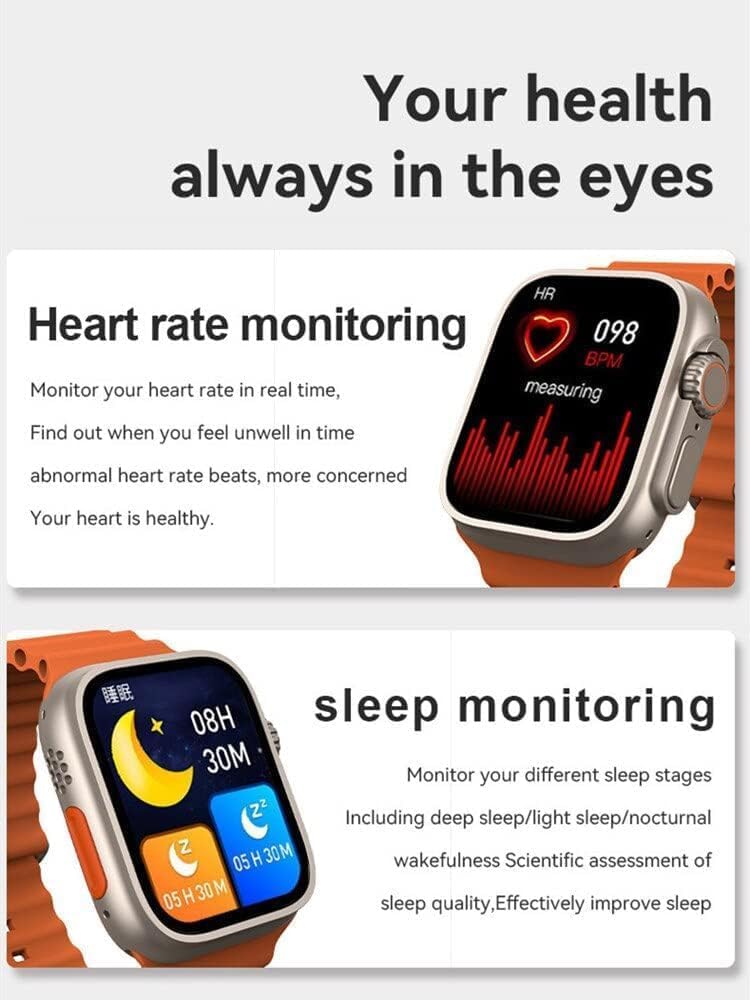
Figure 6: NFC functionality for access control.
6. Συντήρηση
- Καθάρισμα: Σκουπίστε το ρολόι και το λουράκι τακτικά με ένα μαλακό πανί.amp πανί. Αποφύγετε τη χρήση σκληρών χημικών ή λειαντικών υλικών.
- Αντοχή στο νερό: The T800 Ultra is water-resistant. However, it is not suitable for diving or high-pressure water activities. Dry the watch thoroughly after exposure to water.
- Αποθήκευση: Όταν δεν το χρησιμοποιείτε για μεγάλα χρονικά διαστήματα, φυλάξτε το ρολόι σε δροσερό και ξηρό μέρος.
7. Αντιμετώπιση Προβλημάτων
| Πρόβλημα | Πιθανή αιτία / Λύση |
|---|---|
| Το ρολόι δεν ενεργοποιείται. | Battery might be depleted. Charge the watch for at least 30 minutes. If still unresponsive, perform a hard reset (refer to specific device instructions or contact support). |
| Δεν είναι δυνατή η σύζευξη με smartphone. | Ensure Bluetooth is enabled on both devices. Make sure the watch is in pairing mode. Restart both the watch and smartphone. Check the companion app for specific pairing steps. |
| Μικρή διάρκεια μπαταρίας. | High screen brightness, frequent notifications, continuous heart rate monitoring, or GPS usage can drain the battery faster. Adjust settings to optimize battery life. Ensure the watch is fully charged. |
| Screen is scratched or damaged. | While the watch features a scratch-resistant sapphire crystal bezel, extreme impacts can still cause damage. This is typically not covered under standard warranty. |
| Watch is unresponsive or frozen. | Try restarting the watch by pressing and holding the side button. If that doesn't work, perform a forced restart (consult the companion app or manufacturer's webιστότοπος για συγκεκριμένες οδηγίες). |
8. Προδιαγραφές
| Χαρακτηριστικό | Λεπτομέρεια |
|---|---|
| Όνομα μοντέλου | T800 Υπέρ |
| Μάρκα | Γενικός |
| Λειτουργικό σύστημα | Android |
| Τεχνολογία Συνδεσιμότητας | Bluetooth |
| Πρότυπο ασύρματης επικοινωνίας | Bluetooth |
| Ειδικά Χαρακτηριστικά | Activity Tracker, GPS, NFC |
| Σύνθεση κυψέλης μπαταρίας | Ιόν λιθίου |
| Σχήμα αντικειμένου | Γύρω |
| Διαστάσεις στοιχείου (ΜxΠxΥ) | 22.2 x 8 x 4.2 εκ |
| Βάρος αντικειμένου | 150 γρ |
| Απαιτούνται μπαταρίες | 1 Unknown (Included) |
9. Εγγύηση και υποστήριξη
Αυτό το προϊόν συνοδεύεται από τυπική εγγύηση κατασκευαστή. Ανατρέξτε στην κάρτα εγγύησης που περιλαμβάνεται στη συσκευασία του προϊόντος σας για τους συγκεκριμένους όρους και προϋποθέσεις.
For technical support, troubleshooting assistance, or warranty claims, please contact the retailer or manufacturer directly. Contact details can usually be found on the product packaging or the manufacturer's official webτοποθεσία.
For further assistance, you may also visit the product's Amazon page: Σελίδα προϊόντος Amazon