
1. Einleitung
Thank you for choosing the Jectse 5G LTE Mobile Hotspot Router. This device provides high-speed portable Wi-Fi connectivity, allowing you to stay connected on the go. It supports up to 12 devices simultaneously and features WPA/WPA2 encryption for secure internet access. This manual will guide you through the setup, operation, and maintenance of your new mobile hotspot.
2. Sicherheitshinweise
- Setzen Sie das Gerät keinen extremen Temperaturen, direkter Sonneneinstrahlung oder feuchter Umgebung aus.
- Lassen Sie das Gerät nicht fallen und setzen Sie es keinen starken Stößen aus.
- Use only the provided or approved charging cable and battery.
- Versuchen Sie nicht, das Gerät selbst zu zerlegen oder zu reparieren. Wenden Sie sich bei Problemen an den Kundendienst.
- Halten Sie das Gerät von Wasser und anderen Flüssigkeiten fern.
3. Packungsinhalt
Bitte prüfen Sie das Paket auf folgende Artikel:
- Jectse 5G LTE Mobile Hotspot Router
- USB-Ladekabel
- Wiederaufladbarer Akku (3000 mAh)
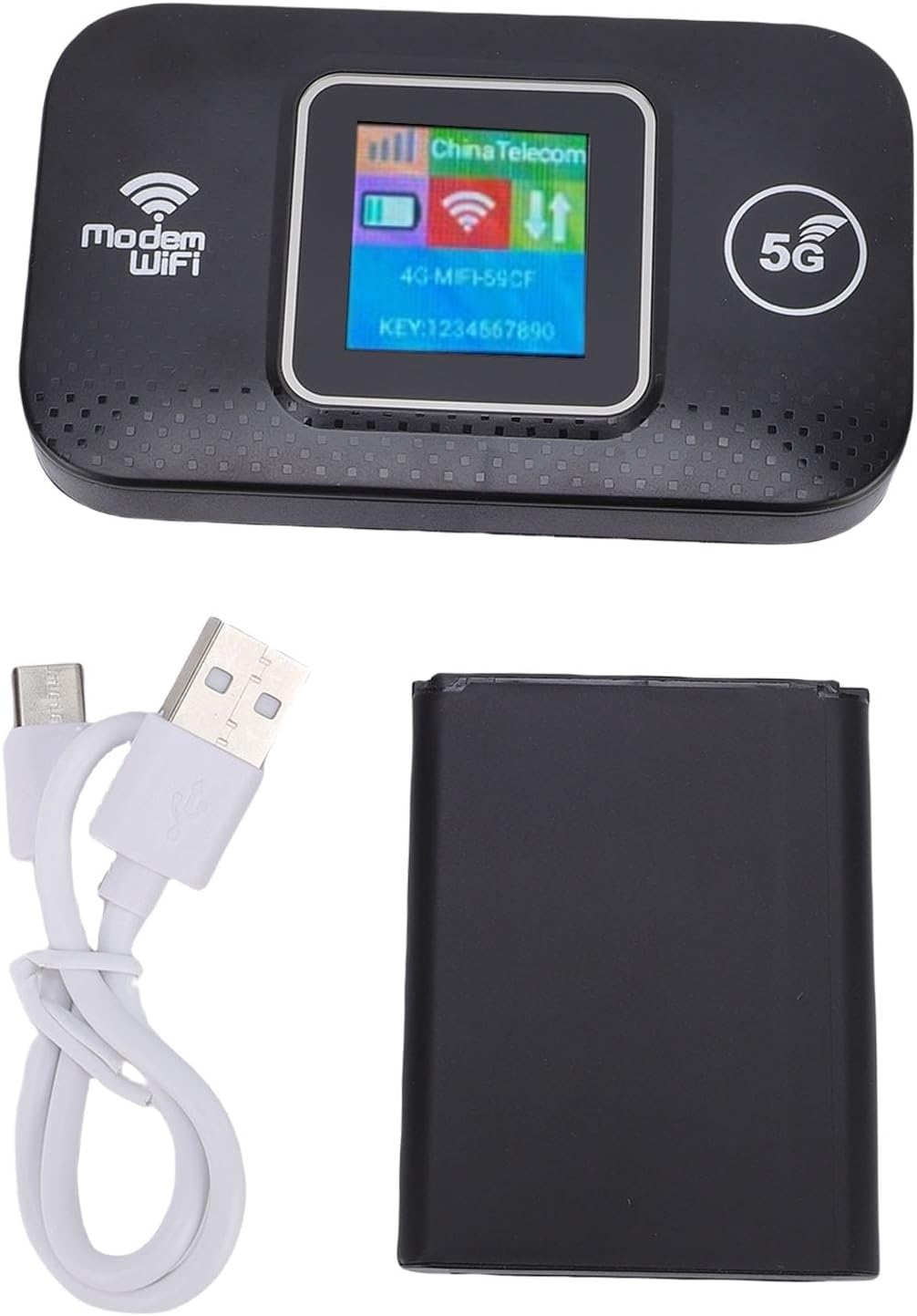
Image: The Jectse 5G LTE Mobile Hotspot Router, its USB charging cable, and the removable battery, illustrating the main components included in the package.
4. Produktüberschreitungview
The Jectse Mobile Hotspot is designed for ease of use and portability. It features a compact design with essential indicators and ports.

Bild: Ein überview of the mobile hotspot's features, highlighting SIM card plug-and-play, high-end chip for fast and stable performance, 150Mbps high speed, 3000mAh battery for durability, strong signal, and one-button start for convenience.
Gerätekomponenten:
- Bildschirm: Shows network status, signal strength, battery level, and Wi-Fi information.
- Netzschalter: Dient zum Ein-/Ausschalten des Geräts.
- SIM-Kartensteckplatz: For inserting your 5G/LTE SIM card.
- USB-C-Anschluss: Zum Aufladen des Gerätes.

Bild: Eine detaillierte view of the USB-C port located on the side of the mobile hotspot, used for charging the device.
5. Einrichtung
5.1 Einlegen der SIM-Karte
- Stellen Sie sicher, dass das Gerät ausgeschaltet ist.
- Locate the SIM card slot, usually under the battery cover.
- Carefully insert your active 5G/LTE SIM card into the slot with the gold contacts facing down, ensuring it clicks into place.
5.2 Einlegen des Akkus
- Öffnen Sie den Batteriefachdeckel auf der Rückseite des Geräts.
- Richten Sie die Batteriekontakte an den Anschlüssen im Batteriefach aus.
- Gently press the battery into place and close the cover.
5.3 Einschalten und erste Verbindung
- Halten Sie die Power-Taste gedrückt, bis der Bildschirm aufleuchtet.
- Wait for the device to boot up and establish a network connection. The display will show signal strength and network type (e.g., 4G, 5G).
- Suchen Sie auf Ihrem Smartphone, Tablet oder Laptop nach verfügbaren WLAN-Netzwerken.
- Select the Wi-Fi network name (SSID) displayed on the hotspot's screen.
- Enter the Wi-Fi password (KEY) shown on the hotspot's screen.
- Sobald die Verbindung hergestellt ist, können Sie mit dem Surfen im Internet beginnen.
6. Bedienungsanleitung
6.1 Anschluss mehrerer Geräte
The Jectse Mobile Hotspot supports connecting up to 12 devices simultaneously. Simply follow the steps in Section 5.3 for each device you wish to connect.

Image: A visual representation of the mobile hotspot's capability to support multiple users, showing various devices like monitors, desktop PCs, laptops, and smartphones connected to the hotspot's Wi-Fi signal.
6.2 Network Security (WPA/WPA2)
Your mobile hotspot uses WPA and WPA2 encryption protocols to protect your network from unauthorized access. The default password is provided on the device screen. For enhanced security, it is recommended to change the default Wi-Fi password through the device's web management interface (if available, refer to advanced settings in a separate guide).
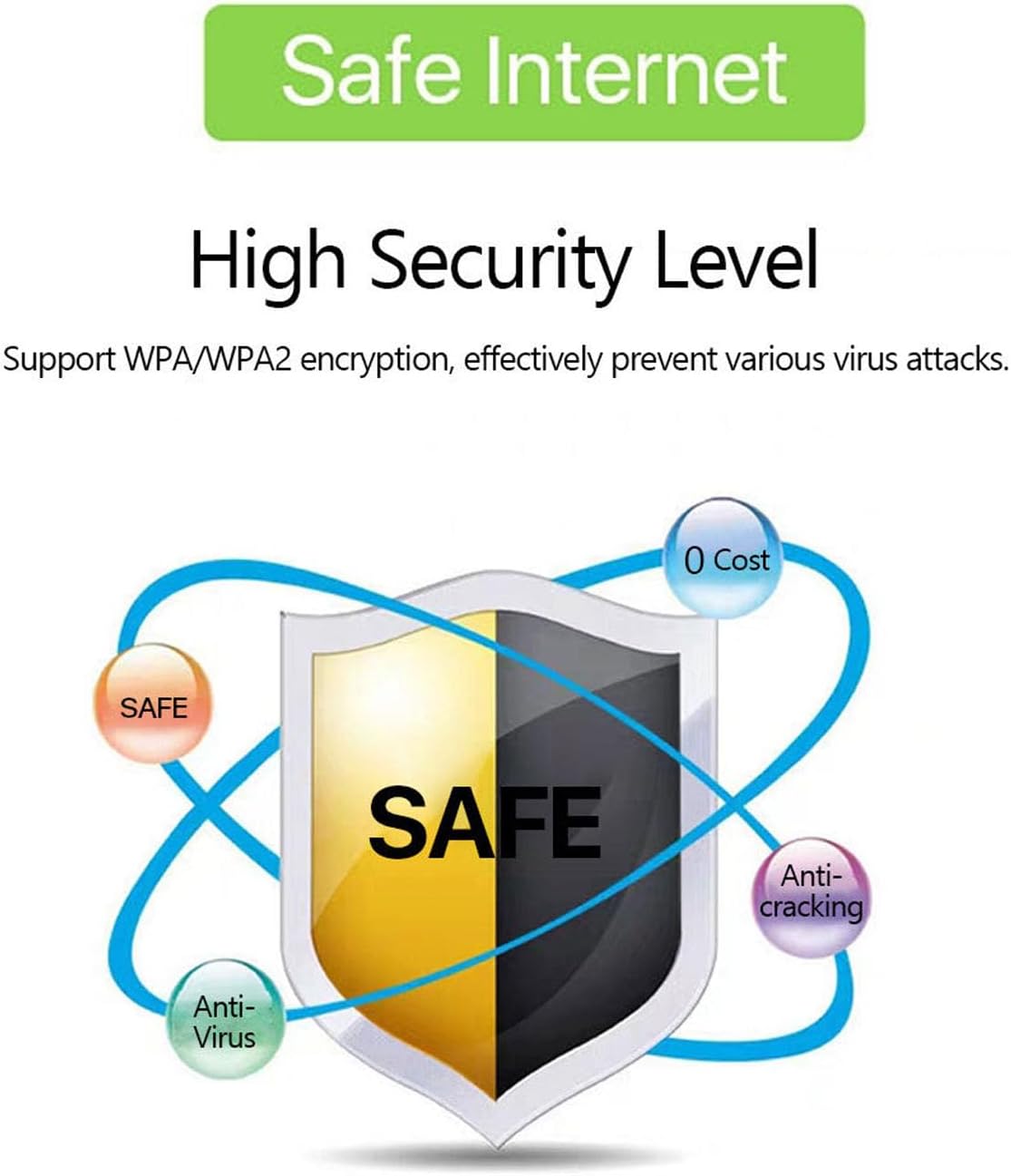
Image: A graphic emphasizing the high security level of the device, featuring a shield icon and text indicating support for WPA/WPA2 encryption to prevent virus attacks and ensure safe internet usage.
6.3 Battery Usage and Charging
The device is equipped with a 3000 mAh battery, providing extended usage time. When the battery level is low, connect the device to a power source using the provided USB charging cable.

Image: A visual depicting the mobile hotspot's battery life, showing a battery icon at 50% charge. The device features a 3000 mAh battery (note: image text states 3600mAh, but product description confirms 3000mAh) for extended use.
7. Wartung
7.1 Gerät reinigen
Reinigen Sie das Gerät mit einem weichen, trockenen Tuch. Verwenden Sie keine flüssigen Reiniger oder Sprays, da diese das Gerät beschädigen können.
7.2 Batteriepflege
- Vermeiden Sie häufiges vollständiges Entladen des Akkus.
- Charge the battery regularly, even if the device is not in use, to maintain its lifespan.
- Bewahren Sie das Gerät an einem kühlen, trockenen Ort auf, wenn es längere Zeit nicht benutzt wird.
8. Fehlerbehebung
8.1 Keine Internetverbindung
- SIM-Karte prüfen: Stellen Sie sicher, dass die SIM-Karte korrekt eingelegt und mit einem Datentarif aktiviert ist.
- Signalstärke: Verify that the device has sufficient signal strength. Move to an area with better network coverage if needed.
- Gerät neustarten: Turn the hotspot off and then on again.
- APN-Einstellungen: If issues persist, you may need to configure the Access Point Name (APN) settings manually. Refer to your mobile carrier's instructions for the correct APN.
8.2 Langsame Internetgeschwindigkeit
- Anzahl der angeschlossenen Geräte: Too many devices connected simultaneously can reduce speed. Disconnect some devices.
- Netzwerküberlastung: Speed can be affected by network congestion in your area.
- Signalstärke: Ensure good signal strength.
8.3 Verbindung mit WLAN nicht möglich
- Richtiges Passwort: Double-check that you are entering the correct Wi-Fi password (KEY) as displayed on the hotspot's screen.
- Gerätenähe: Ensure your connecting device is within the Wi-Fi range of the hotspot.
- Geräte neu starten: Starten Sie sowohl den Hotspot als auch das Gerät, mit dem Sie eine Verbindung herstellen möchten, neu.
9. Spezifikationen
| Besonderheit | Spezifikation |
|---|---|
| Modellnummer | Jectse57yq0tl4p8 |
| Konnektivitätstechnologie | 5G LTE, Wi-Fi, USB |
| Max. Download-Geschwindigkeit | Bis zu 300 Mbit/s |
| Batteriekapazität | 3000 mAh |
| Unterstützte Geräte | Bis zu 12 gleichzeitige Verbindungen |
| Sicherheitsprotokolle | WPA, WPA2 |
| Unterstützte LTE-Bänder | B1, B3, B5, B7, B8, B20, B38, B40, B41 |
10. Garantie und Support
10.1 Garantieinformationen
This product comes with a 90-day warranty from the date of purchase. The warranty covers manufacturing defects and malfunctions under normal use. It does not cover damage caused by misuse, accidents, unauthorized modifications, or natural disasters.
10.2 Kundendienst
If you encounter any issues or have questions regarding your Jectse 5G LTE Mobile Hotspot Router, please contact the seller or refer to the official Jectse support channels for assistance. Please have your model number (Jectse57yq0tl4p8) and purchase details ready when contacting support.