
1. Einleitung
The WOLFANG WS03 is an advanced indoor 2K 3MP WiFi security camera designed to provide comprehensive monitoring for your home or office. It features 360° pan and 110° tilt capabilities, automatic motion tracking, two-way audio communication, and enhanced infrared night vision. This manual will guide you through the setup, operation, and maintenance of your camera to ensure optimal performance and security.
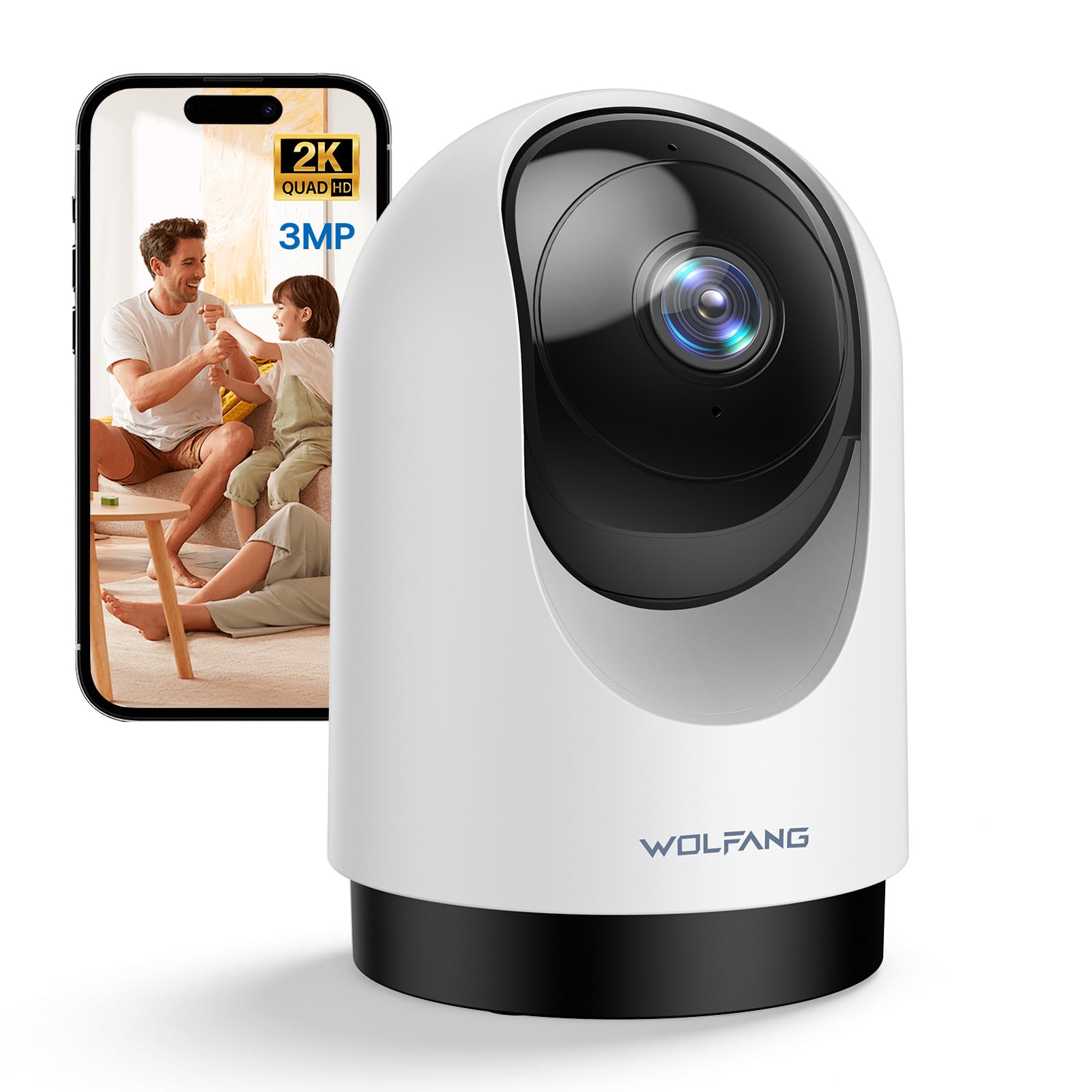
Image 1.1: WOLFANG WS03 Camera Overview
2. Packungsinhalt
Bitte überprüfen Sie den Packungsinhalt nach dem Auspacken. Sollten Artikel fehlen oder beschädigt sein, kontaktieren Sie bitte unseren Kundenservice.
- WOLFANG WS03 2K Indoor Security Camera
- Netzteil
- USB-Stromkabel
- Montagezubehör (Schrauben, Dübel, Montagehalterung)
- Benutzerhandbuch (dieses Dokument)
3. Produktüberschreitungview und Funktionen
Familiarize yourself with the key features and components of your WOLFANG WS03 camera.
- 2K 3MP Ultra HD-Auflösung: Captures crisp and detailed video footage at 2304 x 1296p.
- 360°-Schwenk- und 110°-Neigefunktion: Provides extensive coverage of your indoor environment, minimizing blind spots.
- Automatische Bewegungserkennung: The camera intelligently detects and follows moving subjects in real-time.
- Infrarot Nachtsicht: Equipped with IR LEDs for clear monitoring in complete darkness.
- Zweiwege-Audio: Features a built-in microphone and speaker for seamless remote communication.
- Intelligente Bewegungserkennung und sofortige Benachrichtigungen: Advanced motion detection sends real-time notifications to your mobile device.
- Flexible Speicheroptionen: Supports local storage via a microSD card (up to 128GB, not included) and offers optional cloud storage (14-day free trial).
- Kompatibilität mit Sprachsteuerung: Integrates with Amazon Alexa and Google Home for convenient hands-free control.
- Gemeinsame Nutzung durch mehrere Benutzer: Allows secure sharing of camera access with up to four authorized users.

Image 3.1: WOLFANG WS03 Key Features Diagram
4. Installationsanleitung
Follow these steps to set up your WOLFANG WS03 camera.
- 1. Einschalten: Connect the camera to a power outlet using the provided USB power cable and adapter. The camera will power on and indicate its status (e.g., flashing LED).
- 2. Laden Sie die App herunter: Laden Sie die Osaio app from the Apple App Store or Google Play Store on your smartphone.
- 3. Erstellen Sie ein Konto: Open the Osaio app and follow the on-screen instructions to register for a new account or log in if you already have one.
-
4. Gerät hinzufügen: In the Osaio app, tap the '+' icon to add a new device. Select your camera model (WS03) and follow the prompts to connect it to your Wi-Fi network.
- Stellen Sie sicher, dass Ihr Smartphone mit einem 2.4 GHz Wi-Fi-NetzwerkDie Kamera unterstützt kein 5-GHz-WLAN.
- You may need to scan a QR code displayed on your phone with the camera lens to establish the connection.
- 5. Placement and Mounting: Platzieren Sie die Kamera auf einer stabilen, ebenen Fläche mit klarem Hintergrund. view of the area you wish to monitor. Alternatively, use the included mounting accessories to securely install the camera on a wall or ceiling. Ensure the camera is within range of your 2.4GHz Wi-Fi signal.
5. Bedienungsanleitung
Learn how to use the various functions of your WOLFANG WS03 camera through the Osaio app.
5.1 Live View und Schwenk-/Neigesteuerung
Once connected, open the Osaio app and select your camera to view the live feed. Use the on-screen controls to pan (rotate horizontally 360°) and tilt (rotate vertically 110°) the camera lens to adjust your viewing-Winkel.

Image 5.1: Pan and Tilt Functionality with Motion Tracking
5.2 Automatische Bewegungsverfolgung
Enable the automatic motion tracking feature in the app settings. The camera will then automatically detect and follow any moving objects or people within its field of view, ensuring important events are captured.
5.3 Zwei-Wege-Audio
The built-in microphone and speaker allow for real-time two-way communication. Tap the microphone icon in the app to speak, and the sound will be projected through the camera's speaker. You can also hear audio from the camera's environment.

Abbildung 5.2: Zwei-Wege-Audiokommunikation
5.4 Nachtsicht
The camera automatically activates its infrared night vision mode in low-light conditions, providing clear black-and-white video footage even in complete darkness. This ensures continuous monitoring around the clock.

Image 5.3: Advanced Night Vision in action
5.5 Aufzeichnung und Speicherung
The WOLFANG WS03 offers flexible recording and storage options:
- MicroSD-Kartenspeicher: Insert a microSD card (up to 128GB, not included) into the designated slot on the camera for continuous 24/7 recording or event-triggered recordings.
- Cloud-Speicher: An optional cloud storage service is available, offering a 14-day free trial. This provides secure off-site storage for your video recordings.
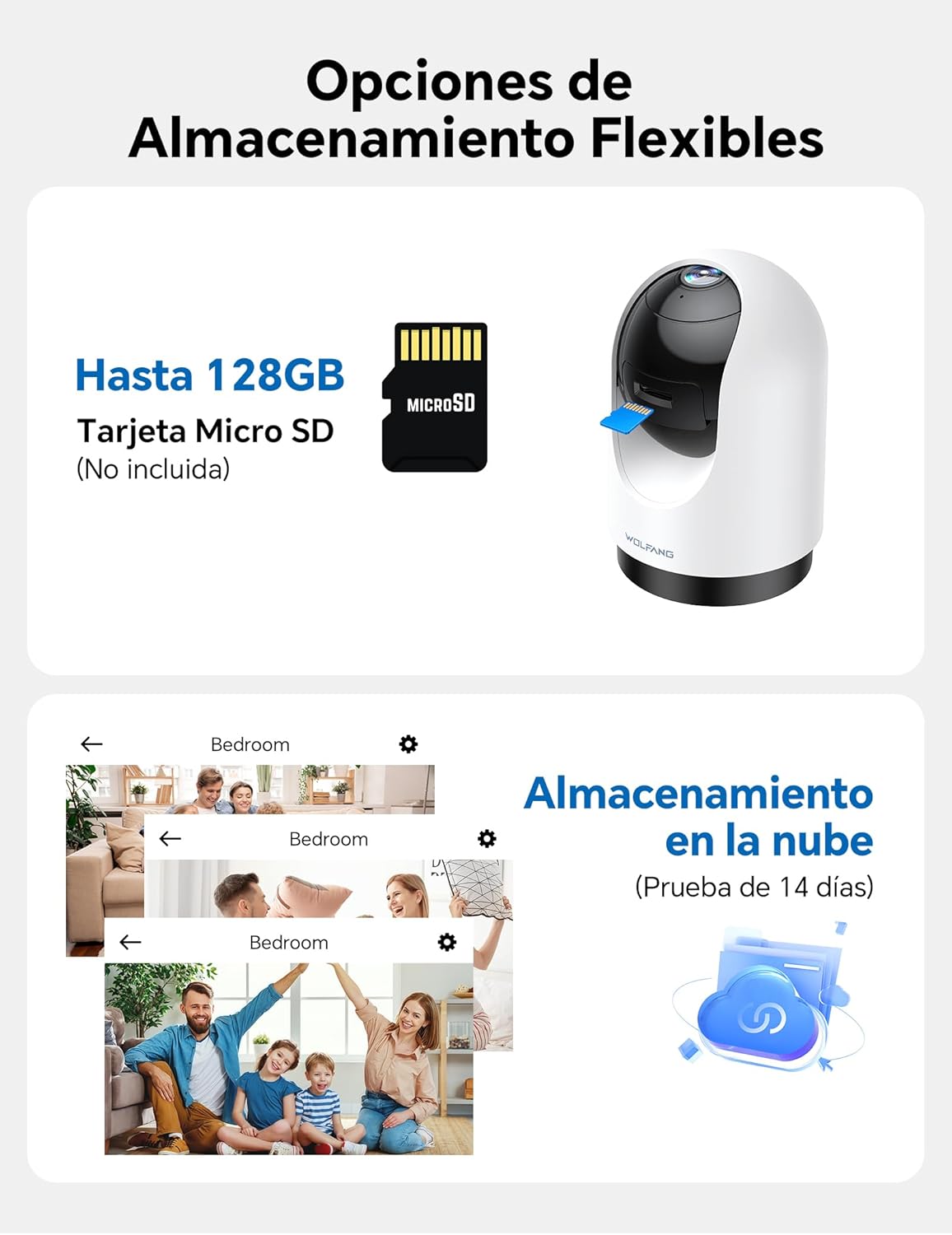
Image 5.4: Flexible Storage Options
5.6 Gemeinsame Nutzung durch mehrere Benutzer
You can share access to your camera's live feed and recordings with up to four other users. Use the sharing function within the Osaio app to invite family members or trusted individuals.

Image 5.5: Multi-User Sharing Interface
5.7 Sprachsteuerungsintegration
The WOLFANG WS03 camera is compatible with Amazon Alexa and Google Home. Link your camera to your smart home assistant through their respective apps to control it using voice commands, such as "Alexa, show me the living room."

Image 5.6: Voice Control with Smart Assistants
6. Wartung
Durch sachgemäße Wartung wird die Langlebigkeit und optimale Leistung Ihrer Kamera gewährleistet.
- Reinigung: Gently wipe the camera lens and exterior with a soft, dry, lint-free cloth. Avoid using liquid cleaners or abrasive materials, which can damage the lens or finish.
- Firmware-Updates: Regularly check the Osaio app for available firmware updates. Installing updates ensures your camera has the latest features, security patches, and performance improvements.
- Aus- und Wiedereinschalten: If the camera becomes unresponsive or experiences connectivity issues, try power cycling it. Unplug the power adapter from the camera for 10-15 seconds, then plug it back in.
- Umgebungsbedingungen: Ensure the camera is used within its specified operating temperature and humidity ranges. Avoid exposing it to extreme temperatures, direct sunlight for prolonged periods, or high moisture environments.
7. Fehlerbehebung
In diesem Abschnitt finden Sie Lösungen für häufig auftretende Probleme.
| Problem | Mögliche Lösung |
|---|---|
| Kamera stellt keine Verbindung zum WLAN her |
|
| Schlechte Videoqualität oder unscharfes Bild |
|
| Motion detection not working or false alerts |
|
| Two-way audio issues (cannot hear or speak) |
|
| USB power cable issue |
|
8. Spezifikationen
| Besonderheit | Detail |
|---|---|
| Marke | WOLFANG |
| Modellname | WS03 |
| Videoauflösung | 2K (2304 x 1296p) |
| Sensorauflösung | 3 Megapixel |
| Schwenkwinkel | 360 ° horizontal |
| Neigungswinkel | 110 ° vertikal |
| Konnektivität | WLAN (nur 2.4 GHz) |
| Nachtsicht | Infrarot (IR) |
| Audio | Zwei-Wege-Audio (eingebautes Mikrofon und Lautsprecher) |
| Speicheroptionen | MicroSD card (up to 128GB, not included), Cloud Storage (optional) |
| Sprachsteuerung | Compatible with Amazon Alexa, Google Home |
| Technische Daten | 7.5 x 11 x 7.5 cm (ca. 2.95 x 4.33 x 2.95 Zoll) |
| Videoaufnahmeformat | MP4 |
| Stromquelle | Wired Electric (No batteries required) |
| UPC | 850067892427 |
9. Garantie und Support
WOLFANG is committed to providing high-quality products and customer satisfaction. For any questions, technical assistance, or warranty inquiries, please contact our dedicated customer support team.
Kundenunterstützung E-Mail: support.vc@wolfang.co
Please include your product model (WS03) and a detailed description of your issue when contacting support for faster assistance.