
Einführung
Thank you for choosing the Dyurwa ZY02 Portable Bluetooth Speaker. This manual provides essential information for setting up, operating, and maintaining your speaker to ensure optimal performance and longevity. Please read these instructions carefully before using the product.
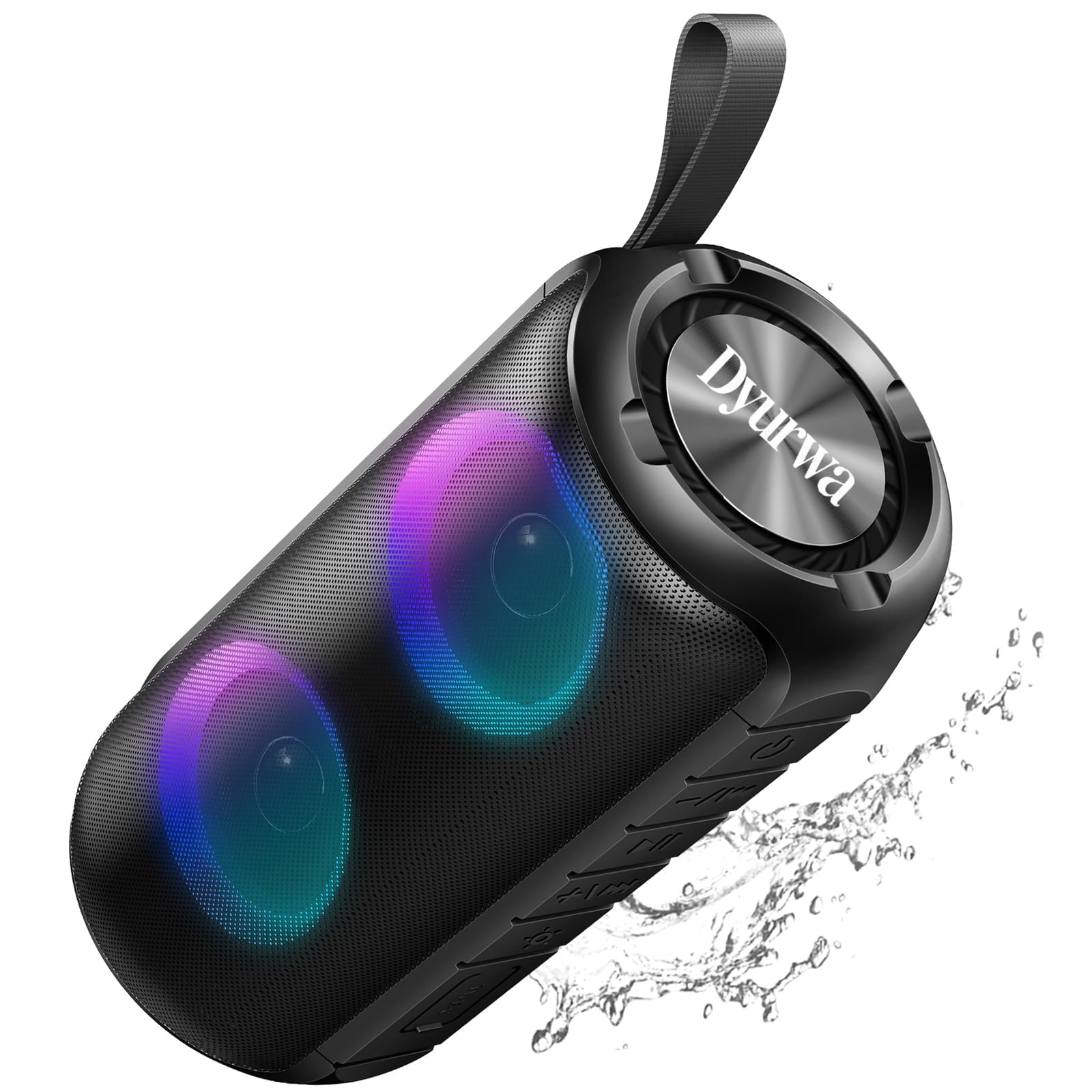
The Dyurwa ZY02 Portable Bluetooth Speaker, showcasing sein elegantes Design.
Was ist in der Box:
- 1 x Dyurwa ZY02 Portable Bluetooth Speaker
- 1 x Typ-C Ladekabel
- 1 x Benutzerhandbuch
Produkt überview
The Dyurwa ZY02 speaker features advanced Bluetooth 5.3 connectivity, 360-degree HD stereo sound, dynamic RGB lights, and an IPX7 waterproof design. It is built for portability and offers up to 12 hours of playtime.

The speaker's dynamic RGB light show, which syncs with music.

Illustration of the speaker's 24W super loud sound capability with powerful audio.

The speaker demonstrating a rock-solid Bluetooth 5.3 connection for seamless audio streaming.

The speaker submerged in water, illustrating its IPX7 waterproof and dustproof capabilities.

The speaker highlighting its 12-hour battery life for extended use.
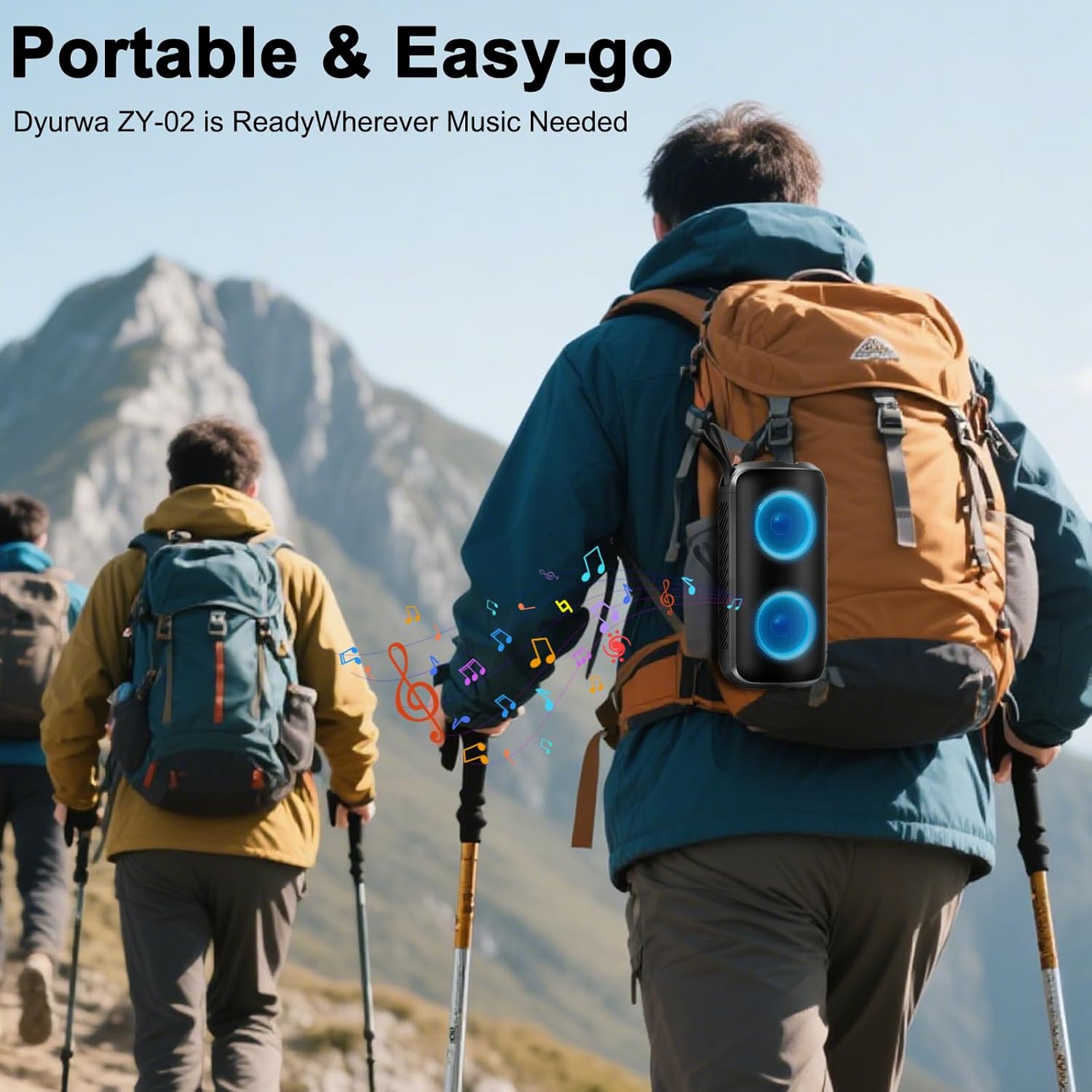
A person hiking with the portable Dyurwa ZY02 speaker attached to their backpack, emphasizing its easy-go design.
Offizielles Produktvideo:
Ein offizielles Video zeigtasing the Dyurwa Bluetooth Speaker with loud sound and its features.
Aufstellen
1. Aufladen des Lautsprechers:
Before first use, fully charge the speaker. Connect the included Type-C charging cable to the speaker's charging port and the other end to a USB power adapter (not included). The charging indicator light will show the charging status. A full charge typically takes 2-3 hours.
2. Ein-/Ausschalten:
- Zum Einschalten: Halten Sie die Ein-/Aus-Taste gedrückt (O) for 2-3 seconds until you hear an audible prompt and the RGB lights activate.
- To Power Off: Press and hold the Power button (O) for 2-3 seconds until you hear an audible prompt and the lights turn off.
3. Bluetooth-Kopplung:
- Stellen Sie sicher, dass der Lautsprecher eingeschaltet und im Bluetooth-Kopplungsmodus ist (angezeigt durch eine blinkende LED-Leuchte).
- Aktivieren Sie auf Ihrem Gerät (Smartphone, Tablet, Computer) Bluetooth und suchen Sie nach verfügbaren Geräten.
- Select "ZY02" from the list of devices.
- Once connected, you will hear a confirmation sound, and the LED light will become solid or change pattern.
4. TWS-Kopplung (True Wireless Stereo):
To achieve a true stereo sound experience, you can pair two Dyurwa ZY02 speakers together:
- Stellen Sie sicher, dass beide Lautsprecher eingeschaltet und nicht mit anderen Bluetooth-Geräten verbunden sind.
- Drücken Sie bei einem Lautsprecher (dies ist der Hauptlautsprecher) zweimal die Ein-/Aus-Taste (ODer Lautsprecher wechselt in den TWS-Kopplungsmodus.
- Der primäre Lautsprecher sucht automatisch nach dem zweiten Lautsprecher und stellt eine Verbindung her.
- Once successfully paired, you will hear a confirmation sound. The LED lights on both speakers will synchronize.
- Verbinden Sie nun Ihr Gerät über Bluetooth mit dem Hauptlautsprecher, wie in Schritt 3 beschrieben.
Bedienungsanleitung
1. Musikwiedergabe:
- Abspielen/Pause: Drücke den Power Knopf (O) once to play or pause music.
- Lautstärke erhöhen: Drücken Sie die + Taste.
- Lautstärke runter: Drücken Sie die - Taste.
- Nächster Titel: Halten Sie die + Taste.
- Vorheriges Lied: Halten Sie die - Taste.
2. RGB Light Modes:
Drücken Sie die Lichttaste (☀) to cycle through various dynamic multi-color light modes. The lights can sync to the beat of the music, enhancing your listening experience. Press the button repeatedly to find your preferred light effect or to turn the lights off.
3. Freisprechen:
With the built-in microphone, you can manage calls directly from the speaker when connected to your smartphone:
- Anruf annehmen: Drücke den Power Knopf (O) einmal.
- Anruf beenden: Drücke den Power Knopf (O) einmal während eines Anrufs.
- Anruf ablehnen: Halten Sie die Ein-/Aus-Taste (O) 2 Sekunden lang.
4. AUX-Modus:
For devices without Bluetooth, connect them using an AUX cable (not included) to the speaker's AUX jack. The speaker will automatically switch to AUX mode. Use your connected device to control music playback.
Wartung
1. Reinigung:
Wischen Sie den Lautsprecher mit einem weichen, damp cloth. Do not use harsh chemicals, cleaning solvents, or strong detergents. Ensure the charging port cover is securely closed before cleaning.
2. Waterproof Care (IPX7):
The speaker is IPX7 waterproof, meaning it can be submerged in up to 1 meter of water for 30 minutes. However, ensure the charging port cover is tightly sealed before exposing it to water. After exposure to water, dry the speaker thoroughly before charging or using it again.
3. Lagerung:
Store the speaker in a cool, dry place away from extreme temperatures, direct sunlight, and corrosive materials. If storing for an extended period, charge the battery periodically to maintain its lifespan.
Fehlerbehebung
- Der Lautsprecher lässt sich nicht einschalten:
- Stellen Sie sicher, dass der Akku geladen ist. Verbinden Sie den Lautsprecher mit einer Stromquelle über das USB-C-Kabel.
- Halten Sie die Ein-/Aus-Taste (O) für 2-3 Sekunden.
- Kopplung mit Bluetooth-Gerät nicht möglich:
- Stellen Sie sicher, dass sich der Lautsprecher im Kopplungsmodus befindet (blinkende LED).
- Stellen Sie sicher, dass Bluetooth auf Ihrem Gerät aktiviert ist und dass es sich innerhalb von 10 Metern vom Lautsprecher befindet.
- Forget or delete "ZY02" from your device's Bluetooth list and try pairing again.
- Starten Sie sowohl den Lautsprecher als auch Ihr Gerät neu.
- Kein Ton oder verzerrter Ton:
- Passen Sie die Lautstärke sowohl am Lautsprecher als auch am angeschlossenen Gerät an.
- Stellen Sie sicher, dass der Lautsprecher vollständig aufgeladen ist.
- Um Störungen zu vermeiden, bringen Sie den Lautsprecher näher an Ihr Gerät heran.
- If using AUX mode, ensure the cable is securely connected and not damaged.
- TWS-Kopplung fehlgeschlagen:
- Stellen Sie sicher, dass beide Lautsprecher eingeschaltet und nicht mit anderen Bluetooth-Geräten verbunden sind.
- Follow the TWS pairing instructions carefully, ensuring you double-press the Power button on only one speaker to initiate pairing.
Technische Daten
| Besonderheit | Spezifikation |
|---|---|
| Modellname | ZY02 |
| Marke | Dyurwa |
| Lautsprechertyp | Im Freien |
| Besondere Merkmale | Built-in Microphone, Dustproof, LED Light, Lightweight, Portable |
| Konnektivitätstechnologie | Bluetooth 5.3 |
| Maximale Lautsprecherausgangsleistung | 180 Watt |
| Wasserbeständigkeit | IPX7 |
| Technische Daten | 2.54"T x 5"B x 4"H |
| Artikelgewicht | 1.41 Pfund |
| Batterien | 1 A Batterie erforderlich (im Lieferumfang enthalten) |
| Spielzeit | Up to 12 hours (varies by volume and light settings) |
Garantie und Support
The Dyurwa ZY02 Portable Bluetooth Speaker comes with a standard manufacturer's warranty. For detailed warranty information, please refer to the warranty card included in your product packaging or contact Dyurwa customer support.
If you encounter any issues or have questions regarding your speaker, please contact our customer support team for assistance. Our dedicated team is ready to help you with any technical support or service needs.
Kundendienst: Please refer to the contact information provided on the product packaging or the official Dyurwa webWebsite.