
1. Einleitung
Thank you for choosing the ROCAM CR1030 Emergency Solar Hand-Crank AM/FM Radio. This versatile device is designed to provide reliable communication, light, and power in various situations, including outdoor activities and emergencies. Please read this manual thoroughly before use to ensure optimal performance and safety.
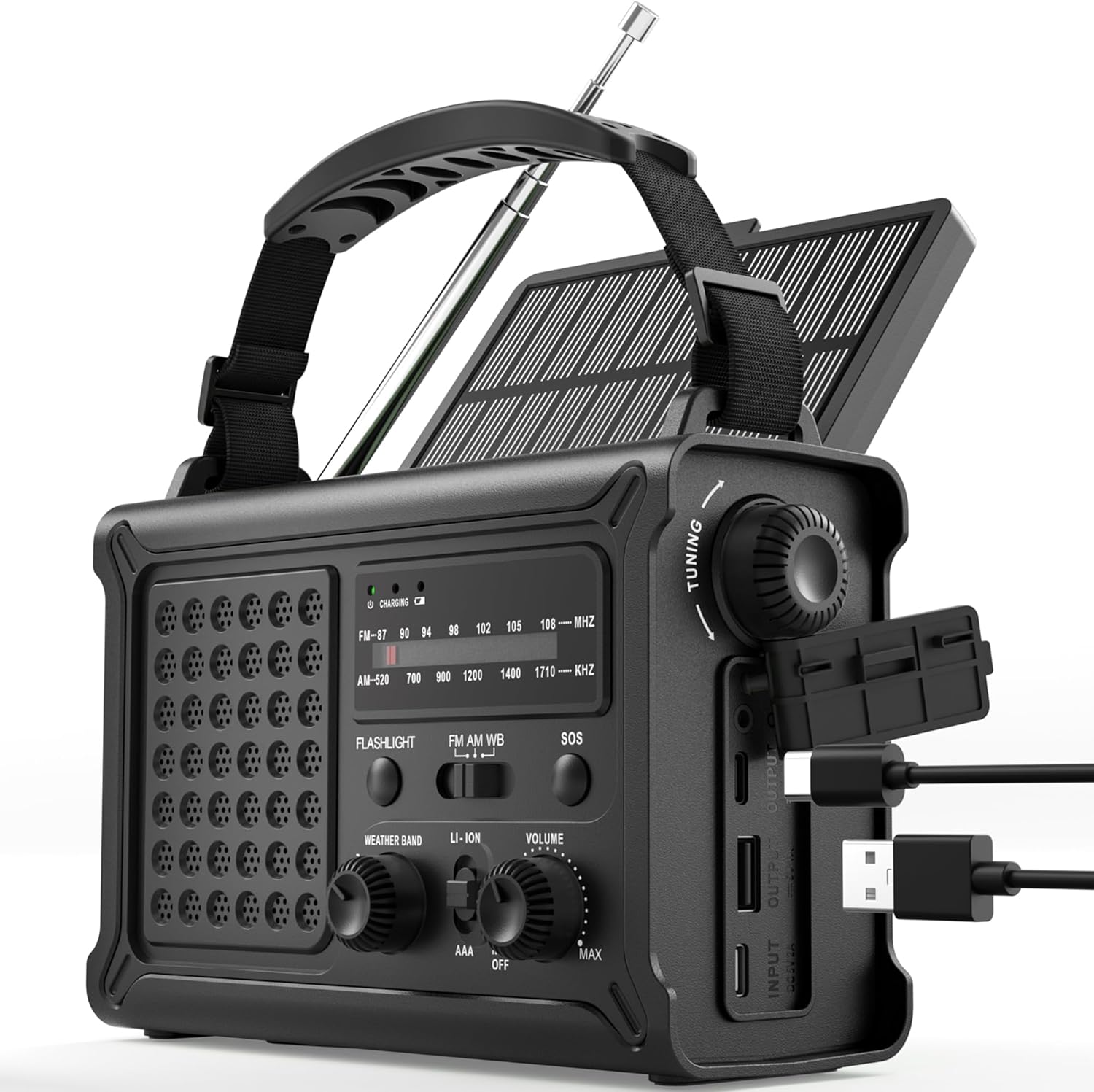
The ROCAM CR1030 Emergency Solar Hand-Crank AM/FM Radio, featuring its robust design and multiple functionalities.
2. Packungsinhalt
Bitte prüfen Sie, ob alle Artikel in Ihrem Paket enthalten sind:
- ROCAM CR1030 AM/FM Radio
- Tragbarer Gurt
- Typ C Ladekabel
- Bedienungsanleitung
3. Einrichtung und Erstgebrauch
3.1 Laden des internen Akkus
Before first use, fully charge the internal 12000mAh battery using the provided Type-C cable.
- Connect the Type-C charging cable to the radio's Type-C input port.
- Verbinden Sie das andere Ende des Kabels mit einem USB-Netzteil (nicht im Lieferumfang enthalten) oder einem USB-Anschluss eines Computers.
- The charging indicator light will illuminate. The radio is fully charged when the indicator turns solid.
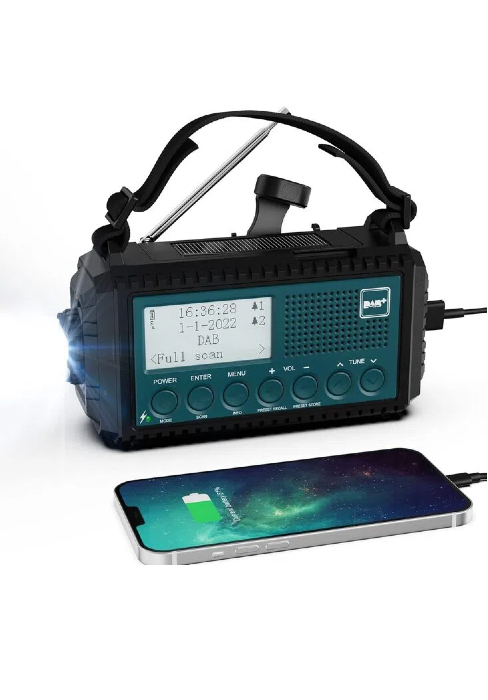
The ROCAM CR1030 radio connected to a power source via its USB-C port for charging.
3.2 Installing AAA Batteries (Backup Power)
For additional backup power, you can install 3 AAA batteries (not included).
- Suchen Sie das Batteriefach auf der Rückseite des Radios.
- Öffnen Sie die Fachabdeckung.
- Legen Sie 3 AAA-Batterien ein und achten Sie dabei auf die richtige Polarität (+/-).
- Schließen Sie den Batteriefachdeckel fest.
4. Bedienungsanleitung
4.1 Ein-/Ausschalten und Lautstärkeregelung
Drehen Sie den VOLUMEN knob clockwise to turn the radio on and increase volume. Rotate counter-clockwise to decrease volume and turn off.
4.2 Radiobetrieb (AM/FM)
- Für optimalen Empfang die Teleskopantenne ausziehen.
- Wählen Sie das gewünschte Frequenzband (AM oder FM) mithilfe der BAND schalten.
- Drehen Sie den TUNING knob to scan for stations. The frequency display will show the current station.
- Passen Sie die VOLUMEN Stellen Sie mit dem Drehknopf Ihre bevorzugte Lautstärke ein.
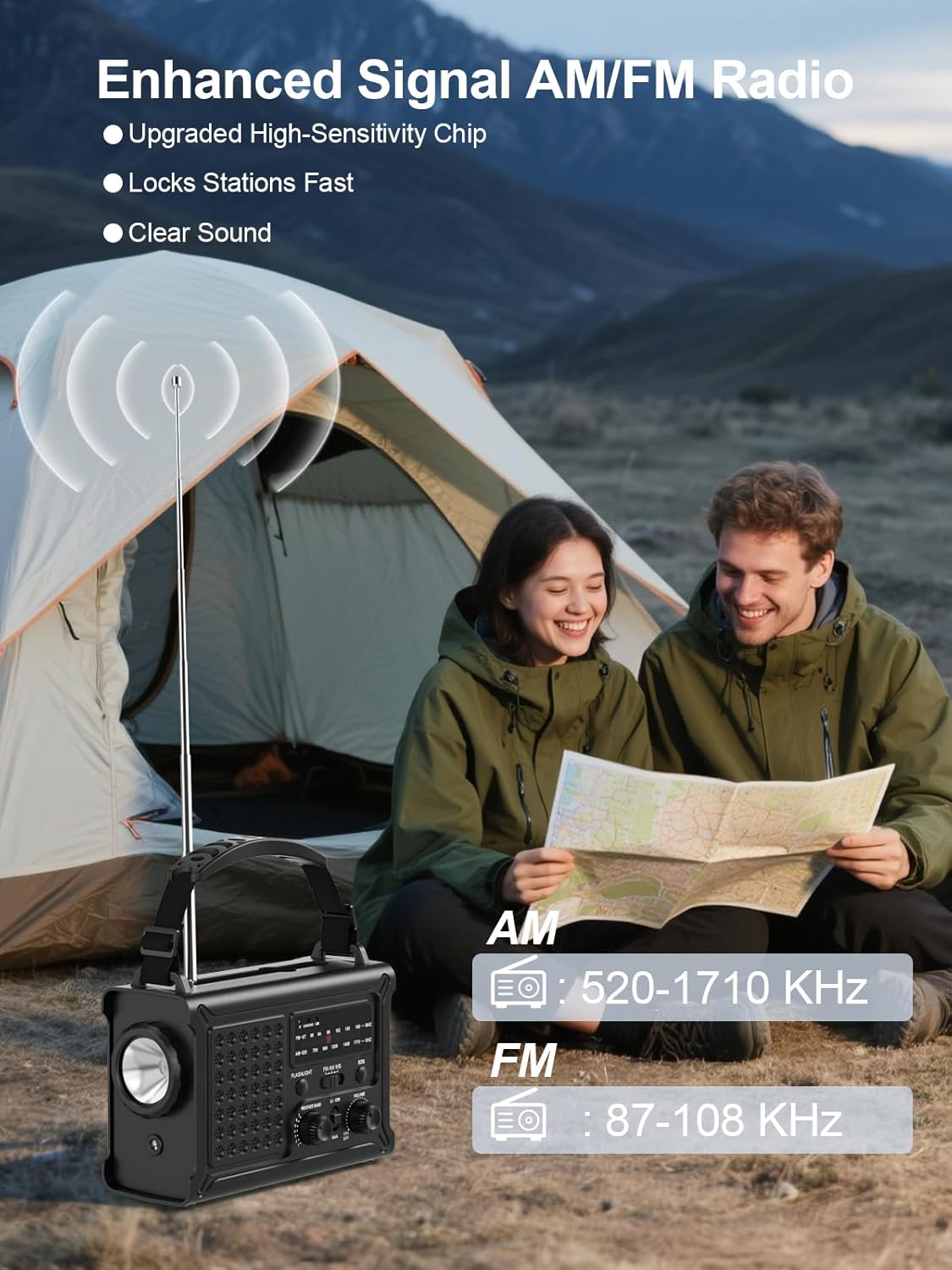
The ROCAM CR1030 radio with its antenna extended, demonstrating its AM/FM reception capabilities.
4.3 Beleuchtungsfunktionen
Das Radio verfügt über zwei Beleuchtungsmodi:
- Taschenlampe: Drücken Sie die TASCHENLAMPE button to turn on the front LED flashlight. Press again to turn off.
- Lesen Lamp: Heben Sie das Solarpanel an, um den Messwert anzuzeigen.ampDrücken Sie die LICHT button (located under the solar panel) to turn on the 12 LED reading lampDrücken Sie erneut, um das Gerät auszuschalten.
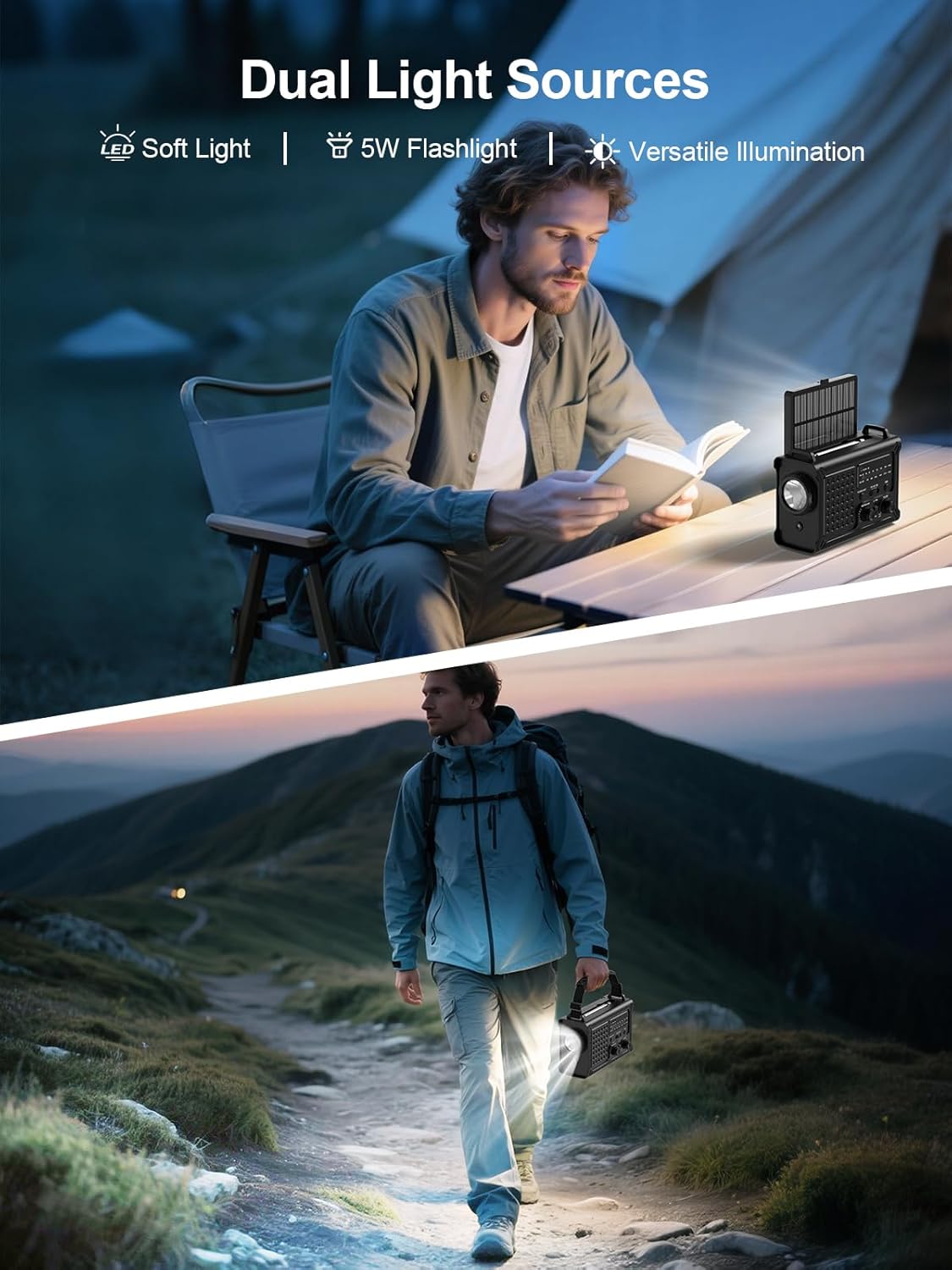
The ROCAM CR1030 providing illumination with its flashlight and reading lamp in different outdoor settings.
4.4 SOS-Alarm
Im Notfall den SOS-Alarm aktivieren:
- Halten Sie die SOS button. The radio will emit a loud 120dB siren and a flashing red light.
- Release the button to deactivate the alarm.

The ROCAM CR1030 highlighting its SOS alarm, 12000mAh power bank, and ability to keep users informed during emergencies.
4.5 Laden externer Geräte (Powerbank)
The 12000mAh internal battery can charge your mobile devices:
- Connect your device's charging cable to the radio's USB-A output port or Type-C output port.
- Das Radio beginnt nun mit dem Aufladen Ihres Geräts.
4.6 Solarladung
The integrated solar panel provides a supplementary charging method:
- Stellen Sie das Radio so auf, dass das Solarpanel direkt dem Sonnenlicht zugewandt ist.
- The solar charging indicator will light up.
- Solar charging is most effective in strong, direct sunlight and is primarily intended for maintaining battery charge or for emergency top-ups.

The ROCAM CR1030 demonstrating its dual power upgrades: a large solar panel and an efficient hand crank for charging.
4.7 Handkurbelladung
When no other power source is available, use the hand crank:
- Unfold the hand crank handle from the back of the radio.
- Rotate the crank clockwise or counter-clockwise at a steady pace (approximately 130-150 RPM) for 3-5 minutes to generate enough power for basic functions (radio, light).
- The charging indicator will light up during cranking.

Eine detaillierte view of the high-torque hand crank mechanism on the ROCAM CR1030 radio.
5. Wartung
5.1 Reinigung
Wischen Sie das Radio mit einem weichen, damp cloth. Do not use harsh chemicals or abrasive cleaners. Ensure all ports are dry before use or charging.
5.2 Speicherung
Store the radio in a cool, dry place away from direct sunlight and extreme temperatures. If storing for extended periods, ensure the internal battery is charged to at least 50% and recharge every 3-6 months to prolong battery life. Remove AAA batteries if not used for a long time.
5.3 Wasserdichtigkeit (IPX6)
The ROCAM CR1030 is IPX6 waterproof, meaning it can withstand powerful water jets. It is not designed for submersion. Ensure all port covers are securely closed to maintain water resistance.
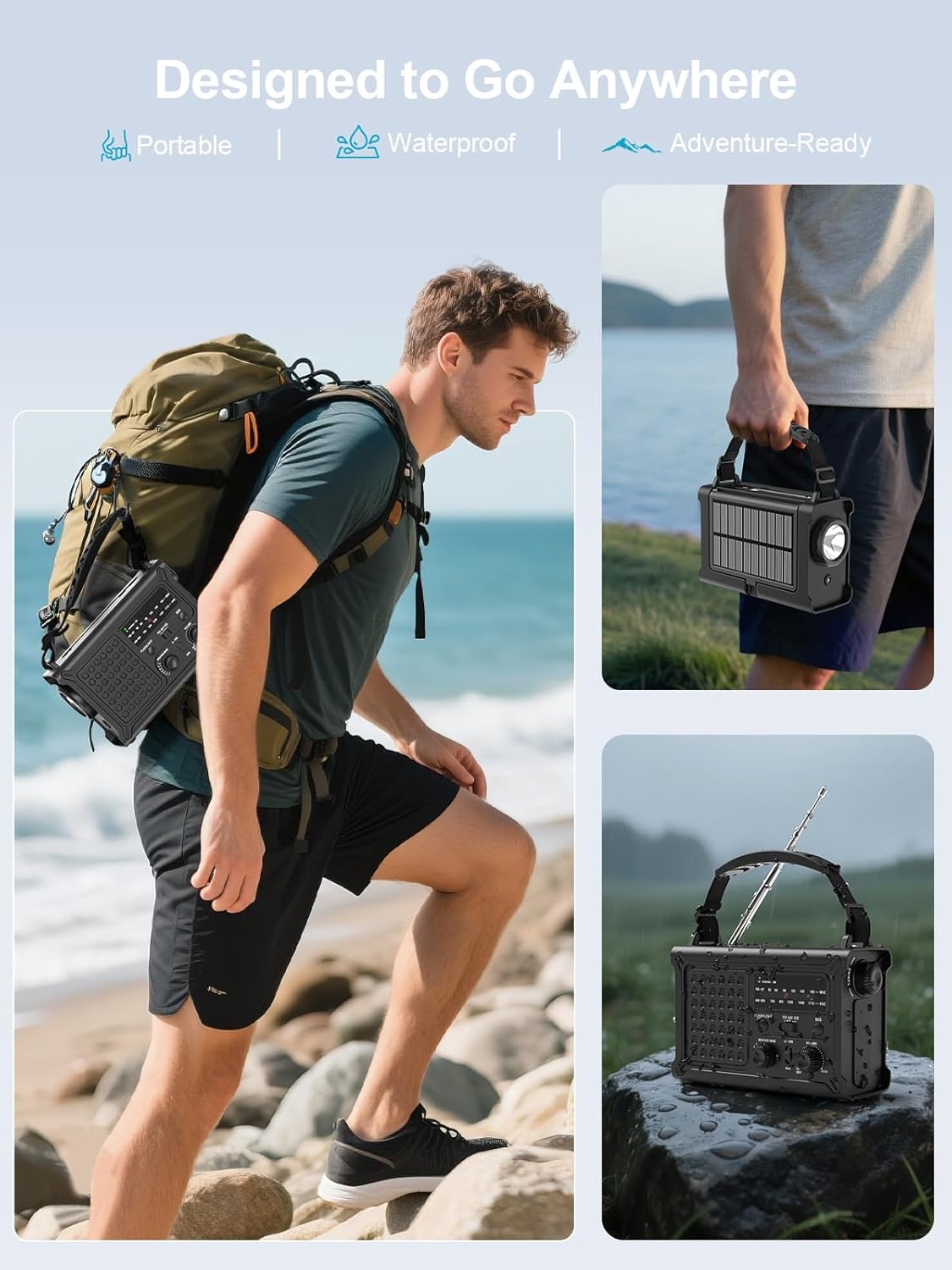
The ROCAM CR1030 is designed for outdoor use, being portable and waterproof (IPX6 rated).
6. Fehlerbehebung
| Problem | Mögliche Ursache | Lösung |
|---|---|---|
| Das Radio lässt sich nicht einschalten. | Internal battery is depleted. AAA batteries are depleted or incorrectly installed. | Charge the internal battery via USB-C, solar, or hand-crank. Check and replace AAA batteries if used. |
| Schlechter Radioempfang. | Antenne nicht ausgefahren. Schwaches Signal. Störungen. | Fully extend the telescopic antenna. Reposition the radio. Move away from electronic devices causing interference. |
| Externes Gerät kann nicht geladen werden. | Radio's internal battery is low. Cable is faulty. Device is incompatible. | Ensure the radio's internal battery is sufficiently charged. Try a different charging cable. |
| Das Laden mit Solarenergie ist langsam. | Insufficient sunlight. Panel is dirty. | Place the radio in direct, strong sunlight. Clean the solar panel. Note that solar charging is supplementary. |
| Hand-crank charging is ineffective. | Kurbelt zu langsam oder unregelmäßig. | Maintain a steady cranking speed of 130-150 RPM. |
7. Spezifikationen
| Besonderheit | Detail |
|---|---|
| Marke | ROCAM |
| Modellnummer | CR1030 |
| Farbe | Schwarz |
| Konnektivitätstechnologie | USB |
| Besondere Merkmale | 12000 mAh Battery, Ergonomic Design, Large 8500 mm² Solar Panel, 57 mm Speaker, 650 mA Hand Crank |
| Kompatible Geräte | Kopfhörer, Smartphone |
| Technische Daten | 12.1L x 17.2B x 7.4H Zentimeter |
| Tuning-Technologie | AM/FM |
| Stromquelle | Solar Powered, Battery Powered, Electric Cord, Hand Crank, Type-C Input, Rechargeable Battery, 3 AAA Batteries |
| Unterstützte Funkbänder | AM, FM |
| Im Lieferumfang enthaltene Komponenten | Portable Strap, Type-C Charging Cable, User Manual, AM/FM Radio |
| Wasserbeständigkeit | IPX6 |
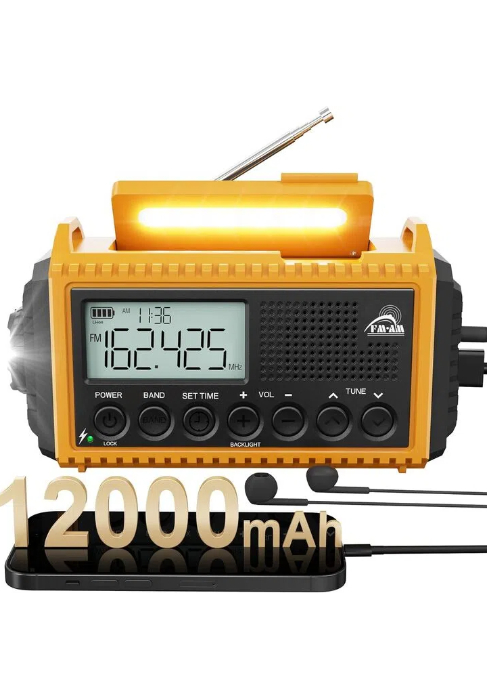
The ROCAM CR1030 radio, highlighting its 12000mAh battery capacity.
8. Garantie und Support
ROCAM products are designed for reliability and performance. For warranty information or technical support, please refer to the contact details provided on the product packaging or the official ROCAM webBewahren Sie Ihren Kaufbeleg als Kaufnachweis auf.
9. Produktüberschreitungview Video
Schauen Sie sich dieses Video für einen schnellen Überblick an.view of the ROCAM CR1030 Emergency Solar Hand-Crank AM/FM Radio's features and functions.
This video demonstrates the key features of the ROCAM CR1030 radio, including its charging methods, radio functionality, and lighting options.