
PNZEO W8
PNZEO W8 Compact Indoor Smart Home Security Camera User Manual
Modell: W8
Brand: PNZEO
1. Einleitung
Thank you for choosing the PNZEO W8 Compact Indoor Smart Home Security Camera. This manual provides detailed instructions for setting up, operating, and maintaining your camera to ensure optimal performance and security for your home, pets, or loved ones. The W8 camera features 4K Ultra HD resolution, enhanced night vision, two-way audio, smart motion detection, and supports both 5GHz and 2.4GHz dual-band Wi-Fi connectivity.
2. Sicherheitshinweise
Bitte lesen und verstehen Sie alle Sicherheitshinweise, bevor Sie dieses Produkt verwenden. Die Nichtbeachtung dieser Hinweise kann zu Stromschlag, Brand oder anderen Gefahren führen.
- This device is designed for indoor use only. Avoid exposure to water, moisture, or extreme temperatures.
- Stellen Sie sicher, dass die Stromquelle stabil ist und innerhalb der angegebenen Spannung liegt.tage (DC=5V/1A).
- Do not attempt to disassemble, repair, or modify the camera. Refer all servicing to qualified personnel.
- Bewahren Sie die Kamera und das Zubehör außerhalb der Reichweite von Kindern und Haustieren auf.
- Unplug the camera during lightning storms or when unused for long periods.
- The camera requires continuous power via a USB-C cable. It does not have an internal battery.
3. Produktüberschreitungview
The PNZEO W8 camera is designed for discreet and flexible placement. Its unique gooseneck design allows for easy adjustment and positioning.

Abbildung 3.1: Product Parameter Diagram showing Light sensitive LED, IR LED, HD lens, Micro SD card slot, Reset button, Fixed base, Loudspeaker, and Power interface.

Abbildung 3.2: Dimensions of the PNZEO W8 camera and its flexible gooseneck, illustrating its compact size and bendable design.
Packungsinhalt:
- PNZEO W8 Camera Body
- Feste Basis
- USB-C-Stromkabel
- Bedienungsanleitung
Notiz: A Micro SD card (up to 256GB) and a power adapter are not included and must be purchased separately.
4. Einrichtung
4.1 App-Installation
To control and monitor your PNZEO W8 camera, you need to download the companion application.
- Scan the QR code provided in the included user manual or search for "MTCam" or "iWFcam" in your mobile device's app store (available on iOS and Android).
- Laden Sie die Anwendung herunter und installieren Sie sie.
- Registrieren Sie ein neues Konto oder melden Sie sich an, falls Sie bereits eines besitzen.
4.2 Einschalten der Kamera
- Connect the provided USB-C power cable to the camera's power interface.
- Plug the other end of the USB-C cable into a 5V/1A USB power adapter (not included) and then into a wall outlet.
- The camera will power on and indicate its status via an LED light.
4.3 Wi-Fi-Verbindung
The PNZEO W8 supports both 5GHz and 2.4GHz Wi-Fi networks for flexible connectivity.

Abbildung 4.1: The PNZEO W8 camera supports both 5GHz and 2.4GHz Wi-Fi bands, offering faster transmission speeds and wider range.
- Öffnen Sie die installierte App auf Ihrem Smartphone.
- Follow the in-app instructions to add a new device. This typically involves selecting your Wi-Fi network and entering the password.
- Ensure your phone is connected to the same Wi-Fi network you intend to connect the camera to during the setup process.
- The camera's LED indicator will change once successfully connected to Wi-Fi.
4.4 Installation einer Micro-SD-Karte (optional)
For local storage and continuous recording, insert a Micro SD card (up to 256GB, not included).

Abbildung 4.2: The camera supports local loop storage via a Micro SD card (up to 256GB, not included) for 24/7 continuous recording or motion detection recording.
- Locate the Micro SD card slot on the camera body (refer to Figure 3.1).
- Schieben Sie die Micro-SD-Karte vorsichtig in den Steckplatz, bis sie einrastet. Achten Sie auf die richtige Ausrichtung.
- The app will prompt you to format the SD card if it's new or not formatted for the camera. Follow the instructions to format it within the app.
5. Bedienungsanleitung
5.1 Fernüberwachung
Einmal verbunden, können Sie view lebe footage from your camera anytime, anywhere via the app.
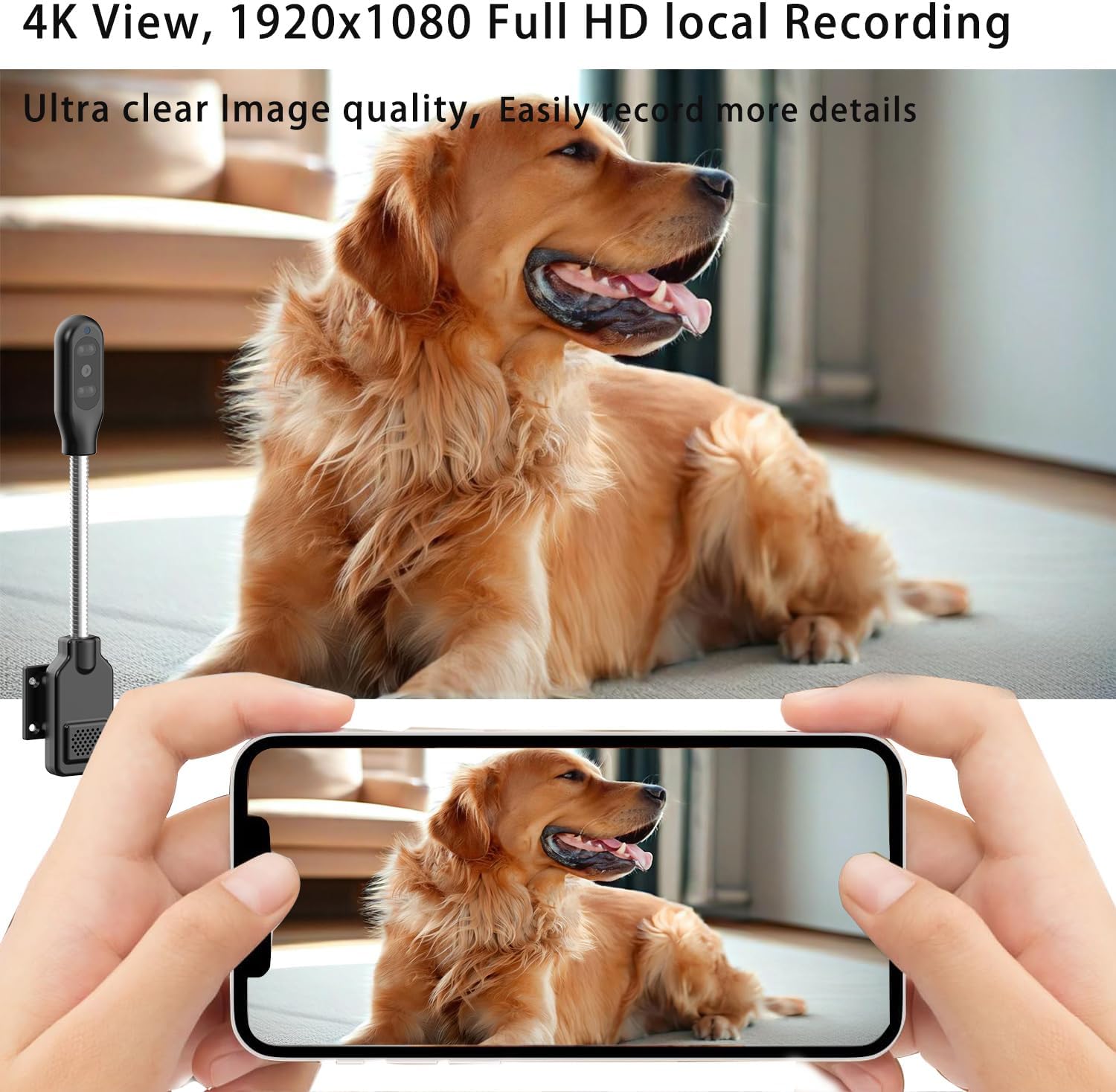
Abbildung 5.1: The camera's app interface showing live view, sound, talkback, record video, and snapshot options.

Abbildung 5.2: Illustrates remote viewing capabilities for various scenarios such as home, baby and pet monitoring, and office surveillance.
5.2 Zwei-Wege-Audio
Die Kamera verfügt über ein eingebautes Mikrofon und einen Lautsprecher, die eine Zwei-Wege-Kommunikation ermöglichen.
- Im Live view Tippen Sie auf das Mikrofonsymbol in der Benutzeroberfläche, um über den Lautsprecher der Kamera zu sprechen.
- Tippen Sie auf das Lautsprechersymbol, um Audio aus der Umgebung der Kamera zu hören.
5.3 Bewegungserkennung und Benachrichtigungen
The camera utilizes smart perceive technology to detect motion and send real-time alerts to your phone.

Abbildung 5.3: Example of a motion detection alarm notification received on a smartphone.
- Aktivieren Sie die Bewegungserkennung in den App-Einstellungen.
- Passen Sie die Empfindlichkeitsstufen nach Bedarf an, um Fehlalarme zu minimieren.
- When motion is detected, you will receive an instant notification on your phone, and the camera can automatically record video to the Micro SD card.
5.4 Nachtsicht
Equipped with infrared lights and smart light sensors, the camera provides clear night vision.

Abbildung 5.4: Comparison of day and night vision, showing the camera's ability to capture clear images in low light conditions using IR night vision.
- Die Nachtsichtfunktion wird bei schwachen Lichtverhältnissen automatisch aktiviert.
- The camera provides a night vision range of up to 8 meters.
5.5 Aufnahme und Wiedergabe
The camera supports 24/7 continuous recording and motion-triggered recording to a Micro SD card.
- Ensure a Micro SD card is properly installed and formatted.
- Über die Wiedergabefunktion der App können Sie auf aufgezeichnete Videos zugreifen.
- Videos are encrypted for privacy and security.
6. Wartung
- Reinigung: Reinigen Sie Objektiv und Gehäuse der Kamera mit einem weichen, trockenen Tuch. Verwenden Sie keine flüssigen Reiniger oder Sprays.
- Platzierung: Place the camera in a location where it is protected from direct sunlight, rain, and extreme temperatures.
- Firmware-Updates: Überprüfen Sie regelmäßig die App auf Firmware-Updates, um optimale Leistung und Sicherheit zu gewährleisten.
- SD-Kartenverwaltung: In regelmäßigen Abständenview and back up important recordings from your Micro SD card. The card will loop record, overwriting older footage, wenn voll.
7. Fehlerbehebung
| Problem | Mögliche Ursache | Lösung |
|---|---|---|
| Die Kamera lässt sich nicht einschalten. | Kein Netzteil oder defektes Kabel/Netzteil. | Ensure the USB-C cable is securely connected to a 5V/1A power adapter and a working outlet. Try a different power adapter or USB port. |
| Es kann keine Verbindung zum WLAN hergestellt werden. | Falsches WLAN-Passwort, Kamera zu weit vom Router entfernt oder Netzwerkstörungen. | Double-check Wi-Fi password. Move camera closer to the router. Ensure your router supports 2.4GHz or 5GHz and that the camera is connecting to the correct band. Reset the camera and try again. |
| Poor audio quality (muffled/tinny). | Environmental noise, microphone/speaker obstruction, or software issue. | Ensure no obstructions near the microphone/speaker. Reduce background noise. Check for app updates. |
| Die Kamera wird während des Betriebs heiß. | Normal operation for compact electronics, but excessive heat can indicate an issue. | Ensure adequate ventilation around the camera. If it becomes excessively hot to touch or malfunctions, discontinue use and contact support. |
| SD card not recognized or recording. | SD card not inserted correctly, not formatted, or faulty. | Reinsert the SD card. Format the SD card via the app. Try a different, compatible Micro SD card (up to 256GB). |
| Motion alerts are too sensitive/frequent. | Sensitivity settings are too high, or environmental factors (e.g., shadows, moving curtains). | Adjust motion detection sensitivity in the app settings. Reposition the camera to avoid areas with frequent non-threatening movement. |
8. Spezifikationen
| Besonderheit | Detail |
|---|---|
| Modellname | W8 |
| Marke | PNZEO |
| Konnektivitätstechnologie | Kabellos (Wi-Fi) |
| Wi-Fi-Unterstützung | 5GHz & 2.4GHz Dual-Band |
| Auflösung der Videoaufnahme | 1080p, 4K |
| Bildfrequenz | 30 Bilder pro Sekunde |
| Nachtsichtbereich | 8 Meter |
| Besondere Merkmale | Local Recording, HD Resolution, Night Vision, 2-Way Audio, Motion Sensor |
| Lagerung | Micro-SD-Karte (bis zu 256 GB, nicht im Lieferumfang enthalten) |
| Stromquelle | Corded Electric (DC=5V/1A) |
| Controllertyp | IOS, Android (via App) |
| Abmessungen (L x B x H) | 9.25 x 1.18 x 0.59 Zoll |
| Artikelgewicht | 6.7 Unzen |
| Material | Acrylnitril-Butadien-Styrol (ABS) |
| Verwendung im Innen- und Außenbereich | Draußen, Drinnen |
9. Garantie und Support
For warranty information and technical support, please refer to the contact details provided with your product packaging or visit the official PNZEO webBewahren Sie Ihren Kaufbeleg als Kaufnachweis für Garantieansprüche auf.
Ask a question about this manual
Ask about setup, troubleshooting, compatibility, parts, safety, or missing instructions. Manuals+ will review the question and use this page’s manual context to help answer it.