
RORIOS Sports Smart Bracelet
RORIOS Sports Smart Bracelet User Manual
Model: Sports Smart Bracelet
Marke: RORIOS
Einführung
Thank you for choosing the RORIOS Sports Smart Bracelet. This device is designed to help you monitor your daily activities, track your fitness progress, and stay connected. This manual provides essential information for setting up, operating, maintaining, and troubleshooting your smart bracelet to ensure optimal performance and a satisfying user experience.
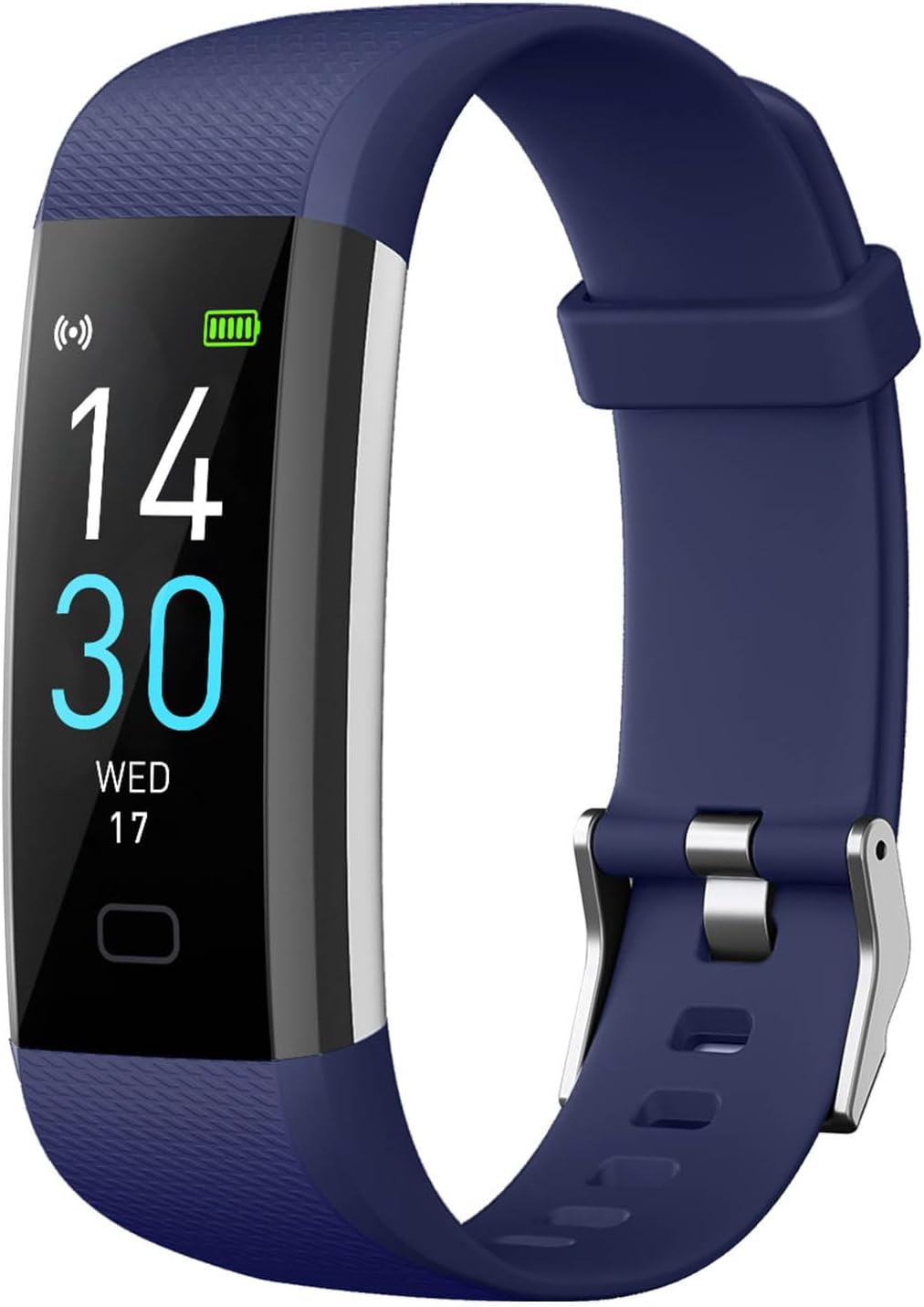
Image: The RORIOS Sports Smart Bracelet in blue, displaying the time, date, and battery status on its rectangular screen.
Aufstellen
1. Aufladen des Geräts
Before initial use, fully charge your RORIOS Sports Smart Bracelet. The device features convenient USB direct charging. Simply remove the strap to reveal the USB connector and plug it into any standard USB port (e.g., computer, USB wall adapter). A full charge typically provides up to 50 days of standby time.

Bild: Eine detaillierte view of the RORIOS Sports Smart Bracelet highlighting its USB direct charging port and internal sensor components.
2. Herunterladen der Begleit-App
To unlock all features and synchronize data, download the official companion app. Refer to the specific instructions in your product's included user manual for the exact app name and download links (typically available on App Store for iOS and Google Play for Android devices).
3. Koppeln mit Ihrem Smartphone
- Stellen Sie sicher, dass Bluetooth auf Ihrem Smartphone aktiviert ist.
- Open the companion app and follow the on-screen instructions to create an account and set up your personal profile.
- The app will search for your RORIOS Sports Smart Bracelet. Select your device from the list to initiate pairing.
- Bestätigen Sie die Kopplungsanfrage gegebenenfalls sowohl auf Ihrem Smartphone als auch auf dem Smart-Armband.
Bedienungsanleitung
1. Navigation
The RORIOS Sports Smart Bracelet features a responsive touchscreen display. Swipe up, down, left, or right to navigate through menus and functions. Tap to select an option or confirm an action.
2. Aktivitätsverfolgung
The bracelet supports 16 professional exercise modes, including walking, cycling, rope skipping, running, treadmill, and indoor cycling. Select your desired activity to track real-time data such as steps, distance, calories burned, and duration. This data helps you adjust your training status and plan your exercise routine effectively.
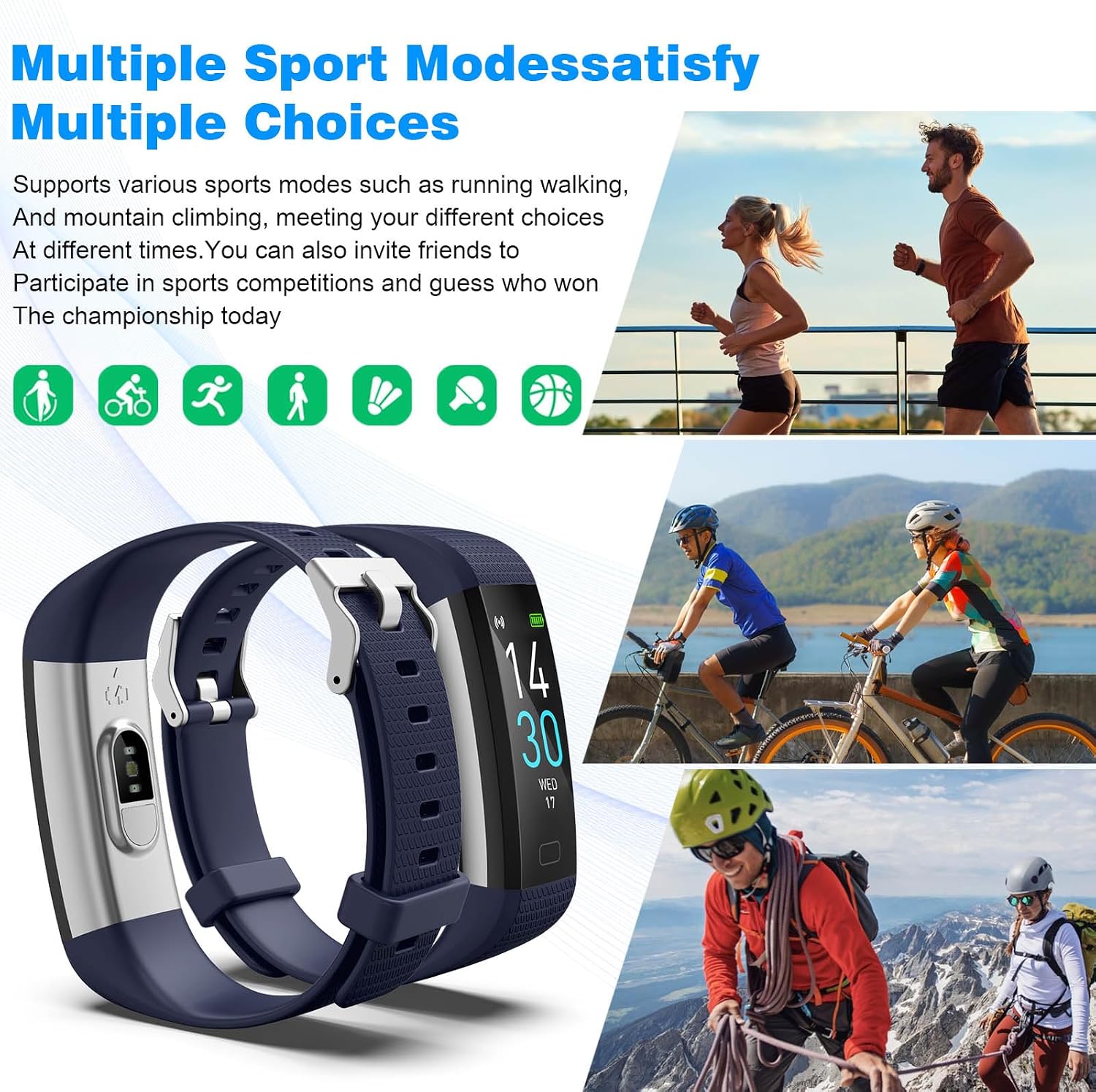
Image: The RORIOS Sports Smart Bracelet displaying multiple sport modes, with illustrations of individuals participating in various physical activities.
3. Gesundheitsüberwachung
The smart bracelet offers comprehensive health monitoring features:
- Herzfrequenz-Überwachung: Erfasst kontinuierlich Ihre Herzfrequenz den ganzen Tag über.
- Blutdrucküberwachung: Liefert Schätzwerte für Ihren Blutdruck.
- Blutsauerstoffüberwachung: Misst Ihre Blutsauerstoffsättigung (SpO2).
- Schlaf-Tracking: Monitors your sleep patterns, including deep sleep, light sleep, and wakefulness, to help you understand your sleep quality.

Image: A user wearing the RORIOS Sports Smart Bracelet, accompanied by visual representations of the device's health tracking capabilities, including heart rate, blood pressure, blood oxygen, and sleep monitoring.

Image: A woman asleep, wearing the RORIOS Sports Smart Bracelet, illustrating the device's sleep monitoring function with a graphic display of sleep data.
4. Intelligente Funktionen
The smart bracelet offers various smart functions to enhance your daily life:
- Information Reception: Erhalten Sie Benachrichtigungen über Anrufe, Nachrichten und App-Benachrichtigungen direkt auf Ihrem Handgelenk.
- Sitzende Erinnerung: Lassen Sie sich nach längeren Inaktivitätsphasen zur Bewegung auffordern.
- Fernsteuerung der Kamera: Use your bracelet as a remote shutter for your smartphone camera.
- Anruferinnerungen: Be notified of incoming calls.
Wartung
1. Reinigung
Regularly clean your smart bracelet and strap to prevent skin irritation and maintain hygiene. Use a soft, damp Das Gerät mit einem Tuch abwischen. Scharfe Chemikalien oder scheuernde Materialien vermeiden.
2. Wasserbeständigkeit
The RORIOS Sports Smart Bracelet is IP68 waterproof, providing daily protection against rain and splashes. It is suitable for activities like hand washing or light rain. However, it is not recommended for swimming, showering with hot water, or diving, as prolonged exposure to water or high-pressure water jets may damage the device.
Fehlerbehebung
- Gerät lässt sich nicht einschalten: Ensure the device is fully charged. Connect it to a USB power source for at least 10 minutes.
- Kopplung mit Smartphone nicht möglich: Make sure Bluetooth is active on your phone and the bracelet is within range. Restart both the bracelet and your phone, then try pairing again through the app.
- Ungenaue Messwerte: Ensure the bracelet is worn snugly on your wrist, not too tight or too loose. Clean the sensors on the back of the device.
- Benachrichtigungen nicht erhalten: Check app settings to ensure notification permissions are granted and the app is running in the background. Verify that the notification switch in the app is activated for desired applications.
Technische Daten
| Besonderheit | Detail |
|---|---|
| Marke | RORIOS |
| Modell | Sport Smart Armband |
| Anzeige | Rectangular Color Display |
| Batteriekapazität | 145 mAh |
| Standby-Zeit | Bis zu 50 Tage |
| Lademethode | USB-Direktladung |
| Wasserbeständigkeit | IP68 |
| Konnektivität | Bluetooth |
| Aktivitätsmodi | 16 Professional Exercise Modes |
| Gesundheitsüberwachung | Herzfrequenz, Blutdruck, Blutsauerstoff, Schlafüberwachung |
| Maße | Dial Diameter: 63mm, Case Thickness: 13mm, Band Length: 200mm, Band Width: 19mm |
| Gewicht | 50g |
| Ursprungsland | China |

Image: Technical diagram illustrating the physical dimensions and weight of the RORIOS Sports Smart Bracelet.
Garantie und Support
Your RORIOS Sports Smart Bracelet comes with a user manual and warranty information included in the package. RORIOS offers worry-free after-sales service and friendly customer support. If you encounter any issues with your watch, please refer to the contact information provided in your product's documentation or reach out to RORIOS customer service directly for assistance. They will provide a satisfactory solution.

Image: The RORIOS product packaging, a white box with the brand logo, suggesting the presentation of the smart bracelet.
Wichtiger Hinweis zu Videos
Please be aware that while some videos may appear on product pages, those featuring square-faced smartwatches (e.g., models ID208P or P08) are for different products and do not represent the RORIOS Sports Smart Bracelet, which has a rectangular screen as depicted in the product images and described in this manual. This manual pertains specifically to the RORIOS Sports Smart Bracelet.
Ask a question about this manual
Ask about setup, troubleshooting, compatibility, parts, safety, or missing instructions. Manuals+ will review the question and use this page’s manual context to help answer it.