
Einführung
Thank you for choosing the JBL Tune 520C wired on-ear headphones. This manual provides essential information for setting up, operating, and maintaining your headphones to ensure optimal performance and longevity.

Bild: Überview of JBL Tune 520C features including Pure Bass Sound, foldable design, tangle-free cable, and remote control.
Lieferumfang
- 1 x JBL Tune 520C USB-C-Kopfhörer
- 1 x Garantie-/Warnhinweisdokument
Hauptmerkmale
- JBL Pure Bass Sound: Experience clear, powerful audio from 32mm dynamic drivers.
- Wide USB-C Compatibility: Connect to various devices including PCs, mobile phones, gaming devices, tablets, and laptops.
- 3-Tasten-Fernbedienung mit Mikrofon: Manage calls, music playback, volume, and EQ presets directly from the cable.
- Comfort Fit and Foldable Design: Padded on-ear design for extended wear and a foldable structure for easy storage.
- Tangle-Free Flat Cable: Durable, reinforced USB-C cable designed to prevent tangling.
- Hochauflösendes Audio: Enjoy higher quality music at 24-bit/96kHz with the DSP chipset.
Aufstellen
Follow these steps to set up your JBL Tune 520C headphones for first use.
Anschließen Ihrer Kopfhörer
- Locate the USB-C connector on your JBL Tune 520C headphones.
- Insert the USB-C connector into the compatible USB-C port on your audio device (e.g., smartphone, laptop, tablet).
- Ensure the connection is secure. Your device should automatically recognize the headphones.
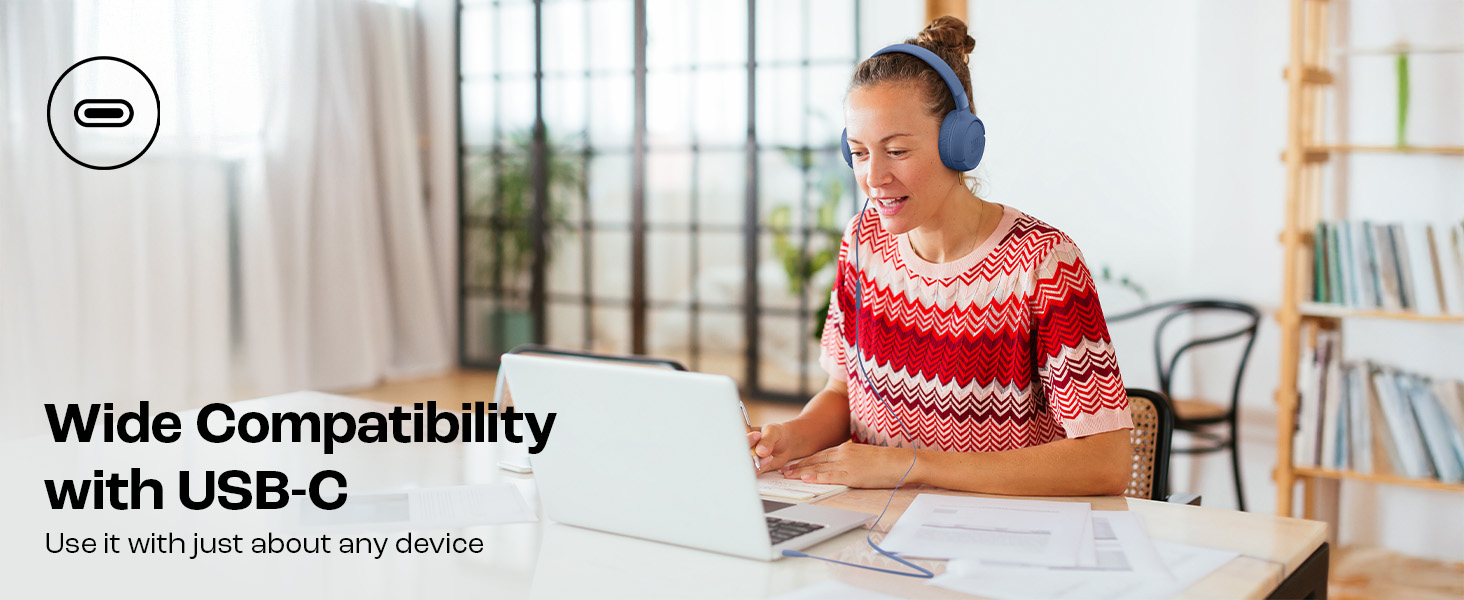
Image: JBL Tune 520C headphones connected to a laptop, demonstrating wide USB-C compatibility.
Anpassung für mehr Komfort
- Gently extend or retract the headband to fit your head comfortably.
- Position the earcups so they rest fully on your ears, creating a seal for optimal sound.
Bedienungsanleitung
Learn how to use the 3-button remote and microphone for various functions.
Using the 3-Button Remote

Bild: Detailliert view of the 3-button remote control on the headphone cable.
- Lauter (+): Press the top button to increase volume.
- Lautstärke runter (-): Press the bottom button to decrease volume.
- Play/Pause/Call (Center Button):
- Einmal drücken, um Musik abzuspielen oder anzuhalten.
- Einmal drücken, um einen Anruf anzunehmen oder zu beenden.
- Zweimal drücken, um zum nächsten Titel zu springen.
- Drücken Sie dreimal, um zum vorherigen Titel zu wechseln.
Using EQ Presets
The JBL Tune 520C features selectable EQ presets to customize your listening experience.
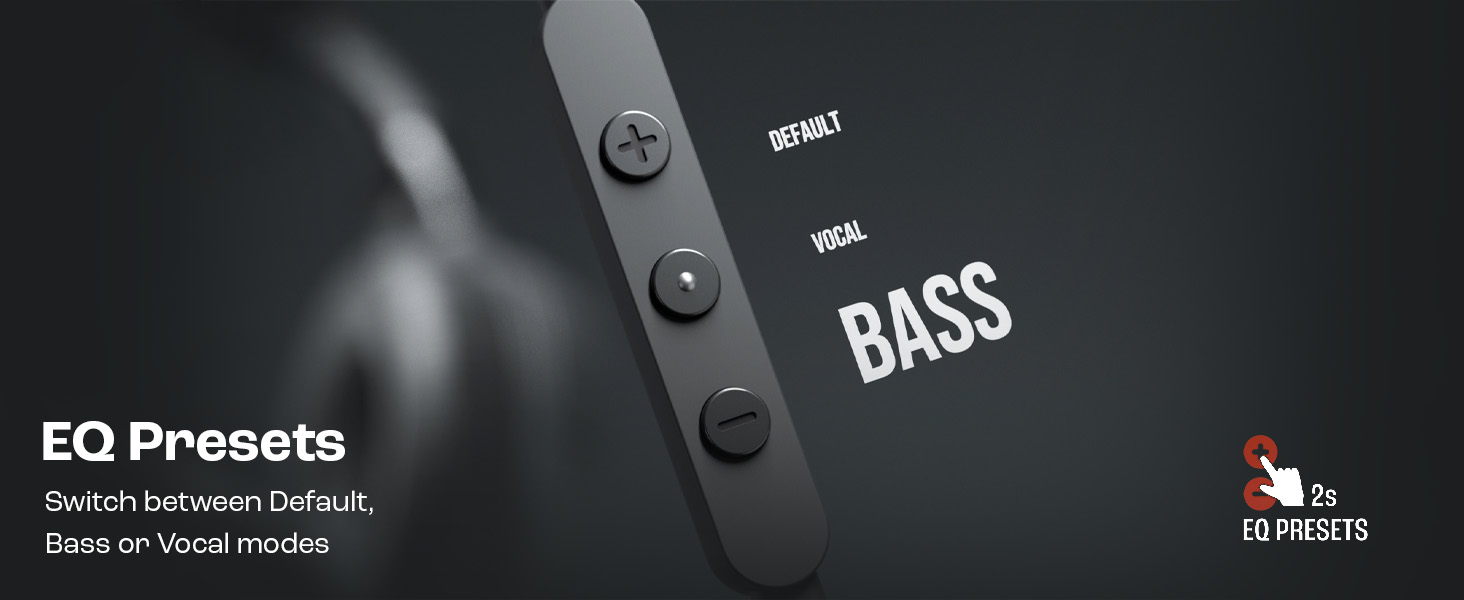
Image: Remote control showing options for Default, Vocal, and Bass EQ presets.
- To switch between EQ presets (Default, Vocal, Bass), press and hold the center button for approximately 2 seconds. The headphones will cycle through the available presets.
Wartung
Durch sachgemäße Pflege und Wartung verlängern Sie die Lebensdauer Ihrer Kopfhörer.
Reinigung
- Verwenden Sie ein weiches, trockenes Tuch, um die Ohrmuscheln und den Kopfbügel abzuwischen.
- Verwenden Sie keine flüssigen Reinigungsmittel oder Scheuermittel, da diese die Oberfläche oder die internen Bauteile beschädigen können.
- Keep the USB-C connector clean and free of dust or debris.
Lagerung
The JBL Tune 520C headphones feature a foldable design for convenient storage.
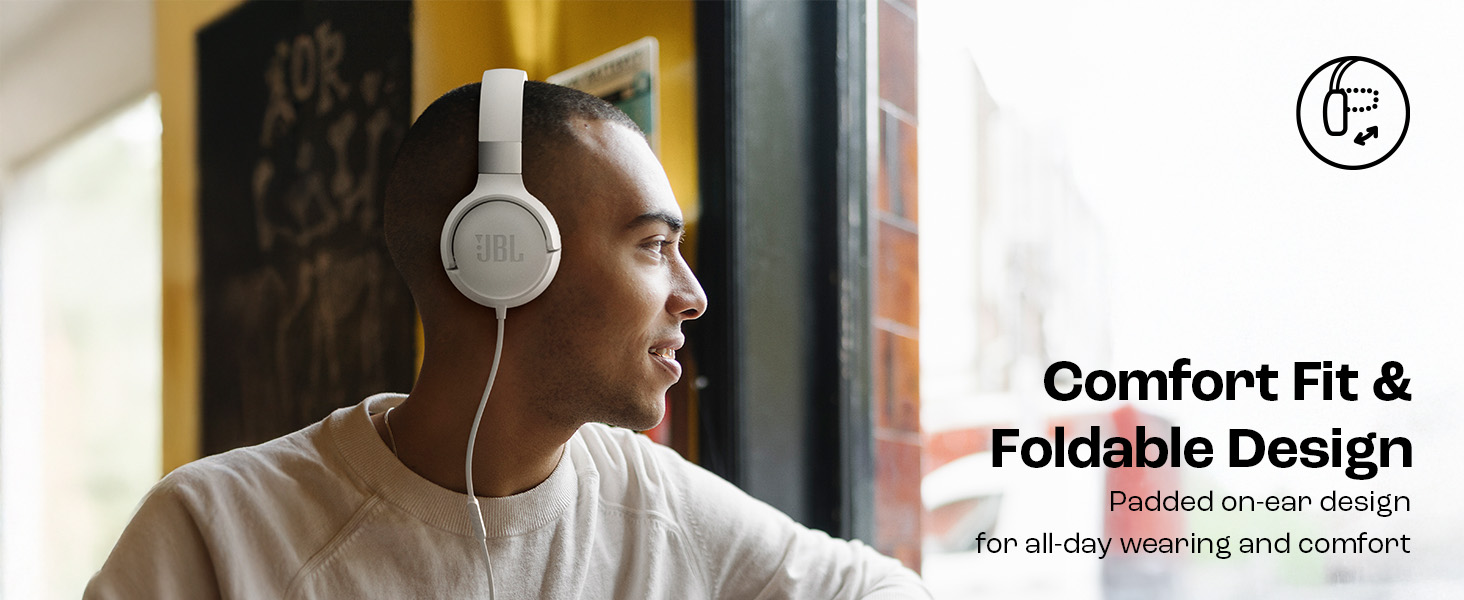
Image: JBL Tune 520C headphones demonstrating comfort fit and foldable design.
- Fold the earcups inward to reduce the headphone's size.
- Bewahren Sie die Kopfhörer an einem kühlen, trockenen Ort fern von direkter Sonneneinstrahlung und extremen Temperaturen auf.
- Avoid placing heavy objects on the headphones during storage.
Kabelpflege
The tangle-free flat cable is designed for durability, but proper handling is still recommended.
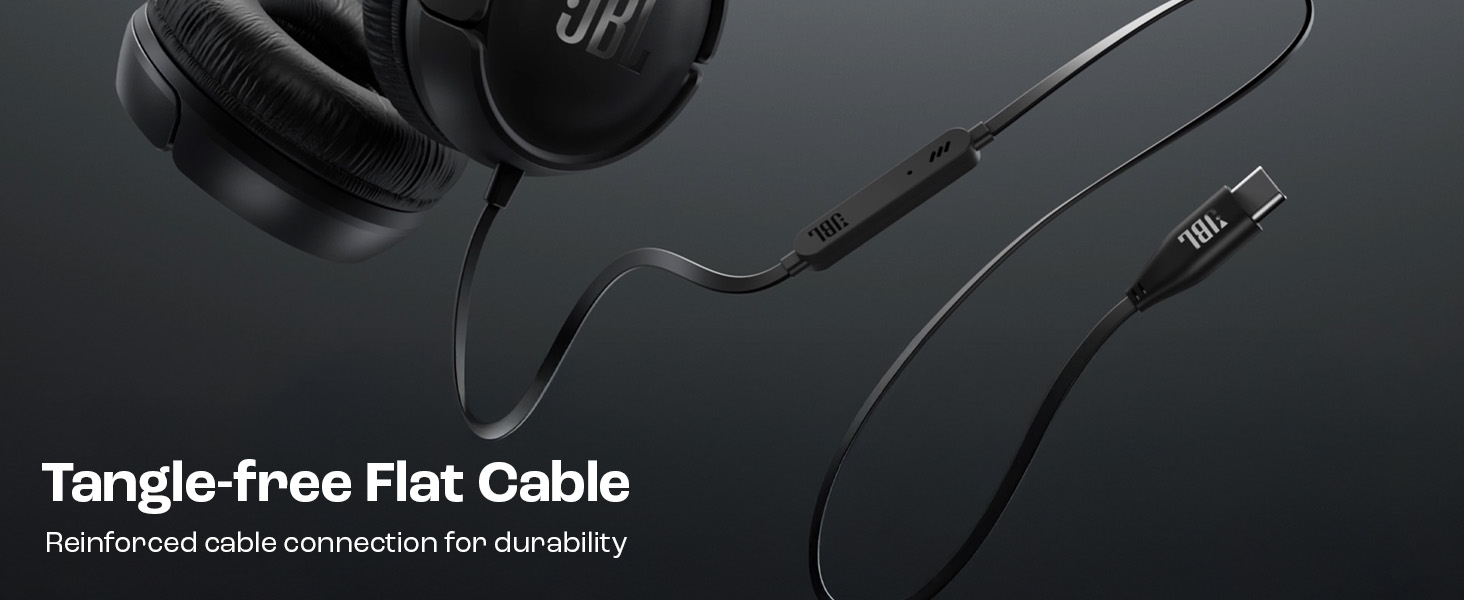
Image: The tangle-free flat USB-C cable of the JBL Tune 520C headphones.
- Vermeiden Sie scharfe Biegungen oder übermäßiges Ziehen am Kabel.
- When coiling the cable for storage, do so loosely to prevent strain.
Fehlerbehebung
Sollten Sie Probleme mit Ihren Kopfhörern haben, beachten Sie bitte die folgenden häufig auftretenden Probleme und Lösungen.
| Problem | Lösung |
|---|---|
| Kein Ton über Kopfhörer |
|
| Mikrofon funktioniert nicht |
|
| Schlechte Tonqualität |
|
| Die Tasten der Fernbedienung reagieren nicht |
|
Technische Daten
Detailed technical specifications for the JBL Tune 520C headphones.
| Besonderheit | Detail |
|---|---|
| Marke | JBL |
| Modellname | JBL Tune 520C |
| Modellnummer | JBLT520CBLK |
| Platzierung des Ohrs | Am Ohr |
| Formfaktor | Am Ohr |
| Impedanz | 32 Ohm |
| Frequenzgang | 20 Hz – 20,000 Hz |
| Empfindlichkeit | 103 dB |
| Audiotreibertyp | Dynamischer Treiber |
| Kompatible Geräte | Tablets, Desktops, Telephones, Gaming Consoles, Cellphones, Laptops |
| Kopfhöreranschluss | USB-C-Buchse |
| Kontrollmethode | Fernbedienung (3 Tasten) |
| Artikelgewicht | 150 Gramm |
| Ursprungsland | China |
Garantie und Support
Garantieinformationen
The JBL Tune 520C headphones come with a 1 Jahr Garantie Die Garantie wird vom Hersteller ab Kaufdatum gewährt. Bitte bewahren Sie Ihren Kaufbeleg für Garantieansprüche auf.
Kundenservice
For technical assistance, warranty claims, or further inquiries, please contact Harman International customer support. Refer to the warranty/warning document included in your product box for specific contact details for your region.
Kontaktdaten des Herstellers:
HARMAN International Industries, Incorporated
8500 Balboa Boulevard, Northridge, CA 91329 USA
Importer Contact Information (India):
Harman International (India) Pvt Ltd
Salarpuria Sattva Knowledge Court, Office-1, Wing ‘A’ & ‘B’ 3rd floor, Plot No. 9, Phase I, Doddenakkundi Industrial area Bangalore -560048, Karnataka.