
Einführung
This manual provides detailed instructions for the safe and efficient operation of your QUANSHENG UV-K5(99) Ham Radio Handheld. Please read this manual thoroughly before using the device to ensure proper functionality and to understand all features and safety precautions.
Lieferumfang
Bitte überprüfen Sie beim Auspacken, ob alle unten aufgeführten Artikel vorhanden und in gutem Zustand sind:
- Intercom Host (Radio Unit)
- Li-Batterie
- Antenne
- Gürtelclip
- Desktop-Ladegerät
- Bedienungsanleitung
- Type-C Direct Charging Line
- Intercom Earphones

Figure 1: Package Contents of the UV-K5(99)
Produkt überview
Familiarize yourself with the various parts and controls of your UV-K5(99) radio:

Figure 2: UV-K5(99) Component Diagram
- Antenne: Zum Senden und Empfangen von Signalen.
- Lautstärke-/Schaltknopf: Steuert das Ein- und Ausschalten sowie die Lautstärke.
- Flashlights: Integrated LED for illumination.
- Bildschirm: Zeigt Frequenz-, Kanal- und Statusinformationen an.
- Headset-Schnittstelle: Port for connecting external audio accessories.
- PTT-Taste (Push-to-Talk): Aktiviert die Übertragung.
- A/B-Schalter: Toggles between upper and lower display frequencies.
- Side Keys (SideKeys1, SideKeys2): Programmierbare Funktionstasten.
- Nach unten scrollen: Navigates menus and frequencies.
- Menu and Confirmation Key: Greift auf das Menü zu und bestätigt die Auswahl.
- Lautsprecher: Audio-Ausgang.
Aufstellen
1. Einlegen der Batterie
- Stellen Sie sicher, dass das Radio ausgeschaltet ist.
- Richten Sie den Akku an den Rillen auf der Rückseite des Radios aus.
- Schieben Sie die Batterie nach oben, bis sie hörbar einrastet.
- Zum Entnehmen drücken Sie die Entriegelungstaste (falls vorhanden) und schieben die Batterie nach unten.
2. Antennenbefestigung
- Schrauben Sie die Antenne im Uhrzeigersinn in den Anschluss oben am Radio, bis sie handfest sitzt. Nicht zu fest anziehen.
3. Montage des Gürtelclips
- Align the belt clip with the designated slot on the back of the radio.
- Secure the belt clip using the provided screws or by sliding it into place until it locks.
4. Erstes Aufladen
Before first use, fully charge the battery. The radio supports two charging methods:
- Desktop-Ladegerät: Place the radio (with battery installed) into the desktop charging cradle. Ensure the charging contacts align. The indicator light will show charging status.
- Direktes Laden über USB-C: Connect the provided USB-C cable to the USB-C port on the battery (or radio, if applicable) and to a compatible USB power source (e.g., power bank, car charger, computer USB port).

Figure 3: Dual Charging Methods
Bedienungsanleitung
1. Ein-/Ausschalten und Lautstärkeregelung
Rotate the Volume/Switch Knob clockwise to power on the radio. Continue rotating to increase volume. Rotate counter-clockwise to decrease volume and power off.
2. Frequenz- und Kanalauswahl
- VFO-Modus (Frequenzmodus): Ermöglicht die direkte Frequenzeingabe. Verwenden Sie die Tastatur, um die gewünschten Frequenzen einzugeben.
- Kanalmodus: Accesses pre-programmed channels. Use the up/down keys or the rotary knob to select channels.
- A/B-Schalter: Press the A/B key to switch between the upper and lower frequency displays, allowing monitoring of two frequencies simultaneously.
3. Full Band Scan & Air Band Reception
The UV-K5(99) supports ultra-wide band reception from 20MHz to 1000MHz. It includes a dedicated AM Air Band mode (108-136MHz) for monitoring aviation communications. Use the scan function to search for active frequencies within the selected band.
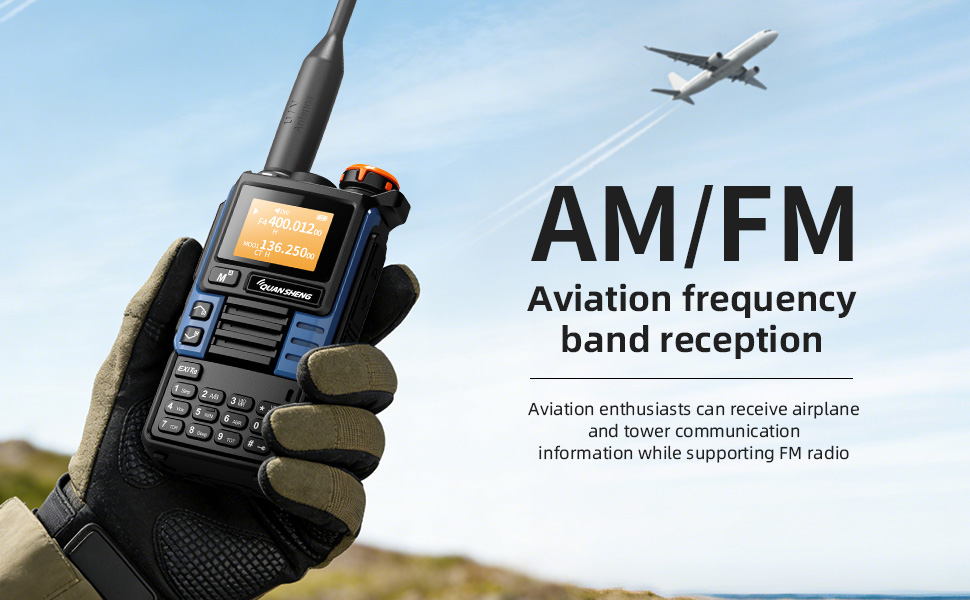
Abbildung 4: Flugfunkempfang
4. Wireless Frequency Copy (One-Key Frequency Match)
This feature allows instant detection and synchronization of frequency and CTCSS/DCS tones from other nearby two-way radios without computer programming. Activate this function (typically F+4) and point your radio towards the transmitting device.
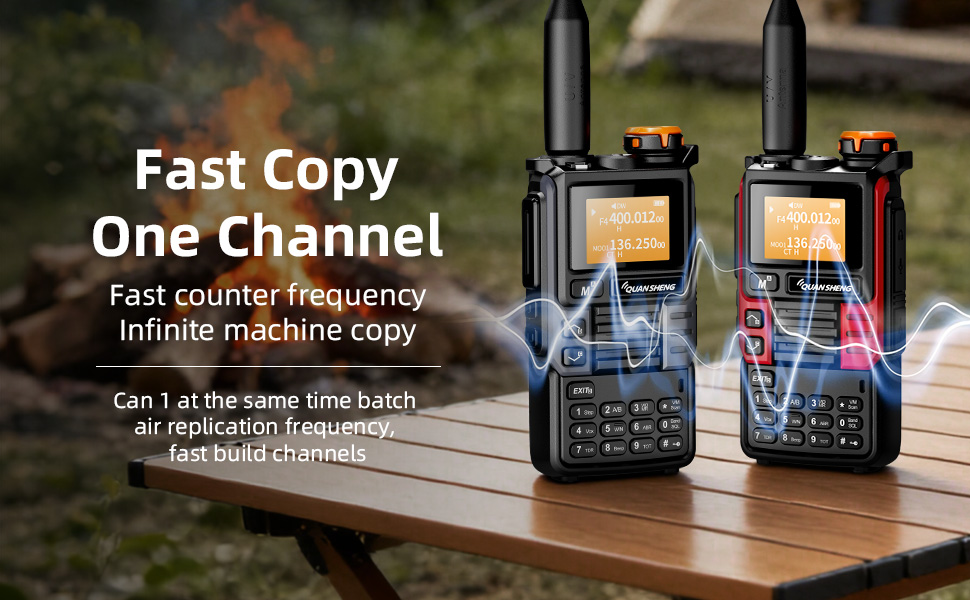
Figure 5: Wireless Frequency Copy in action
5. Dual Watch
The Dual Watch feature allows you to monitor two different frequencies simultaneously. If a signal is detected on either frequency, the radio will automatically switch to that frequency for reception.
6. VOX (Sprachgesteuerte Vermittlungsstelle)
VOX enables hands-free operation. When activated, the radio will automatically transmit when it detects your voice, eliminating the need to press the PTT button.
7. DTMF Signaling
DTMF (Dual-Tone Multi-Frequency) signaling can be used for various functions, including repeater access and remote control applications. Refer to the specific DTMF codes for your intended use.
8. Taschenlampenfunktion
The built-in high-brightness LED flashlight can be activated for illumination. Refer to the user interface for specific key presses to toggle the flashlight on/off or activate SOS mode.

Figure 6: Strong Light Flashlight
Sicherheitsfunktionen
1. NOAA-Wetterwarnung
The UV-K5(99) can receive 10 NOAA weather channels with an auto-scan feature to alert you to severe weather conditions such as storms and tornadoes. This feature is crucial for emergency preparedness.
2. Notfallalarm
A remote emergency alarm function is integrated for critical situations, providing an audible alert to signal distress.
Leistung und Compliance
The UV-K5(99) delivers 5 Watts of high power for clear long-distance communication on VHF (136-174MHz) and UHF (400-470MHz) bands. It supports repeater access for extended range.
Note: FCC ID: XBPUV-K5. Please adhere to local regulations. Transmitting on Amateur Radio frequencies requires a valid FCC license.

Figure 7: Compliance Certifications
Wartung
- Reinigung: Verwenden Sie ein weiches,amp Verwenden Sie ein Tuch, um das Äußere des Radios zu reinigen. Vermeiden Sie scharfe Chemikalien oder Scheuermittel.
- Batteriepflege: To prolong battery life, avoid overcharging or fully discharging the battery frequently. Store the radio and battery in a cool, dry place.
- Lagerung: When not in use for extended periods, remove the battery and store the radio in a protective case.
Fehlerbehebung
If you encounter issues with your UV-K5(99), please refer to the following common solutions:
- Kein Strom: Stellen Sie sicher, dass der Akku korrekt eingesetzt und vollständig geladen ist. Überprüfen Sie den Netzschalter.
- Übertragung fehlgeschlagen: Verify that you are on a valid frequency and have the necessary license. Check antenna connection.
- Schlechter Empfang: Ensure the antenna is securely attached. Check for obstructions or interference. Adjust squelch level.
- Anzeigeprobleme: Try restarting the radio. If issues persist, consult the full user manual or contact customer support.
Technische Daten
| Artikelgewicht | 0.2 Kilogramm (7 Unzen) |
| Technische Daten | 1.48"D x 1.48"H (3.76 x 3.76 cm) |
| Modellnummer | UV-K5(99) |
| Batterien | 1 Lithium-Ionen-Akku erforderlich (im Lieferumfang enthalten) |
| Anzeigetyp | LCD |
| Anzahl der Kanäle | 200 |
| Besonderheit | Wetterwarnung |
| Frequenzbereich | 20–1000 MHz |
| Maximale Sprechreichweite | 10 Kilometer |
| Wasserbeständigkeit | Nicht wasserfest |
Garantie und Support
The product comes with a 2-year warranty. For technical support, troubleshooting assistance, or warranty claims, please contact QUANSHENG customer service through their official webWebsite oder den Händler, bei dem das Produkt gekauft wurde.