
Einführung
This manual provides essential information for the safe and efficient operation of your Antteq AG42F3 42-inch Android Google TV. Please read these instructions carefully before using the television and retain them for future reference. Your Antteq TV combines a Full HD LED display with the power of Android TV and Google TV, offering integrated Google Assistant, Chromecast, and a triple tuner for versatile entertainment.

Figure 1: Antteq AG42F3 42-inch Android Google TV
Sicherheitshinweise
Beachten Sie die folgenden Sicherheitsvorkehrungen, um Brände, Stromschläge oder Verletzungen zu vermeiden:
- Stromversorgung: Schließen Sie den Fernseher nur an eine Wechselstromquelle innerhalb der angegebenen Spannung an.tage range. Ensure the power cord is not damaged or pinched.
- Belüftung: Blockieren Sie keine Lüftungsöffnungen. Sorgen Sie für ausreichend Platz um den Fernseher herum, um eine gute Luftzirkulation zu gewährleisten und eine Überhitzung zu vermeiden.
- Wasser und Feuchtigkeit: Setzen Sie den Fernseher weder Regen noch Feuchtigkeit aus. Stellen Sie keine mit Flüssigkeiten gefüllten Gegenstände, wie z. B. Vasen, auf den Fernseher.
- Reinigung: Ziehen Sie vor der Reinigung den Netzstecker des Fernsehers. Verwenden Sie ein weiches, trockenes Tuch. Verwenden Sie keine flüssigen oder Aerosol-Reinigungsmittel.
- Montage: Ensure the TV is installed on a stable surface or securely mounted to a wall using appropriate brackets. Follow all instructions for stand assembly or wall mounting.
- Blitz: Bei Gewittern oder wenn das Gerät längere Zeit nicht benutzt wird, ziehen Sie den Netzstecker des Fernsehers aus der Steckdose und trennen Sie die Antenne.
Packungsinhalt
Überprüfen Sie, ob alle Artikel im Paket vorhanden sind:
- Antteq AG42F3 42-inch Android Google TV
- Fernbedienung (benötigt 2 AAA-Batterien, nicht immer im Lieferumfang enthalten)
- Stromkabel
- TV-Ständer (2-teilig) und Schrauben
- Benutzerhandbuch (dieses Dokument)
- Kurzanleitung
Aufstellen
1. Auspacken und Standmontage
Carefully remove the TV from its packaging. Place the TV face down on a soft, flat surface to avoid screen damage. Attach the two stand pieces to the bottom of the TV using the provided screws. Ensure the stand is securely fastened before placing the TV upright.
2. Peripheriegeräte anschließen
Connect your external devices to the appropriate ports on the rear or side of the TV. Refer to the diagram below for port locations:

Figure 2: TV Dimensions and Connection Ports
- HDMI (x3): Schließen Sie Blu-ray-Player, Spielkonsolen oder andere HDMI-fähige Geräte an.
- USB (x2): Zum Anschließen von USB-Speichergeräten zur Medienwiedergabe files.
- AV-Eingang: Für ältere Geräte, die Composite-Video- und Stereo-Audiokabel verwenden.
- Kopfhörerausgang: Zum Anschließen von Kopfhörern.
- RJ45 (Ethernet): Für eine kabelgebundene Internetverbindung.
- Koaxialausgang: Für die digitale Audioausgabe an ein Soundsystem.
- Antenna (RF) Input: For connecting a terrestrial antenna (DVB-T2).
- LNB IN (Satellite): Zum Anschluss einer Satellitenschüssel (DVB-S2).
- CI/CI+ Slot: For inserting a Conditional Access Module (CAM) and smart card for encrypted channels.
3. Erste Inbetriebnahme und Einrichtung
After connecting all necessary cables, plug the power cord into an electrical outlet. Press the power button on the remote control or on the TV. The TV will guide you through the initial setup process:
- Sprachauswahl: Wählen Sie Ihre bevorzugte Sprache.
- Netzwerkverbindung: Stellen Sie eine Verbindung zu Ihrem WLAN-Netzwerk her oder verwenden Sie eine kabelgebundene Ethernet-Verbindung.
- Google Benutzerkonto: Sign in with your Google account to access Google Play Store, Google Assistant, and other smart features.
- Kanalsuchlauf: The TV will prompt you to scan for available channels via DVB-C, DVB-S2, or DVB-T2.
- Privatsphäre Einstellungen: Review und passen Sie die Datenschutzeinstellungen nach Wunsch an.
Bedienung Ihres Fernsehers
1. Fernbedienungsfunktionen
The included remote control allows you to navigate the TV's interface and access various features. Insert 2 AAA batteries (not included) into the remote control, observing polarity.

Figure 3: Remote Control with Voice Functionality
- Netzschalter: Schaltet den Fernseher ein oder aus.
- Google Assistant-Schaltfläche: Drücken Sie, um die Sprachsteuerung zu aktivieren.
- Navigationstasten (Hoch/Runter/Links/Rechts/OK): Navigieren Sie durch die Menüs und wählen Sie Optionen aus.
- Lautstärke erhöhen/verringern: Passen Sie die Lautstärke an.
- Kanal hoch/runter: Fernsehkanäle wechseln.
- Home "Button: Kehrt zum Android TV-Startbildschirm zurück.
- Zurück-Schaltfläche: Kehrt zum vorherigen Bildschirm oder Menü zurück.
- App-Schnelltasten: Direct access to pre-installed apps like Netflix, YouTube, Prime Video.
2. Smart TV Features (Android TV / Google TV)
Your Antteq AG42F3 TV runs on Android TV with Google TV interface, providing access to a wide range of applications and services.

Figure 4: Smart TV Home Screen with Apps
- Auf Apps zugreifen: From the home screen, you can launch pre-installed applications such as Netflix, Prime Video, and YouTube. Visit the Google Play Store to download thousands of additional apps and games.
- Google Assistant: Press the Google Assistant button on your remote and speak into the microphone. You can ask it to find movies, check the weather, control smart home devices, or open applications.
- Chromecast integriert: Stream content (photos, videos, music) from your compatible smartphone, tablet, or computer directly to your TV. Ensure your device and TV are on the same Wi-Fi network.
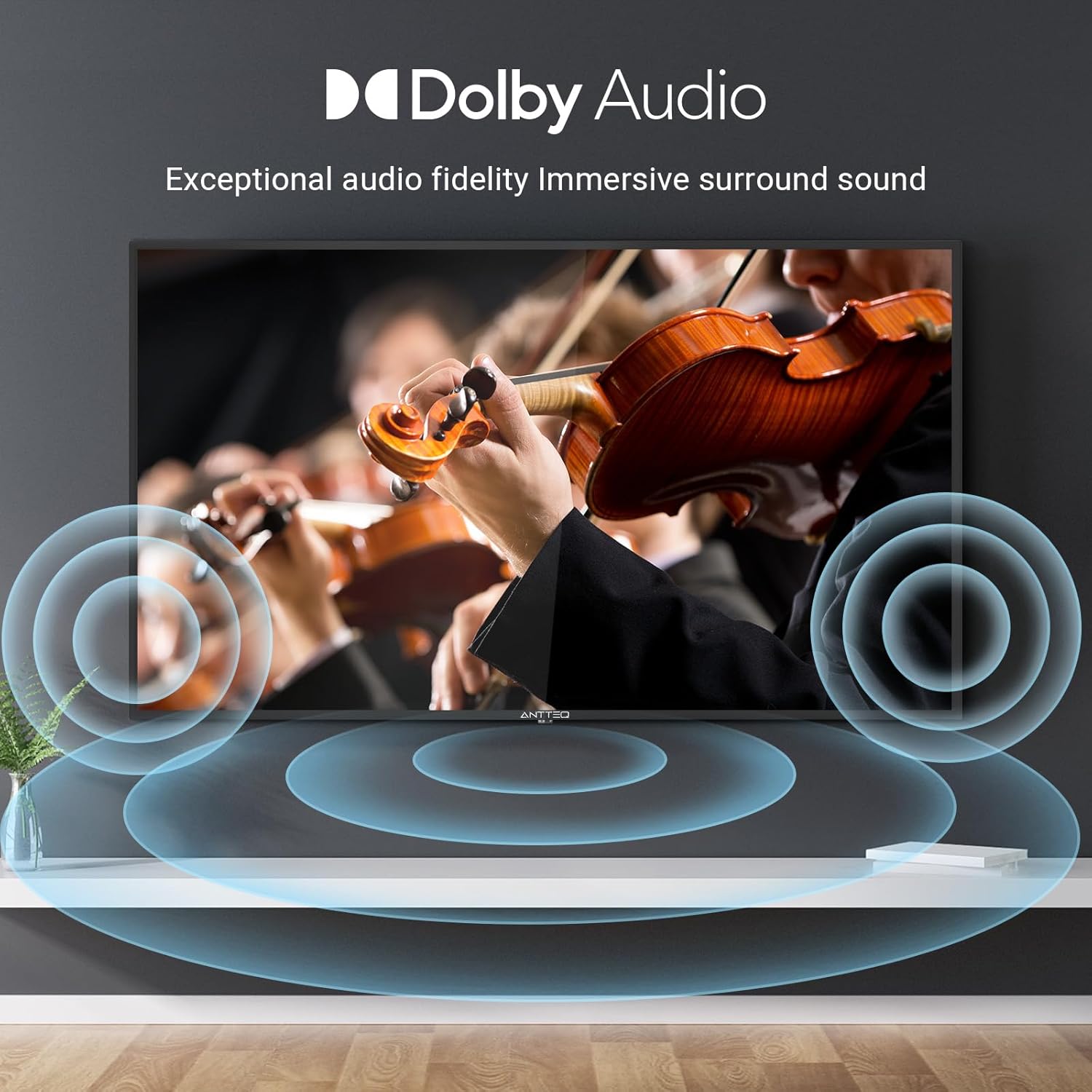
Figure 5: Chromecast Functionality
3. Auswahl der Eingangsquelle
To switch between connected devices (e.g., HDMI 1, USB, TV tuner), press the 'Input' or 'Source' button on your remote control and select the desired input from the on-screen menu.
4. Bild- und Toneinstellungen
Access the TV's settings menu to adjust picture modes (Standard, Dynamic, Movie, etc.), brightness, contrast, and color. For audio, you can select sound modes and adjust equalizer settings. The TV supports Dolby Audio for enhanced sound quality.

Abbildung 6: Dolby Audio Experience
5. Triple Tuner (DVB-C/S2/T2)
The integrated triple tuner allows reception of digital terrestrial (DVB-T2), cable (DVB-C), and satellite (DVB-S2) broadcasts. After connecting the appropriate antenna or satellite dish, perform a channel scan through the TV's settings menu to find available channels.
Wartung
1. Reinigung
Um den Bildschirm zu reinigen, wischen Sie ihn vorsichtig mit einem weichen, fusselfreien Tuch ab. Bei hartnäckigen Flecken leicht andrücken.ampen the cloth with water. Never spray liquid directly onto the screen. For the TV body, use a soft, dry cloth. Avoid using abrasive cleaners or solvents.
2. Software-Updates
Your TV may receive software updates to improve performance and add new features. Ensure your TV is connected to the internet. You can check for updates manually in the TV's settings menu under 'System' or 'About'.
Fehlerbehebung
Sollten Sie Probleme mit Ihrem Fernseher haben, beachten Sie bitte die folgenden häufigen Probleme und Lösungen:
| Problem | Mögliche Lösung |
|---|---|
| Kein Strom / Fernseher lässt sich nicht einschalten | Check if the power cord is securely plugged into the TV and the wall outlet. Try a different outlet. Ensure batteries in the remote are functional. |
| Kein Bild / Schlechte Bildqualität | Verify the correct input source is selected. Check cable connections (HDMI, antenna). Adjust picture settings. For antenna/satellite, rescan channels. |
| Kein Ton / Leise Lautstärke | Überprüfen Sie die Lautstärke und den Stummschaltungsstatus. Stellen Sie sicher, dass externe Audiogeräte korrekt angeschlossen sind. Passen Sie die Toneinstellungen an. |
| Fernbedienung funktioniert nicht | Tauschen Sie die Batterien aus. Stellen Sie sicher, dass sich keine Hindernisse zwischen der Fernbedienung und dem Infrarotsensor des Fernsehers befinden. |
| Keine Verbindung zum WLAN möglich | Ensure Wi-Fi is enabled on the TV. Check your router and modem. Re-enter the Wi-Fi password. Try restarting your router. |
| Smart features not responding | Ensure the TV is connected to the internet. Try restarting the TV. Check for software updates. |
Technische Daten
Key technical specifications for the Antteq AG42F3 TV:
- Marke: Antteq
- Modellnummer: AG42F3
- Bildschirmgröße: 42 Zoll (106 cm)
- Anzeigetechnologie: LED
- Auflösung: 1080p (Full HD)
- Aktualisierungsrate: 60 Hz
- Betriebssystem: Google TV (Android TV)
- Konnektivität: Ethernet WLAN (Wi-Fi), Bluetooth
- Eingänge: 3x HDMI, 2x USB, 1x AV, 1x Antenna (RF), 1x LNB IN (Satellite), 1x CI+ Slot
- Ausgaben: 1x Earphone, 1x Coaxial
- Besondere Merkmale: Multiple Voice Assistance (Google Assistant), Chromecast Built-in, Triple Image Enhancement, Dolby Audio
- Farbe: Schwarz
- Produktabmessungen (mit Standfuß): Ungefähr 95.5 cm (B) x 19 cm (T) x 57.8 cm (H)
- Energieeffizienzklasse: F
Garantie und Support
Your Antteq AG42F3 TV comes with a standard manufacturer's warranty. For specific warranty terms and conditions, please refer to the warranty card included with your product or visit the official Antteq website. For technical support, troubleshooting assistance beyond this manual, or service inquiries, please contact Antteq customer support through their official channels.