
1. Einleitung
This user manual provides comprehensive instructions for the setup, operation, maintenance, and troubleshooting of your Astarama Mini Projector HY300. This portable projector is designed for versatile entertainment and presentation, featuring 2.4/5G WiFi, Bluetooth 5.0, automatic keystone correction, and a 180° rotatable stand. It supports Full HD 4K video decoding with a native resolution of 1280x720 and offers a projection screen size from 40 to 130 inches.

Figure 1: Astarama Mini Projector HY300, showcasing its compact and rotatable design.
2. Lieferumfang
Bitte überprüfen Sie nach dem Öffnen des Pakets, ob alle folgenden Artikel enthalten sind:
- 1x Astarama Mini Projector HY300
- Fernbedienung
- Netzkabel
- Benutzerhandbuch (dieses Dokument)
3. Installationsanleitung
3.1 Erste Aufstellung und Stromanschluss
Place the projector on a stable, flat surface. Connect the power cord to the projector's power input and then to a standard electrical outlet. The projector features a 180° rotatable stand, allowing you to project images onto walls, ceilings, or floors. Adjust the projector's angle to achieve your desired projection surface.

Figure 2: The 180° Freestyle Rotation feature allows flexible projection angles.
3.2 Fokus- und Trapezkorrektur
After powering on, the projector will perform automatic keystone correction for vertical alignment. For optimal clarity, manually adjust the focus using the focus ring on the projector lens. Note that automatic keystone correction primarily adjusts vertical distortion; horizontal adjustments may need to be made by repositioning the projector.
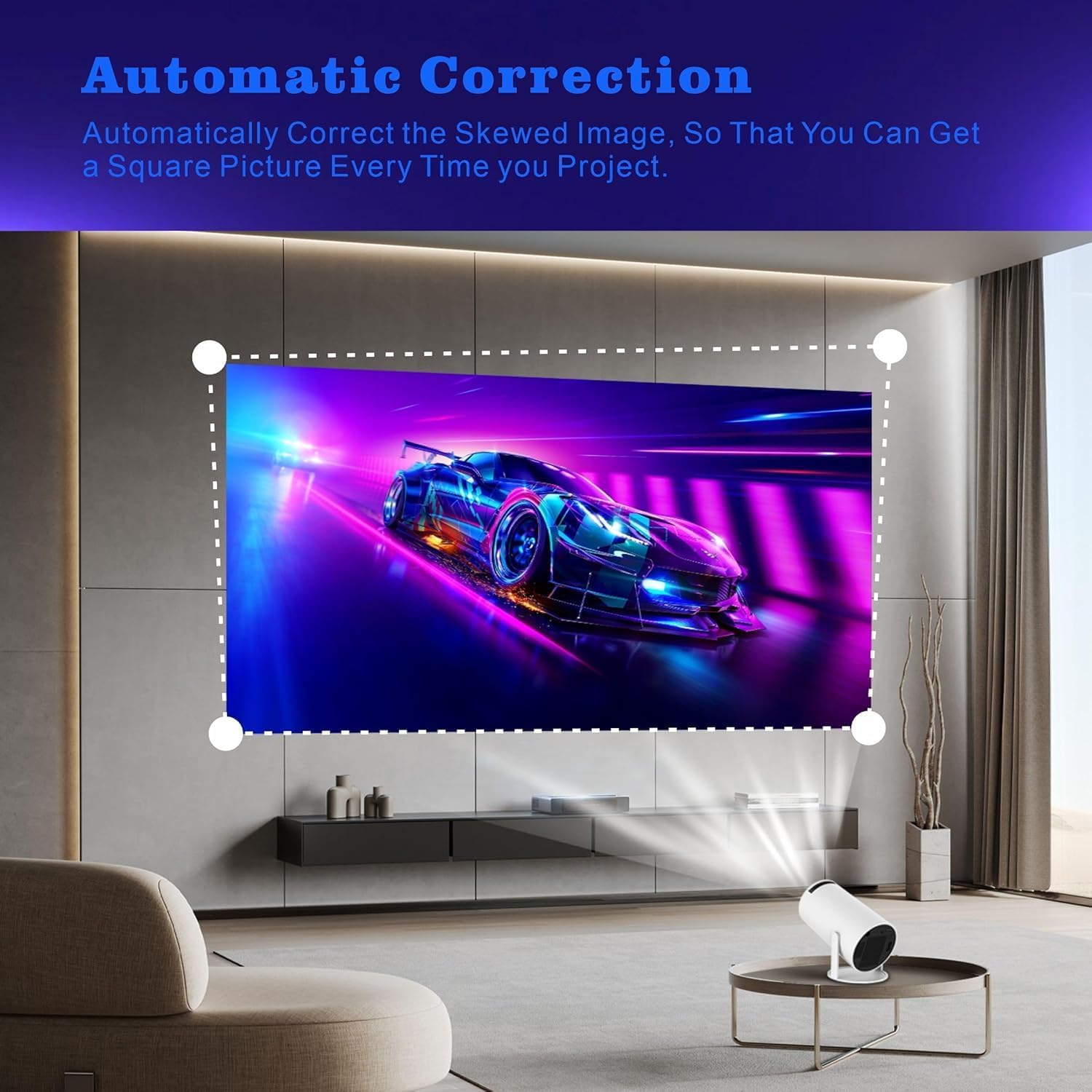
Figure 3: Automatic Keystone Correction ensures a square picture.
3.3 Netzwerkverbindung (WLAN)
The projector supports 2.4G and 5G dual-band Wi-Fi for fast and stable wireless connectivity.
- Navigieren Sie im Bedienfeld des Projektors zum Menü „Einstellungen“.
- Wählen Sie „Netzwerk“ oder „WLAN-Einstellungen“.
- Schalten Sie WLAN ein und wählen Sie das gewünschte Netzwerk aus der Liste aus.
- Geben Sie gegebenenfalls das WLAN-Passwort ein und stellen Sie die Verbindung her.
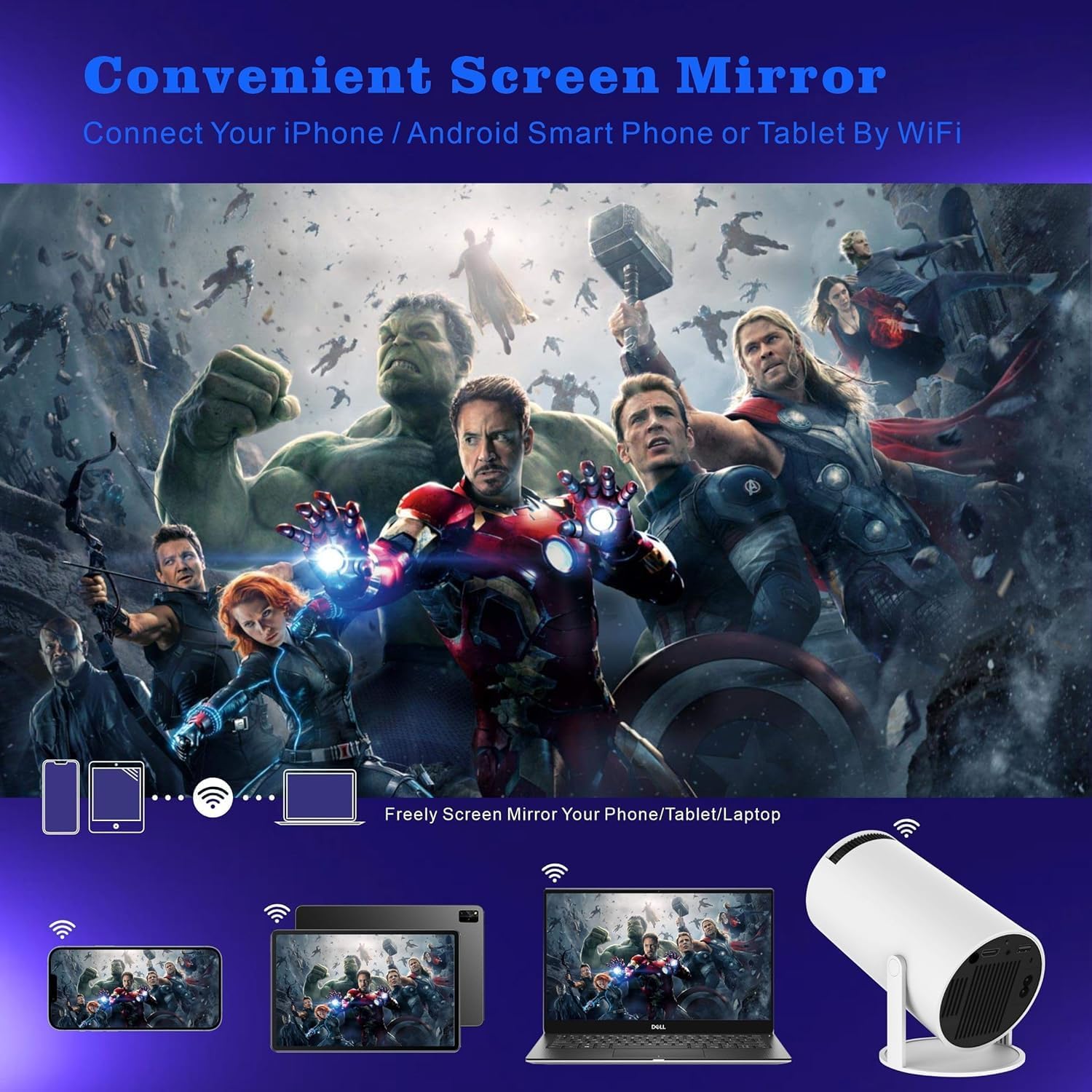
Figure 4: Seamless screen mirroring via Wi-Fi from various devices.
3.4 Bluetooth-Kopplung
So schließen Sie externe Bluetooth-Lautsprecher oder -Kopfhörer an:
- Gehen Sie zu „Einstellungen“ und wählen Sie „Bluetooth“.
- Stellen Sie sicher, dass Bluetooth sowohl auf dem Projektor als auch auf Ihrem externen Gerät aktiviert ist.
- Wählen Sie Ihr Gerät aus der Liste der verfügbaren Geräte zum Koppeln aus.
4. Bedienungsanleitung
4.1 Basic Navigation and Android 11.0 Interface
The projector runs on Android 11.0, providing a user-friendly interface. Use the included remote control to navigate through menus, select applications, and adjust settings. The home screen provides access to pre-installed apps and allows for downloading additional applications from the app store.

Figure 5: Access popular streaming services directly from the projector.
4.2 Externe Geräte anschließen
Der Projektor ist mit mehreren Anschlüssen zum Verbinden verschiedener Geräte ausgestattet:
- HDMI: Connect laptops, gaming consoles, DVD players, or other HDMI-enabled devices.
- USB: Medien abspielen files direkt von USB-Laufwerken.
- Audio Ausgang: Connect external speakers or sound systems via the 3.5mm audio jack for enhanced sound.
4.3 Audio Output and Zoom Function
The projector features built-in 3W*1 HiFi speakers. For a more immersive audio experience, it is recommended to connect external speakers via Bluetooth or the audio output port. The projector also includes a 50% zoom function, allowing you to adjust the screen size without moving the projector.

Figure 6: Enjoy movies and shows with family using the portable projector.
4.4 Projection Quality and Screen Size
The HY300 projector offers a native resolution of 1280x720 and supports Full HD 4K video decoding. It can project a screen size ranging from 40 inches to 130 inches, providing flexibility for various viewUmgebungen.

Figure 7: Flexible screen sizes from 40 to 130 inches.
5. Wartung
5.1 Reinigung des Projektors
To ensure optimal performance and longevity, regularly clean your projector.
- Linse: Use a soft, lint-free cloth specifically designed for optical lenses. Gently wipe the lens in a circular motion. Avoid using abrasive cleaners or excessive pressure.
- Exterieur: Wischen Sie die Außenseite des Projektors mit einem weichen, trockenen Tuch ab. Bei hartnäckigen Flecken kann ein leicht klopfender Reflektor helfen.amp cloth can be used, followed by a dry wipe. Ensure no liquid enters the device.
- Belüftungsöffnungen: Periodically check and gently clean the ventilation ports to prevent dust buildup, which can affect cooling efficiency. Use a soft brush or compressed air (held upright and at a distance) if necessary.
5.2 Speicherung
When not in use for extended periods, store the projector in a cool, dry place, away from direct sunlight and extreme temperatures. It is advisable to keep it in its original packaging or a protective case to prevent dust accumulation and accidental damage.
5.3 Batteriewechsel (Fernbedienung)
The remote control requires 1 AA battery. If the remote's responsiveness decreases, replace the battery following the instructions in the remote control's battery compartment.
6. Fehlerbehebung
This section addresses common issues you might encounter with your Astarama Mini Projector HY300.
| Problem | Mögliche Ursache | Lösung |
|---|---|---|
| Kein Bild oder verzerrtes Bild |
|
|
| Kein Ton oder geringe Lautstärke |
|
|
| WLAN-/Bluetooth-Verbindungsprobleme |
|
|
| Der Projektor überhitzt oder schaltet sich ab |
|
|
| App compatibility/update issues (e.g., Disney+) |
|
|
| Image quality not as expected (e.g., not 4K) |
|
|
7. Spezifikationen
Detailed technical specifications for the Astarama Mini Projector HY300:
| Besonderheit | Detail |
|---|---|
| Marke | Astarama |
| Modellnummer | HY300 |
| Artikelgewicht | 1.1 Pfund (ca. 500 Gramm) |
| Technische Daten | 3.97 x 7.48 x 3.97 Zoll (10.08 x 19 x 10.08 cm) |
| Farbe | Weiß |
| Bildschirmauflösung | Native 1280 x 720 (supports 4K video decoding) |
| Konnektivitätstechnologie | Bluetooth 5.0, 2.4G/5G WiFi, HDMI, USB |
| Betriebssystem | Android 11.0 |
| Besondere Merkmale | Short Throw, Built-in Speakers, Auto Keystone Correction, 180° Flip, 50% Zoom Function |
| Empfohlene Verwendung | Heimkino für drinnen und draußen |
| Sichtbare Bildschirmdiagonale | 40" - 130" (101.6 cm - 331 cm) |
| Eingebaute Lautsprecher | 3W*1 HiFi speakers |
| Geräuschpegel | Unter 25 dB |
| Batterie der Fernbedienung | 1 AA-Batterie (erforderlich) |
8. Garantie und Support
For information regarding product warranty, returns, or technical support, please refer to the warranty card included with your product or visit the official Astarama webWebsite. Sie können sich auch direkt über Ihre Kaufplattform an den Verkäufer wenden, um Unterstützung zu erhalten.
For the latest drivers, firmware updates, and frequently asked questions, please visit: www.astarama.com/support (Hinweis: Dies ist ein Platzhalter. URLDie genauen Supportinformationen finden Sie in Ihrer Produktdokumentation. webWebsite.)