
1. Einleitung
This manual provides detailed instructions for the setup, operation, maintenance, and troubleshooting of your HP KE203 300 DPI Direct Thermal Shipping Label Printer. This printer is designed for efficient and high-quality label printing for various applications, including shipping, barcodes, and product labels. It utilizes direct thermal technology, eliminating the need for ink or toner cartridges.

The HP KE203 printer features a 5 inches per second (ips) printing speed and 300 dots per inch (dpi) resolution for clear, fast label output.
2. Lieferumfang
Verify that all items are present in the packaging before proceeding with setup:
- HP KE203 Label Printer
- Netzkabel
- Netzteil
- USB-Kabel
- Kurzanleitung
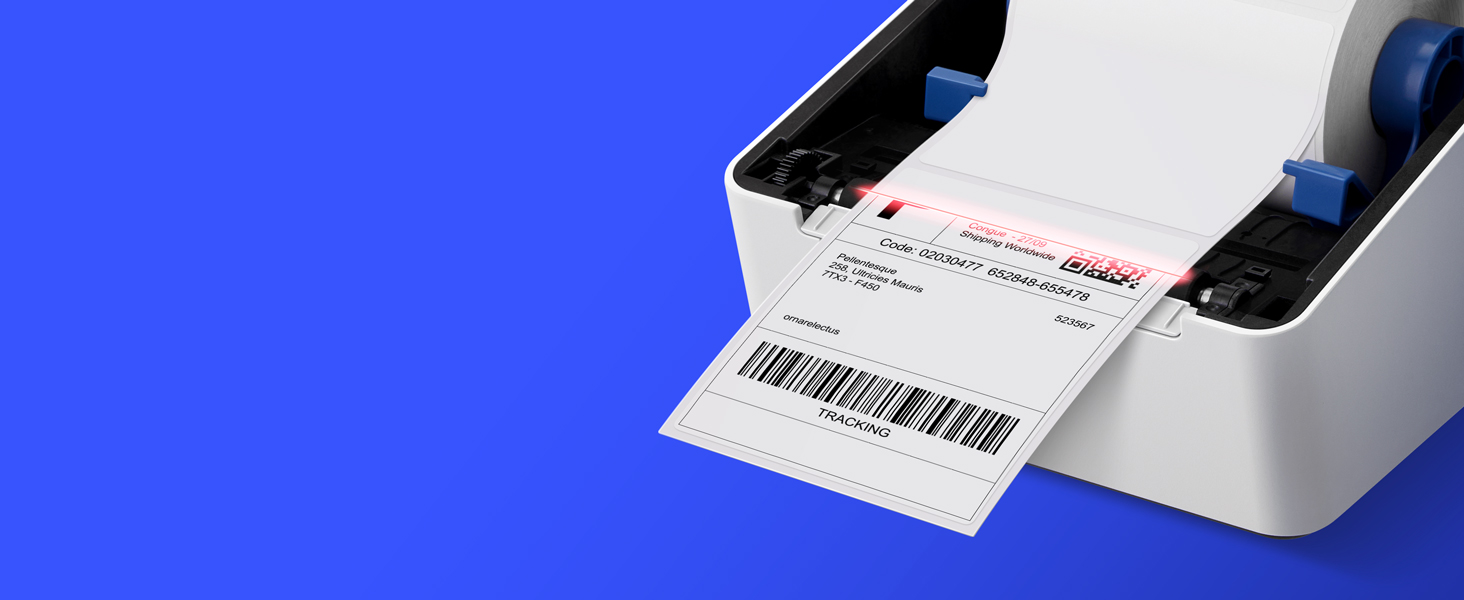
Image showing the HP KE203 printer and its included accessories: power cord, AC adapter, USB cable, and quick start guide.
3. Einrichtung
Follow these steps to set up your HP KE203 label printer:
- Strom anschließen: Connect the AC adapter to the printer and then plug the power cord into a power outlet.
- Mit Computer verbinden: Verbinden Sie den Drucker über das USB-Kabel mit Ihrem Computer.
- Etiketten laden: Open the printer cover and position the label roll properly within the adjustable media holder guides. Ensure the labels feed smoothly.
- Treiber installieren: Download the appropriate drivers for your operating system (Windows or Mac) from the official HP Work Solutions website. Follow the on-screen instructions to complete the driver installation. The printer should be automatically detected if connected via USB.
- Test-Druck: After driver installation, go to your computer's printer settings, select the HP KE203, and perform a test print to ensure proper functionality.

Ensure all power components are securely connected.

Verbinden Sie den Drucker mit dem mitgelieferten USB-Kabel mit Ihrem Computer.

Properly load the label roll and adjust the guides to prevent jams.

Download and install the printer drivers from the official HP webWebsite.
Einrichtungsvideoanleitung
This video provides a visual guide on how to set up your HP Label Printer, including connecting cables, loading labels, and installing drivers.
4. Bedienungsanleitung
The HP KE203 printer is designed for ease of use. Once set up, you can print labels directly from your computer using various applications and platforms.
Etiketten drucken
- Stellen Sie sicher, dass der Drucker eingeschaltet und mit Ihrem Computer verbunden ist.
- Open the document or application from which you wish to print (e.g., shipping software, word processor).
- Select the print option and choose the HP KE203 printer from the list of available printers.
- Adjust print settings as needed, such as label size (e.g., 4x6 inches) and orientation.
- Starten Sie den Druckauftrag.

The printer seamlessly integrates with your computer for direct label printing.
Compatible Platforms and Label Types
This printer is compatible with various shipping platforms and can print different types of labels up to 4 inches in width.
- Versandetiketten: Ideal for major carriers like Amazon, UPS, FedEx, USPS, DHL, and platforms such as Shopify, Etsy, eBay, and ShipStation.
- Barcode-Etiketten: Print clear and scannable barcodes.
- Produktetiketten: Create custom labels for products.
- Adressetiketten: Generate address stickers for mail.

The HP KE203 is compatible with all major shipping platforms.
5. Wartung
Regelmäßige Wartung gewährleistet optimale Leistung und Langlebigkeit Ihres Druckers.
Reinigen des Druckkopfs
- Vor der Reinigung den Drucker ausschalten und vom Stromnetz trennen.
- Öffnen Sie die Druckerabdeckung.
- Wischen Sie den Druckkopf vorsichtig mit einem fusselfreien Tuch ab.ampmit Isopropylalkohol gereinigt.
- Lassen Sie den Druckkopf vollständig trocknen, bevor Sie die Abdeckung schließen und den Drucker einschalten.
Allgemeine Pflege
- Bewahren Sie den Drucker in einer sauberen, staubfreien Umgebung auf.
- Um Beschädigungen des Druckkopfes zu vermeiden, sollten ausschließlich hochwertige Thermotransferetiketten verwendet werden.
- Setzen Sie den Drucker keinen extremen Temperaturen oder direkter Sonneneinstrahlung aus.
6. Fehlerbehebung
Beachten Sie die folgenden häufig auftretenden Probleme und deren Lösungen:
| Ausgabe | Mögliche Ursache | Lösung |
|---|---|---|
| Drucker reagiert nicht | Loose cable connection, printer off, driver issue. | Check power and USB connections. Ensure printer is on. Reinstall drivers if necessary. |
| Schlechte Druckqualität | Dirty print head, incorrect label type, print settings. | Clean the print head. Use recommended thermal labels. Adjust print density or turn off dithering in printer settings. |
| Etiketten werden nicht richtig zugeführt | Improper label loading, media guides not adjusted. | Ensure labels are loaded correctly and media guides are snug against the roll. |
| Drucker vom Computer nicht erkannt | USB cable issue, driver not installed or corrupted. | Versuchen Sie einen anderen USB-Anschluss oder ein anderes Kabel. Installieren Sie die Druckertreiber neu. |
7. Spezifikationen
| Besonderheit | Detail |
|---|---|
| Marke | HP |
| Modellnummer | HPKE203 |
| Konnektivitätstechnologie | USB |
| Drucktechnologie | Thermodirekt |
| Druckerausgabe | Einfarbig |
| Maximale Druckgeschwindigkeit (Monochrom) | 5 ips (50 ppm) |
| Auflösung | 300 x 300 DPI |
| Maximale Mediengröße | 4 x 6 Zoll |
| Artikelabmessungen (T x B x H) | 8.2"T x 7.29"B x 6.63"H |
| Artikelgewicht | 1340 Gramm |
| Energieaufnahme | 60 Watt |
| Kompatible Geräte | PC (Windows), Mac |
8. Garantie und Support
The HP KE203 Direct Thermal Shipping Label Printer comes with a 2-year limited warranty. For technical support, driver downloads, and further assistance, please visit the official HP Work Solutions webBesuchen Sie die Website oder kontaktieren Sie den HP Kundendienst.
For the most up-to-date support information, please refer to the Quick Start Guide included with your product or visit the HP support portal online.