
Pfarrer LW45
Parsonver LW45 Smart Watch Bedienungsanleitung
Model: LW45 | Brand: Parsonver
Einführung
This manual provides detailed instructions for the Parsonver LW45 Smart Watch. Please read this guide thoroughly to understand the watch's functions, setup, and maintenance, ensuring optimal performance and longevity of your device.
Packungsinhalt
Prüfen Sie nach dem Öffnen der Verpackung, ob alle Artikel vorhanden sind:
- Parsonver LW45 Smartwatch
- Ladekabel
- Bedienungsanleitung
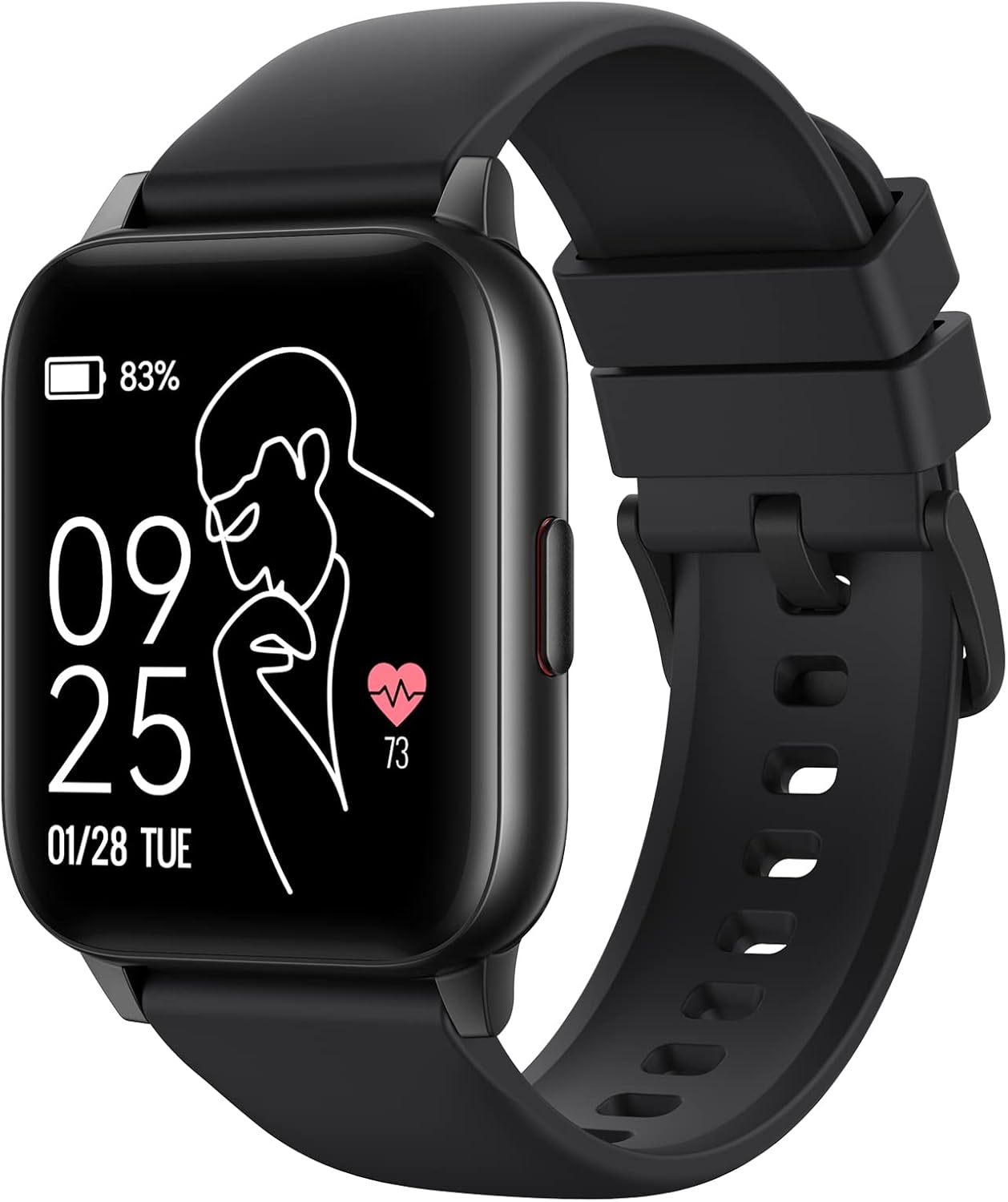
Image: The Parsonver LW45 Smart Watch, black model, displaying time and health metrics.
Installationshandbuch
1. Aufladen des Geräts
Before initial use, fully charge the smart watch. Connect the charging cable to the charging port on the back of the watch and to a USB power source. The watch display will indicate charging status.
2. App-Installation und -Kopplung
- Download the official Parsonver app from your smartphone's app store (compatible with iOS 10.0/Android 5.0 or above).
- Stellen Sie sicher, dass Bluetooth auf Ihrem Smartphone aktiviert ist.
- Öffnen Sie die App und folgen Sie den Anweisungen auf dem Bildschirm, um ein Konto zu erstellen oder sich anzumelden.
- Select "Add Device" or similar option within the app to search for your LW45 Smart Watch.
- Bestätigen Sie die Kopplungsanfrage sowohl auf Ihrem Smartphone als auch auf der Uhr.
Notiz: The watch connects via Bluetooth 5.0. Maintain proximity between the watch and your smartphone for a stable connection.

Image: A smartphone displaying the Parsonver app, illustrating the device connection process.
Bedienungsanleitung
Grundlegende Navigation
- Touch-Screen: Durch Wischen nach links/rechts oder oben/unten navigieren Sie durch Menüs und Funktionen. Zum Auswählen tippen.
- Seitentaste: Drücken Sie diese Taste, um zum Startbildschirm zurückzukehren oder das Gerät zu aktivieren.
Sportmodi
The LW45 Smart Watch features 16 default sports modes. Over 100 additional sports modes can be customized and added via the companion app. These include activities such as walking, running, cycling, swimming, yoga, and strength training.
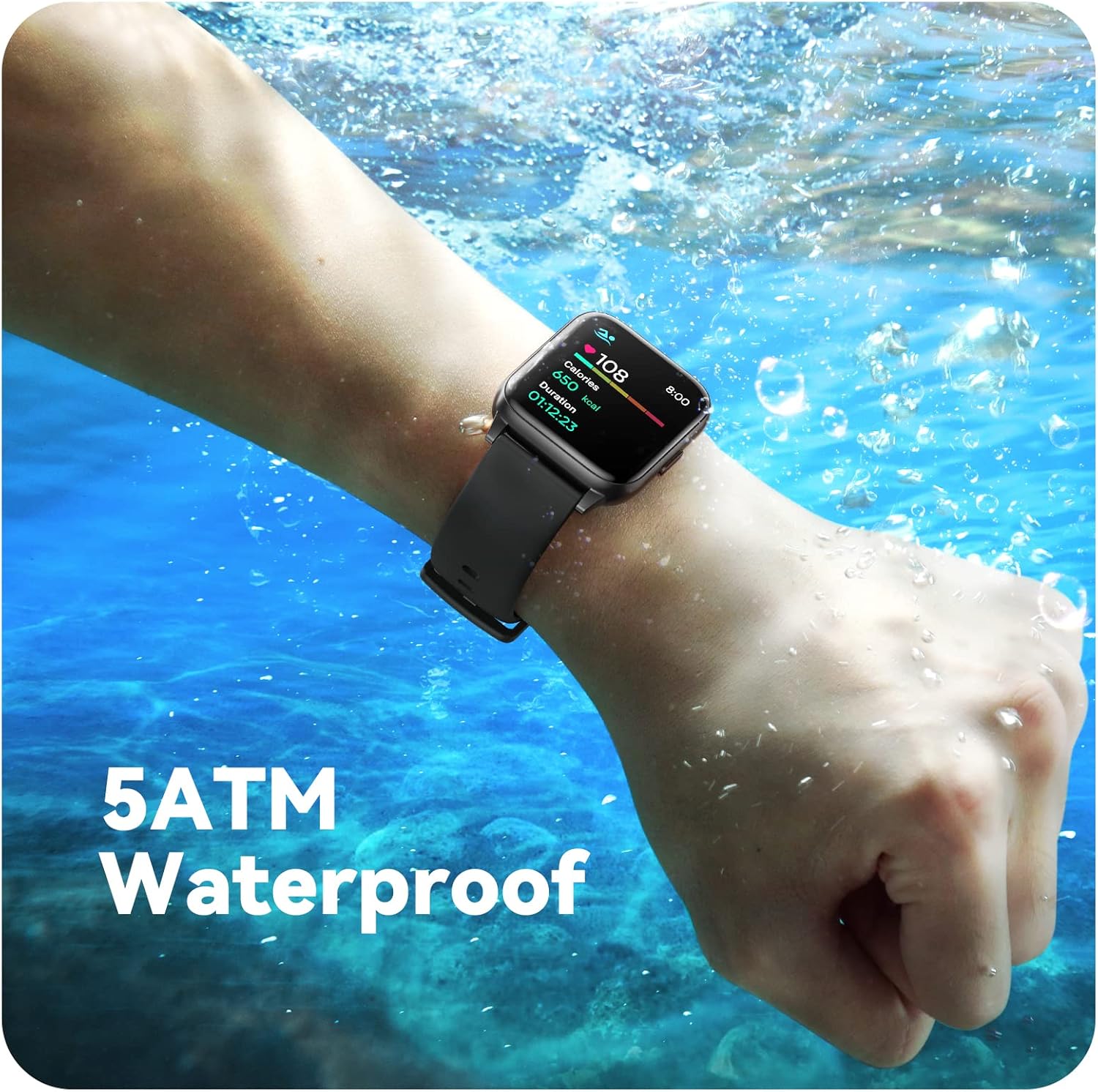
Image: A person engaged in soccer, wearing the smart watch, demonstrating its use during sports activities.

Image: A smartphone screen displaying a wide selection of sports modes within the Parsonver application.
Gesundheitsüberwachung
- Herzfrequenz-Überwachung: Provides 24/7 real-time heart rate data.
- Blutsauerstoffüberwachung: Misst den Sauerstoffgehalt im Blut.
- Schlaf-Tracking: Automatically monitors sleep patterns, including deep sleep, light sleep, and awake times (from 9:00 PM to 12:00 PM the next day).
- Hydration and Sedentary Alerts: The watch can provide reminders for hydration and prolonged inactivity.
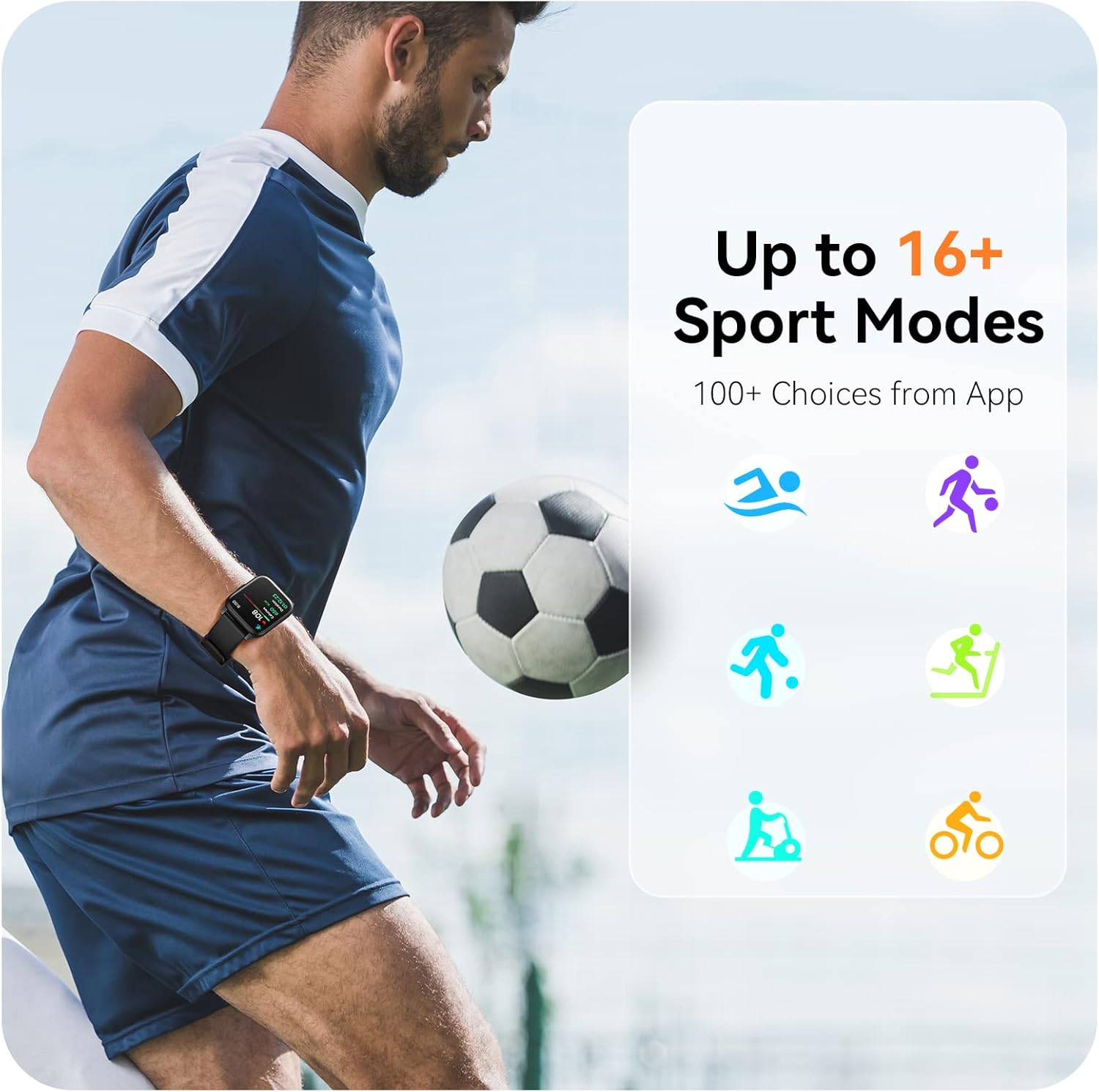
Image: A man running, with the smart watch on his wrist showing real-time fitness data.

Image: A person sleeping, with the smart watch tracking sleep and displaying data on a connected phone.
Benachrichtigungen
Receive notifications for incoming calls, SMS messages, emails, and alerts from social media applications (WhatsApp, LinkedIn, Instagram, Twitter) when connected to your smartphone. You can reject calls directly from the watch, but cannot answer or reply to messages.
Image: The smart watch screen showing icons for different types of notifications.
Weitere Funktionen
The 1.69-inch high-definition touch screen provides access to various features:
- Wettervorhersage
- Wecker
- Timer und Stoppuhr
- Fernsteuerung der Kamera
- Steuerung der Musikwiedergabe
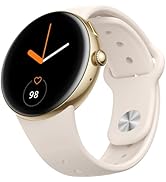
Image: The smart watch screen showing a weather forecast display.
Anpassung
Personalisieren Sie Ihr Uhrenerlebnis:
- Gesichter ansehen: Wählen Sie aus einer Vielzahl vorinstallierter Zifferblätter oder laden Sie weitere über die App herunter.
- Benutzerdefinierte Hintergründe: Set your own photos as watch face backgrounds through the app.
- Time and Unit Formats: Adjust time display (12/24 hour) and measurement units (Metric/Imperial, Celsius/Fahrenheit) in the app settings.
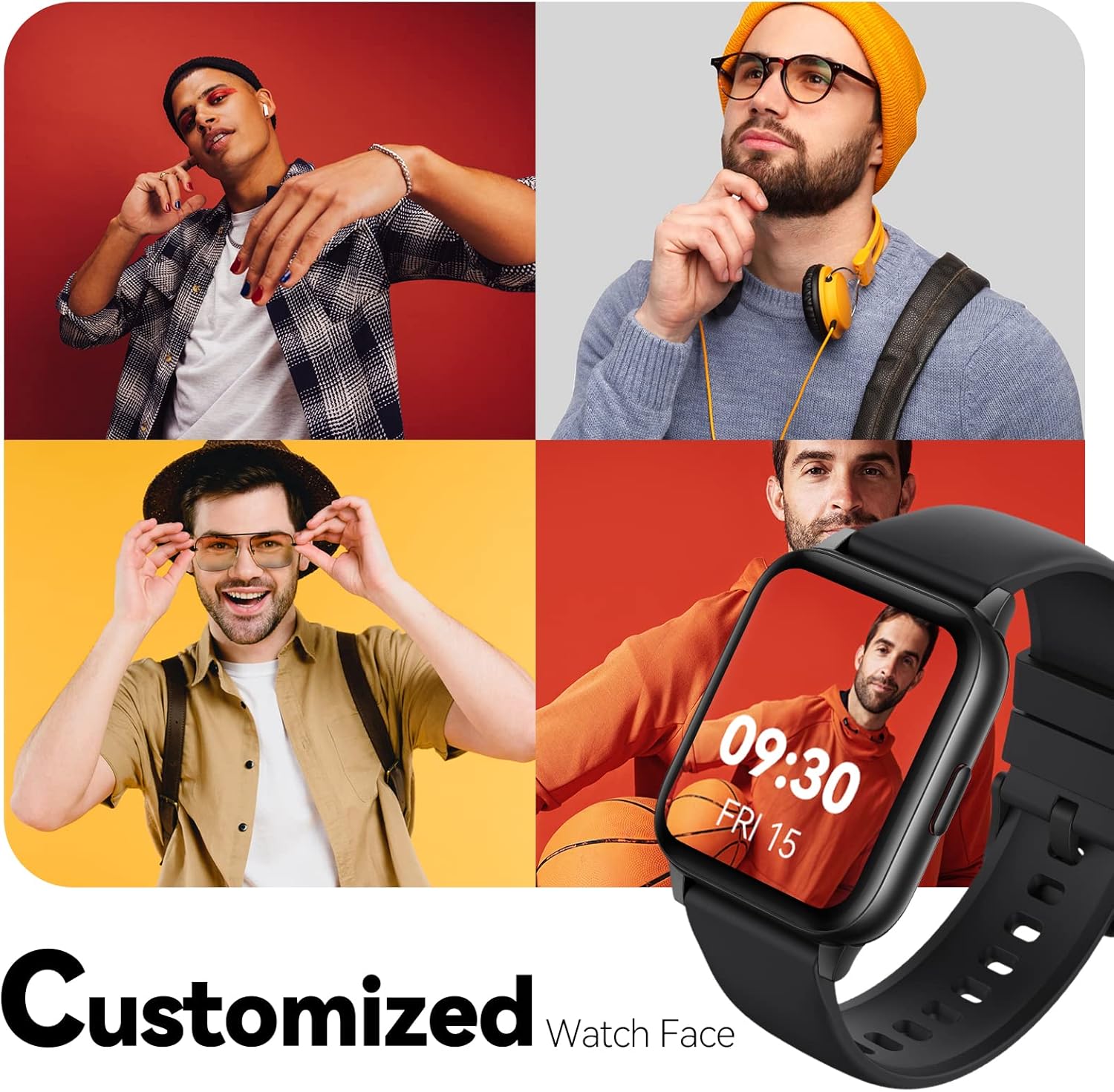
Image: Multiple watch face designs shown on the smart watch, highlighting customization.

Image: A visual guide demonstrating how to adjust time formats, units, and customize watch faces via the companion app.
Wasserbeständigkeit
The Parsonver LW45 Smart Watch is rated 5ATM waterproof, meaning it is water-resistant up to 50 meters. This allows for use during swimming, showering, and in various weather conditions like rain or snow. Wichtig: Drücken Sie keine Knöpfe, während sich die Uhr unter Wasser befindet.

Image: The smart watch submerged in water, illustrating its 5ATM waterproof capability.
Wartung
- Reinigung: Reinigen Sie Uhr und Armband regelmäßig mit einem weichen, trockenen Tuch. Bei hartnäckigem Schmutz verwenden Sie ein leicht fusselfreies Tuch.amp Mit einem Tuch und milder Seife behandeln, anschließend gründlich ausspülen und trocknen.
- Ladekontakte: Um ein ordnungsgemäßes Laden zu gewährleisten, müssen die Ladekontakte auf der Rückseite der Uhr sauber und frei von Verunreinigungen sein.
- Lagerung: Bewahren Sie die Uhr an einem kühlen, trockenen Ort auf, wenn Sie sie nicht verwenden.
- Vermeiden Sie Chemikalien: Setzen Sie die Uhr keinen starken Chemikalien, Lösungsmitteln oder Reinigungsmitteln aus, da diese die Materialien beschädigen können.
Fehlerbehebung
| Ausgabe | Mögliche Lösung |
|---|---|
| Uhr lässt sich nicht einschalten oder aufladen | Ensure the charging cable is securely connected to both the watch and a working USB power source. Clean the charging contacts. Try a different USB port or adapter. |
| Kopplung mit Smartphone nicht möglich | Ensure Bluetooth is enabled on your phone. Restart both the watch and phone. Make sure the watch is within Bluetooth range. Check if other Bluetooth devices are interfering. Uninstall previous watch apps if present. |
| Nicht erhaltene Benachrichtigungen | Verify that notification permissions are enabled for the Parsonver app in your phone's settings. Ensure the watch is connected via Bluetooth. Check app settings for specific notification toggles. |
| Inaccurate step count or sleep data | Ensure the watch is worn snugly on your wrist. Calibrate the watch through the app if available. Note that some activities (like driving) might register as steps. Sleep tracking is active from 9:00 PM to 12:00 PM the next day. |
Technische Daten
| Besonderheit | Detail |
|---|---|
| Modellname | LW45 |
| Bildschirmgröße | 1.69 Zoll |
| Wasserbeständigkeit | 5 ATM (bis zu 50 Meter) |
| Gewicht | 40 Gramm |
| Betriebssystemkompatibilität | iOS 10.0/Android 5.0 oder höher |
| Konnektivität | Bluetooth 5.0 |
| Batteriekapazität | 300 Milliamp Std |
| Speicherkapazität | 128 MB |
| GPS | Per Smartphone |
| Im Lieferumfang enthaltene Komponenten | Smartwatch |
Support und Garantie
For technical assistance or warranty inquiries, please contact Parsonver customer service. Refer to the product packaging or the official Parsonver webDie aktuellsten Kontaktinformationen finden Sie auf dieser Webseite.
E-Mail-Adresse des Kundendienstes: support@parsonver.com

Image: The official Parsonver brand logo.
Image: A graphic indicating 24/7 online customer support availability.
Wichtige Sicherheitsinformationen
- Versuchen Sie nicht, die Uhr zu zerlegen oder zu modifizieren.
- Setzen Sie die Uhr keinen extremen Temperaturen aus.
- Consult a medical professional before starting any new exercise regimen, especially if you have pre-existing health conditions. The health monitoring features are for informational purposes and not for medical diagnosis.
- Das Gerät und seine Batterie sind gemäß den örtlichen Vorschriften zu entsorgen.
Ask a question about this manual
Ask about setup, troubleshooting, compatibility, parts, safety, or missing instructions. Manuals+ will review the question and use this page’s manual context to help answer it.