
Einführung
This manual provides instructions for the proper setup, operation, maintenance, and troubleshooting of your Lazmin112 USB Wired Stereo Soundbar. Please read this manual thoroughly before using the product to ensure optimal performance and longevity.
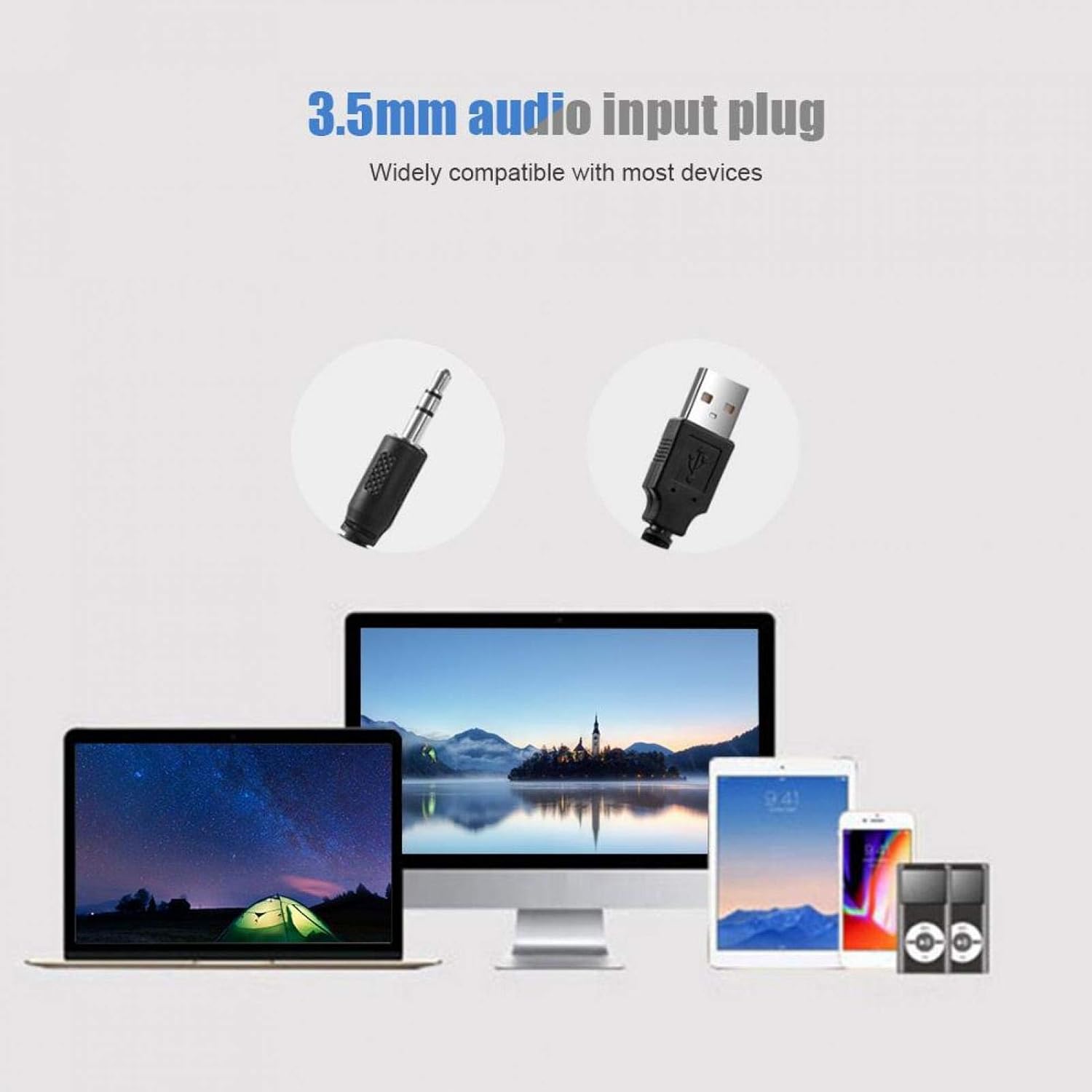
Bild: Vorderseite view of the Lazmin112 USB Wired Stereo Soundbar.
Produkteigenschaften
- 3D-Stereo-Sound: Equipped with two speakers and DSP bass sound technology for clear audio output.
- Breite Kompatibilität: Connects to various devices including desktops, laptops, smartphones, tablets, MP3, and MP4 players via a 3.5mm audio port. Powered by USB.
- Langlebiges und tragbares Design: Constructed from high-quality plastic, making it lightweight and suitable for various indoor settings.
- Integrierte Lautstärkeregelung: Features a volume knob on the cable for easy sound adjustment.
- Blaue LED-Beleuchtung: Incorporates a blue LED breathing light for visual indication.

Image: Soundbar displaying the blue LED breathing light.

Image: Illustration of the soundbar's 3D stereo sound capability with two speakers.
Packungsinhalt
Überprüfen Sie, ob alle Artikel im Paket vorhanden sind:
- Lazmin112 USB Wired Stereo Soundbar
- USB-Kabel (integriert)
Installationshandbuch
- USB-Stromversorgung anschließen: Insert the USB plug into an available USB port on your computer, laptop, or a compatible USB power adapter. This provides power to the soundbar.
- Audio anschließen: Insert the 3.5mm audio plug into the audio output jack (headphone jack) of your device (PC, laptop, smartphone, tablet, etc.).
- Positionieren Sie die Soundbar: Place the soundbar on a stable surface, such as a desk or shelf, ensuring it is not obstructed for optimal sound projection.
- Verbindung überprüfen: Ensure both the USB and 3.5mm audio plugs are securely connected.

Image: Illustration of connecting the 3.5mm audio input plug and USB power plug to various devices.
Bedienungsanleitung
- Einschalten: Once the USB cable is connected to a power source, the soundbar will power on automatically, indicated by the blue LED light.
- Lautstärke anpassen: Use the inline volume knob located on the cable to increase or decrease the sound output. Rotate clockwise to increase volume and counter-clockwise to decrease.
- Audio abspielen: Begin playing audio from your connected device. The sound will be routed through the soundbar.
- Ausschalten: Disconnect the USB cable from the power source to turn off the soundbar.

Image: A hand adjusting the inline volume knob on the soundbar's cable.
Wartung
- Reinigung: Use a soft, dry cloth to clean the exterior of the soundbar. Avoid using liquid cleaners or abrasive materials.
- Lagerung: Bei längerer Nichtbenutzung sollte die Soundbar an einem kühlen, trockenen Ort, geschützt vor direkter Sonneneinstrahlung und extremen Temperaturen, aufbewahrt werden.
- Kabelpflege: Um Beschädigungen zu vermeiden, sollten die Kabel nicht übermäßig gebogen oder verdreht werden.
Fehlerbehebung
| Problem | Mögliche Ursache | Lösung |
|---|---|---|
| Keine Tonausgabe |
|
|
| Verzerrter Ton |
|
|
| Blaue LED leuchtet nicht | USB-Stromversorgung nicht angeschlossen oder defekt. | Ensure the USB cable is securely connected to a functional USB port. Try a different USB port or power adapter. |
Technische Daten
| Besonderheit | Detail |
|---|---|
| Marke | Lazmin112 |
| Modellname | Lazmin112o71kzmndxi6060-01 |
| Lautsprechertyp | Soundbar |
| Konnektivitätstechnologie | USB (for power), 3.5mm Audio Jack (for signal) |
| Audioausgabemodus | Stereo, Surround |
| Maximale Lautsprecherausgangsleistung | 3 Watt |
| Material | Plastik |
| Farbe | Weiß |
| Produktabmessungen (L x B x H) | 12.6" x 2.5" x 2.7" (32 cm x 6.4 cm x 6.8 cm) |
| Artikelgewicht | 1.32 Pfund |
| Kontrollmethode | Volume Knob (inline) |
| Kompatible Geräte | Smartphone, Tablet, MP3 Player, Desktop, Laptop |

Image: Diagram illustrating the physical dimensions of the soundbar.
Garantie und Support
This product comes with a limited warranty. For detailed warranty information or technical support, please refer to the product packaging or contact Lazmin112 customer service through the retailer where the product was purchased.