
1. Einleitung
Thank you for choosing the LAXIHUB P2 2K/3MP Indoor Wi-Fi Security Camera. This manual provides essential information for setting up, operating, and maintaining your device. The P2 camera offers advanced features such as 2K/3MP video resolution, 360-degree pan and tilt functionality, enhanced night vision, two-way audio communication, and intelligent motion and sound detection. It is designed to help you monitor your home, pets, or children with ease and peace of mind.

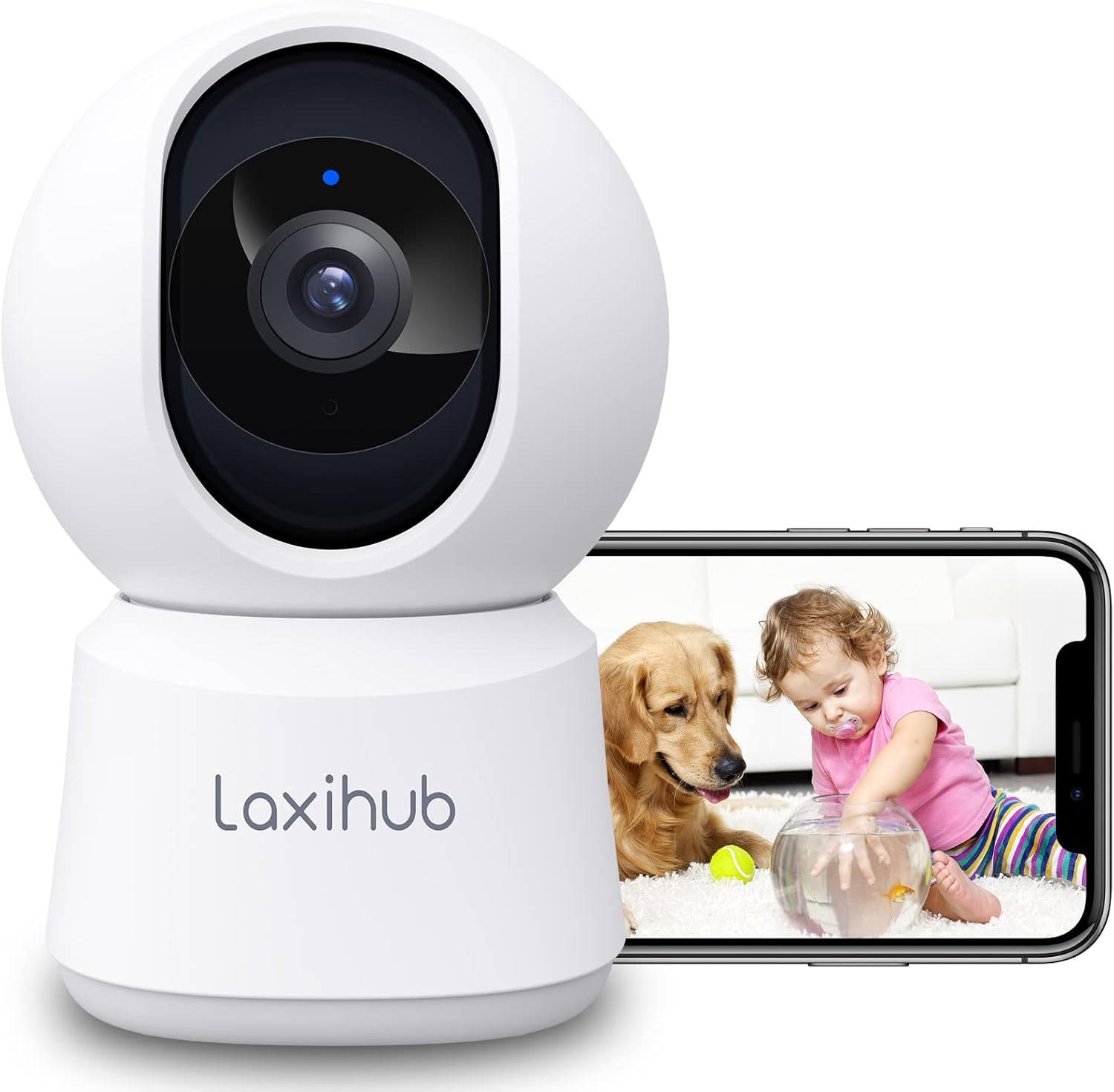
LAXIHUB P2 Indoor Security Camera showing a golden retriever and a baby, with a smartphone displaying the live feed.
2. Funktionen vorbeiview
The LAXIHUB P2 camera is equipped with a range of features to enhance your home monitoring experience:
- 2K/3MP Video Resolution: Bietet klare und detaillierte Video-Footage.
- 360° Schwenk- und Neigefunktion: Bietet eine breite viewing angle with 355° horizontal and 93° vertical rotation.
- Verbesserte Nachtsicht: Clear visibility up to 33 feet (10 meters) in complete darkness.
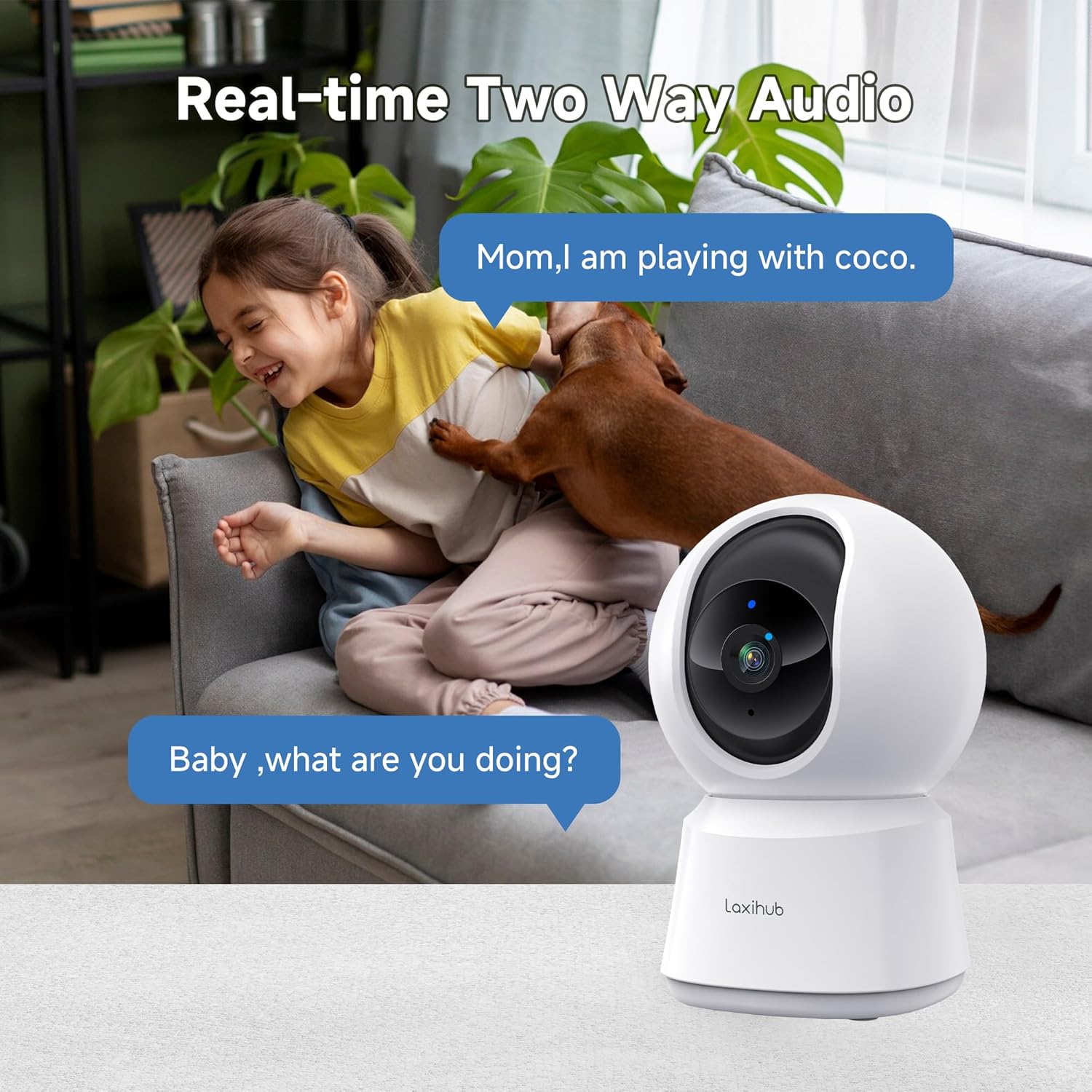
- Zweiwege-Audio: Eingebautes Mikrofon und Lautsprecher für Echtzeitkommunikation.
- Bewegungs- und Geräuscherkennung: Sends instant alerts to your smartphone upon detecting activity.
- Anpassbare Aktivitätszonen: Definiere spezifische Bereiche für die Bewegungserkennung.
- Flexible Speicheroptionen: Supports local SD card storage (up to 256GB, not included) and cloud storage.
- Datenschutzmodus: Turn off the camera with one click via the app.
- Sprachsteuerung: Kompatibel mit Amazon Alexa und Google Assistant.

Infographic detailing LAXIHUB P2 camera features: 2K 3MP view, customizable privacy mode, flexible 256GB storage, sharing, night vision, real-time alerts, and Alexa compatibility.
3. Packungsinhalt
Bitte prüfen Sie das Paket auf folgende Artikel:
- LAXIHUB P2 Camera (1)
- Netzteil (1)
- Mounting Accessories (Screws, Wall Plugs, Mounting Plate)
- Benutzerhandbuch (dieses Dokument)
4. Installationsanleitung
4.1 App-Download und Kontoerstellung
- Download the Arenti App from the App Store (iOS) or Google Play Store (Android).
- Öffne die App und erstelle ein neues Konto oder melde dich an, falls du bereits eines hast.
4.2 Einschalten der Kamera
- Schließen Sie das Netzteil an den Stromanschluss der Kamera an.
- Stecken Sie das Netzteil in eine Wandsteckdose.
- The camera will power on, and the indicator light will flash, indicating it's ready for pairing.
4.3 Gerätekopplung (WLAN-Verbindung)
- In the Arenti App, tap the "+" icon to add a new device.
- Select your LAXIHUB P2 camera model from the list.
- Folgen Sie den Anweisungen auf dem Bildschirm, um die Kamera mit Ihrem 2.4-GHz-WLAN-Netzwerk zu verbinden. Stellen Sie sicher, dass Ihr Smartphone mit demselben WLAN-Netzwerk verbunden ist.
- Scan the QR code displayed on your phone screen with the camera lens. Hold the phone approximately 15-20 cm (6-8 inches) from the camera.
- Sobald die Verbindung hergestellt ist, leuchtet die Kontrollleuchte der Kamera durchgehend blau und Sie hören einen Bestätigungston.
4.4 Aufstellung und Montage
The LAXIHUB P2 camera can be placed on a flat surface or mounted on a wall or ceiling.
- Platzierung der Tischplatte: Simply place the camera on a stable surface with a clear view des Bereichs, den Sie überwachen möchten.
- Wand-/Deckenmontage:
- Attach the mounting plate to the desired location using the provided screws and wall plugs.
- Securely attach the camera to the mounting plate by twisting it into place.
- Adjust the camera angle in the app if necessary to ensure proper orientation.
5. Bedienungsanleitung
5.1 Live View und Schwenk-/Neigesteuerung
Access the live video feed from your camera through the Arenti App. Use the on-screen controls to remotely adjust the camera's viewing-Winkel.
- Pfanne: Drehen Sie die Kamera horizontal um bis zu 355 Grad.
- Neigung: Stellen Sie die Kamera vertikal bis zu 93 Grad ein.

LAXIHUB P2 camera demonstrating 355-degree horizontal and 93-degree vertical rotation, controlled via a smartphone app.
5.2 Zwei-Wege-Audio
The camera features a built-in microphone and speaker, allowing you to listen to your environment and speak through the camera.
- Tippen Sie in der App auf das Mikrofonsymbol, um zu sprechen. Ihre Stimme wird über den Lautsprecher der Kamera übertragen.
- Ensure the speaker icon is enabled to hear audio from the camera's location.

A child and a dog interacting in a living room, with the LAXIHUB P2 camera in the foreground, depicting two-way audio communication.
5.3 Bewegungs- und Geräuscherkennung
The camera can detect motion and sound, sending instant alerts to your smartphone.
- Bewegungsverfolgung: When motion is detected, the camera can automatically track the subject to keep it in view.
- Einstellbare Empfindlichkeit: Customize the sensitivity levels for both motion and sound detection in the app to minimize false alarms.
- Aktivitätszonen: Legen Sie bestimmte Bereiche innerhalb der Kamera fest view Bei der Bewegungserkennung werden irrelevante Bereiche ignoriert.
LAXIHUB P2 camera tracking multiple cats in a living room, illustrating its smart motion tracking feature.

A cat on a sofa with a phone displaying a 'P2T Sound detected...' alert message, illustrating the camera's noise detection feature.
5.4 Nachtsicht
The camera automatically switches to enhanced infrared night vision in low-light conditions, providing clear black and white video up to 33 feet (10 meters).

A sleeping baby in a crib, viewed through the LAXIHUB P2 camera's enhanced night vision, showing the LED IR sensor and automatic activation up to 33ft in darkness.
5.5 Videospeicher
Ihre Videoaufnahmen können auf zwei Arten gespeichert werden:
- Micro SD Karte: Insert a Micro SD card (up to 256GB, not included) into the camera's slot for local storage. Recordings can be exported from the SD card.
- Cloud-Speicher: LAXIHUB offers a free 3-month cloud storage trial. Your data is securely stored on AWS servers.

LAXIHUB P2 camera with an inset showing an SD card being inserted, and icons for SD card and cloud storage options.
5.6 Datenschutzmodus
Activate Privacy Mode via the Arenti App to temporarily turn off the camera and stop recording, ensuring your privacy when needed.
5.7 Integration von Sprachassistenten
The LAXIHUB P2 camera is compatible with Amazon Alexa and Google Assistant. You can use voice commands to view die Live-Übertragung auf kompatiblen Smart-Displays.
- Follow the instructions in your Alexa or Google Home app to link your Arenti account.
- ExampDer Befehl: "Alexa, zeig mir die Wohnzimmerkamera."
6. Wartung
6.1 Reinigung
To ensure optimal performance, keep the camera lens clean.
- Gently wipe the lens with a soft, dry, lint-free cloth.
- Vermeiden Sie die Verwendung aggressiver Chemikalien oder Scheuermittel.
6.2 Firmware-Updates
Periodically check the Arenti App for available firmware updates. Keeping your camera's firmware up-to-date ensures you have the latest features and security enhancements.
- Navigieren Sie in der App zu den Kameraeinstellungen.
- Select "Firmware Update" and follow the prompts.
7. Fehlerbehebung
| Problem | Mögliche Ursache | Lösung |
|---|---|---|
| Kamera offline | No power; Wi-Fi disconnected; Weak Wi-Fi signal | Check power connection; Restart camera and router; Ensure camera is within Wi-Fi range. |
| Keine Verbindung zum WLAN möglich | Incorrect Wi-Fi password; Not 2.4GHz network; Too far from router | Passwort überprüfen; Sicherstellen, dass Sie mit einem 2.4-GHz-Netzwerk verbunden sind; Kamera näher an den Router heranrücken. |
| Bewegungs-/Geräuschalarme nicht empfangen | Notifications disabled; Sensitivity too low; App not running in background | Enable app notifications; Adjust sensitivity settings; Ensure app is allowed to run in background. |
| Schlechte Videoqualität | Schwaches WLAN-Signal; verschmutzte Linse | Improve Wi-Fi signal strength; Clean the camera lens. |
| Probleme mit der Zwei-Wege-Audiofunktion | Mikrofon/Lautsprecher stummgeschaltet; Netzwerklatenz | Check audio settings in app; Ensure stable internet connection. |
8. Spezifikationen
| Besonderheit | Detail |
|---|---|
| Modellnummer | P2 |
| Abmessungen (L x B x H) | 7.6 x 7.3 x 11.7 cm |
| Gewicht | 190 Gramm |
| Videoauflösung | 2K/3MP (2560 x 1080 pixels) |
| Bildfrequenz | 25 Bilder pro Sekunde |
| Schwenkwinkel | 355 Grad horizontal |
| Neigungswinkel | 93 Grad vertikal |
| Nachtsichtbereich | Bis zu 33 Fuß (10 Meter) |
| IR-LEDs | 2 |
| Konnektivität | Wi-Fi (2.4GHz only), Wired |
| Stromquelle | Electric Cable, 5V, 4.5W |
| Speicheroptionen | Micro-SD-Karte (bis zu 256 GB), Cloud-Speicher |
| Kontrollmethode | Arenti App |
| Kompatibilität des Sprachassistenten | Amazon Alexa, Google Assistant |
| Nutzungsumgebung | Innenbereich |
| IP-Schutzart | IP65 (Note: While rated IP65, this camera is recommended for indoor use.) |
Comparison image showing the difference between 1080P and LAXIHUB P2's 2K/3MP video resolution.
9. Garantie und Support
9.1 Garantieinformationen
LAXIHUB products typically come with a limited warranty. Please refer to the warranty card included in your product packaging or visit the official LAXIHUB webAuf der Website finden Sie detaillierte Garantiebedingungen speziell für Ihre Region.
9.2 Kundendienst
If you encounter any issues or have questions regarding your LAXIHUB P2 camera, please contact our customer support team:
- E-Mail: Check the LAXIHUB official webDie aktuellste Support-E-Mail-Adresse finden Sie auf der entsprechenden Webseite.
- Online-Ressourcen: Visit the LAXIHUB support page for FAQs, video tutorials, and additional resources.