
MYMAHDI M230-Silver-New
Mymahdi MP3/MP4 Tragbarer Player – Benutzerhandbuch
Model: M230-Silver-New
1. Einleitung
The Mymahdi MP3/MP4 Portable Player is a versatile and compact device designed for entertainment and learning on the go. It supports various functions including music playback, photo viewing, e-book reading, voice recording, and FM radio. Its slim design and long battery life make it an ideal companion for travel, exercise, or daily commutes.
This player is designed to be user-friendly and supports expandable storage up to 64GB via a TF/Micro SD card (not included).

Figure 1: Mymahdi MP3/MP4 Portable Player showcasing Mehrere Farboptionen.
2. Einrichtung
2.1 Packungsinhalt
Bevor Sie beginnen, vergewissern Sie sich bitte, dass alle Artikel im Paket vorhanden sind:
- 1x Mymahdi Music Player
- 1x USB-Kabel
- 1x Kopfhörer
- 1x Benutzerhandbuch (dieses Dokument)
- 1x After-sale Card
- 1x High Valued Gift Box

Figure 2: Included accessories: player, USB cable, earphones, manual, and gift box.
2.2 Aufladen des Geräts
Connect the player to a USB power source (e.g., computer USB port or a USB wall adapter) using the provided USB cable. The device charges in approximately 3 hours when powered on. A full charge provides up to 40 hours of usage.
2.3 Inserting a TF/Micro SD Card
The player requires a TF/Micro SD card for storing music, videos, photos, and e-books. Locate the card slot on the device and gently insert the card until it clicks into place. The player supports cards up to 64GB.
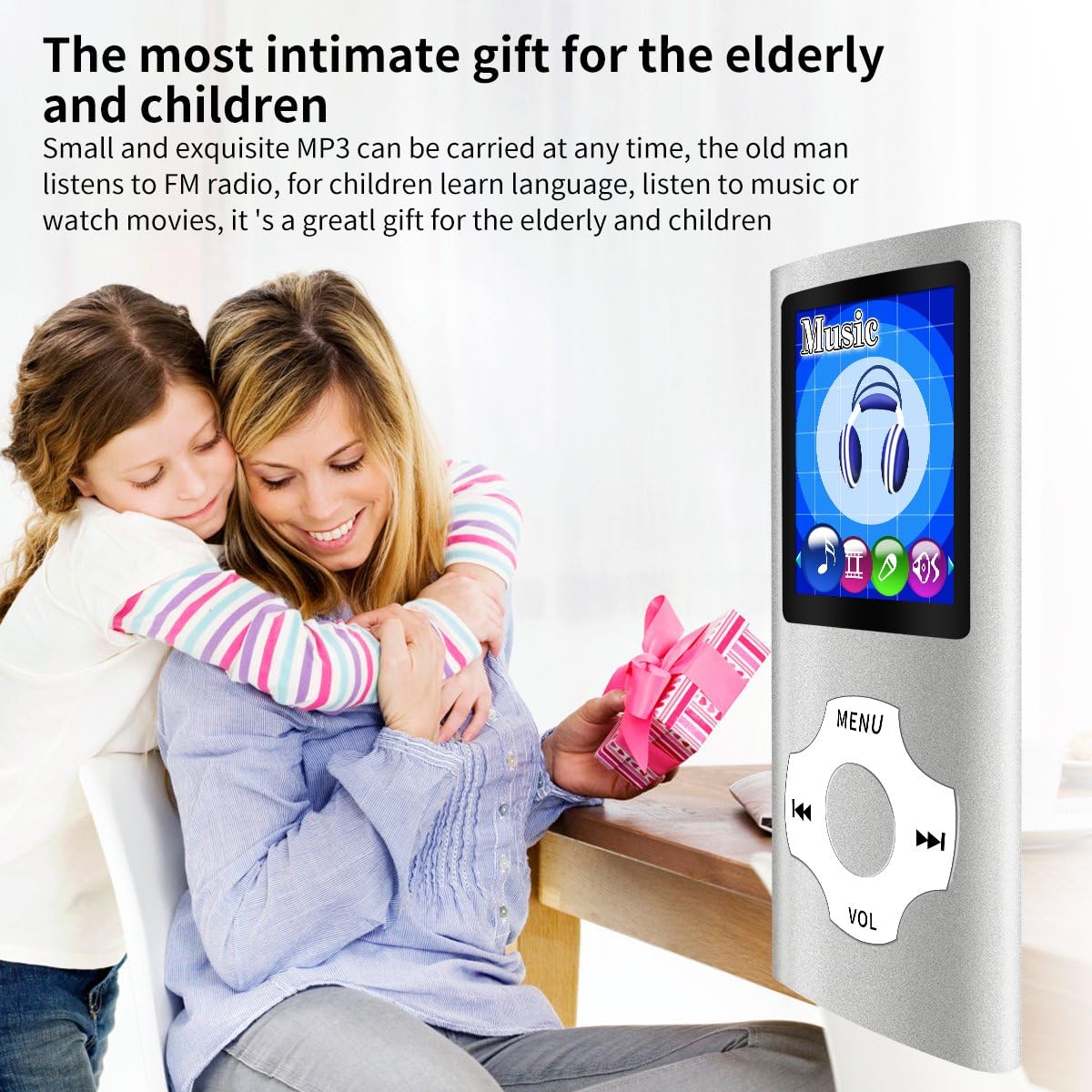
Figure 3: Illustrates the insertion of a TF/Micro SD card into the player.
2.4 Übertragung Files
To transfer music, videos, photos, or e-books, connect the player to your computer using the USB cable. The device will appear as a removable disk. Simply copy and paste your desired files directly onto the TF/Micro SD card within the player's storage. For video files, AMV and AVI formats are supported, but AVI may require a conversion tool (resolution 128x160).
3. Bedienungsanleitung
3.1 Grundlegende Navigation
The player features a central navigation pad with "MENU", "VOL", and directional buttons (left, right, up, down, play/pause). The "MENU" button typically returns to the previous screen or main menu. The "VOL" button, when held down, allows volume adjustment; otherwise, it may function as a back button.
3.2 Musikwiedergabe
From the main menu, select the "Music" icon. Navigate through your folders and select a song to play. Supported audio formats include MP3 (MP1, MP2, MP3), WMA, OGG, WAV, APE, FLAC, AAC-LC, ACELP. For APE and FLAC, requirements are 8KHz-48KHz, 1000Kbps.

Figure 4: The player is suitable for listening to music during physical activities.
3.3 Foto Viewer
Select the "Photo" icon from the main menu to browse images stored on your TF card.
3.4 E-Book-Reader
Greifen Sie auf die Funktion „E-Book“ zu, um den Text zu lesen. files. You can watch the books you would like at anytime and anywhere.

Figure 5: The player can be used as an e-book reader.
3.5 Diktiergerät
The player includes a voice recording feature. Select the "Voice Recorder" icon to start recording audio. It offers one-key high-definition recording.
Figure 6: The player's interface for voice recording.
3.6 UKW-Radio
Tune into your favorite FM radio stations. The player supports preset stations, manual tuning, and auto tuning across various radio frequency bands.
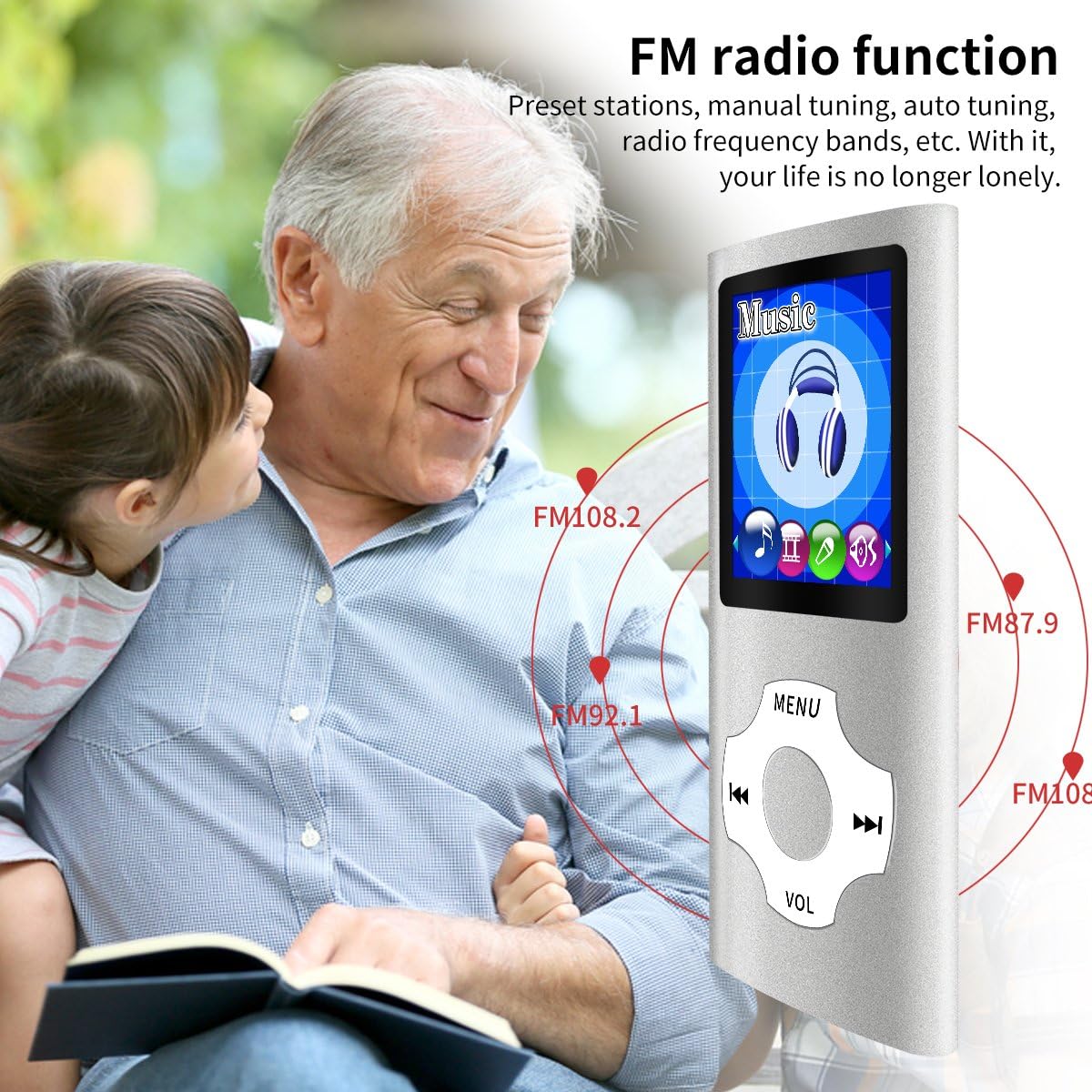
Figure 7: Visual representation of the FM radio function with frequency indicators.
3.7 Videowiedergabe
The player supports AMV and AVI video formats. For AVI files, a conversion tool may be required to ensure compatibility and optimal playback at a resolution of 128x160.
3.8 Spracheinstellungen
The device supports multiple languages including English, German, French, Italian, Dutch, Portuguese, Spanish, Russian, Hebrew, and more. Navigate to the settings menu to change the display language.
Video 1: An official product video demonstrating various features and functions of the Mymahdi MP3/MP4 player, including its multi-lingual selection and portability.
4. Wartung
4.1 Reinigung
Reinigen Sie das Gerät mit einem weichen, trockenen Tuch. Vermeiden Sie die Verwendung von flüssigen Reinigern oder Scheuermitteln, da diese den Bildschirm oder die Elektronik beschädigen können.asing.
4.2 Speicherung
Store the player in a cool, dry place away from direct sunlight and extreme temperatures. When not in use for extended periods, ensure the battery is partially charged (around 50%) to prolong its lifespan.
4.3 Batteriepflege
To maintain optimal battery performance, avoid fully discharging the battery frequently. Charge the device regularly, even if not in constant use.
5. Fehlerbehebung
If you encounter issues with your Mymahdi MP3/MP4 Player, please refer to the following common problems and solutions:
| Problem | Mögliche Ursache | Lösung |
|---|---|---|
| Gerät lässt sich nicht einschalten. | Niedriger Akkustand oder Gerät ausgeschaltet. | Charge the device for at least 3 hours. Ensure the power switch (if present) is in the ON position. |
| Übertragung nicht möglich files zum Gerät. | No TF/Micro SD card inserted or card not recognized. | Ensure a TF/Micro SD card is properly inserted. Try re-inserting the card or using a different card. Ensure the device is connected correctly to the computer. |
| Poor sound quality or no audio. | Faulty earphones or incorrect audio settings. | Try using a different pair of earphones. Check the volume level on the device. Ensure audio files sind nicht beschädigt. |
| Buttons are unresponsive or behave unexpectedly. | Software glitch or unfamiliarity with controls. | Restart the device. Familiarize yourself with the button functions; for example, the "VOL" button may also serve as a "back" button if not held down for volume control. |
| Video files spielen nicht. | Unsupported video format or resolution. | Video sicherstellen files are in AMV or AVI format. If AVI, confirm they are converted to 128x160 resolution using a compatible tool. |
6. Spezifikationen
| Besonderheit | Detail |
|---|---|
| Technische Daten | 3.54 x 1.57 x 0.39 Zoll |
| Artikelgewicht | 3.52 Unzen |
| Bildschirmgröße | 1.8 Zoll LCD |
| Speicherkapazität | Max 64 GB (via TF/Micro SD card) |
| Akku-Typ | 1 Lithium-Ionen-Akku (im Lieferumfang enthalten) |
| Akkulaufzeit | Bis zu 40 Stunden nach vollständiger Aufladung |
| Ladezeit | Ungefähr 3 Stunden |
| Konnektivitätstechnologie | USB |
| Unterstützte Audioformate | MP3 (MP1, MP2, MP3), WMA, OGG, WAV, APE, FLAC, AAC-LC, ACELP |
| Unterstützte Videoformate | AMV, AVI (128x160, may require conversion) |
| Medientyp | Micro SD, Micro SDHC |
| Besondere Merkmale | FM Radio, Voice Recorder, E-book Reader, Photo Viewer |
| Unterstützte Sprachen | English, German, French, Italian, Dutch, Portuguese, Spanish, Russian, Hebrew, etc. |
7. Garantie und Support
The Mymahdi MP3/MP4 Player comes with a 12-month warranty. For any product inquiries, technical support, or warranty claims, please refer to the contact information provided on the included After-sale Card or visit the official MYMAHDI store on Amazon: MYMAHDI Store.
We pride ourselves on friendly and prompt customer service.
Ask a question about this manual
Ask about setup, troubleshooting, compatibility, parts, safety, or missing instructions. Manuals+ will review the question and use this page’s manual context to help answer it.