
Indledning
Thank you for choosing the Dyurwa ZY02 Portable Bluetooth Speaker. This manual provides essential information for setting up, operating, and maintaining your speaker to ensure optimal performance and longevity. The Dyurwa ZY02 offers wireless stereo sound, IPX7 waterproofing, dynamic RGB lights, and TWS pairing capabilities, making it ideal for various environments including outdoors, home parties, travel, and beach use.
Hvad er der i æsken
- 1 x Dyurwa Bluetooth Speaker
- 1 x brugermanual
- 1 x Power Cable (Micro USB)
Opsætning
Opladning af højttaleren
Before first use, fully charge your Dyurwa ZY02 speaker. Connect the included Micro USB cable to the charging port on the speaker and a compatible USB power adapter (not included). A full charge typically takes 2-3 hours. The speaker features up to 12 hours of playtime, which may vary based on volume levels and light settings.

Image: The Dyurwa ZY02 speaker highlighting its 12-hour battery life, with a note that continuous playtime is achieved under 50% volume and light-off settings.
Bluetooth-parring
- Tænd: Tryk og hold tænd/sluk-knappen (⏻) on the speaker until you hear an audible prompt and the LED indicator flashes.
- Aktiver Bluetooth: On your mobile phone, tablet, or other Bluetooth-enabled device, go to the Bluetooth settings and enable Bluetooth.
- Vælg enhed: Look for 'Dyurwa ZY02' in the list of available devices and select it to pair.
- Bekræftelse: Once successfully paired, you will hear a confirmation tone, and the LED indicator will turn solid blue.

Image: The Dyurwa ZY02 speaker wirelessly connected to a smartphone and a television, illustrating its Bluetooth 5.3 rock-solid connection for instant, skip-free pairing.
Ægte trådløs stereo (TWS) parring
To achieve a true stereo sound experience, you can pair two Dyurwa ZY02 speakers together:
- Sørg for, at begge højttalere er tændt og ikke er forbundet til nogen anden Bluetooth-enhed.
- On one speaker (this will be the primary speaker), press and hold the TWS pairing button (often indicated by an infinity symbol or two interlocking circles) for a few seconds.
- The primary speaker will search for the secondary speaker. Once connected, you will hear a confirmation tone.
- Tilslut nu din enhed til den primære højttaler via Bluetooth som beskrevet ovenfor. Begge højttalere vil afspille lyd i stereo.
Betjening af højttaleren
Knap funktioner
The Dyurwa ZY02 features intuitive controls on its top panel:
- Tænd/sluk-knap (⏻): Tryk og hold nede for at tænde/slukke. Tryk kort for at kontrollere batteristatus.
- Mode-knap (M): Short press to switch between Bluetooth, AUX, or TF Card modes.
- Skrue ned for lyden (-): Kort tryk for at sænke lydstyrken. Langt tryk for forrige nummer.
- Play/Pause Button (▶): Kort tryk for at afspille eller sætte musik på pause.
- Lydstyrke op (+): Kort tryk for at øge lydstyrken. Langt tryk for næste nummer.
- TWS/Connect Button (∞): Press and hold for TWS pairing. Short press to disconnect TWS.
- Basknap (BASS): Short press to activate/deactivate enhanced bass mode.
- Lysknap (💡): Short press to cycle through dynamic RGB light modes.

Image: The Dyurwa ZY02 speaker showcasing its control panel with buttons for power, mode, volume, play/pause, TWS, bass, and light functions.
Dynamic RGB Light Show
Enhance your listening experience with the speaker's dynamic RGB light show. Press the Light button (💡) to cycle through various colored light modes that sync to the beat of your music. Customize the light effects to match your preference and elevate the atmosphere of any gathering.

Image: The Dyurwa ZY02 speaker with its dual drivers illuminated by vibrant, dynamic RGB lights, demonstrating the light show feature.
Opretholdelse
Vandtætning (IPX7)
The Dyurwa ZY02 speaker boasts an IPX7 waterproof rating, meaning it can be submerged in up to 1 meter of water for 30 minutes. This makes it suitable for use in the shower, at the beach, by the pool, or during outdoor activities like hiking and kayaking. Ensure the charging port cover is securely closed before exposing the speaker to water.
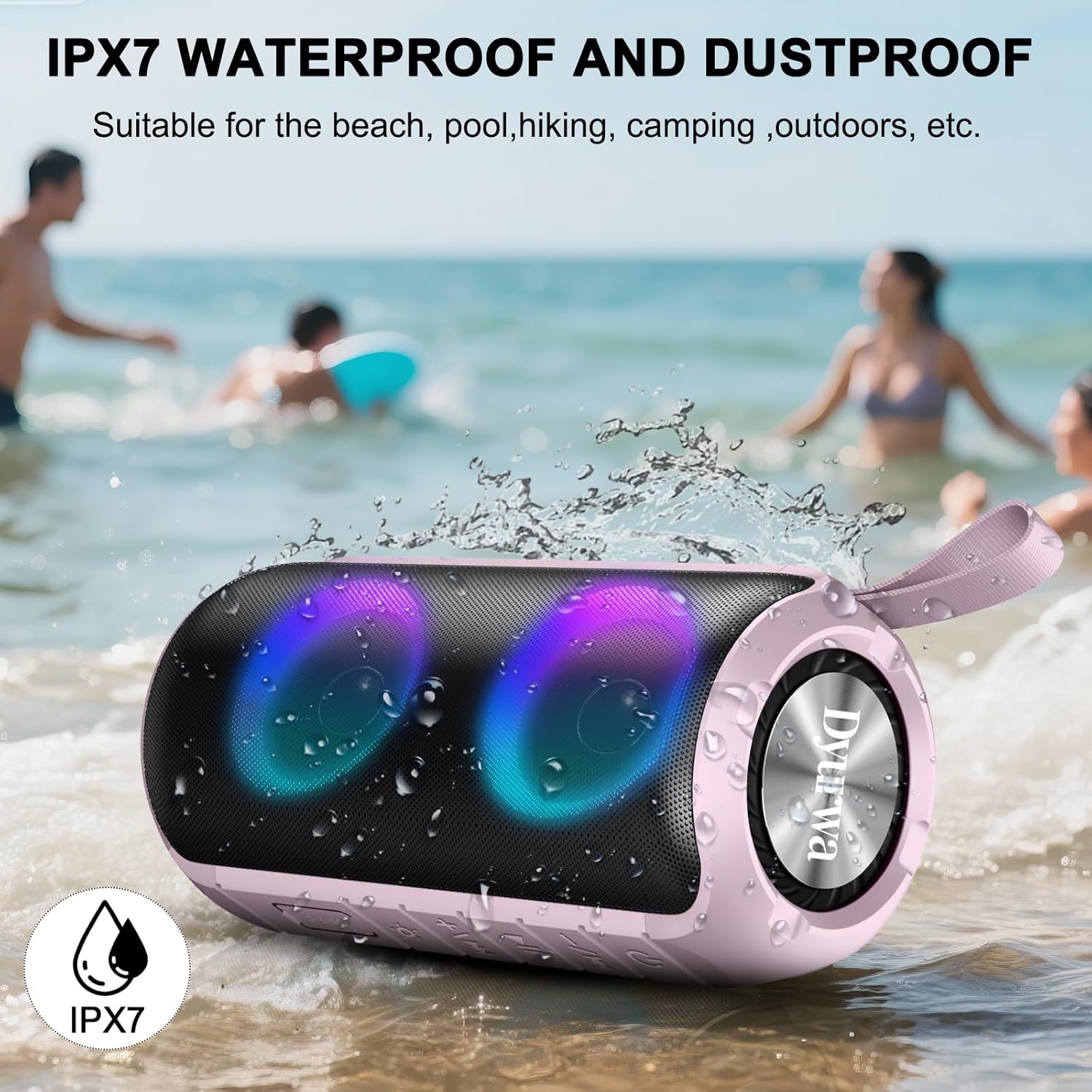
Image: The Dyurwa ZY02 speaker being splashed with water at a beach, illustrating its IPX7 waterproof and dustproof capabilities.
Rengøring og opbevaring
For at rengøre din højttaler skal du bruge en blød,amp cloth. Avoid using harsh chemicals or abrasive cleaners. Store the speaker in a cool, dry place away from direct sunlight and extreme temperatures when not in use for extended periods.
Fejlfinding
- Højttaleren tænder ikke: Sørg for, at højttaleren er fuldt opladet. Tilslut den til en strømkilde, og prøv igen.
- Kan ikke parres via Bluetooth: Make sure the speaker is in Bluetooth pairing mode (flashing LED). Check that Bluetooth is enabled on your device and that the speaker is within range (up to 33 feet/10 meters). Forget previous pairings on your device and try pairing again.
- Ingen lyd: Check the volume levels on both the speaker and your connected device. Ensure the speaker is correctly paired and not in another mode (e.g., AUX, TF Card).
- Dårlig lydkvalitet: Move the speaker closer to your device to improve Bluetooth signal. Ensure there are no obstructions between the speaker and your device.
- Problemer med TWS-parring: Ensure both speakers are fully charged and not connected to any other device. Follow the TWS pairing instructions carefully.
Specifikationer
| Feature | Detalje |
|---|---|
| Mærke | Dyurwa |
| Modelnavn | ZY02 |
| Forbindelsesteknologi | Bluetooth 5.3 |
| Højttaler type | Udendørs |
| Speciel funktion | Music Player, RGB Lights, TWS Pairing, IPX7 Waterproof |
| Kompatible enheder | Smartphone, tablet, computer |
| Højttaler Maksimal udgangseffekt | 180 watt |
| Spilletid | Up to 12 hours (varies by volume/light settings) |
| Opladningstid | 2-3 timer |
| Vandmodstandsniveau | IPX7 vandtæt |
| Produktdimensioner | 2.54" D x 5" B x 4" H |
| Varens vægt | 1.36 pund |
| Batterier | 1 A batteri påkrævet (medfølger) |
Garanti og support
For warranty information or technical support, please refer to the contact details provided on the product packaging or visit the official Dyurwa webwebsted. Gem din købskvittering som købsbevis i tilfælde af garantikrav.


