
1. Introduktion
This manual provides essential information for the safe and efficient operation of your Philips 36W LED Motion Sensor Security Light. Please read these instructions thoroughly before installation and use, and retain them for future reference.

Figure 1: Philips Outdoor LED Security Light highlighting key features.
2. Sikkerhedsoplysninger
Følg altid grundlæggende sikkerhedsforanstaltninger ved installation og betjening af elektriske produkter for at reducere risikoen for brand, elektrisk stød og personskade.
- Sørg for, at strømforsyningen er afbrudt før installation eller vedligeholdelse.
- Dette produkt er designet til udendørs brug og er vandafvisende. Undgå dog at nedsænke det i vand.
- If hardwiring the unit, installation should be performed by a qualified electrician in accordance with local electrical codes.
- Forsøg ikke selv at modificere eller reparere produktet. Kontakt kvalificeret servicepersonale for reparationer.
- Holdes væk fra brændbare materialer.
3. Pakkens indhold
Kontroller, at alle komponenter er til stede, før installationen påbegyndes:
- 1 x Philips 36W Motion Sensor Security Light
- 4 x monteringsskruer
- 4 x ekspansionsskruer (vægankre)
Note: A junction box is not included and may be required for hardwired installations.

Figur 2: Produktmål og medfølgende tilbehør.
4. Produktfunktioner
- Høj lysstyrke: Delivers 3800 lumens of cool white light at 5000K for extensive illumination.
- Justerbare hoveder: Features three rotatable light heads, allowing for customizable and wide coverage.
- High-Sensitivity Motion Sensor: Passive Infrared (PIR) sensor detects motion up to 69 feet away within a 180° angle.
- Flere lystilstande: Offers Test mode, Security mode, Dusk-to-Dawn mode, and Manual Override mode for versatile operation.
- Holdbar og vejrbestandig: Constructed to withstand corrosion, rust, heavy rain, humidity, UV exposure, and extreme temperatures.
- Plug-and-Play installation: Designed for easy setup with a 4.92 ft plug, requiring no complex wiring for standard outlet use.

Figur 3: Overview of the security light's main features.
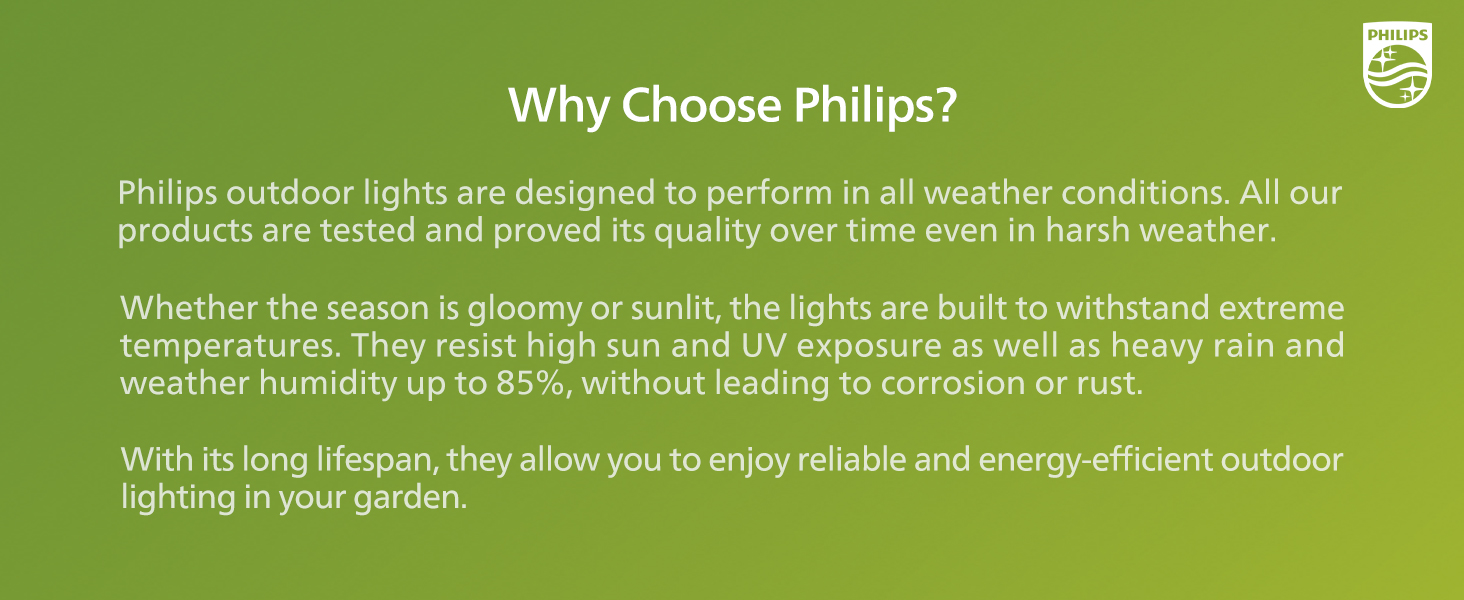
Figure 4: Adjustable heads and mounting versatility.

Figure 5: Water-resistant design for all weather conditions.
5. Opsætning og installation
The Philips Security Light offers flexible installation options. The recommended installation height is 8.2 feet.
5.1 Valg af monteringssted
Select a sturdy surface (wall or eave) that provides optimal coverage for the desired area. Ensure the location allows for the motion sensor to detect movement effectively and is within reach of a power outlet if using the plug-and-play method.
5.2 Montering af lyset
- Using the mounting bracket as a template, mark the positions for drilling.
- Drill pilot holes at the marked positions. Insert the expansion screws (wall anchors) if mounting into masonry or drywall.
- Secure the mounting bracket to the surface using the provided mounting screws.
- Fastgør lysarmaturen til monteringsbeslaget.
5.3 Strømtilslutning
Tilslut og brug: Simply plug the 4.92 ft power cord into a standard outdoor electrical outlet. Ensure the outlet is weather-protected.
Hardwiring (Optional): If direct wiring is preferred, the plug can be cut off. The product includes black (L) and white (N) wires for connection. This type of installation should only be performed by a qualified electrician to ensure safety and compliance with electrical codes.

Figure 6: Plug-and-play installation steps and hardwiring option.
6. Betjeningsvejledning
Your Philips Security Light features adjustable settings for distance, time, and various lighting modes.
6.1 Adjusting Motion Sensor Settings
The motion sensor has controls for 'DISTANCE' and 'TIME'.
- AFSTAND: Adjusts the motion detection range. Options typically include L (Low, 0-32 ft), M (Medium, 0-49 ft), and H (High, 0-69 ft).
- TID: Sets how long the light remains on after motion is detected. Options include 1 minute, 3 minutes, or 10 minutes.

Figure 7: Motion sensor distance and time adjustments.
6.2 belysningstilstande
The light offers four distinct operating modes:
- Test mode: (Operates day and night) When motion is detected, the light turns on for approximately 5 seconds. This mode is useful for verifying sensor placement and sensitivity.
- Sikkerhedstilstand: (Operates only at nighttime) When motion is detected, the light turns on at 100% brightness for the set duration (1, 3, or 10 minutes), then turns off if no further motion is detected.
- Skumring-til-daggry-tilstand: (Operates only at nighttime) The light automatically turns on at dusk at a low brightness (e.g., 20%). When motion is detected, it brightens to 100% for the set duration, then returns to low brightness. It turns off automatically at dawn.
- Manuel tilsidesættelsestilstand: This mode allows the light to stay on continuously for a set period.

Figure 8: Explanation of the four lighting modes.
6.3 Activating/Deactivating Manual Override Mode
This mode is controlled by quickly cycling the power switch connected to the light.
- Sådan aktiveres: Turn the light switch OFF, then ON, then OFF, then ON again within 3 seconds. The light will activate at 70% brightness and stay on for 6 hours. After 13 minutes, it will dim to 70% brightness.
- For at deaktivere: If the light is in manual override mode, turn the light switch OFF for more than 3 seconds, then turn it ON. The light will return to its previous sensor mode. The light will also automatically return to sensor mode after 6 hours.

Figure 9: Manual override mode activation and deactivation.
7. Vedligeholdelse
Regelmæssig vedligeholdelse sikrer optimal ydeevne og levetid for din sikkerhedslampe.
- Rensning: Tør lampen og bevægelsessensorens linse af med jævne mellemrum med en blød klud.amp cloth to remove dirt, dust, or debris. Do not use abrasive cleaners or solvents, as they may damage the finish or electronic components.
- Inspektion: Regularly check the power cord and connections for any signs of wear, damage, or corrosion. Ensure all mounting screws are tight.
- Lyskilde: LED-lyskilden er integreret og kan ikke udskiftes af brugeren.
8. Fejlfinding
Hvis du støder på problemer med din sikkerhedslampe, kan du se følgende almindelige problemer og løsninger:
| Problem | Mulig årsag | Løsning |
|---|---|---|
| Lyset tændes ikke. | No power, sensor blocked, incorrect mode. | Check power connection. Clear sensor. Verify mode settings (e.g., not in Dusk-to-Dawn during daytime). |
| Lyset forbliver tændt konstant. | Continuous motion, Manual Override active. | Remove obstructions from sensor view. Deactivate Manual Override mode (refer to Section 6.3). |
| Bevægelsessensor registrerer ikke. | Incorrect distance setting, sensor obstructed, improper angle. | Adjust 'DISTANCE' setting. Clear sensor lens. Reposition sensor head for optimal coverage. |
| Lyset flimrer eller dæmpes uventet. | Ustabil strømforsyning, løs forbindelse. | Ensure secure power connection. Check for stable voltage forsyning. |
Hvis problemet fortsætter efter at have prøvet disse løsninger, bedes du kontakte Philips kundesupport.
9. Specifikationer
| Feature | Detalje |
|---|---|
| Mærke | Philips |
| Modelnavn | Sikkerhedslys |
| Modelnummer | 7600107330 |
| Wattage | 36 watt |
| Lysstyrke | 3800 lumen |
| Farvetemperatur | 5000 Kelvin (dagslys) |
| Strømkilde | Elektrisk med ledning |
| Indendørs/Udendørs brug | Udendørs |
| Særlige funktioner | Motion Sensor, Waterproof, Anti-Rust, Adjustable Heads |
| Materiale | Plast, polycarbonat |
| Produktdimensioner | 11.22 cm L x 4.33 cm B x 9.25 cm H |
| Varens vægt | 1.43 pund |
| Voltage | 120 volt |
| Vandmodstandsniveau | Vandtæt |
10. Garanti og support
For detailed warranty information, please refer to the product packaging or the official Philips website. For technical support, product inquiries, or assistance with troubleshooting beyond this manual, please contact Philips customer service directly.