
1. Produktet er slutview
The Amkette Hush Pro Astra is a wireless mouse designed for comfort and efficiency. It features 2.4 GHz wireless connectivity, silent switches for quiet operation, an ergonomic design, and adjustable DPI settings for precise control. The mouse also includes an On/Off switch and a smart auto-sleep function to conserve battery life.
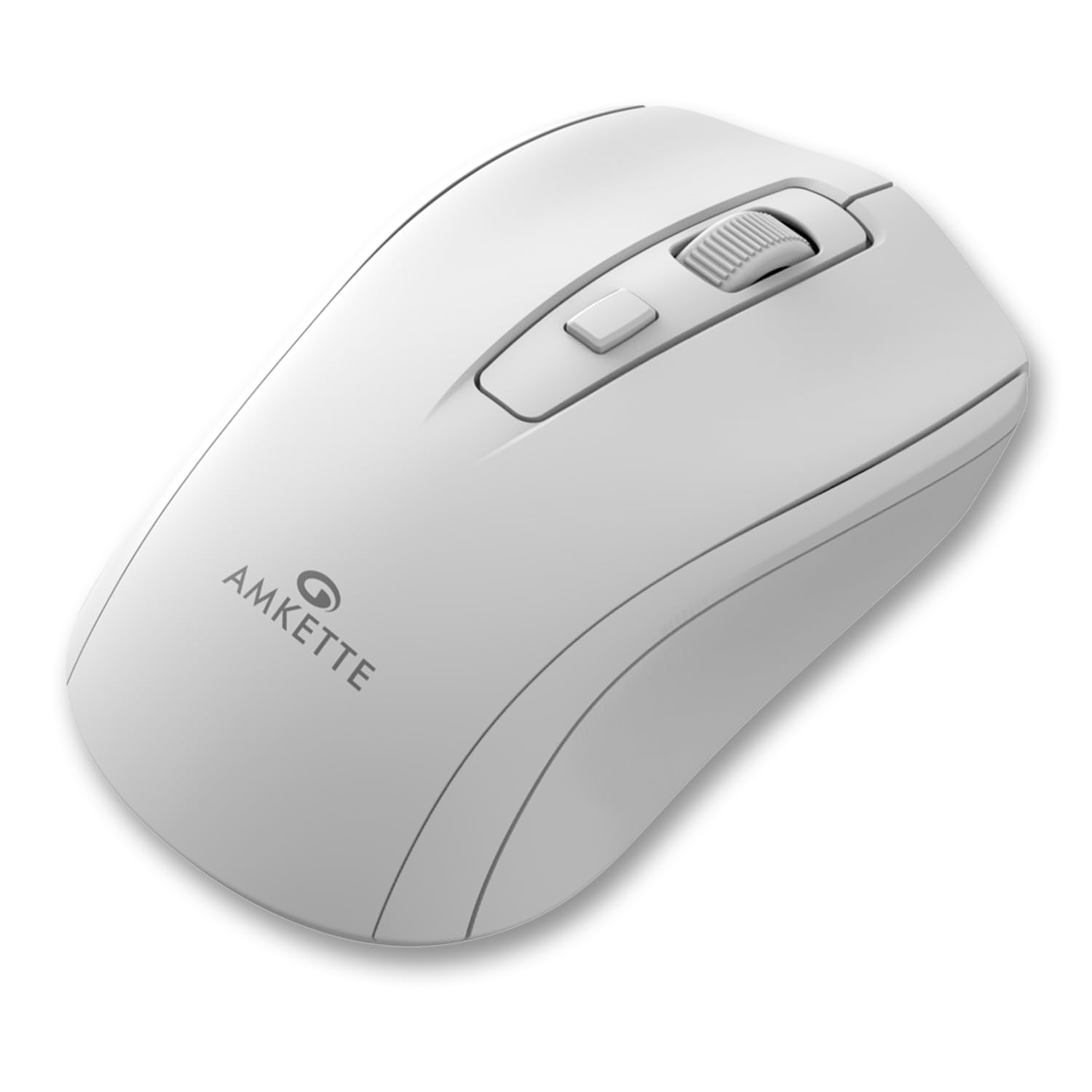
Figure 1: Amkette Hush Pro Astra Wireless Mouse (White)
Nøglefunktioner:
- Advanced 2.4 GHz Wireless Connectivity: Ensures a stable, lag-free connection.
- Lydløse kontakter: Provides noiseless clicks for an undisturbed work environment.
- Ergonomisk design: Shaped for comfortable long-term use.
- Justerbare DPI-indstillinger: Three levels (800-1000-1200 DPI) for customizable cursor sensitivity.
- Tænd/sluk-knap: For manual power control.
- Smart Auto Sleep Function: Sparer automatisk på batteriet, når den ikke er i brug.
- Kompakt og bærbar: Easy to carry in a laptop bag.

Figure 2: Ergonomic grip design with matte finish for enhanced comfort.

Figure 3: Silent click switches for quiet operation.

Figure 4: Universal compatibility with Windows, Mac OS, Chrome OS, and Linux.
2. Opsætningsvejledning
2.1 Pakkens indhold
Before you begin, ensure your package contains the following:
- Amkette Hush Pro Astra Wireless Mouse
- USB Nano-modtager
Note: 1 AA battery is required and not included in the box.
2.2 Batteriinstallation
- Find batterirummet på undersiden af musen.
- Skub forsigtigt batteridækslet åbent.
- Isæt et AA-batteri, og sørg for, at de positive (+) og negative (-) poler er justeret korrekt med markeringerne inde i batterirummet.
- Luk batteridækslet, indtil det klikker sikkert på plads.

Figure 5: Battery compartment and On/Off switch location.
2.3 Tilslutning af musen
- Remove the USB Nano receiver from its storage slot, usually located within the battery compartment or on the underside of the mouse.
- Plug the USB Nano receiver into an available USB port on your computer (PC, Mac, Laptop, etc.).
- Tænd musen ved hjælp af tænd/sluk-knappen, der er placeret på undersiden.
- Din computer burde automatisk registrere og installere de nødvendige drivere. Musen vil være klar til brug inden for få sekunder.

Figure 6: Connecting the USB Nano receiver to a laptop.
3. Betjeningsvejledning
3.1 Tænd/sluk
To turn the mouse on or off, use the slide switch located on the underside of the mouse. Slide it to the 'ON' position for use and 'OFF' to conserve battery when not in use.
3.2 DPI-justering
The mouse features a dedicated DPI button, usually located behind the scroll wheel. Press this button to cycle through three different DPI (Dots Per Inch) settings: 800, 1000, and 1200. A higher DPI setting results in faster cursor movement, while a lower DPI setting provides more precise control.

Figure 7: DPI button and available sensitivity levels.
3.3 Lydløs klikfunktion
The Amkette Hush Pro Astra is equipped with silent switches, significantly reducing the clicking noise. This feature is ideal for quiet environments, ensuring minimal disturbance during use.
3.4 Smart Auto Sleep Function
To extend battery life, the mouse will automatically enter a sleep mode after a period of inactivity. To wake the mouse, simply move it or click any button.
4. Vedligeholdelse
4.1 Rengøring
- Brug en blød, tør klud til at tørre musens overflade af.
- Til genstridigt snavs, let dampRengør kluden med vand eller en mild rengøringsopløsning. Undgå skrappe kemikalier.
- Musen må ikke nedsænkes i vand eller nogen form for væske.
- Clean the optical sensor on the underside periodically with a cotton swab to ensure smooth tracking.
4.2 Opbevaring
- When not in use for extended periods, turn off the mouse using the On/Off switch.
- Store the USB Nano receiver inside the mouse's designated slot to prevent loss.
- Keep the mouse in a cool, dry place away from direct sunlight and extreme temperatures.
5. Fejlfinding
5.1 Musen reagerer ikke
- Tjek batteri: Sørg for, at AA-batteriet er korrekt installeret og har tilstrækkelig opladning. Udskift det om nødvendigt.
- Afbryderen: Verify that the On/Off switch on the underside of the mouse is in the 'ON' position.
- Modtagerforbindelse: Ensure the USB Nano receiver is securely plugged into a working USB port on your computer. Try a different USB port.
- Genparring: In rare cases, the mouse and receiver might lose connection. Try unplugging and re-plugging the receiver, then turn the mouse off and on again.
5.2 Uregelmæssig markørbevægelse
- Rengør sensor: Rengør den optiske sensor på undersiden af musen.
- Overflade: Brug musen på en ren, ikke-reflekterende og ensartet overflade. Undgå glas eller meget reflekterende overflader.
- Interferens: Move the mouse closer to the USB receiver. Other wireless devices or large metal objects might cause interference.
5.3 Kort batterilevetid
- Slukkes, når den ikke anvendes: Always turn off the mouse using the On/Off switch when not in use for extended periods.
- Batterikvalitet: Use high-quality AA alkaline batteries.
- Automatisk dvale: The mouse has an auto-sleep function, but manual power-off provides maximum battery conservation.
6. Specifikationer
| Feature | Specifikation |
|---|---|
| Mærke | Amkette |
| Modelnummer | 516 |
| Serie | Hush Pro Astra |
| Forbindelsesteknologi | 2.4 GHz trådløs (USB Nano-modtager) |
| Bevægelsesdetekteringsteknologi | Optisk |
| DPI-indstillinger | 800-1000-1200 DPI (Justerbar) |
| Speciel funktion | Silent Clicks, Ergonomic Design, On/Off Switch, Smart Auto Sleep Function |
| Strømkilde | Batteridrevet (1 AA-batteri kræves, medfølger ikke) |
| Operativsystemkompatibilitet | Linux, Windows 7, Windows XP, Mac OS, Chrome OS |
| Produktdimensioner | 11 x 6 x 0.1 cm |
| Varens vægt | 30 g |
| Farve | Hvid |
7. Garanti og support
7.1 Garantioplysninger
The Amkette Hush Pro Astra Wireless Mouse comes with a hassle-free 1 års produktionsgaranti fra købsdatoen. Denne garanti dækker fabrikationsfejl under normale brugsforhold.
7.2 Kundesupport
For any assistance, queries, or warranty claims, please contact our support team. You can reach them via call or WhatsApp for prompt assistance with any issues.
Please refer to the product packaging or the official Amkette webhjemmeside for de seneste kontaktoplysninger.
8. Produktvideoer
Video 1: Amkette Hush Pro Astra Wireless Mouse Overview. This video highlights the ergonomic design, adjustable DPI settings, and silent click features of the mouse.
Video 2: Amkette Hush Pro Astra Wireless Mouse Features. This video demonstrates the advanced 2.4 GHz connectivity, silent operation, and portability of the mouse.