
AWEI Y333
AWEI Y333 Bluetooth Speaker User Manual
Model: Y333 | Brand: AWEI
1. Introduktion
This manual provides detailed instructions for the AWEI Y333 Bluetooth Speaker. The AWEI Y333 is a high-quality portable 10W Bluetooth speaker system designed to deliver 3D surround sound, suitable for TV and other devices, with adjustable surround and bass. It offers up to 6 hours of music playback, providing a rich audio experience for various entertainment needs.

Figur 1.1: Forside view of the AWEI Y333 Bluetooth Speaker.
2. Hvad er der i æsken
Kontroller venligst indholdet af din pakke. Hvis der mangler eller er beskadigede dele, skal du kontakte din forhandler.
- AWEI Y333 Bluetooth Speaker
3. Produktfunktioner
The AWEI Y333 Bluetooth Speaker boasts several features designed for an enhanced audio experience:
- 10W bærbar Bluetooth-højttaler
- 3D Surround Sound System
- Adjustable Surround and Bass
- Op til 6 timers musikafspilning
- Bluetooth 5.0 connectivity for stable wireless connection
- Multiple input options: USB, AUX, and TF (microSD) card
- Indbygget mikrofon til håndfri opkald
- Compatible with a wide range of devices including TVs, laptops, tablets, and smartphones
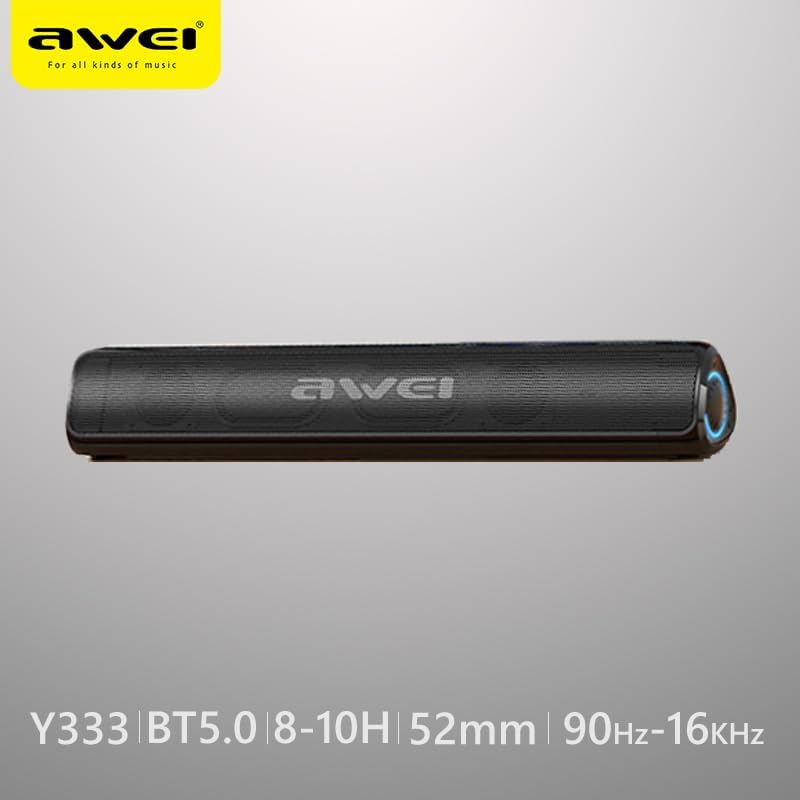
Figure 3.1: AWEI Y333 speaker highlighting key specifications like Bluetooth 5.0 and frequency range.
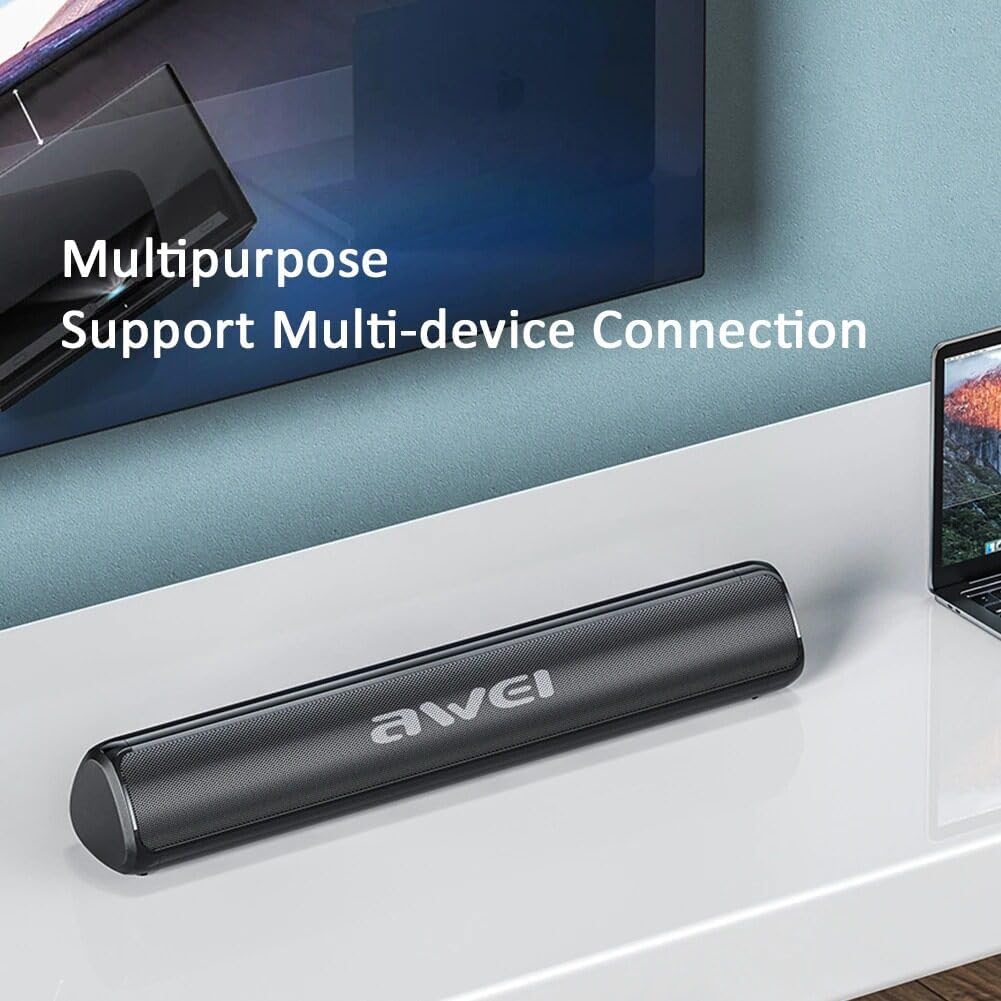
Figure 3.2: The AWEI Y333 speaker demonstrating its multipurpose use and multi-device connection capabilities.
4. Opsætning
4.1 Indledende opladning
Before first use, it is recommended to fully charge the AWEI Y333 speaker. Connect a compatible DC 5V power adapter (not included) to the DC 5V charging port on the speaker. The charging indicator light will show the charging status.
4.2 Placering
For optimal sound performance, place the speaker on a stable, flat surface. It can be positioned in front of your TV, computer monitor, or any other desired location.
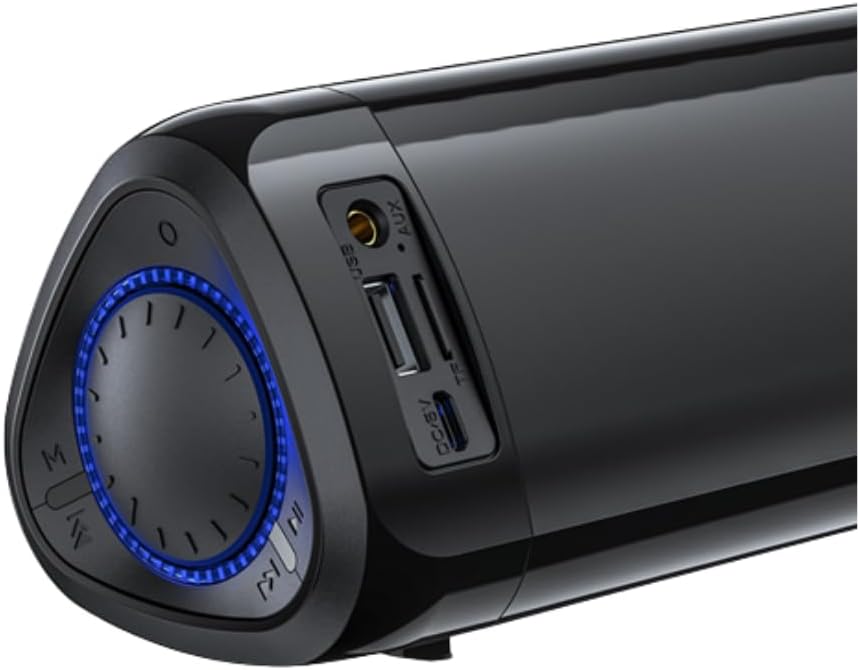
Figur 4.1: Nærbillede view of the speaker's ports (USB, AUX, TF, DC/5V) and control knob.
5. Betjeningsvejledning
5.1 Tænd/sluk
To turn the speaker on, press and hold the power button (usually integrated with the control knob or a dedicated button) until the indicator light illuminates. To turn it off, press and hold the power button again.
5.2 Bluetooth -parring
- Turn on the AWEI Y333 speaker. It will automatically enter Bluetooth pairing mode, indicated by a flashing LED light.
- Aktiver Bluetooth på din enhed (smartphone, tablet, bærbar computer osv.) og søg efter tilgængelige enheder.
- Select "AWEI Y333" from the list of detected devices.
- Once successfully paired, the LED indicator will become solid, and you will hear a confirmation sound.
5.3 Connecting to TV/PC
The AWEI Y333 can be connected to your TV or PC using either Bluetooth or an AUX cable.
- Bluetooth-forbindelse: Follow the Bluetooth pairing steps described in Section 5.2. Ensure your TV or PC supports Bluetooth audio output.
- AUX -forbindelse: Connect one end of a 3.5mm audio cable (not included) to the AUX port on the speaker and the other end to the audio output port on your TV or PC. The speaker will automatically switch to AUX mode.
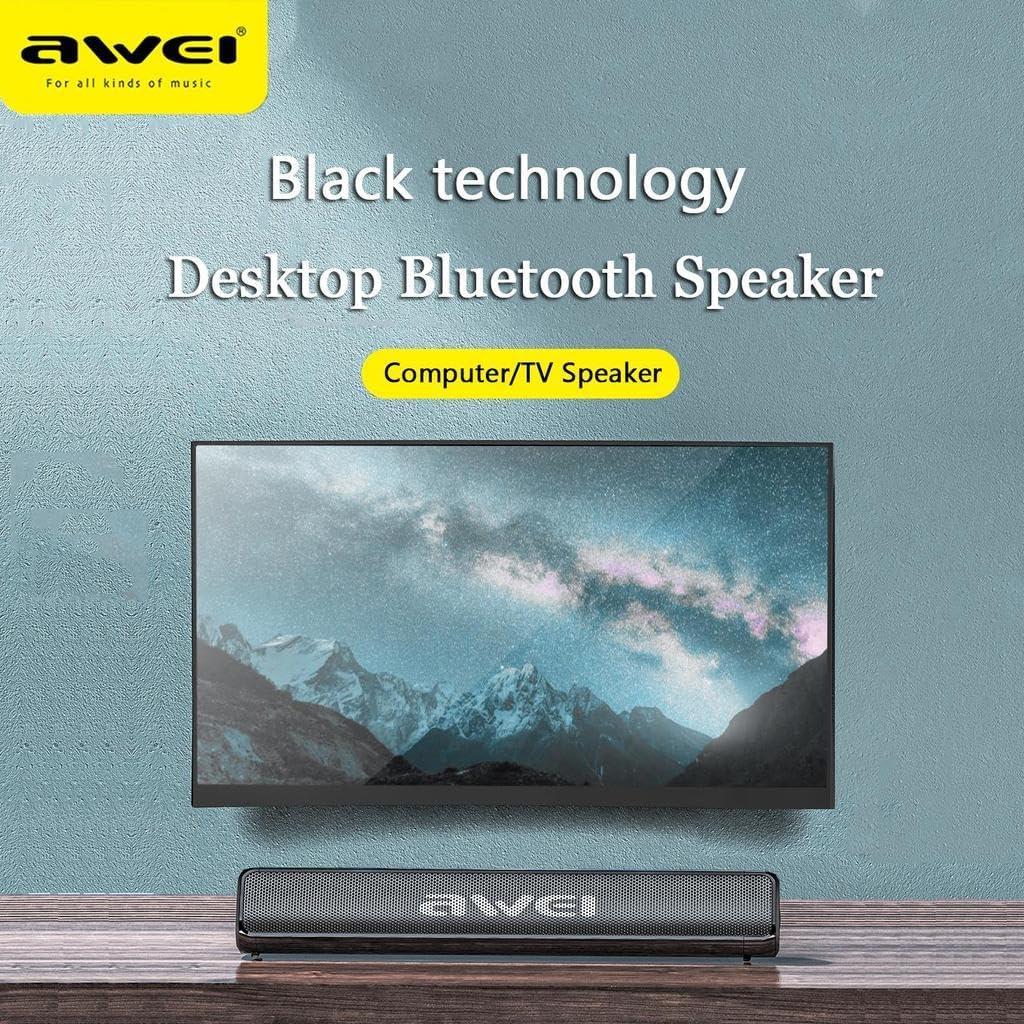
Figure 5.1: The AWEI Y333 speaker positioned as a computer or TV speaker.
5.4 Brug af USB/TF-kort
Insert a USB flash drive or a TF (microSD) card into the corresponding port on the speaker. The speaker will automatically detect and begin playing audio files from the storage device. Use the control buttons to navigate tracks.
5.5 Styringer
The speaker features a multi-function control knob and buttons for easy operation:
- Power knap: Tryk og hold for at tænde/slukke.
- Lydstyrkekontrol: Rotate the knob to adjust the volume level.
- Afspil/pause: Tryk på afspil/pause-knappen for at styre lydafspilningen.
- Næste / forrige nummer: Use the dedicated track skip buttons to move between songs.
- Mode-knap (M): Press to cycle through available input modes: Bluetooth, AUX, USB, and TF card.
6. Vedligeholdelse
To ensure the longevity and optimal performance of your AWEI Y333 speaker, follow these maintenance guidelines:
- Clean the speaker with a soft, dry cloth. Do not use liquid cleaners, abrasive chemicals, or aerosols.
- Keep the speaker away from water, excessive moisture, and extreme temperatures (both hot and cold).
- Undgå at tabe højttaleren eller udsætte den for kraftige stød.
- Når højttaleren ikke er i brug i længere perioder, skal den opbevares et køligt og tørt sted.
7. Fejlfinding
If you encounter any issues with your AWEI Y333 speaker, please refer to the following table for common problems and their solutions:
| Problem | Løsning |
|---|---|
| Ingen strøm | Ensure the speaker is charged. Connect it to a DC 5V power source and allow it to charge. |
| Kan ikke parres via Bluetooth | Ensure the speaker is in Bluetooth pairing mode (flashing LED). Turn off and on Bluetooth on your device. Move your device closer to the speaker. Clear previous Bluetooth connections on your device. |
| Ingen lyd | Check volume levels on both the speaker and your connected device. Ensure the correct input mode (Bluetooth, AUX, USB, TF) is selected using the 'M' button. |
| Lydforvrængning | Reduce the volume on both the speaker and the connected device. Ensure the audio source is not distorted. |
| Kort batterilevetid | Ensure the speaker is fully charged before each use. Battery life may vary based on volume level and usage patterns. |
8. Specifikationer
Detailed technical specifications for the AWEI Y333 Bluetooth Speaker:
| Feature | Detalje |
|---|---|
| Mærke | AWEI |
| Modelnummer | Y333 |
| Højttaler udgangseffekt | 10 watt |
| Forbindelsesteknologi | Bluetooth |
| Bluetooth version | 5.0 |
| Lydudgangstilstand | Omgive |
| Monteringstype | Bordplade |
| Batterilevetid | 6 timer |
| Produktdimensioner | 52.5 x 32 x 50 cm |
| Inkluderede komponenter | Bluetooth højttaler |
| Speciel funktion | Indbygget mikrofon |
| Kompatible enheder | Television, Laptop, Tablet, Smartphone |
| Controller type | Fjernbetjening |
| Frekvensrespons | 90Hz-16KHz |
9. Garanti og support
The AWEI Y333 Bluetooth Speaker comes with a limited warranty. For specific details regarding the warranty period and coverage, please refer to the documentation provided at the time of purchase or contact your retailer.
For warranty claims, technical support, or any product-related inquiries, please contact your original retailer or the manufacturer directly. Information regarding returns and refunds will be subject to the return policy of the platform or store where the product was purchased.