
Indledning
This manual provides comprehensive instructions for the proper use, setup, and maintenance of your BlueParrott B650-XT Mono Bluetooth Wireless Headset. Please read this guide thoroughly to ensure optimal performance and longevity of your device. The B650-XT is designed for clear communication in high-noise environments, offering advanced noise cancellation and robust features for professional use.
Hvad er der i æsken
Bekræft, at alle varer er til stede i din produktemballage:
- B650-XT Headset
- Ørepude i kunstlæder
- USB-kabel
- Biloplader
- Two mic windscreens
- Quick-start guide

Opsætning
1. Opladning af headsettet
Before initial use, fully charge your B650-XT headset. Use the provided USB cable and vehicle charger. A full charge provides up to 36 hours of talk time and 90 hours of standby time.
2. Bære headsettet
The B650-XT features an over-ear design for comfort during extended use. Adjust the headband and microphone boom for a secure and optimal fit. The microphone should be positioned approximately two finger-widths from the corner of your mouth.

3. Parring med en enhed
- Sørg for, at headsettet er opladet og slukket.
- Tryk på tænd/sluk-knappen og hold den nede i cirka 4 sekunder, indtil LED-indikatoren blinker blåt og rødt, hvilket angiver parringstilstand.
- Aktiver Bluetooth på din mobilenhed, og søg efter tilgængelige enheder.
- Select 'BlueParrott B650-XT' from the list. If prompted, enter '0000' for the PIN.
- Once paired, the LED will show a solid blue light. The headset can pair with up to 7 devices and connect to 2 devices simultaneously.
Betjeningsvejledning
1. Kontroller overview
The B650-XT features intuitive controls for managing calls and audio:
- Power knap: On/Off, Pairing mode.
- Lydstyrkeknapper (+/-): Juster lydstyrken.
- BlueParrott Button: Customizable for various functions (mute, speed dial, Push-to-Talk).

2. Foretage og modtage opkald
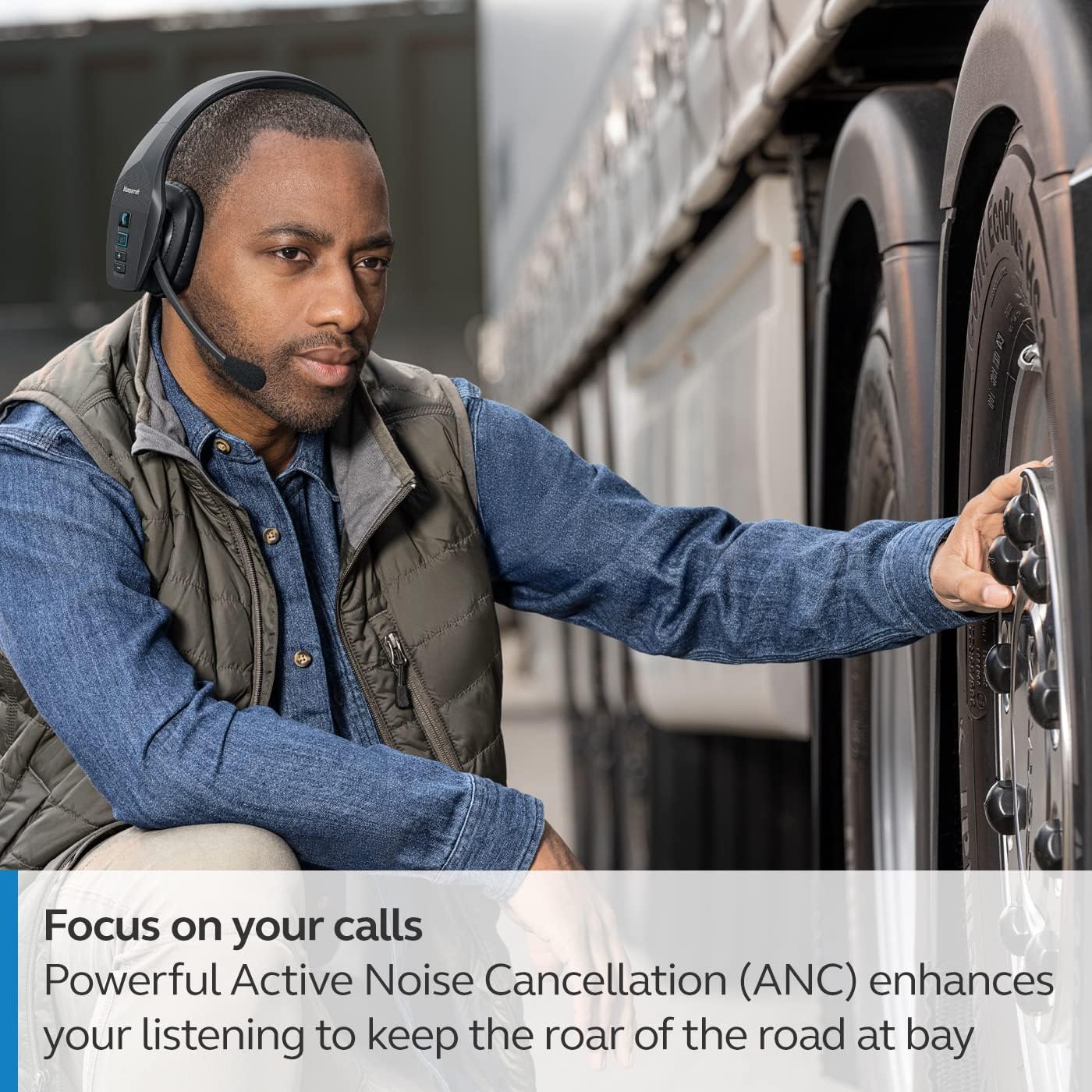
The headset's microphone features 96% noise cancellation, ensuring your voice is clear even in loud environments. Active Noise Cancellation (ANC) in the earcup reduces ambient noise for improved listening.

3. Stemmekontrol
The B650-XT supports 100% hands-free voice control for managing calls, GPS directions, music, and voice assistants. This feature allows you to operate the headset without taking your hands off the wheel or your eyes off the task.

4. BlueParrott Button Customization
The BlueParrott Button can be programmed for quick access to your most-used functions, such as mute, speed dial, or Push-to-Talk. Customize this feature via the BlueParrott app on your smartphone.

Opretholdelse
1. Rensning
Regularly wipe the headset with a soft, dry cloth. For deeper cleaning, use a slightly damp klud. Undgå at bruge barske kemikalier eller slibende materialer. Sørg for, at opladningsporten er fri for støv og snavs.
2. Opbevaring
Store the headset in a cool, dry place away from extreme temperatures and direct sunlight. The B650-XT is IP54-rated for protection against dust and water, but proper storage helps maintain its condition.

Fejlfinding
If you encounter issues with your BlueParrott B650-XT headset, try the following steps:
- Ingen strøm: Sørg for, at headsettet er fuldt opladet.
- Kan ikke parres: Make sure the headset is in pairing mode (flashing blue/red LED) and your device's Bluetooth is enabled. Try restarting both devices.
- Dårlig lydkvalitet: Check microphone positioning. Ensure there are no obstructions between the headset and your connected device.
- Problemer med stemmestyring: Verify that voice control is enabled and configured correctly through the BlueParrott app.
For persistent issues, refer to the official BlueParrott support webwebsted eller kontakt kundeservice.
Specifikationer
| Feature | Detalje |
|---|---|
| Modelnavn | B650-XT |
| Varemodelnummer | 204330 |
| Forbindelsesteknologi | Bluetooth 5.1 |
| Wireless Range | Op til 100 meter (300 fod) |
| Taletid | Op til 36 timer |
| Standby tid | 90 timer |
| Mikrofonstøjreduktion | 96 % |
| Støjkontrol | Aktiv støjafbrydelse (ANC) |
| IP-vurdering | IP54 (støv- og vandafvisende) |
| Øreplacering | Over Ear |
| Audio driver størrelse | 40 millimeter |
| Varens vægt | 7.5 ounces (0.47 pund) |
| Produktdimensioner | 6.4 x 2.5 x 6.4 tommer |
| UPC | 615822015981 |
Garanti og support
For warranty information and detailed support, please visit the official BlueParrott webwebstedet eller kontakt deres kundeserviceafdeling. Gem din købsbevis til eventuelle garantikrav.
Online support: www.blueparrott.com/support