1. Introduktion
This manual provides detailed instructions for the proper use and maintenance of your VisionTechShop VK-2D Digital Kitchen Scale. Designed for precision and durability, this scale features a stainless steel platform, a large backlit LCD, and multiple weighing units. Please read this manual thoroughly before operating the device to ensure accurate measurements and extend product lifespan.
2. Sikkerhedsoplysninger
- Nedsænk ikke vægten i vand eller andre væsker.
- Rengør vægten med adamp klæde. Brug ikke slibende rengøringsmidler.
- Avoid exposing the scale to extreme temperatures or humidity.
- Do not overload the scale beyond its maximum capacity.
- Keep the scale on a stable, flat surface during operation to ensure accuracy.
- This device is for household and light commercial use.
3. Pakkens indhold
Bekræft at alle varer er til stede i pakken:
- VisionTechShop VK-2D Digital Kitchen Scale
- Removable Stainless Steel Platform
- D Batteries (2 included)
- Brugervejledning (dette dokument)

Image: Two D batteries are supplied with the scale for immediate use.
4. Produktfunktioner
- Vejningsenheder: Supports pounds (lb), ounces (oz), kilograms (kg), and grams (g).
- Vise: Large LCD with backlight for clear readability.
- Funktioner: On/Off, Zero, Tare, Unit conversion.
- Design: Stable, durable, low-profile, and compact.
- Platform: Removable stainless steel for easy cleaning. Dimensions: 210 x 160 mm (W x D).
- Nivellering: Built-in water level gauge and adjustable leveling feet for precise measurements.
- Magt: Operates on D batteries (included).

Image: The VisionTechShop VK-2D scale featuring its removable stainless steel weighing platform.
5. Opsætning
5.1. Batteriinstallation
- Find batterirummet på undersiden af vægten.
- Åbn batterirummets dæksel.
- Insert two D batteries, ensuring correct polarity (+/-).
- Luk batterirummets dæksel forsvarligt.
5.2. Platform Placement
Place the removable stainless steel platform securely onto the scale's base. Ensure it sits flat and does not wobble.
5.3. Udjævning af vægten
For accurate measurements, the scale must be perfectly level.
- Placer vægten på en fast, flad overflade.
- Observe the built-in water level gauge, typically located near the display. The bubble should be centered within the circle.
- Adjust the scale's leveling feet by rotating them clockwise or counter-clockwise until the bubble in the water level gauge is perfectly centered.
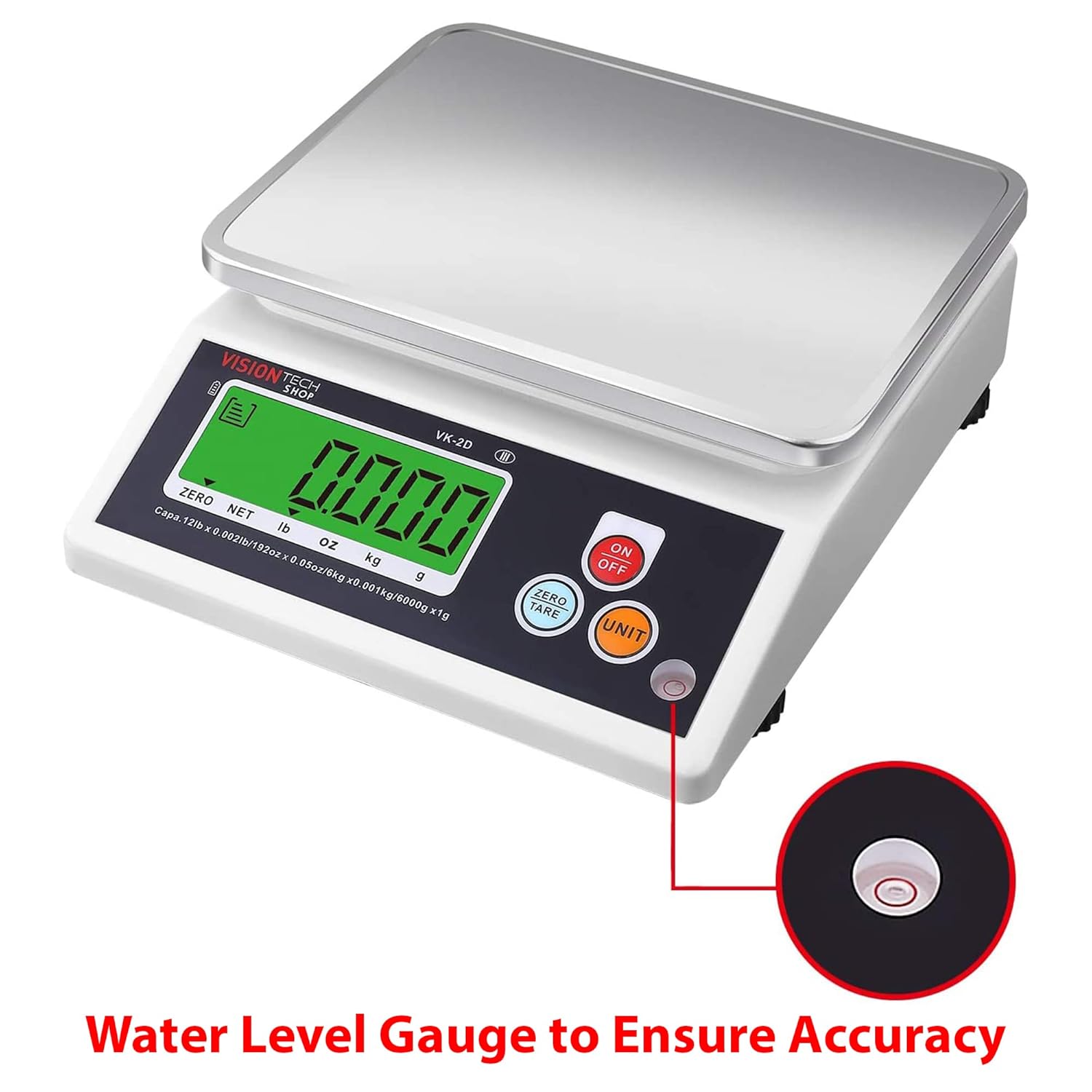
Image: Close-up of the water level gauge, indicating proper leveling for accurate weighing.

Image: Detail of the adjustable leveling feet, used to stabilize and level the scale.
6. Betjeningsvejledning
6.1. Tænd/sluk
- Tryk på ON/OFF button to turn the scale on. The display will show "0.000" when ready.
- Tryk og hold på ON/OFF knappen for at slukke vægten.
6.2. Enhedskonvertering
- Tryk på knappen med vægten tændt ENHED button to cycle through the available weighing units: lb, oz, kg, g.
- Den valgte enhed vises på LCD-skærmen.
6.3. Zero and Tare Function
The Tare function allows you to subtract the weight of a container or to weigh multiple ingredients consecutively.
- Placer en tom beholder på vægtplatformen. Displayet viser dens vægt.
- Tryk på NUL/TÆR knappen. Displayet nulstilles til "0.000".
- Tilsæt dine ingredienser i beholderen. Displayet viser kun ingrediensernes vægt.
- For at fjerne taraen skal du fjerne alle genstande fra platformen og trykke på NUL/TÆR again if the display does not automatically return to zero.
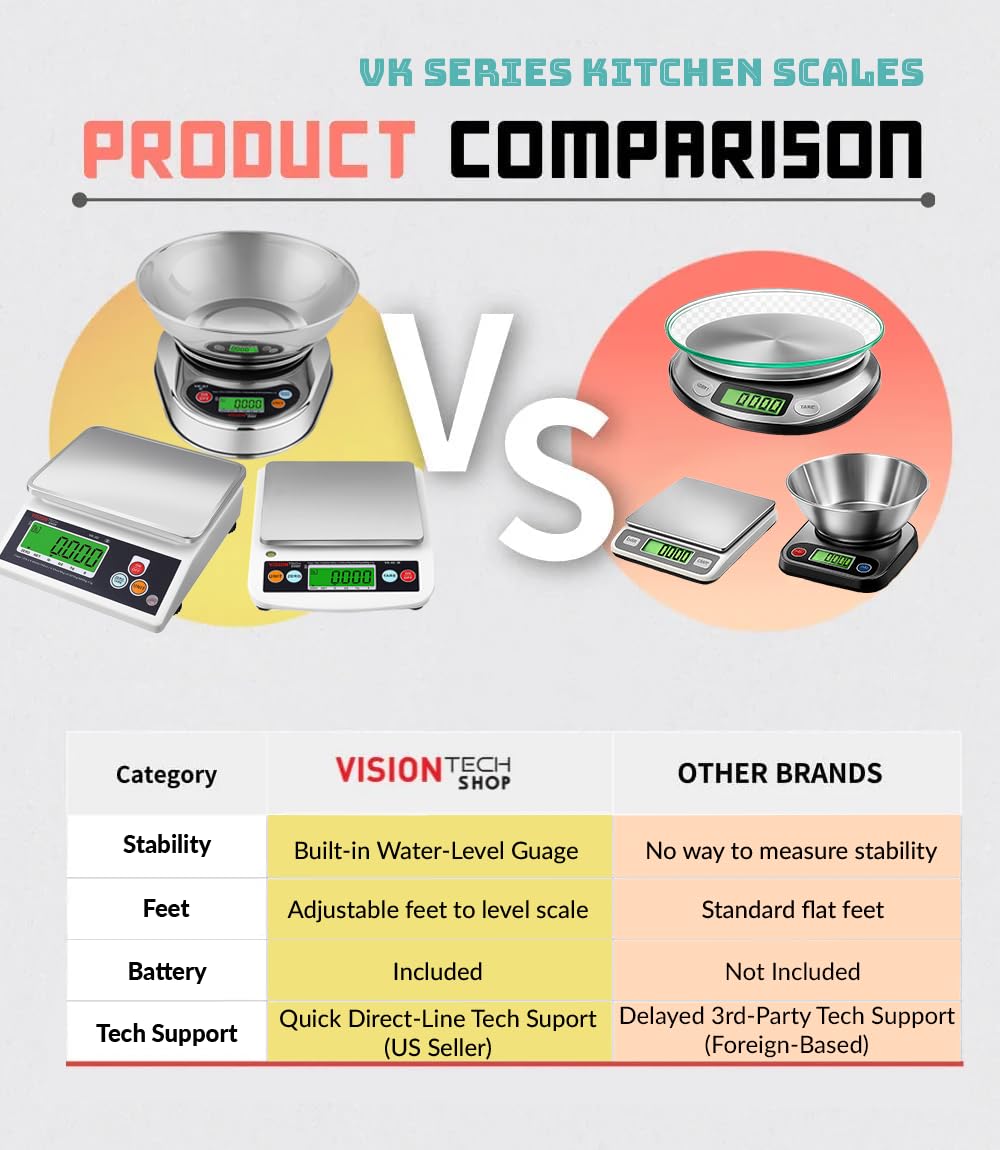
Image: The scale in operation, showing a measured weight of items on the platform.
6.4. Auto-Off Settings
The scale features an auto-off function to conserve battery life. This can typically be set to 1, 5, or 10 minutes, or disabled for continuous use. Refer to the specific instructions on the scale's display or a dedicated button combination for adjusting this setting, as it may vary.
7. Vedligeholdelse og rengøring
- Cleaning the Platform: The stainless steel platform is removable and can be washed with mild soap and water. Ensure it is completely dry before placing it back on the scale.
- Cleaning the Scale Body: Wipe the scale body with a slightly damp klud. Brug ikke skrappe kemikalier eller slibende rengøringssvampe.
- Udskiftning af batteri: Replace batteries when the low battery indicator appears on the display or if the scale fails to power on. Always use new D batteries.
- Opbevaring: Store the scale in a clean, dry place away from extreme temperatures and direct sunlight.
8. Fejlfinding
| Problem | Mulig årsag | Løsning |
|---|---|---|
| Skalaen tænder ikke | Døde eller forkert installerede batterier | Udskift batterierne med nye D-batterier, og sørg for at polariteten vender korrekt. |
| Unøjagtige aflæsninger | Scale not level; unstable surface; overloaded; foreign object under platform | Ensure scale is on a stable, level surface (check water level gauge). Do not exceed capacity. Remove any obstructions. |
| Displayet viser "Lo" | Lav batteristrøm | Udskift batterierne. |
| Display shows "EEEE" or "O-Ld" | Overbelastningsfejl | Remove item immediately. Do not exceed maximum capacity. |
9. Specifikationer
- Model: VK-2D
- Mærke: VisionTechShop
- Materiale: Stainless Steel (platform), Plastic (body)
- Farve: Sort
- Maksimal kapacitet: 5.4 kg (12 lbs)
- Læsbarhed: 0.4 g (0.001 lb, 0.02 oz, 1 g)
- Vejningsenheder: lb, oz, kg, g
- Produktmål (L x B x H): 24.13 x 20.5 x 7.87 cm (9.5 x 8.07 x 3.1 tommer)
- Platform Dimensions (W x D): 210 x 160 mm (8.3 x 6.3 tommer)
- Nettovægt: 1.26 kg (2.79 lbs)
- Strømkilde: 2 x D-batterier (inkluderet)
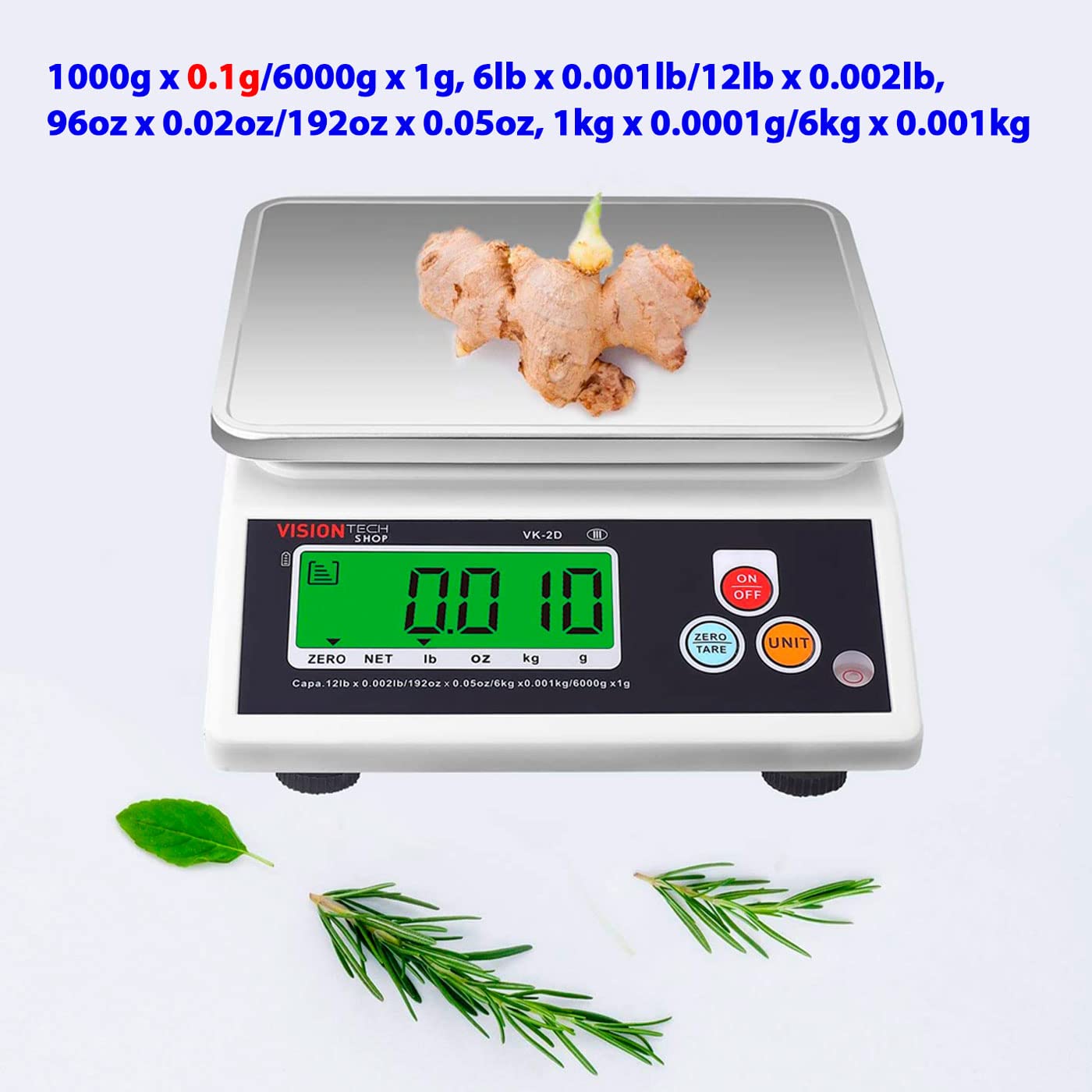
Image: Diagram illustrating the physical dimensions of the VK-2D scale in both inches and millimeters.
10. Garanti og support
VisionTechShop products are manufactured with quality and durability in mind. For specific warranty details, please refer to the warranty card included with your purchase or contact VisionTechShop customer service.
For technical assistance or support, please contact VisionTechShop directly. Quick direct-line technical support is available from the US seller.
Bemærk: Oplysninger om tilgængelighed af reservedele gives ikke.