
1. Introduktion
This manual provides detailed instructions for the proper use and maintenance of your Baseus H08 Immersive Virtual 3D Gaming Headset. Please read this manual thoroughly before using the product to ensure optimal performance and safety. Keep this manual for future reference.
2. Sikkerhedsoplysninger
- Høreværn: Avoid using the headset at high volume levels for extended periods to prevent hearing damage.
- Miljøforhold: Udsæt ikke headsettet for ekstreme temperaturer, fugtighed eller direkte sollys.
- Rensning: Brug en blød, tør klud til rengøring. Undgå flydende rengøringsmidler eller slibende materialer.
- Demontering: Forsøg ikke at skille headsettet ad eller ændre det. Dette kan ugyldiggøre garantien og forårsage skade.
- Børn: Keep the headset and its accessories out of reach of small children to prevent choking hazards.
3. Pakkens indhold
Bekræft at alle varer er til stede i pakken:
- Baseus H08 Immersive Virtual 3D Gaming Headset
- 3.5 mm lydkabel
- Bæretaske
- Brugervejledning (dette dokument)
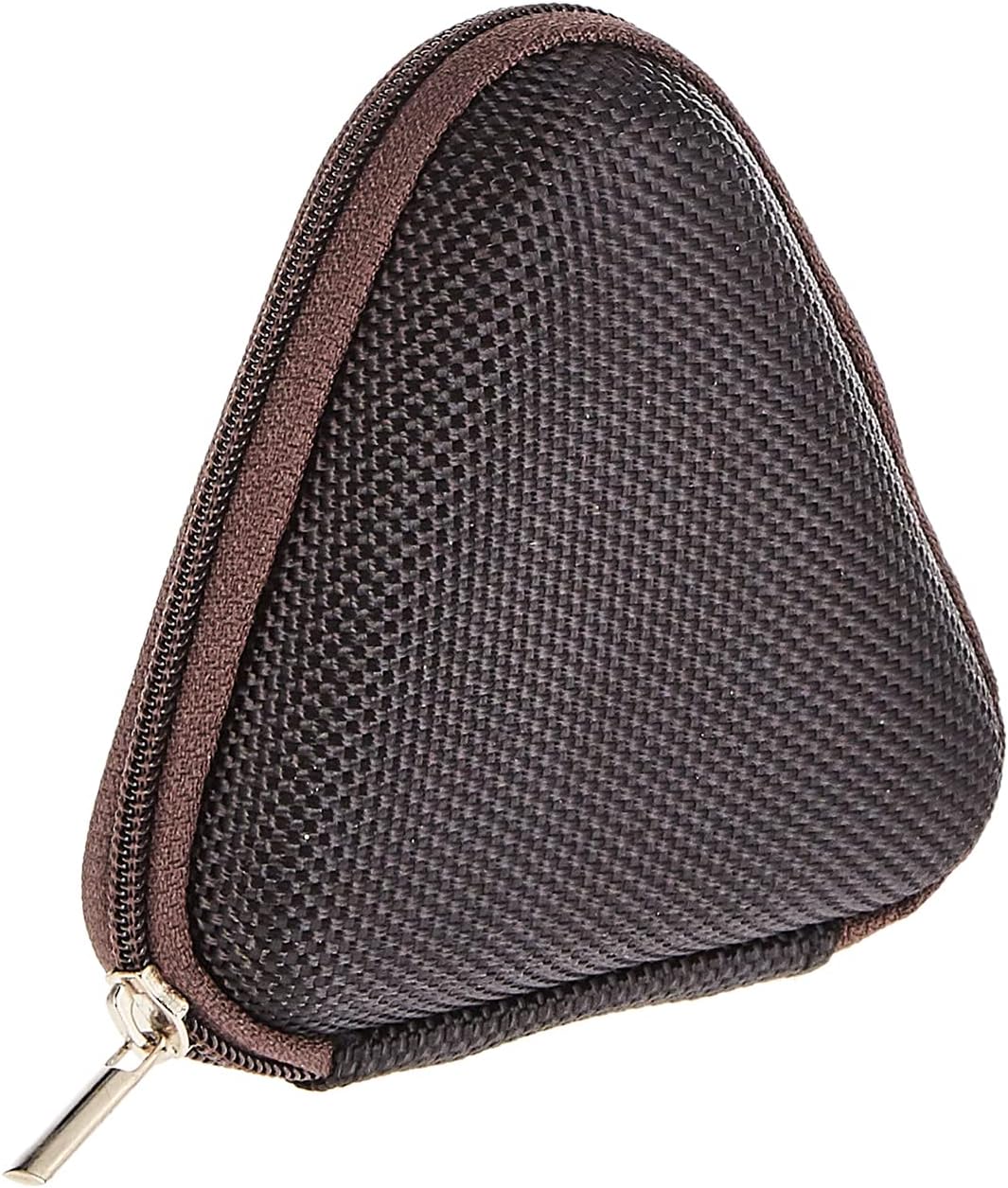
Image: The included triangular carrying case, designed for protecting and transporting the headset.
4. Produktet er slutview
The Baseus H08 headset is designed for an immersive gaming audio experience. It features a comfortable over-ear design and integrated controls.

Image: The Baseus H08 Immersive Virtual 3D Gaming Headset, showcasindens design og komponenter.
Komponenter:
- Ørekopper: Polstrede ørekopper for komfort og lydisolering.
- Pandebånd: Justerbart hovedbånd for en sikker pasform.
- Mikrofon: Integrated microphone for communication.
- Lydkabel: Detachable 3.5mm audio cable for connection to devices.
- Lydstyrkekontrol: In-line or earcup-mounted volume adjustment.
5. Opsætning
- Pakker ud: Tag forsigtigt headsettet og alt tilbehør ud af emballagen.
- Tilslut lydkabel: Insert the 3.5mm audio jack into the corresponding port on your gaming device (PC, console controller, smartphone, etc.). Ensure the connection is secure.
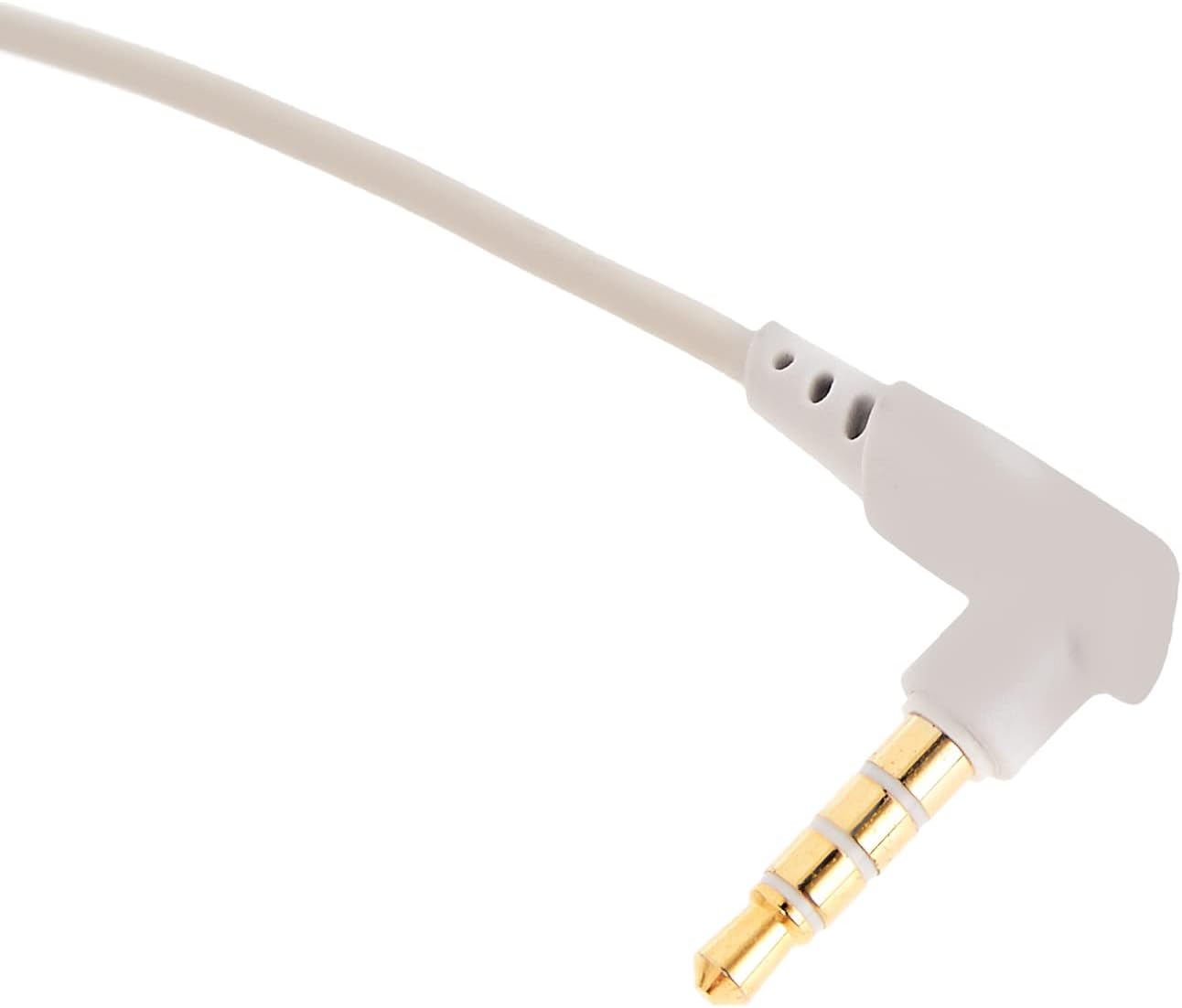
Billede: Et nærbillede view of the 3.5mm audio jack, used for connecting the headset to compatible devices.
- Juster headset: Place the headset on your head and adjust the headband for a comfortable and secure fit. Position the earcups over your ears.
- Mikrofonpositionering: If the microphone is adjustable, position it appropriately for clear voice capture, typically near the corner of your mouth.
6. Betjeningsvejledning
- Lydstyrkekontrol: Use the integrated volume control (if present on the cable or earcup) to adjust the audio output level. Rotate or slide the control to increase or decrease volume.
- Mikrofon mute: If your headset features a microphone mute switch, use it to toggle the microphone on or off as needed during gameplay or calls.
- Virtual 3D Sound: The headset provides an immersive virtual 3D sound experience. This feature is typically active upon connection and enhances spatial audio cues in compatible games. No specific activation is usually required unless indicated by your device's audio settings.
7. Vedligeholdelse
- Rensning: Wipe the headset with a soft, dry, lint-free cloth. Do not use harsh chemicals, cleaning solvents, or strong detergents.
- Opbevaring: When not in use, store the headset in its carrying case to protect it from dust, scratches, and physical damage. Keep it in a cool, dry place.
- Kabelpleje: Avoid sharp bends or excessive pulling on the audio cable to prevent internal damage.
8. Fejlfinding
Almindelige problemer og løsninger:
- Ingen lyd:
- Ensure the 3.5mm audio cable is fully plugged into both the headset and your device.
- Kontrollér lydstyrkekontrollen på headsettet og din enhed for at sikre, at den ikke er slået fra eller indstillet for lavt.
- Bekræft, at den korrekte lydudgangsenhed er valgt i din enheds lydindstillinger.
- Dårlig lydkvalitet:
- Tjek for løse forbindelser.
- Test headsettet med en anden enhed for at udelukke et enhedsspecifikt problem.
- Sørg for, at lydkilden er af god kvalitet.
- Mikrofonen virker ikke:
- Sørg for, at mikrofonen ikke er slået fra (hvis relevant).
- Kontrollér din enheds lydindstillinger for at sikre, at headsetmikrofonen er valgt som inputenhed.
- Test mikrofonen med en anden applikation eller enhed.
- Ubehag under brug:
- Juster hovedbøjlen og ørekoppernes position for bedre pasform.
- Tag pauser under lange spillesessioner.
9. Specifikationer
| Feature | Detalje |
|---|---|
| Mærke | Baseus |
| Modelnavn | NGH08-2G |
| Varemodelnummer | B012LZLE1U |
| Produktdimensioner | 5 x 3 x 10 cm |
| Varens vægt | 200 gram |
| Farve | Hvid + Grå |
| Kontroltype | Lydstyrkekontrol |
| Antal genstande | 1 |
| Specifikke produktanvendelser | Ikke tilgængelig |
| Hovedtelefonens formfaktor | Ikke tilgængelig |
| Hovedtelefonstik | Ikke tilgængelig |
| Forbindelsesteknologi | Ikke tilgængelig |
| Trådløs kommunikationsteknologi | Ikke tilgængelig |
| Inkluderede komponenter | Ikke tilgængelig |
| Aldersinterval (beskrivelse) | Ikke tilgængelig |
| Materiale | Ikke tilgængelig |
10. Garanti og support
For warranty information and technical support, please refer to the warranty card included with your product or visit the official Baseus webDu kan også kontakte den forhandler, hvor du købte produktet, for at få hjælp.
Baseus Officiel Webwebsted: www.baseus.com